AI Creation Studio
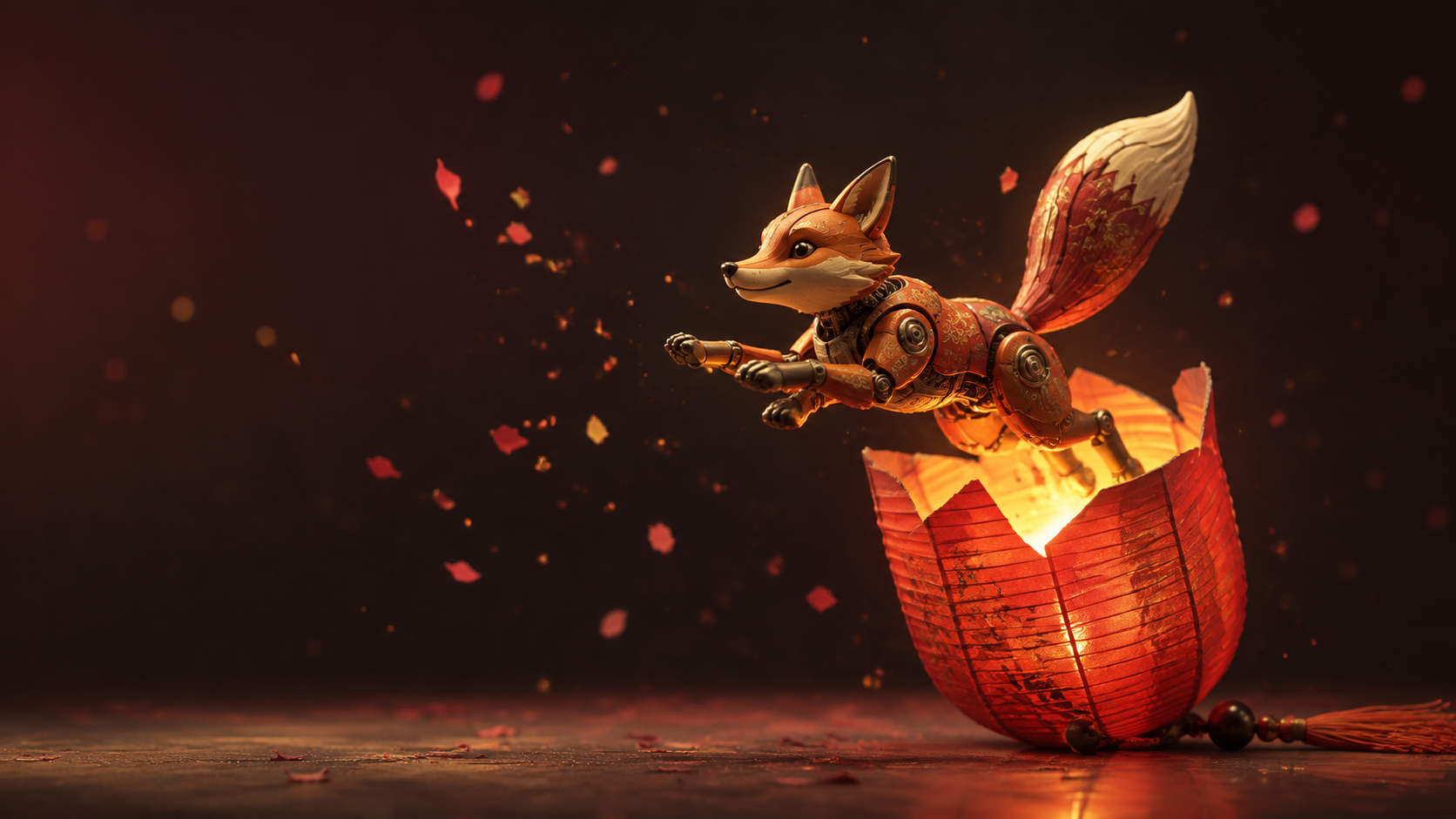
Choosing an AI Video Model for TikTok: A Practical Creator Test
Compare Veo, Seedance, Kling, and Runway through a repeatable vertical-video brief, with practical checks for motion, identity, captions, and editing.
Read post
Simple guides, updates, and examples for AI video, AI image, and AI audio creation — all in one studio.
Compare Veo, Seedance, Kling, and Runway through a repeatable vertical-video brief, with practical checks for motion, identity, captions, and editing.
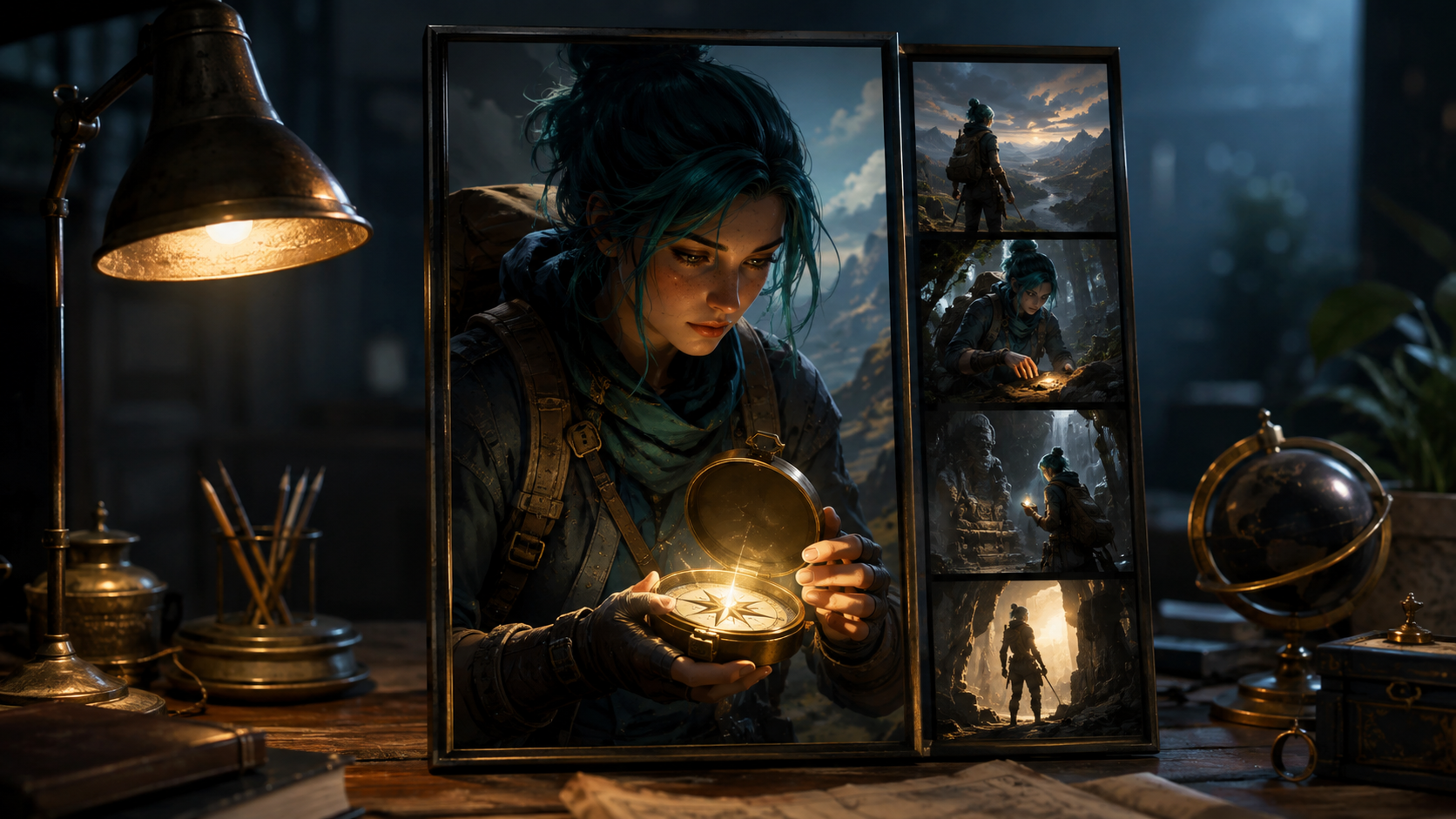
Build a useful Shorts workflow around a recurring original host, compare Runway, Veo, Kling, and Pika, and separate generation from scripts, captions, and editing.
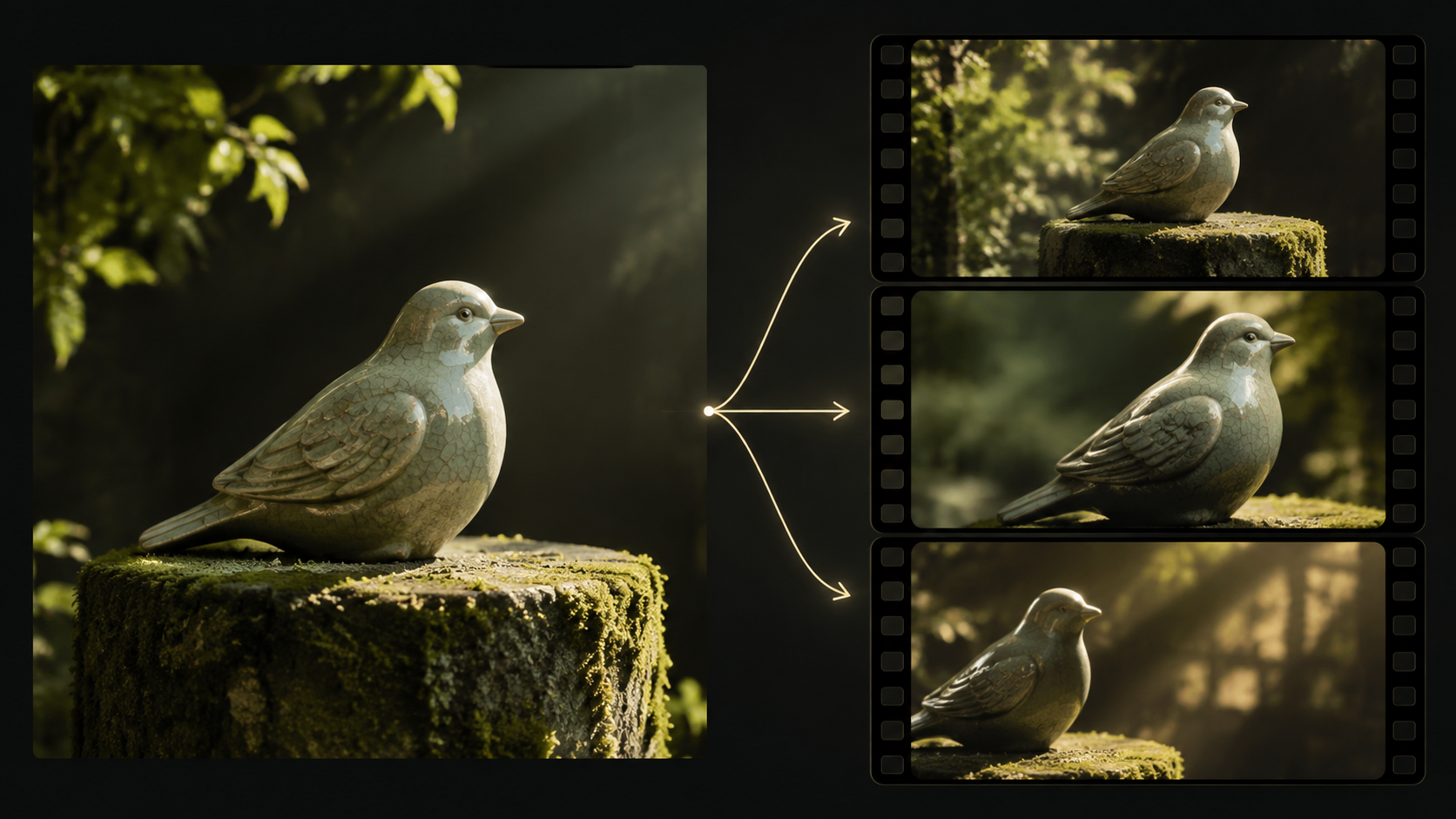
Evaluate Veo, Seedance, Runway Gen-4, Kling, and Pika with an original sculpture example and a worksheet for subject fidelity, motion, style, and delivery.
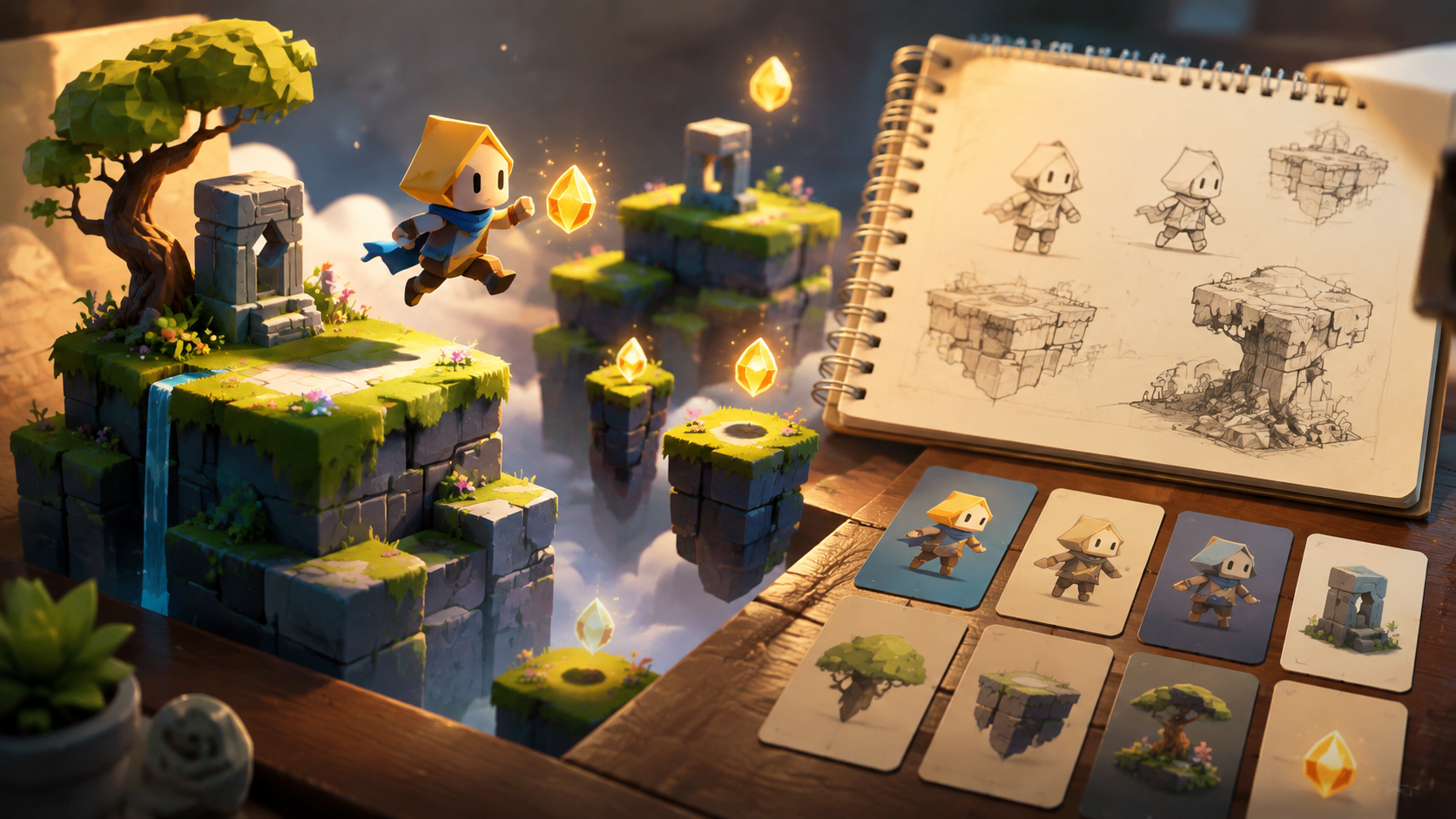
Plan a seed-collecting platform game, build its rules in a separate game engine, and use optional AI assets without confusing artwork with gameplay.
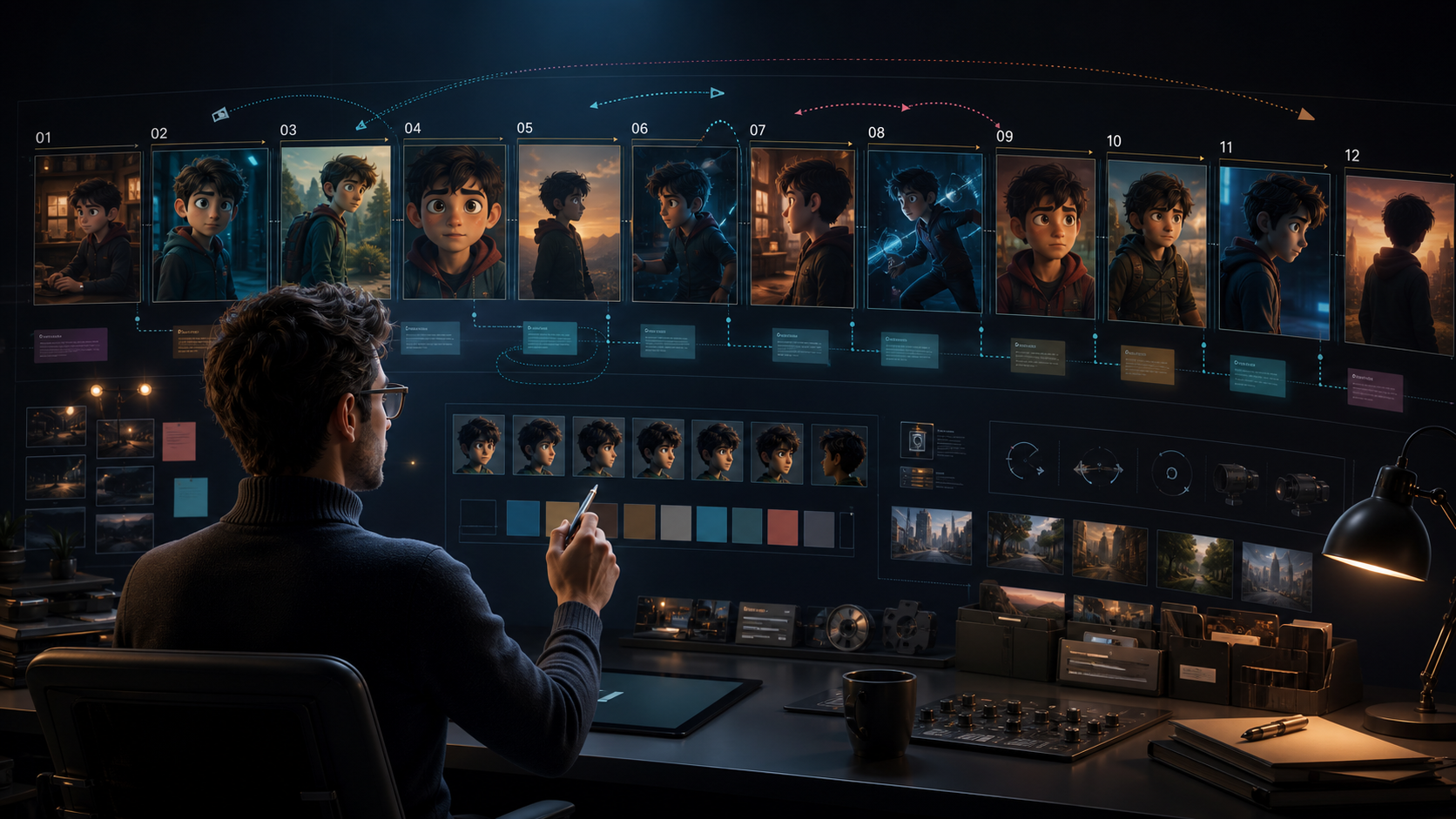
Elevate your production with scene-by-scene planning, character consistency, and advanced prompt control.
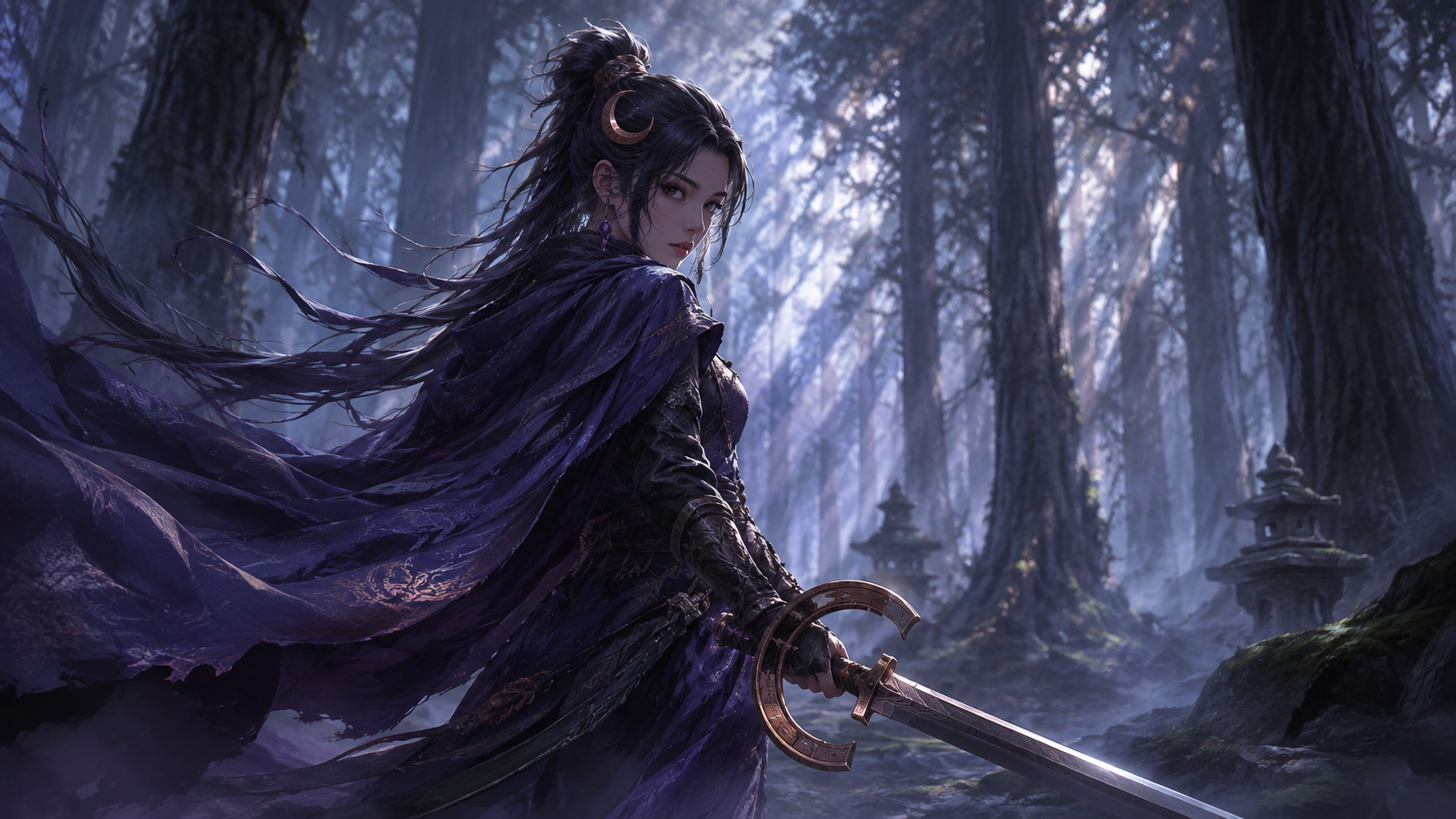
Build an original anime character from concept to reference sheet, comic, animation, and story bible while keeping design choices and permissions clear.
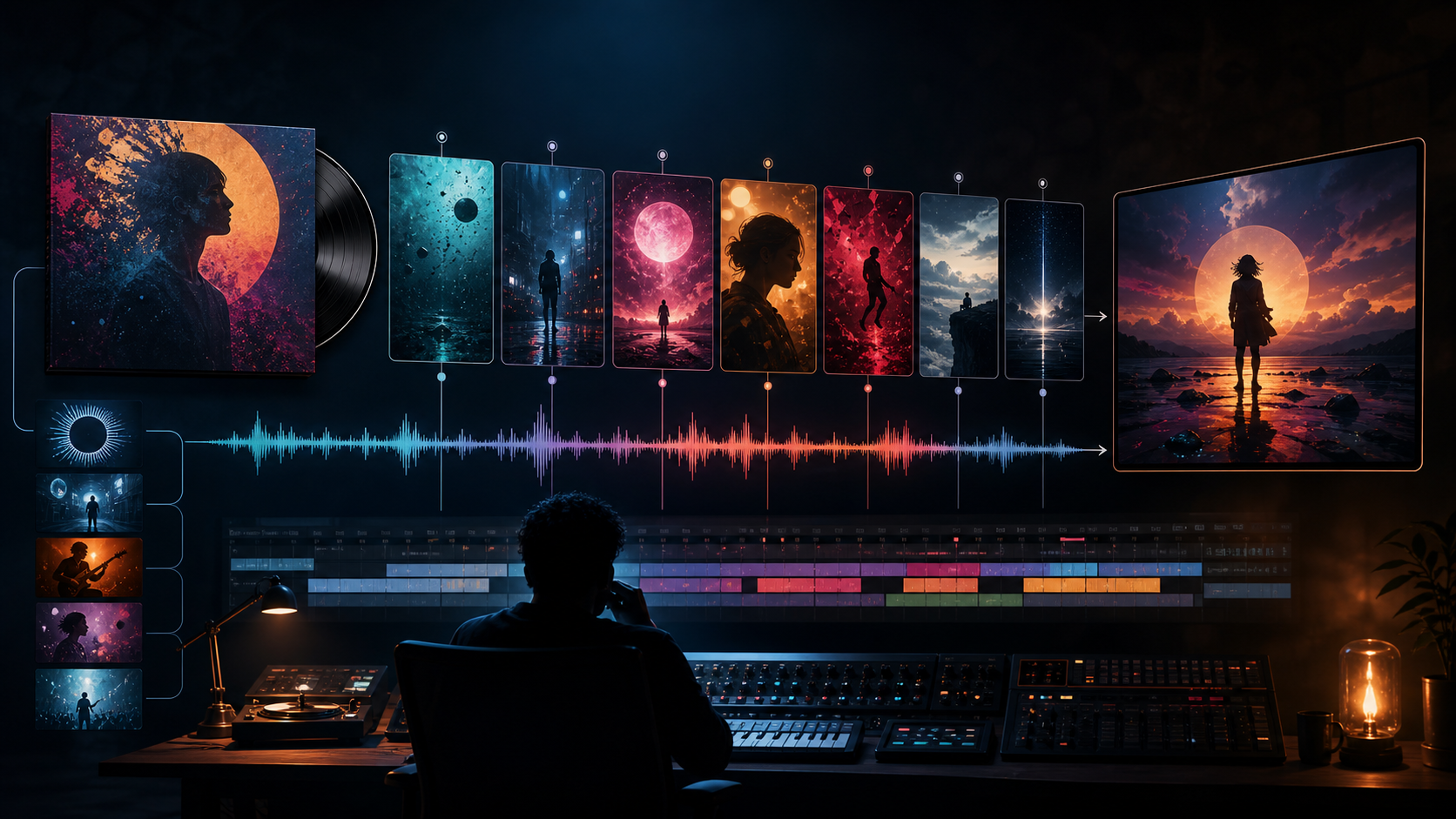
A step-by-step workflow for turning a song’s emotion, structure, and existing artwork into a coherent visual story.
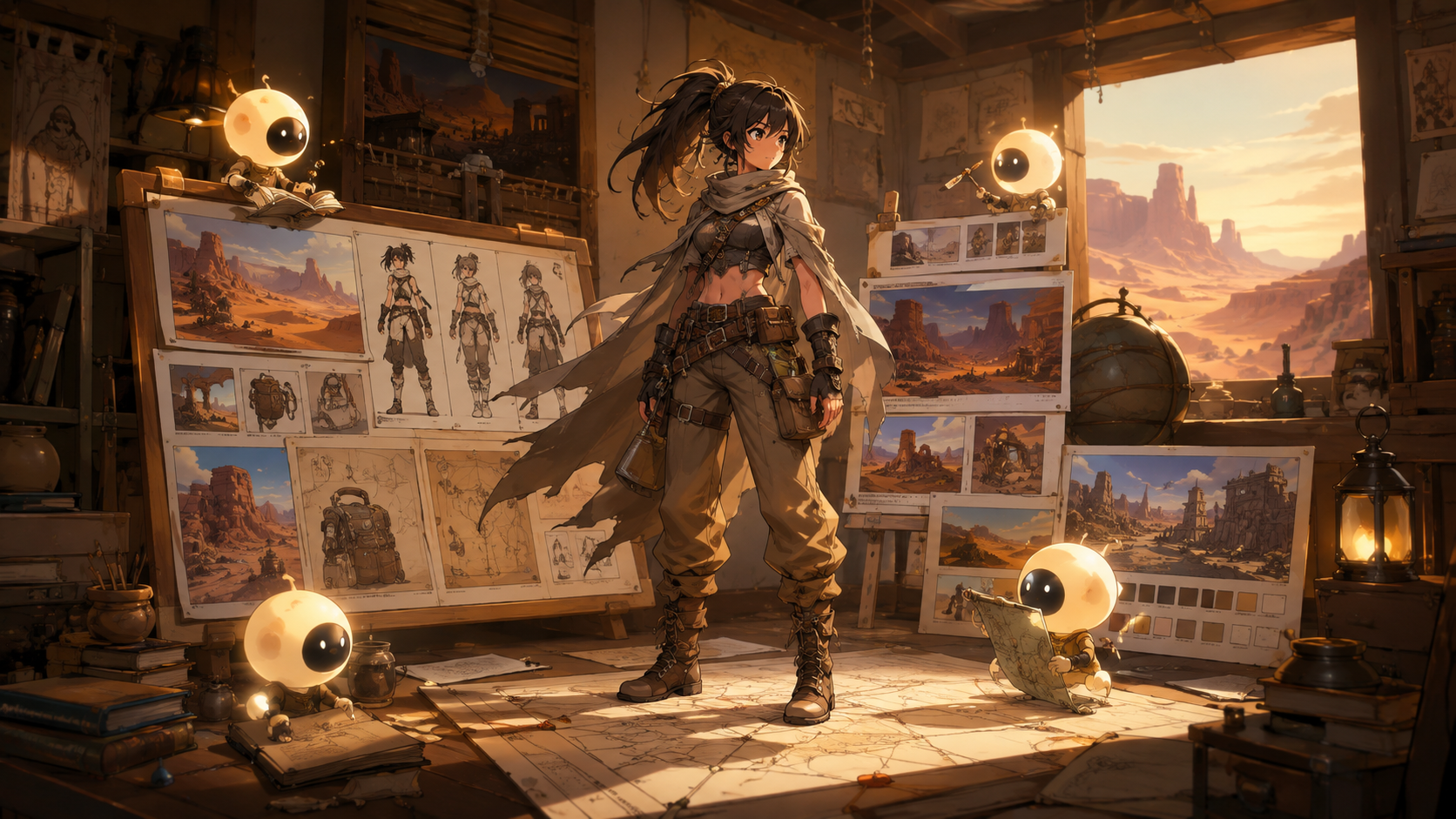
Develop a small, original anime series by organizing story, world, character, storyboard, and shot production with clear roles and review gates.
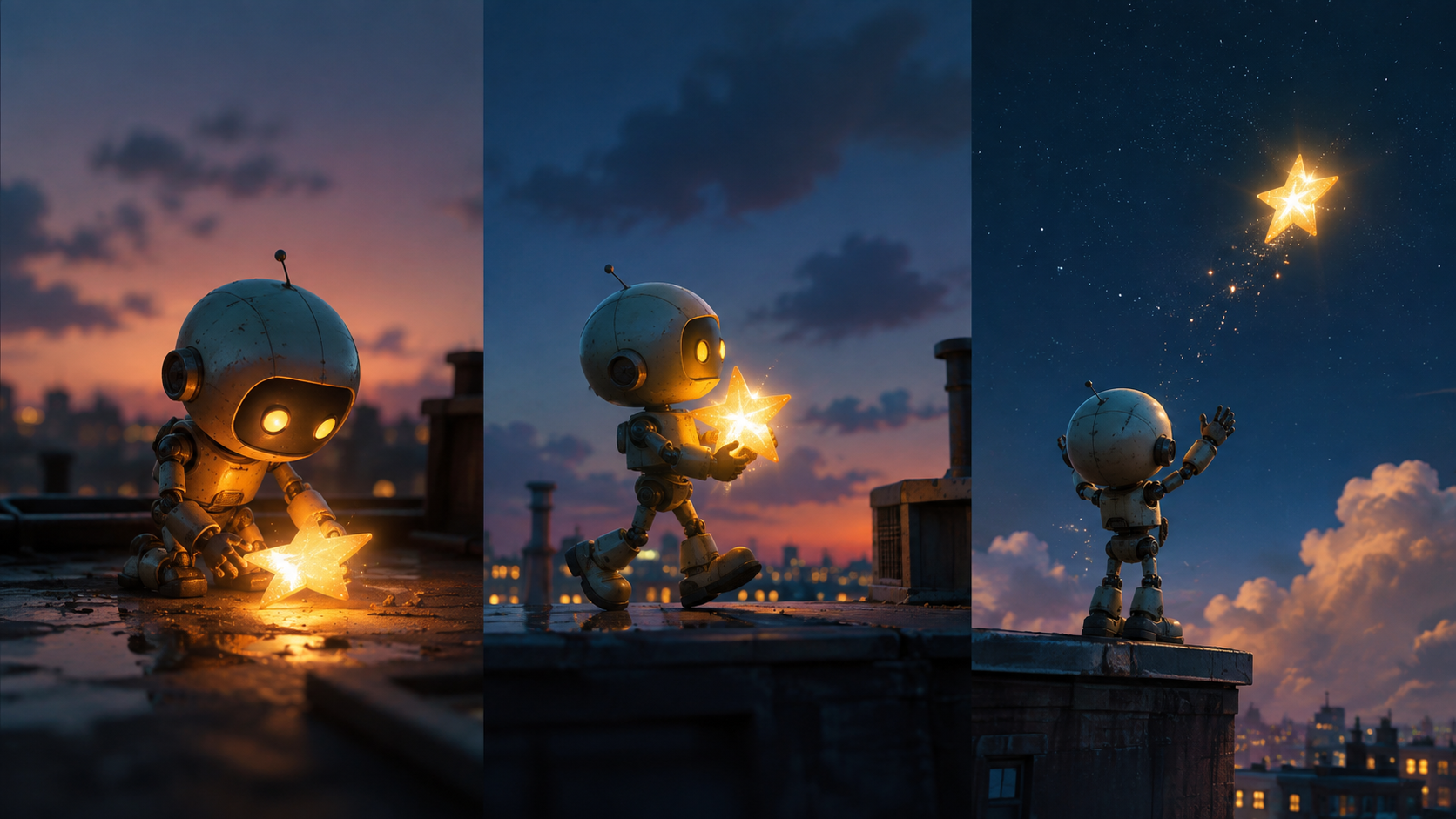
Follow an original animated-short example through story, character design, storyboard, generation, sound, editing, and final delivery.
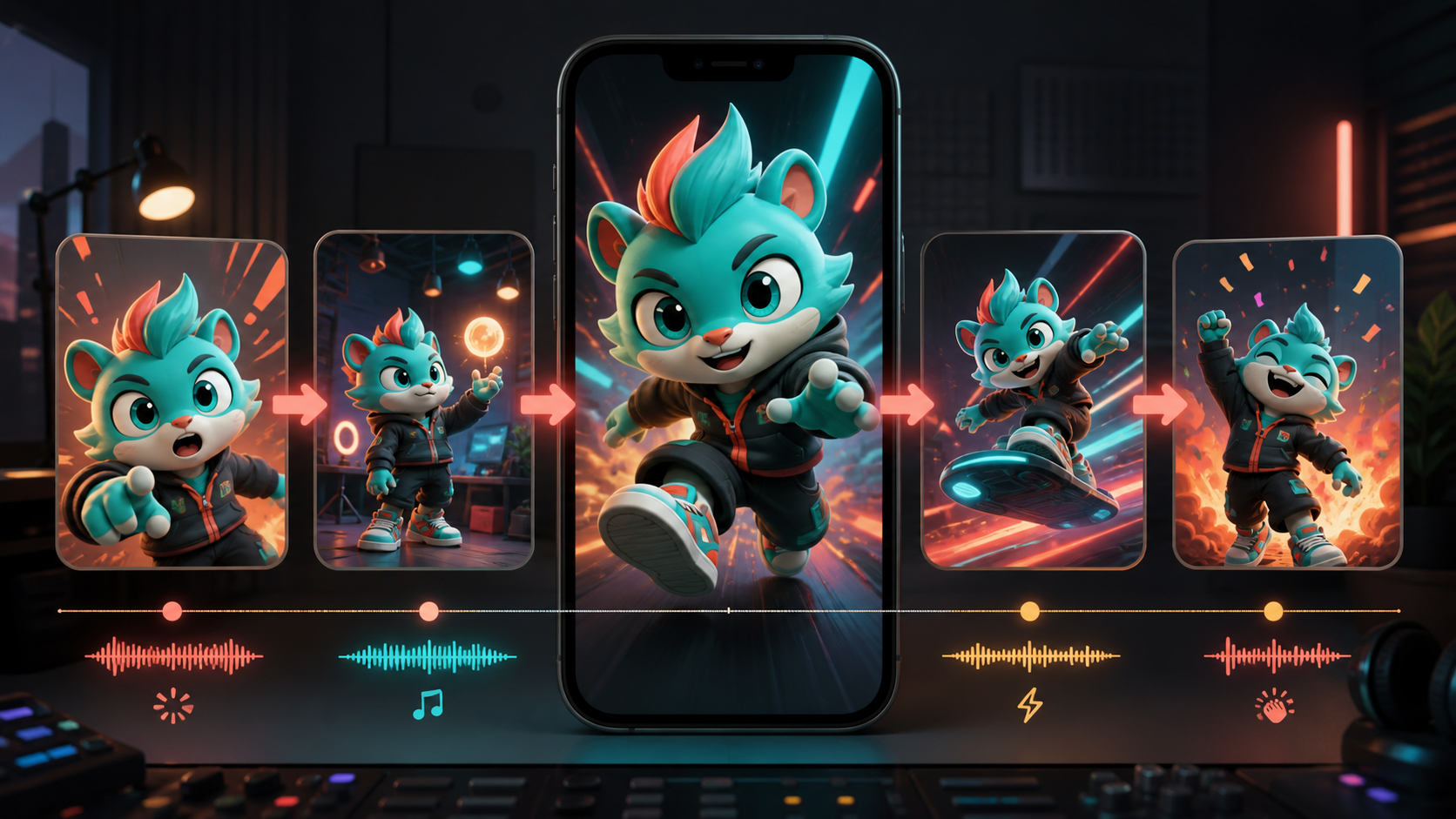
A practical guide to building repeatable AI animation workflows for TikTok, from character consistency to platform-native editing.
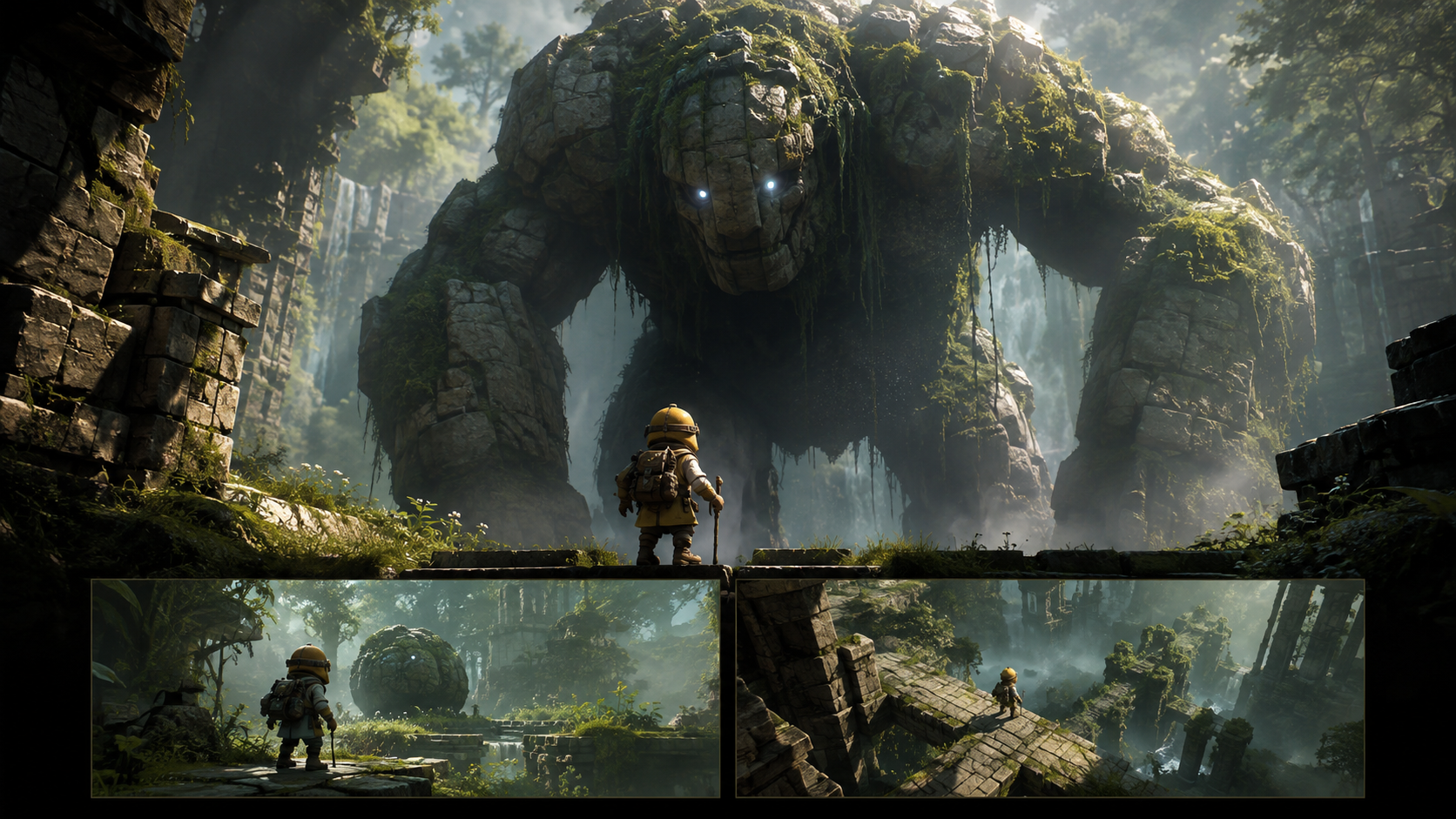
Plan an AI-assisted game trailer around a real player promise, distinguish concept imagery from gameplay, and assemble a focused promotional edit.

Repair disconnected AI shots with a continuity ledger, motion matching, motivated lighting, useful inserts, and a focused sequence-editing exercise.

Shape light, framing, movement, sound, and pacing around an original violin-workshop scene, with a practical shot worksheet and a useful revision process.
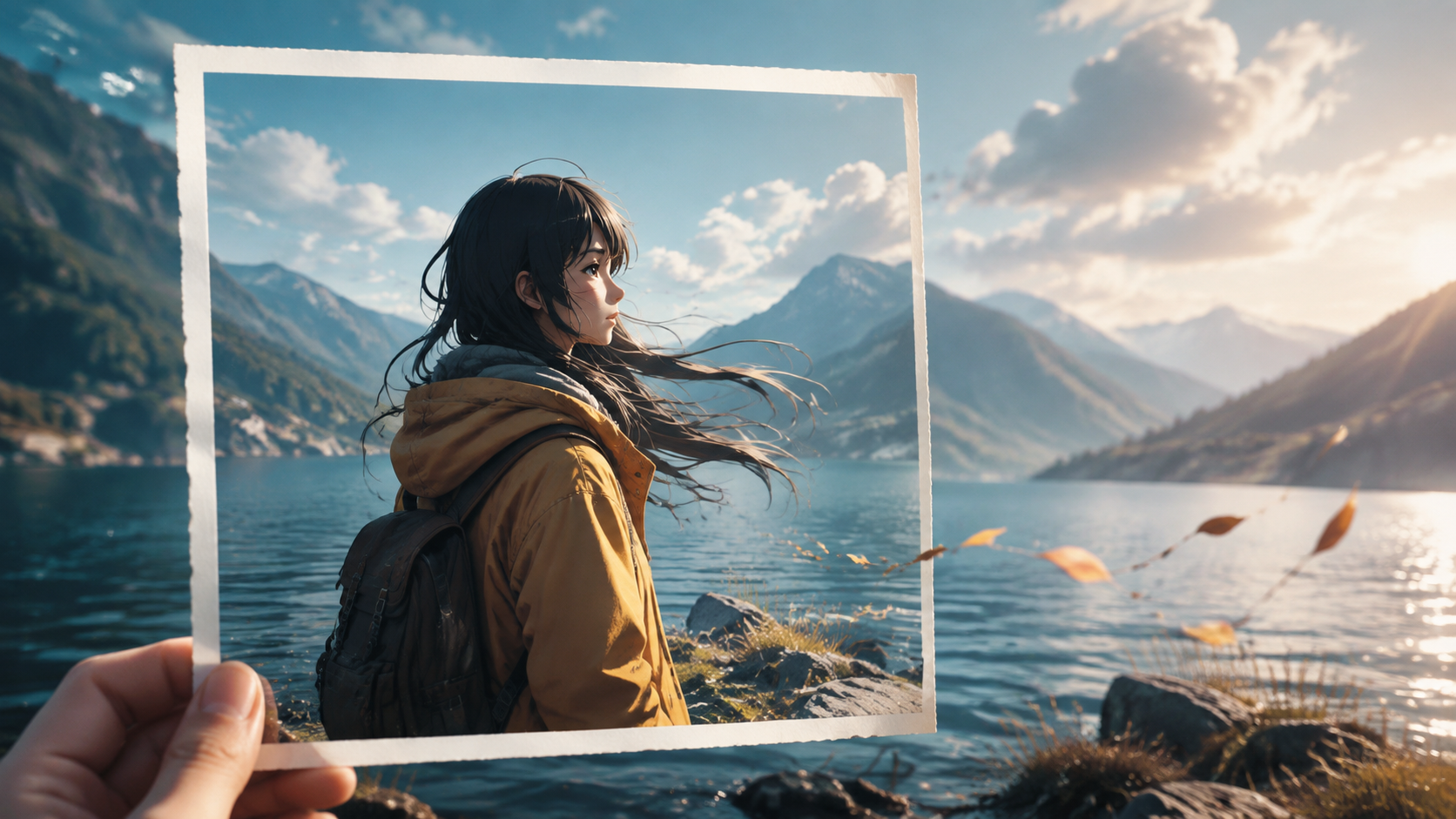
Master the art of converting still images into dynamic AI-generated video clips through focused planning, precise prompting, and iterative refinement.
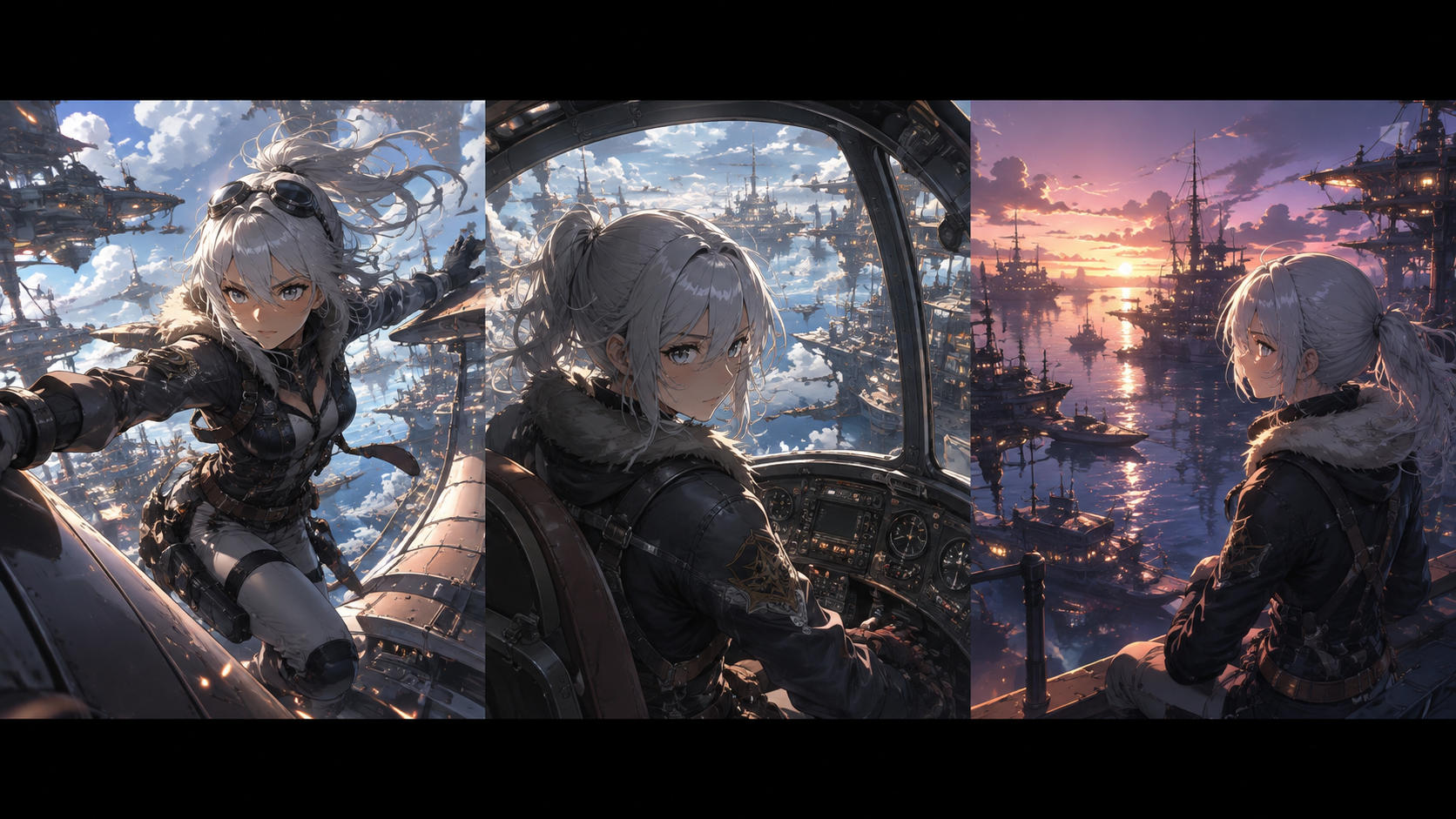
Evaluate AI video models like Kling, Seedance, and Veo by designing specific shots for character consistency, motion, style, and audio integration in your anime projects.
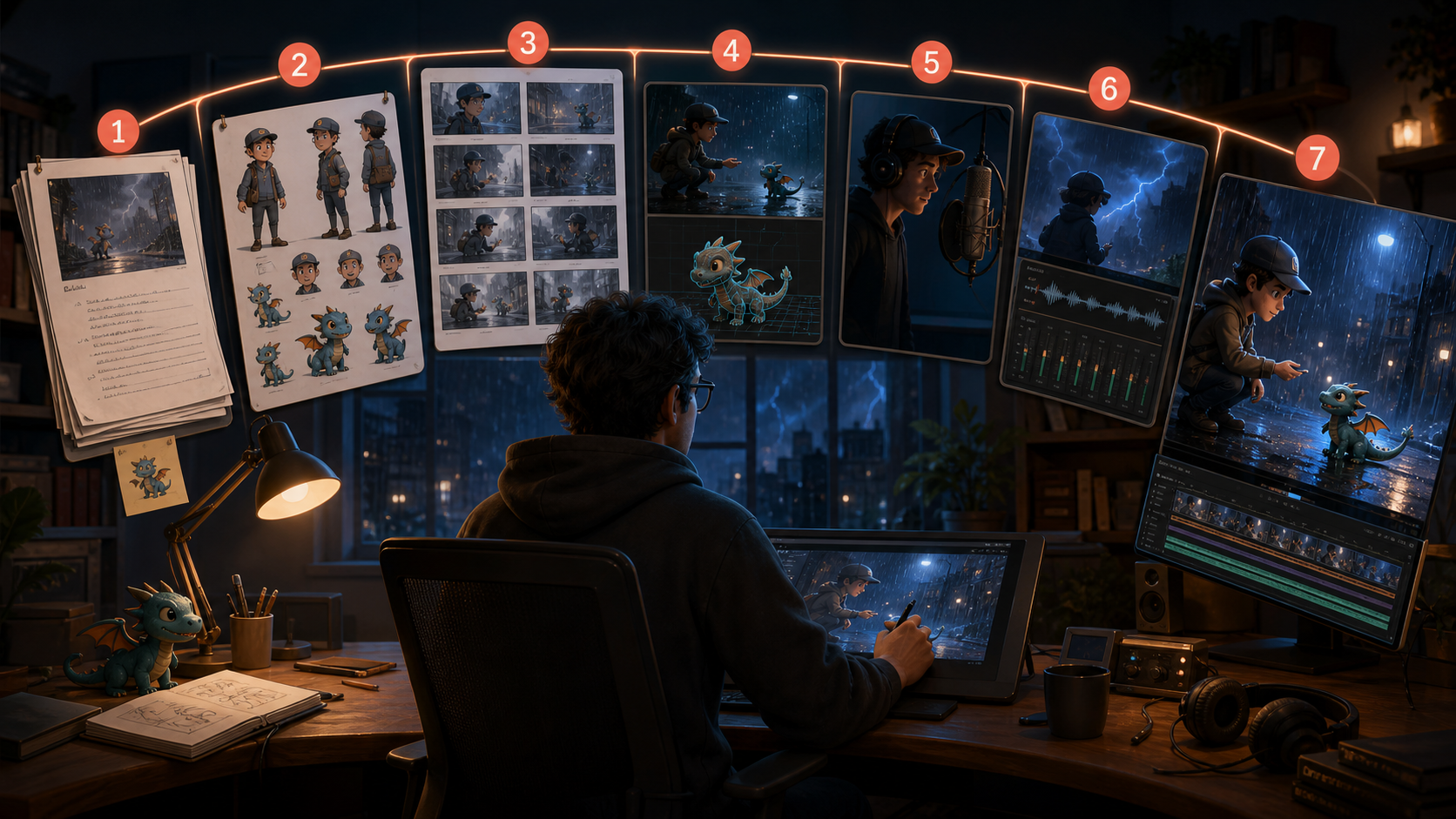
A seven-stage solo workflow connecting script, character references, storyboard, generated shots, dialogue, sound, and final edit.
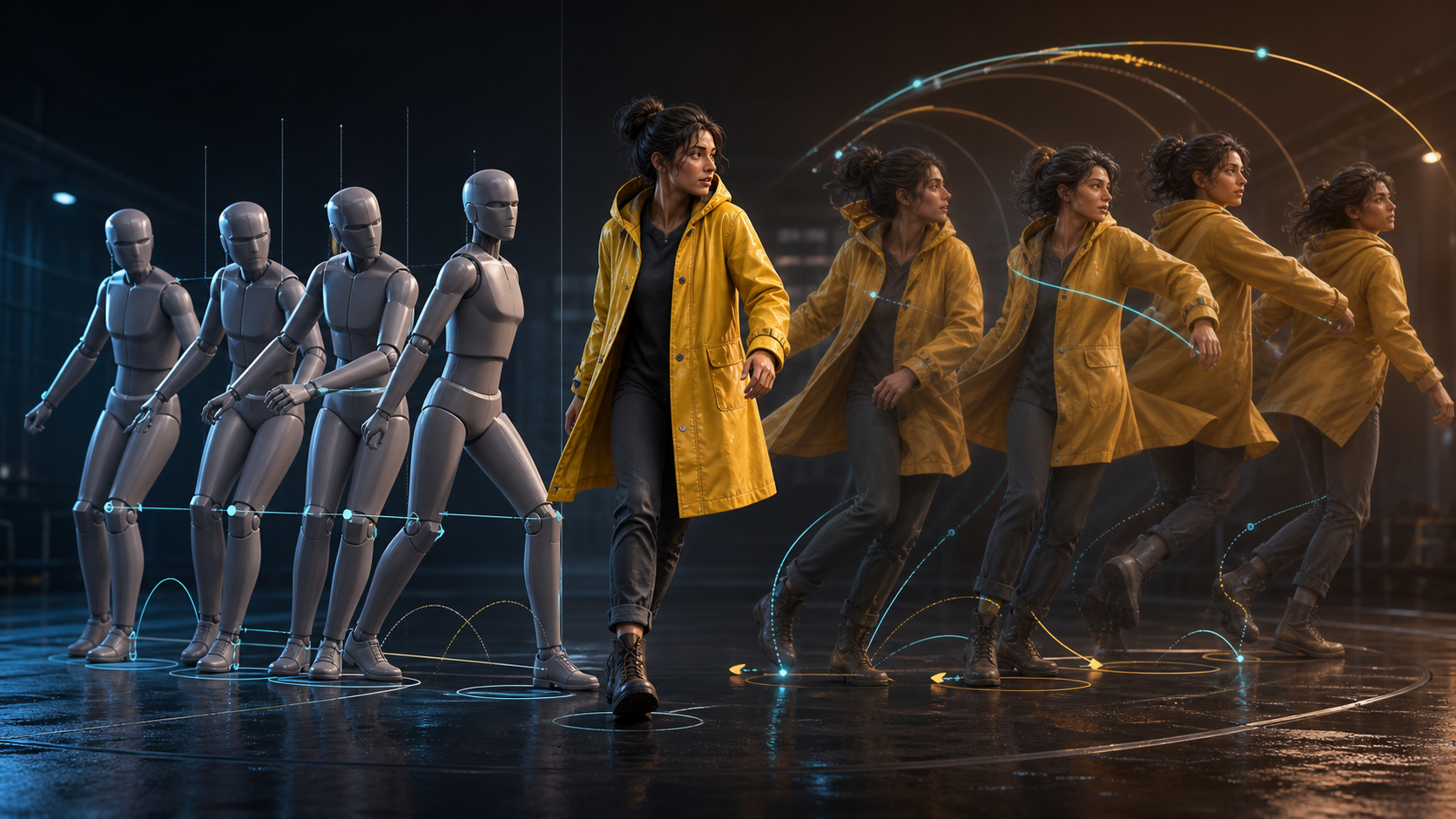
A practical guide to achieving natural movement in AI video by mastering timing, camera control, and intentional prompting.
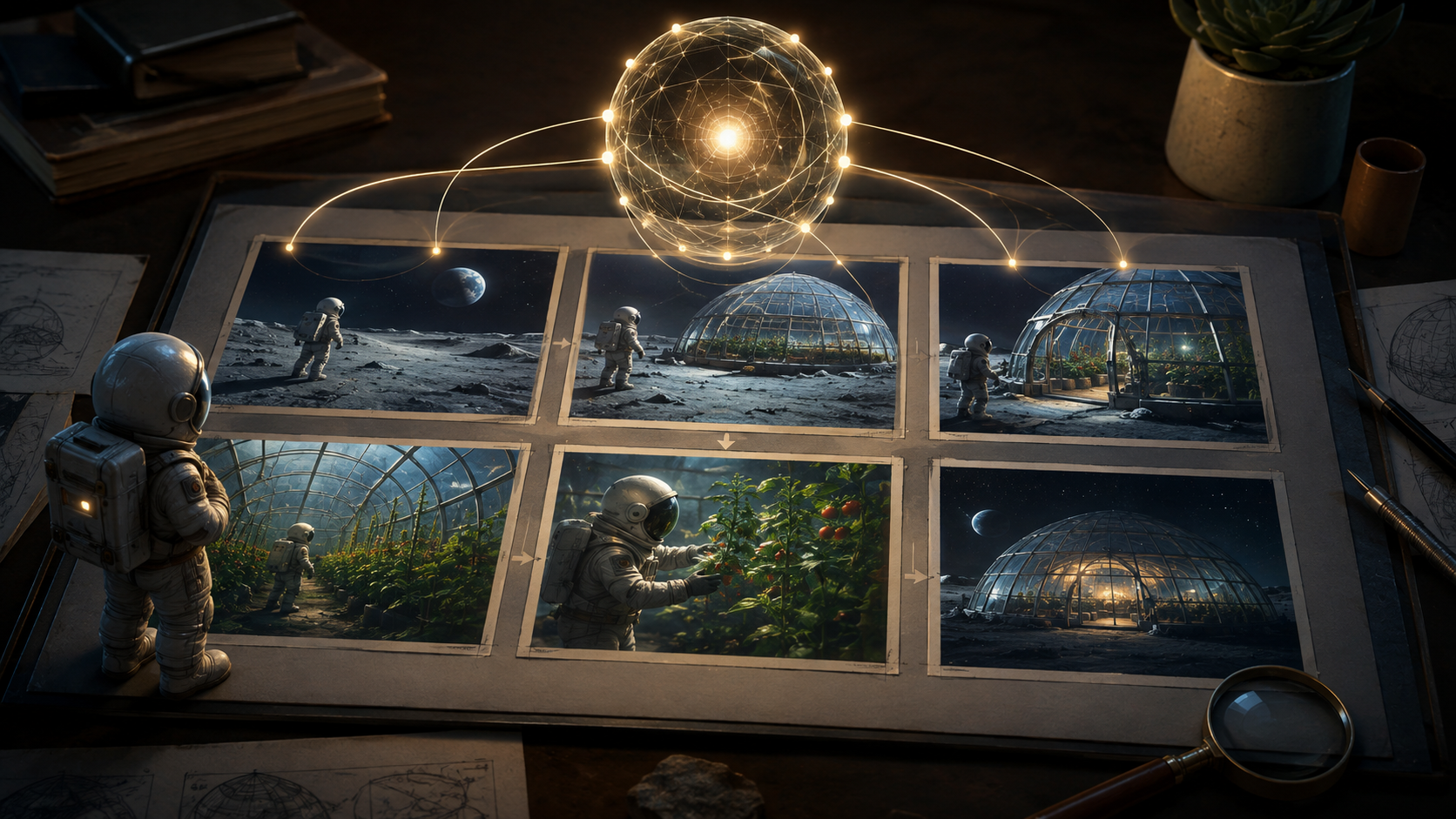
Use a lunar-greenhouse example to understand shot planning, continuity records, revision handling, and the practical tests that distinguish a plan from a picture set.

Turn a still photo of your pet into a video where they wag, blink, or stretch — the prompts, the models, and the settings that keep fur texture and face shape intact.
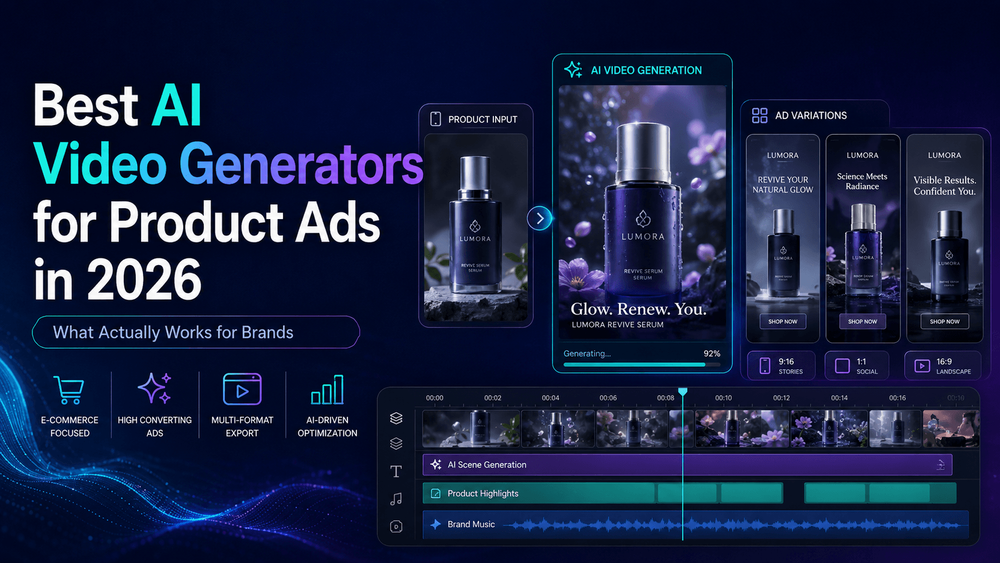
Compare the best AI video generators for product ads in 2026 and learn how to create short product videos, ecommerce ads, TikTok creatives, and branded campaigns with VideoAny.
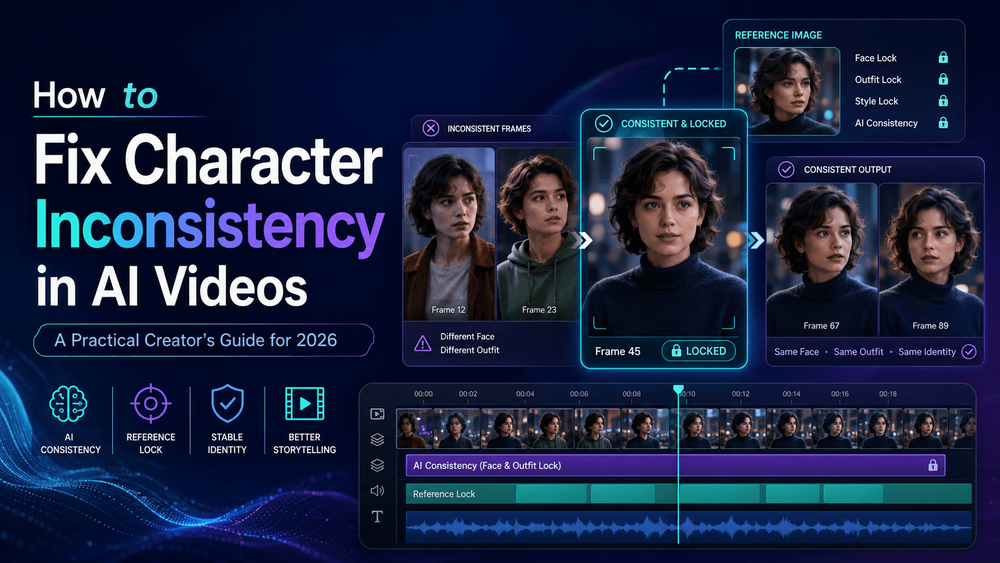
Struggling with AI video characters changing faces, outfits, or styles between scenes? Learn how to fix character inconsistency in AI videos using better references, smarter prompts, scene planning, and VideoAny.
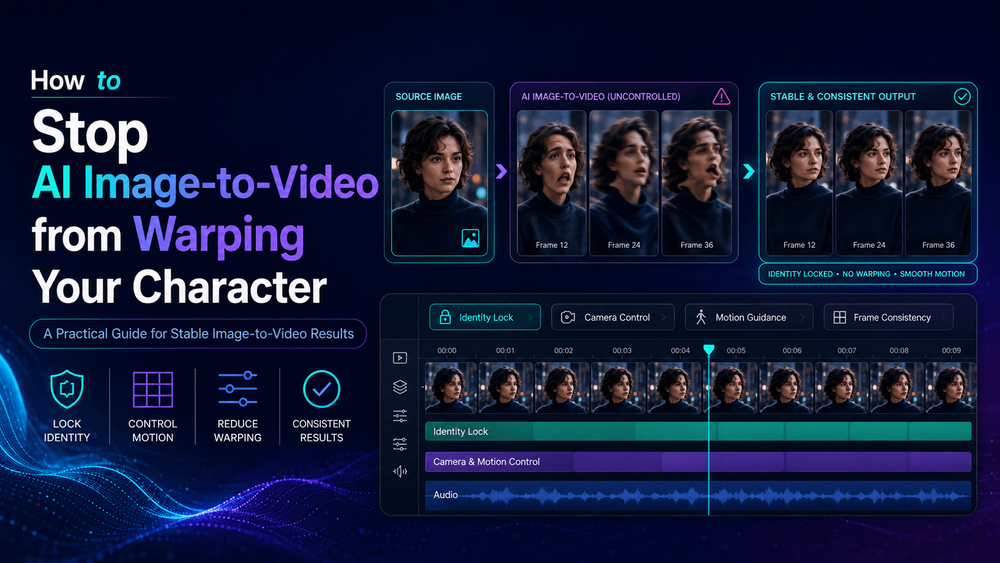
Learn why AI image-to-video tools distort faces, hands, outfits, and proportions—and how to reduce warping with better reference images, controlled motion prompts, camera planning, and VideoAny.
Use these old photo restoration prompt Gemini templates to restore faded, scratched, blurry, black-and-white, and damaged old photos with natural AI results.
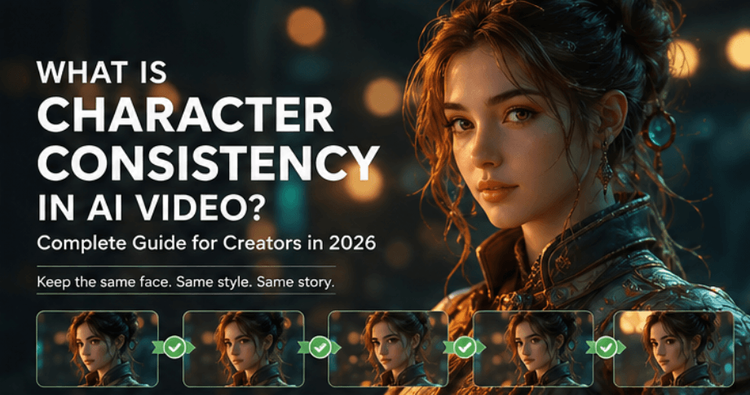
Learn what character consistency means in AI video, why AI-generated characters often change between scenes, and how creators can keep faces, outfits, styles, and identities stable using a structured workflow with VideoAny.