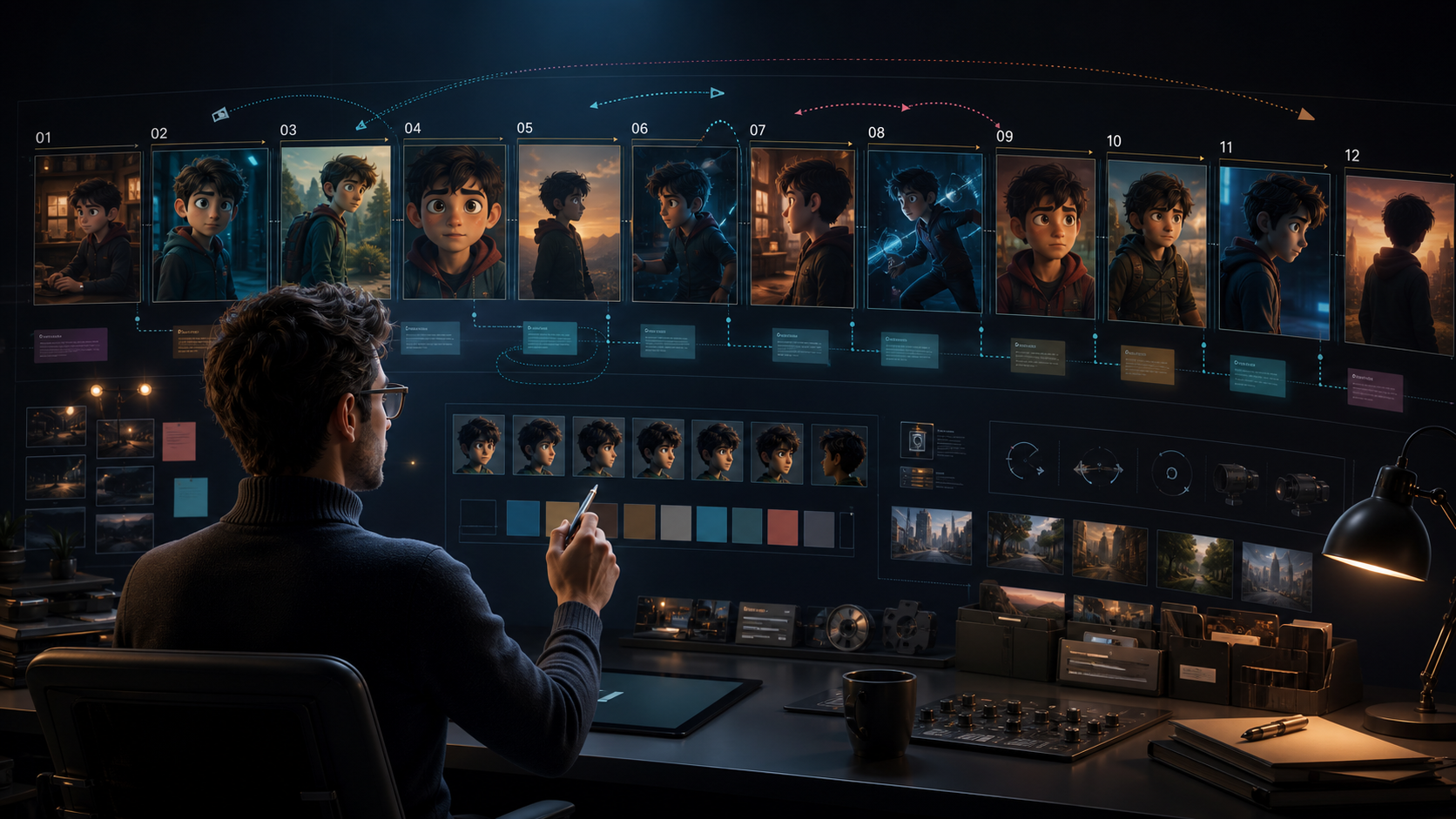
Why Professional Creators Need More Than One-Click AI
Better generation models have made polished clips easier to reach, but professional-quality video still rarely comes from one perfect prompt. A working production usually involves rewriting visual directions, testing camera angles, adjusting scene length, replacing a weak shot, repairing character drift, and tightening rhythm before export. AI can accelerate those iterations; it does not replace the decisions that connect them.
That is the useful idea behind a studio-style workflow: treat generation as one department inside a production system. The creator remains the director and final editor, while individual clips become replaceable building blocks. This framing is especially important for client work, serialized content, education, and campaigns, where one attractive clip is less valuable than a sequence that stays coherent from beginning to end.
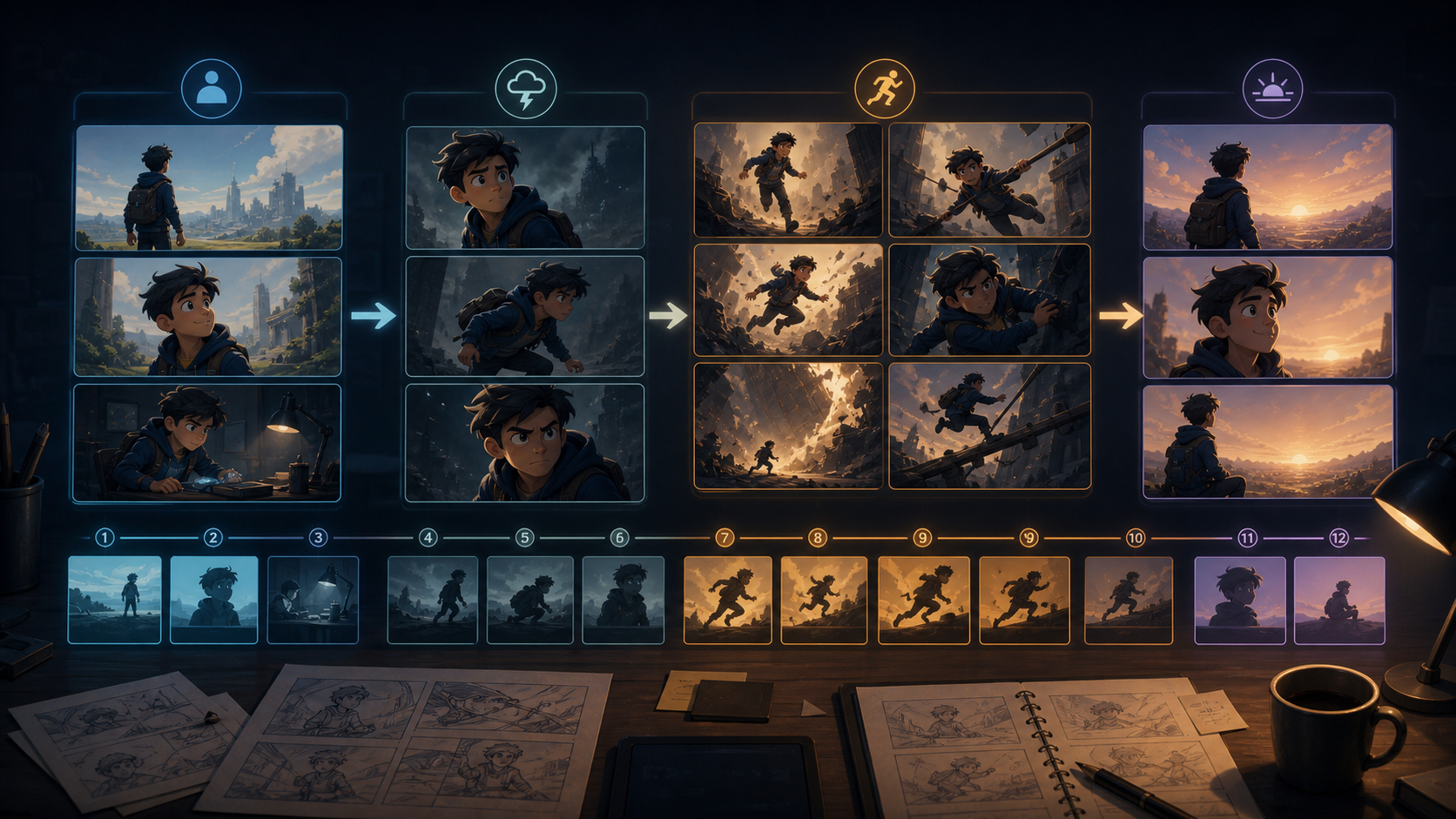
Break the Project Into Purposeful Scenes
Instead of asking a generator to produce a two-minute video as one continuous result, plan roughly twelve short scenes. The exact number is flexible; the important point is that each scene has one job. A product video, for example, might move through:
- an opening hook;
- a clear product reveal;
- a feature demonstration;
- the audience problem;
- the proposed solution;
- evidence or a practical outcome;
- a final call to action.
The remaining scenes can provide transitions, reaction shots, detail views, or breathing room. Give every scene a purpose, expected duration, subject, action, and transition. If scene six fails, regenerate scene six rather than reopening the entire video. This modular approach also makes reviews more useful: a collaborator can request a slower close-up or a clearer demonstration without forcing a full restart.
Write Prompts Like Directing Notes
Model choice matters, but prompt design controls what the model is being asked to solve. Replace broad instructions such as “a futuristic city” with observable decisions. For each shot, specify only the details that affect the scene:
- camera distance and movement;
- time of day and motivated light source;
- environment and weather;
- subject appearance and action;
- emotional tone and body language;
- color palette and composition;
- speed of movement;
- details that must remain unchanged.
This is closer to a director briefing a cinematographer than a user entering a search query. It also creates a checklist for reviewing the result. If the shot needs a slow push-in, cool dawn light, a centered subject, and restrained motion, each of those choices can be evaluated separately.
Avoid putting every possible adjective into every prompt. Excess detail can create competing instructions and make failures harder to diagnose. Keep the scene's purpose, action, and visual anchors prominent; move decorative details to a later refinement pass.
Protect Character Continuity Across the Sequence
Character consistency remains one of the hardest multi-shot problems. Create a compact continuity card before generating the second scene. Record the character's age range, face shape, hairstyle, hair color, wardrobe, body proportions, accessories, color palette, personality, and habitual body language. Reuse the same approved reference and the same wording in every relevant shot.
When reviewing candidates, compare them with the approved character reference rather than with the previous generated frame. Otherwise, a small drift in scene two can become the new baseline for scene three, and the identity gradually changes across the sequence. Reject branches with face, clothing, hairstyle, or proportion drift even when their lighting looks impressive.
If a project uses a mascot, educator, anime lead, or recurring presenter, save the continuity card alongside the prompt template and selected reference files. That package is more reusable than any isolated clip.
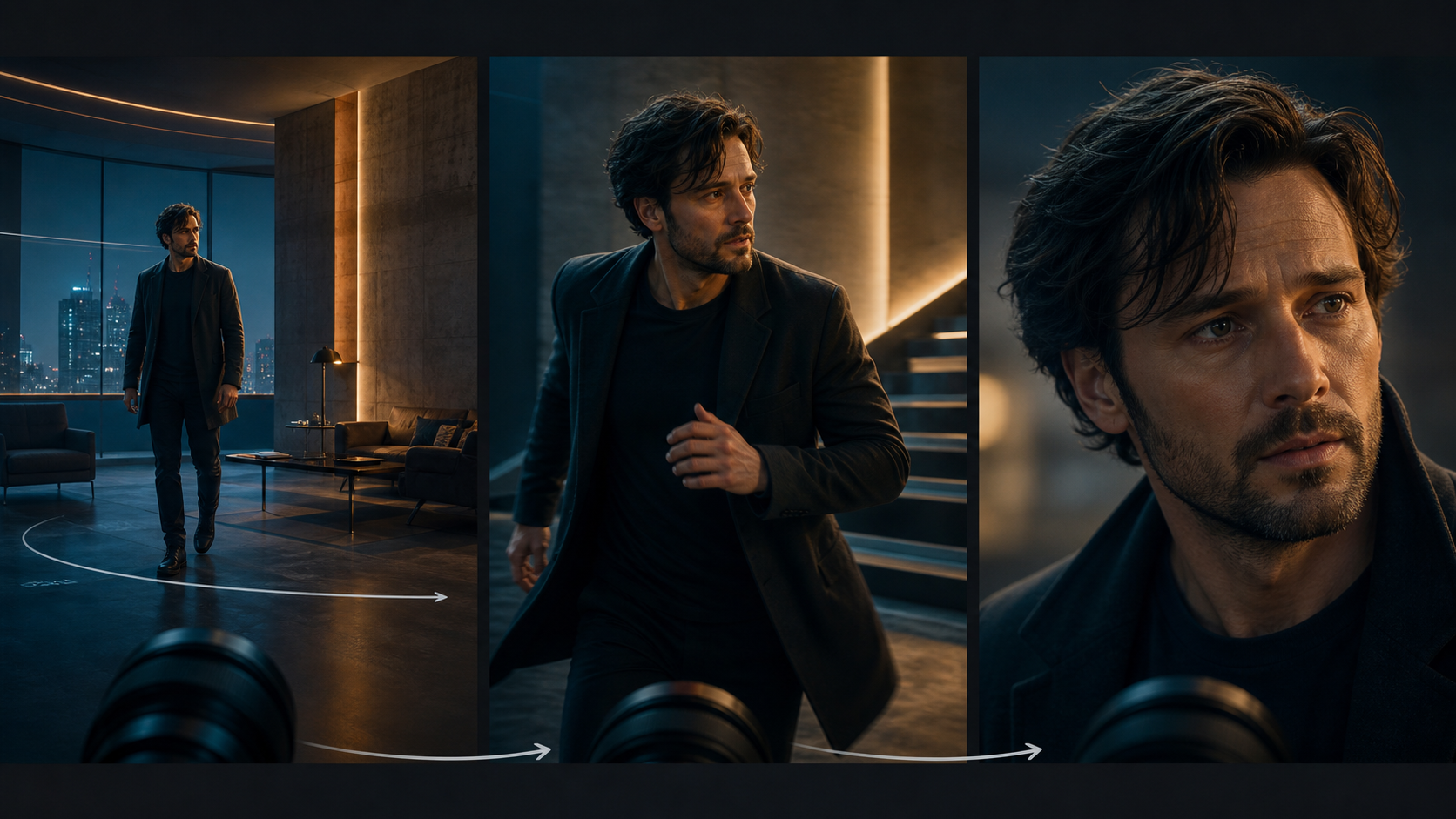
Use Camera Movement to Control Attention
Camera movement should support the scene rather than decorate it. Ask four questions before choosing a move:
- Does the opening need a wide establishing shot?
- Would a slow push-in add emotional emphasis?
- Is a tracking shot necessary to follow an action or demonstrate a product?
- Should the moment feel energetic or calm?
Vary wide shots, medium shots, and close-ups so the sequence has visual rhythm. Fast cuts can suit an action montage or launch reveal. Tutorials, interviews, and emotional scenes usually benefit from longer holds and simpler movement. When the subject performs a complex action, keep the camera restrained; when the subject is nearly still, a controlled camera move can provide energy.
Review the edit as a sequence, not as a folder of independent clips. A beautiful close-up can still be wrong if it repeats the previous framing, breaks screen direction, or arrives before the audience understands the setting.
Build a Repeatable Eight-Step Production Loop
A reusable studio workflow can be organized into eight steps:
- Write or approve the script.
- Divide the script into scenes with one purpose per scene.
- Create visual prompts and continuity notes for every shot.
- Generate and review each scene independently.
- Replace weak clips while keeping approved shots locked.
- Add captions, titles, voiceover, music, and sound effects.
- Export the required aspect ratios and platform versions.
- Archive the prompt, reference, selected output, and export settings for reuse.
The archive is part of the production asset. A YouTube series, recurring ad format, or educational module becomes faster when the successful structure can be reused. Save shot naming, aspect ratio, reference images, continuity rules, caption style, and delivery specifications instead of rebuilding them from memory.
You can use VideoAny for relevant generation or transformation steps, but assemble the wider workflow around the tools your project actually needs. A studio-style process is a method, not a claim that every capability lives inside one interface.
Who Benefits From This Level of Control?
Different creators use the same structure for different reasons:
- Content creators need recurring characters, recognizable formats, and faster replacement of weak Shorts or TikTok shots.
- Marketing teams need product-reveal sequences, reusable campaign templates, and reviewable versions for stakeholders.
- Educators need scene-by-scene alignment between narration, diagrams, examples, and captions.
- Agencies need client feedback to map to a specific shot instead of triggering a full regeneration.
- Independent filmmakers need a manageable bridge between scripts, storyboards, generated material, and the final edit.
The value is not simply “more controls.” It is traceability: knowing which creative decision produced which result and being able to revise that decision without destabilizing everything else.
Common Mistakes With Advanced AI Video Workflows
The first mistake is overloading prompts. Specificity is helpful only when the details work together. The second is switching visual styles without a narrative reason, which makes scenes feel as though they belong to different projects. The third is chasing one flawless generation instead of producing several controlled candidates and choosing the most usable shot.
Another mistake is letting technical experimentation overtake the story. A complex camera move, unusual transition, or elaborate environment should earn its place by improving clarity, emotion, or pacing. If it does not serve the scene, simplify it.
Finally, do not postpone rights and identity review. Use references you are allowed to use, obtain consent for identifiable people, and document how important assets were generated or edited. Human review remains essential for continuity, misleading imagery, accidental logos, and publication suitability.
Final Review Checklist
Before export, watch the complete video once for story and once for defects. On the story pass, check whether the hook is immediate, each scene advances the message, pacing matches the intended platform, and the final action is clear. On the defect pass, inspect identity continuity, motion artifacts, camera direction, lighting changes, captions, audio transitions, aspect ratio, and safe areas.
Professional output is increasingly distinguished by the workflow behind the generation. Breaking a project into scenes, directing each scene with measurable prompts, protecting continuity, and archiving successful decisions creates a system that can improve with every production. Explore VideoAny models when choosing a generation route, then keep the final creative direction, assembly, and approval in human hands.