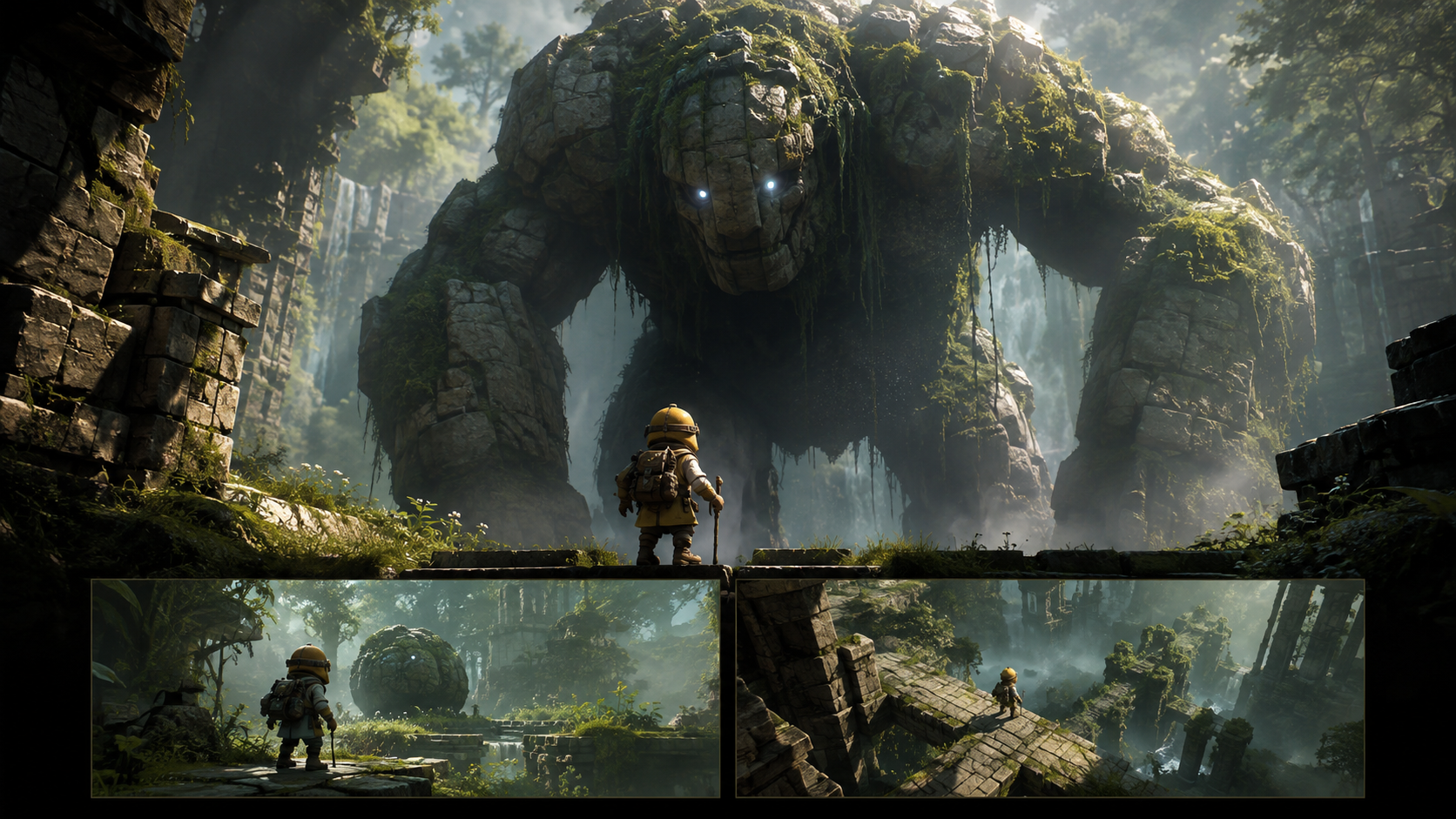
Crafting an effective game trailer is crucial for attracting players, especially for indie developers. With the advent of AI tools, creating compelling visual content has become more accessible, but it also introduces new considerations for authenticity and clarity. An AI-assisted game trailer should serve to illuminate the core experience of your game, whether by animating approved concept art, setting a specific mood, or providing visual transitions around captured footage. Crucially, it should never misrepresent the game's current state, such as making an unfinished mechanic appear fully playable or presenting an invented scene as actual in-game capture.
The foundation of a strong trailer lies in a specific, demonstrable promise. Every shot included should have a clear purpose, and there must be a transparent distinction between actual gameplay and illustrative material. Throughout this guide, we'll use a fictional project, "Signal Orchard," as a running example to demonstrate these decisions. This is an editorial exercise designed to illustrate principles, not a trailer for a real, released game.
Define a Core Promise You Can Visually Demonstrate
Before any assets are created or edited, articulate the central promise of your game. This promise should be concrete and directly translatable into visual elements that can be shown in a trailer. Vague statements like "Enter a breathtaking world of endless possibilities" offer little guidance for selecting or generating footage. Instead, focus on what players do and what happens as a result.
For our example, "Signal Orchard" is imagined as a gentle puzzle game where players rotate wind chimes to guide a breeze through an abandoned orchard. Let's assume the prototype already supports the core mechanics: rotating chimes and opening a gate when the breeze successfully reaches a bell.
A strong trailer promise for "Signal Orchard" might be: "Arrange the orchard's chimes and find a path for the wind." This statement clearly names an action (arrange chimes) and a consequence (find a path for the wind), both of which can be visually demonstrated.
It's vital to differentiate between what is currently implemented in your working prototype and what remains a future idea. If features like seasonal weather, cooperative multiplayer, or a village-building system are merely proposals or long-term goals, they should not appear as available mechanics in your trailer. Even a cinematic shot of multiple characters rebuilding a village, without an interface, can imply features that don't yet exist. Always review the implied meaning of your imagery, not just its technical label. Misleading players, even unintentionally, can lead to disappointment and negative reviews.
Categorize Every Asset for Clarity and Honesty
An organized inventory of your visual assets is indispensable before you begin generating or editing. For each clip or image, meticulously record its source, what it depicts, and its permissible use within the trailer. This practice helps maintain transparency and avoids accidental misrepresentation.
Here are key categories for your asset inventory:
- Gameplay Capture: This refers to a direct recording from the actual game build. It's crucial to note the specific build version used and any deliberate edits made to the footage (e.g., UI removal, speed adjustments). This is the most authentic representation of your game.
- In-Engine Cinematic: A sequence rendered within the game's engine but often pre-scripted or controlled, not reflecting direct player input. While visually consistent with the game, it might not represent player agency. Clearly label these if there's any ambiguity.
- Animated Concept Art: Illustrative material based on approved designs, such as character models, environments, or key art. When used in a trailer, it must be clearly identified as conceptual, especially if viewers could mistake it for actual gameplay or in-game rendering quality.
- Title or Graphic: Editable elements like typography, logos, release information, or diagrams added during the trailer assembly process. These are external to the game's engine but crucial for branding and information delivery.
In the "Signal Orchard" exercise, the core mechanic of rotating a chime should be shown using direct prototype capture. An atmospheric, painted orchard waking at dawn could serve as an illustrative opening shot. When using such concept art, ensure it's clearly labeled or framed in a way that prevents confusion with actual gameplay. Avoid rapid cuts between concept art and gameplay footage that might blur the distinction, implying the painting represents the game's real-time rendering.
If your project is still in a very early stage with no playable build, consider creating a "concept teaser." This type of trailer can effectively communicate the game's art direction, premise, and mood without staging false evidence of working systems. A truthful concept teaser can build excitement based on artistic vision rather than premature gameplay promises.
Structure the Edit Before Populating It with Shots
A well-structured trailer tells a story, even a very short one. Instead of simply stringing together impressive clips, design an edit that answers key questions a potential player might have. For a short game trailer, consider a sequence of questions like: What is this place? What can I do here? What happens when I interact? What should I do next? Each segment of your trailer should aim to provide a visible, compelling answer to one of these questions.
Here’s a proposed edit structure for our fictional puzzle project, "Signal Orchard." The timings are planning estimates, not guarantees of generation duration or final clip length.
| Planned Segment | Picture | Purpose |
|---|---|---|
| Opening | Labeled animated orchard concept | Establish a quiet, musical tone and visual aesthetic |
| First Demonstration | Real capture of a chime rotating | Clearly show the player's primary input and interaction |
| Consequence | Capture of the breeze reaching the bell | Visually connect player action to immediate, visible feedback |
| Added Challenge | Capture of a more demanding chime arrangement | Suggest depth and complexity using an implemented gameplay scenario |
| Final Hold | Title and verified next-step information | Make the project name and call to action readable and clear |
Before generating any video, review this sequence as a series of still images or a simple storyboard. If the core mechanic or the game's appeal remains unclear at this stage, adding more atmospheric shots won't resolve the issue. Instead, consider enlarging the relevant gameplay capture, removing distracting UI elements, or focusing on one uninterrupted action-and-result pair to enhance clarity.
The rhythm and pacing of your trailer should align with the player experience of your game. A survival game might benefit from sustained tension and uncertain pauses, while a fast-paced racing game might require an uninterrupted, high-energy sequence through a challenging turn. Borrowing the cutting speed or musical style from a different genre without considering your game's unique feel can lead to a disjointed or misleading presentation.
Generate Only the Specific, Missing Illustrative Shots
Once your trailer structure is defined and you've identified gaps that cannot be filled by existing gameplay capture or in-engine cinematics, AI generation becomes a powerful tool for creating specific illustrative shots. It's crucial to use your approved concept art as the visual authority for these generations. For "Signal Orchard," this means adhering to a restrained watercolor palette, squat stone walls, and the distinctive three-piece chime design. Do not accept a beautiful AI output that deviates from this established style, such as replacing your orchard with a photorealistic cathedral or futuristic wind farm. The goal is consistency, not generic spectacle.
Here are examples of specific prompts for illustrative shots, designed to complement the "Signal Orchard" trailer:
Example 1: Opening Illustration This shot aims to set the mood and introduce the world without implying gameplay.
Animate the supplied watercolor concept painting of a serene, abandoned orchard at dawn. Gentle morning light slowly spreads across the low stone walls, and a few individual leaves subtly shift in a soft breeze. Maintain the distinct watercolor texture, the specific spacing of the trees, and the unique three-piece chime design. Use a slow, restrained forward camera movement. Ensure the lower foreground remains simple and uncluttered, suitable for an overlaid concept-art label. Do not include any game interface elements, new characters, or implied combat.
Example 2: Title Background This shot provides a visually appealing, yet unobtrusive, background for overlaid text.
Create a quiet, subtly moving background video from the approved "Signal Orchard" concept image. Position the main three-piece chime on the far right of the frame, ensuring the central pale sky area remains visually calm and clear for typography to be added in editing. Incorporate only the most minimal leaf rustling and very subtle light shifts. Absolutely no generated words, logos, or menu elements should appear in the video.
Tools like VideoAny image-to-video can be utilized for this prepared-image animation stage. It's important to remember that this is a media-generation workflow; it does not build the game, implement game mechanics, or inherently establish that the generated imagery represents playable content. Its purpose is to create visually consistent, atmospheric elements that support your trailer's narrative.
Maintain the Game's Recognizable Visual Identity
Every AI-generated illustration or animated sequence must be rigorously compared against your game's approved art style and existing assets. Scrutinize details such as the protagonist's silhouette, the environmental scale, material textures, and dominant color palettes. A mismatch, even if aesthetically pleasing, can inadvertently mislead players about the actual experience, even if the scene carries an accurate "concept art" label.
Establish a single, comprehensive reference sheet for all recurring props, characters, and environmental elements. If an AI-generated animation invents a new outfit for a character, adds an extra chime to a design, or alters the established architecture, it must be corrected or rejected before it enters the final edit. Do not allow an attractive promotional asset to silently become an unapproved design change that could confuse or disappoint players.
Furthermore, ensure that the main gameplay elements remain clearly readable. Overly aggressive overlays, excessive particle effects, or dramatic color shifts should not obscure the very input and consequence that the audience needs to evaluate. A brief, clear moment of unhindered gameplay can communicate far more effectively than several speculative, visually spectacular shots that hide the core interaction. Prioritize clarity and honesty in demonstrating what your game truly offers.
Integrate Sound and Text with Purpose
Sound and text are powerful tools for enhancing a trailer, but they must be used strategically and truthfully. Let the game's actual sound design guide the audio experience. For "Signal Orchard," the first sound of a chime resonating should introduce the game's musical logic. Introduce supporting music after the viewer has seen the input that causes a reaction, reinforcing the cause-and-effect relationship. When demonstrating a working mechanic, use the game's actual sound effects. If cinematic additions are used, ensure they are distinguishable from in-game sounds where they might imply an implemented response that doesn't exist.
Text overlays should be concise, impactful, and directly tied to visible evidence. For instance, "Turn the chimes" can accompany the demonstrated rotation of a chime. Avoid adding text like "Build with friends" unless that feature is fully implemented and ready for announcement. Always confirm platform names, release windows, store links, and any availability claims before finalizing your title card or end screen. Inaccurate information can quickly erode player trust.
Create typography in a dedicated editor to ensure professional quality and legibility. Crucially, check how your text appears at the smallest anticipated delivery size and aspect ratio. For vertical social media versions of your trailer, reframe the gameplay deliberately. Simply cropping a horizontal video can inadvertently remove crucial elements like the player's cursor, a target bell, or the consequence of an action, thereby destroying the explanation even if the composition still looks appealing. Thoughtful reframing ensures the message remains intact across all platforms.
Critically Review What the Trailer Actually Promises
The final, and perhaps most critical, step is to objectively review your trailer. Show a rough cut to individuals who are completely unfamiliar with your project. Ask them to describe what they believe they can do in the game after watching the trailer. Compare their interpretation with your current build and your intended announcement. If they describe a feature that doesn't exist or misinterpret a core mechanic, it's a clear signal that the imagery or wording needs revision. This external feedback is invaluable for identifying unintended implications.
Consider creating separate exports for a concept pitch (aimed at publishers or investors) and a player-facing gameplay trailer, as their purposes and target audiences differ. Always archive the source labels and accepted build footage alongside your final edit. The ultimate goal is to produce a focused, honest invitation to your real project, with AI-generated material serving to support its presentation truthfully and effectively.