AI Dance Video GeneratorGenerate dance videos with AI from a prompt

Create AI dance videos in minutes. This page focuses on examples, tips, FAQs, and responsible use, then sends you to the generator to create.

How to Get Better AI Dance Videos
Clear prompts, stable motion, faster iteration

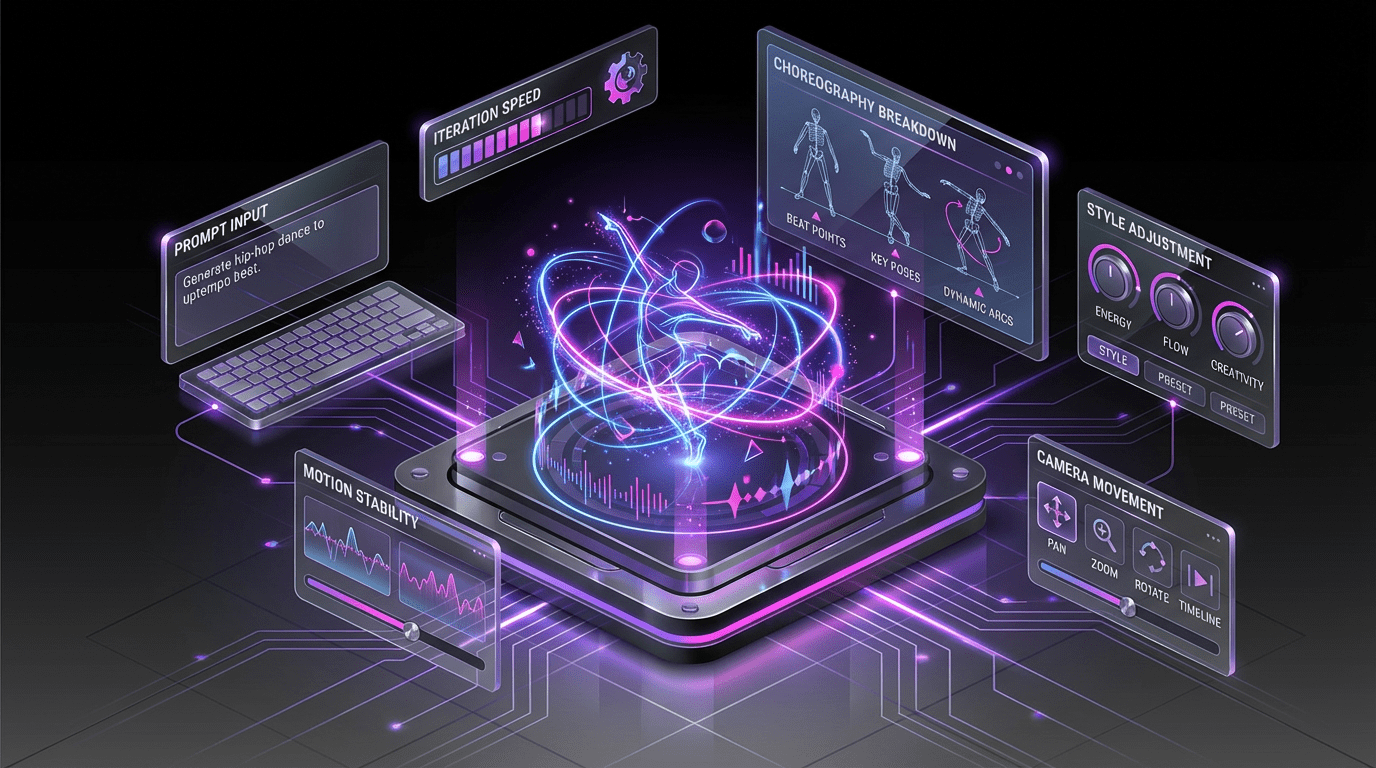
Write a clear dance prompt, keep clips short, and iterate quickly. Dial in style and camera movement, then export when it looks right.

Feature

Motion-Driven Generation

Generates dance-like motion with consistent rhythm and timing for smoother results.

Fast Preview Workflow

Generate drafts quickly so you can refine prompts and settings before exporting.

Cleaner Frames

Reduces common artifacts by improving temporal consistency and detail handling.

Style Controls

Guide results with simple controls to keep outputs repeatable and predictable.

AI Dance Video Generator FAQ

Common questions about AI dance videos

Answers on prompts, quality tips, and responsible use.

An AI dance video generator creates dance-like motion and scenes from your prompt and settings.
Describe the dance style, tempo, camera angle, and environment. Keep the subject and action clear and avoid conflicting instructions.
You can preview results for free. Upgrade for higher quality exports and longer duration limits.
Use shorter clips, simpler camera motion, and clearer prompts. Iterate and keep the subject centered when possible.
Commercial usage depends on your plan and terms. Always follow applicable laws and platform policies.
Prompts and outputs may be used to process your request. Retention depends on product settings and your account plan.
Illegal content, non-consensual deepfakes, harassment, and impersonation are prohibited. Only upload or generate content you have rights to use.

Still have questions? Contact our support team
Limited Time Offer

Create an AI Dance Video

Generate, iterate, and export in one workflow

Launch the generator to create your AI dance video. Start with short clips for fast iteration, then export when you’re ready.

  • Fast previews for quick iteration
  • Smoother motion and cleaner frames
  • Prompt-driven style control
  • Responsible use guidance included