Qwen Image Edit Multiple Angles
Multi-View Camera Control from One Image
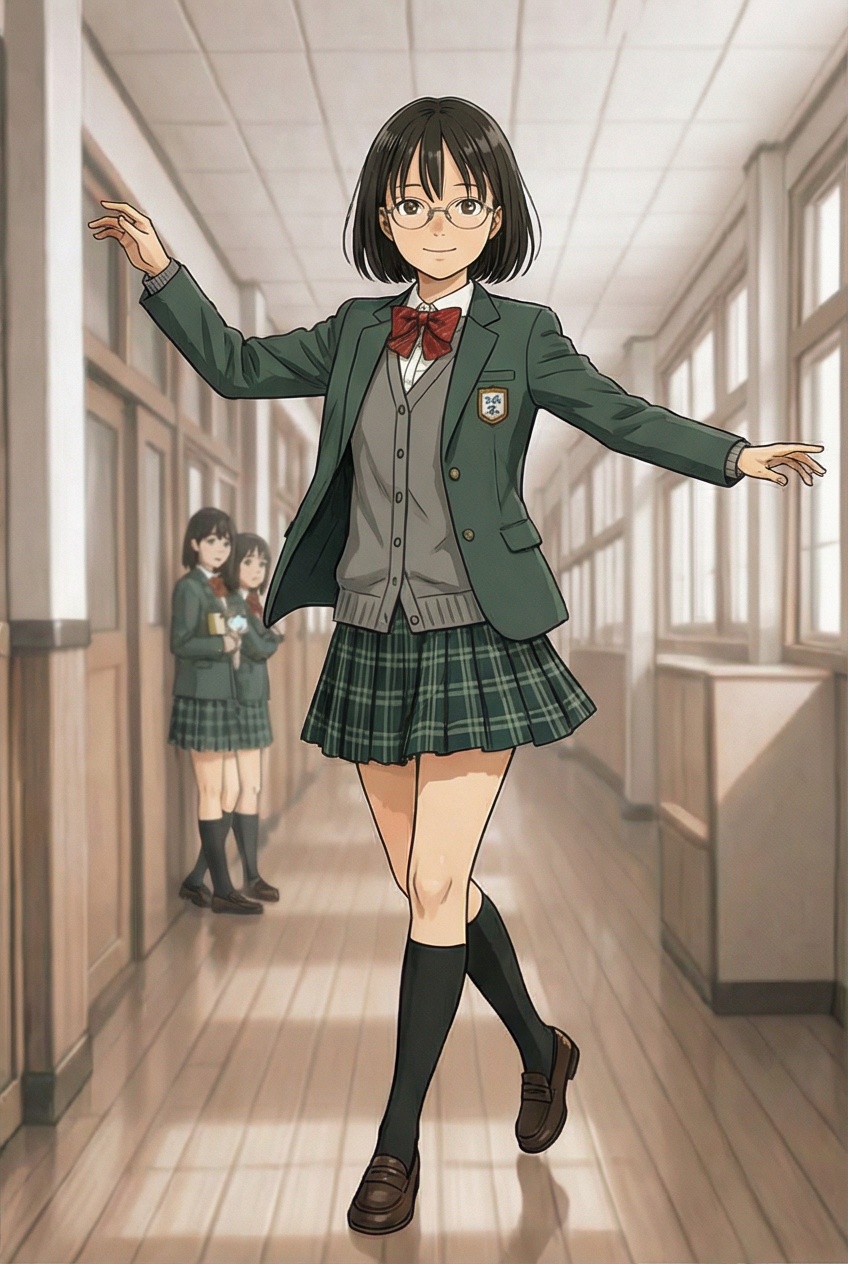
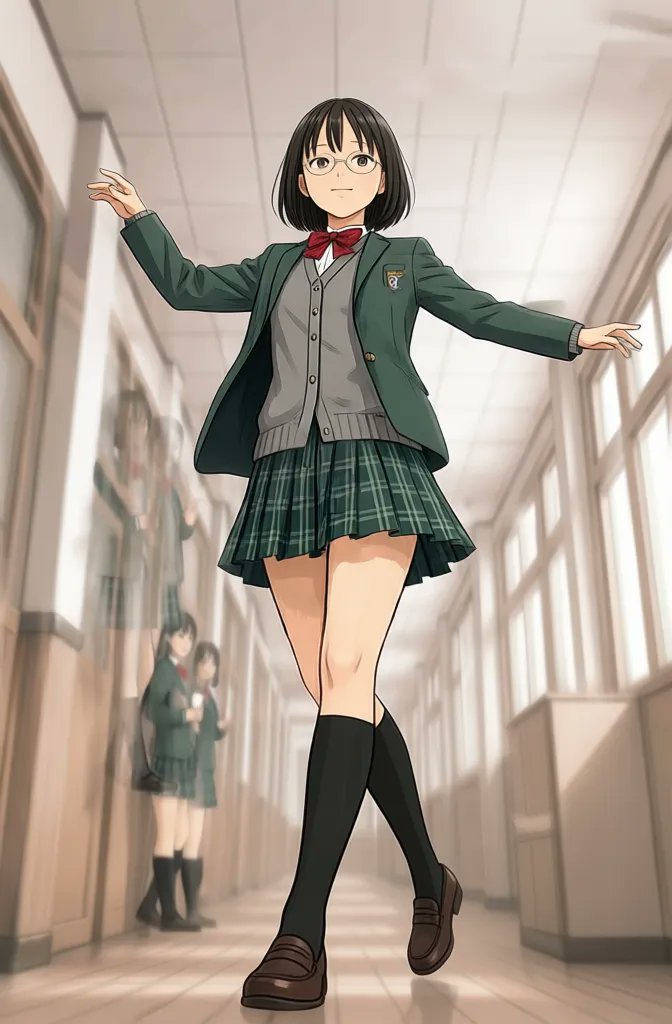
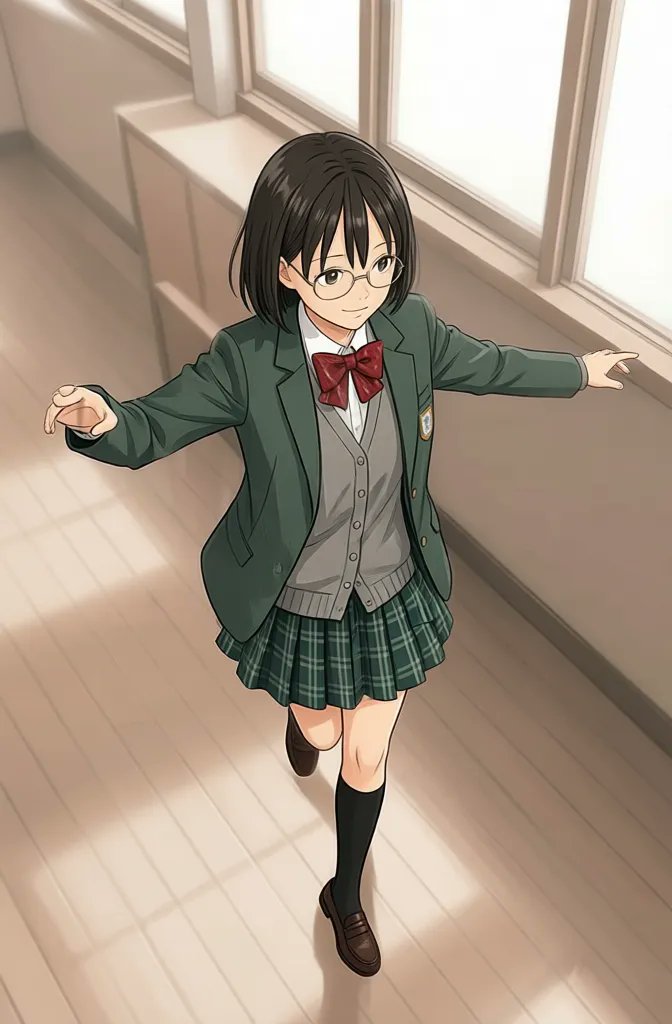
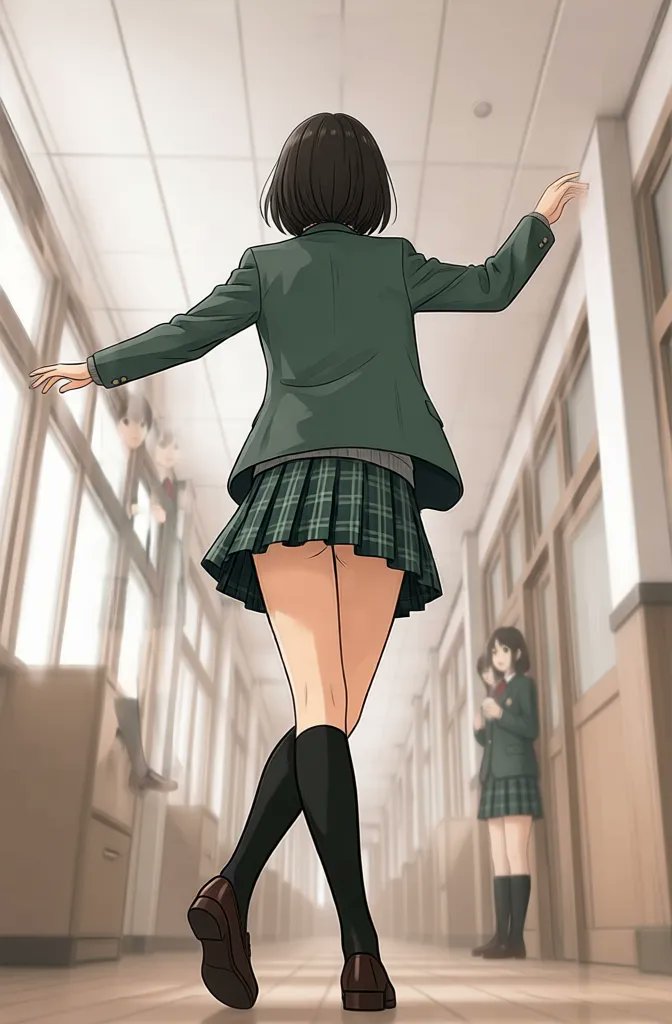
Why Use Qwen Image Edit Multiple Angles
Multi-view image editing with camera angle control
This page is strongest when the user intent is multi-view generation, not generic image editing. Qwen Image Edit Multiple Angles helps create front, side, back, high-angle, and low-angle results from one source image.
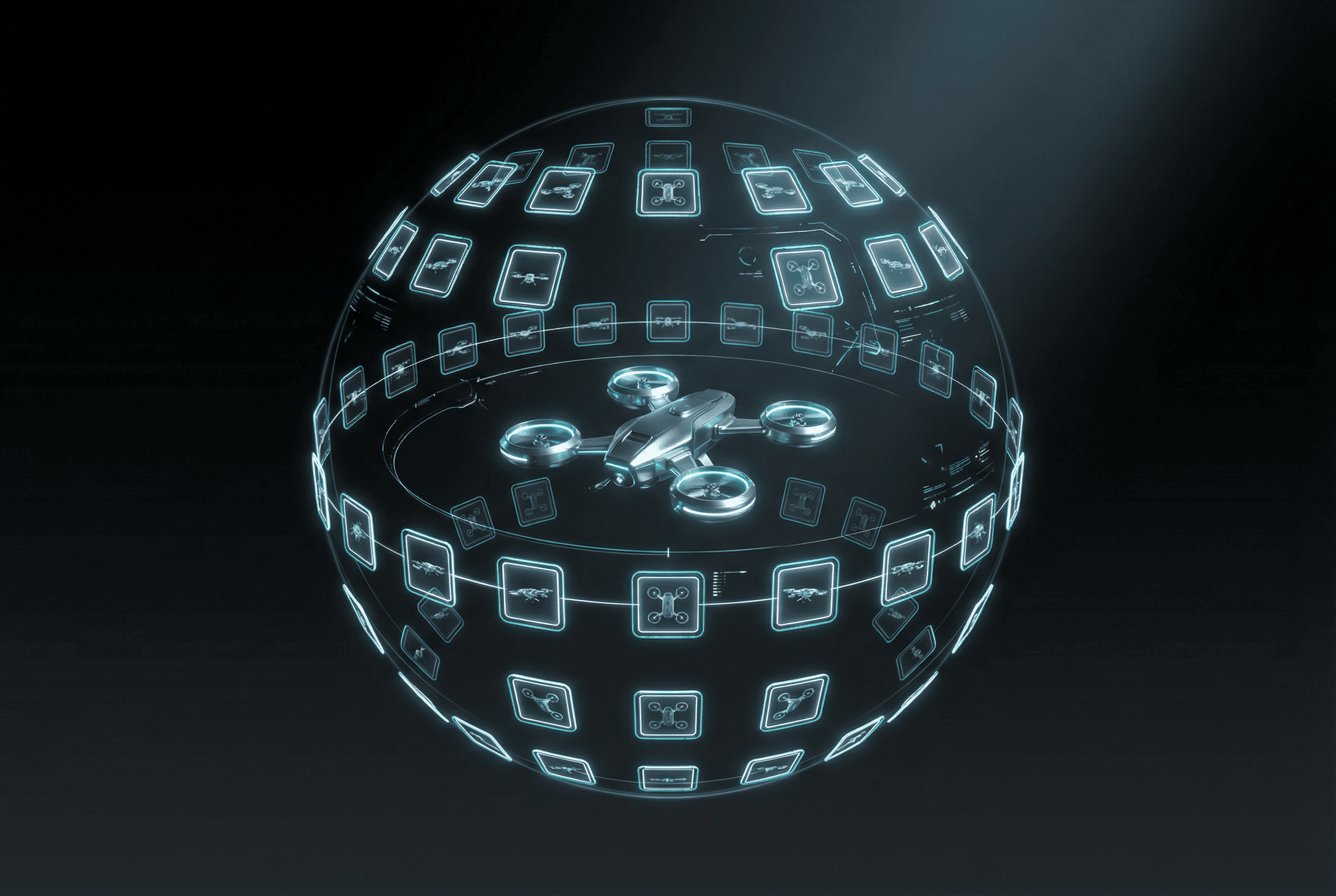
Built on Qwen-Image-Edit-2511
Use Qwen Image Edit when you need controlled image editing that preserves the subject while changing viewpoint, framing, and camera position.
Azimuth, Elevation, and Distance Control
Rotate around the subject horizontally, move the camera higher or lower, and change framing from close-up to wide. This is what makes the model suitable for real multi-view tasks.
Stable Multi-View Consistency
The model is designed to preserve subject structure across viewpoints, making it useful for turnarounds, product angle sets, and perspective exploration.
Useful for Products, Characters, and Concepts
Generate front, side, back, low-angle, and overhead views from one source image for product photography, character sheets, concept design, and ecommerce.
Multiple angles
Camera angle control from one source image
Qwen Image Edit Multiple Angles is most valuable when the search intent is not generic image editing, but controlled multi-view generation: front, side, back, low-angle, high-angle, and distance-aware views from one image.
Azimuth
Rotate around the subject horizontally to create front, three-quarter, side, or back views from a single source image.
Elevation
Move the camera higher or lower to get looking-up, eye-level, or top-down perspectives while keeping the subject consistent.
Distance
Control framing from close-up to wide shots so the same subject can support product detail views or full-scene exploration.
Best-fit search intents
- Product photography with front, side, and detail views
- Character turnarounds and concept sheets
- Fashion and ecommerce angle exploration
- Multi-view ideation for game and 3D concepts
How it differs from standard image-to-image
Standard image-to-image workflows usually optimize for style transfer or broad editing. Qwen Image Edit Multiple Angles is different because the core intent is viewpoint control. The page should therefore rank on camera-angle, multi-view, and turn-around queries instead of competing on broad image editor terms.
Prompt direction examples
Qwen Image Edit FAQ
Everything About Qwen Image Edit Multiple Angles
Learn how Qwen Image Edit works and how Qwen Image Edit Multiple Angles enables multi-view camera control from a single image.
Still have questions? Contact our support team
Start Creating Multi-View Images with Qwen
Try Qwen Image Edit Multiple Angles
Generate stable front, side, back, and angled results from one image with Qwen Image Edit Multiple Angles for product shots, character sheets, and camera exploration.
- Start from one image and build multiple viewpoints
- Rotate around your subject with controlled camera movement
- Use azimuth, elevation, and distance for stable framing
- Create product, character, and concept angle sets faster