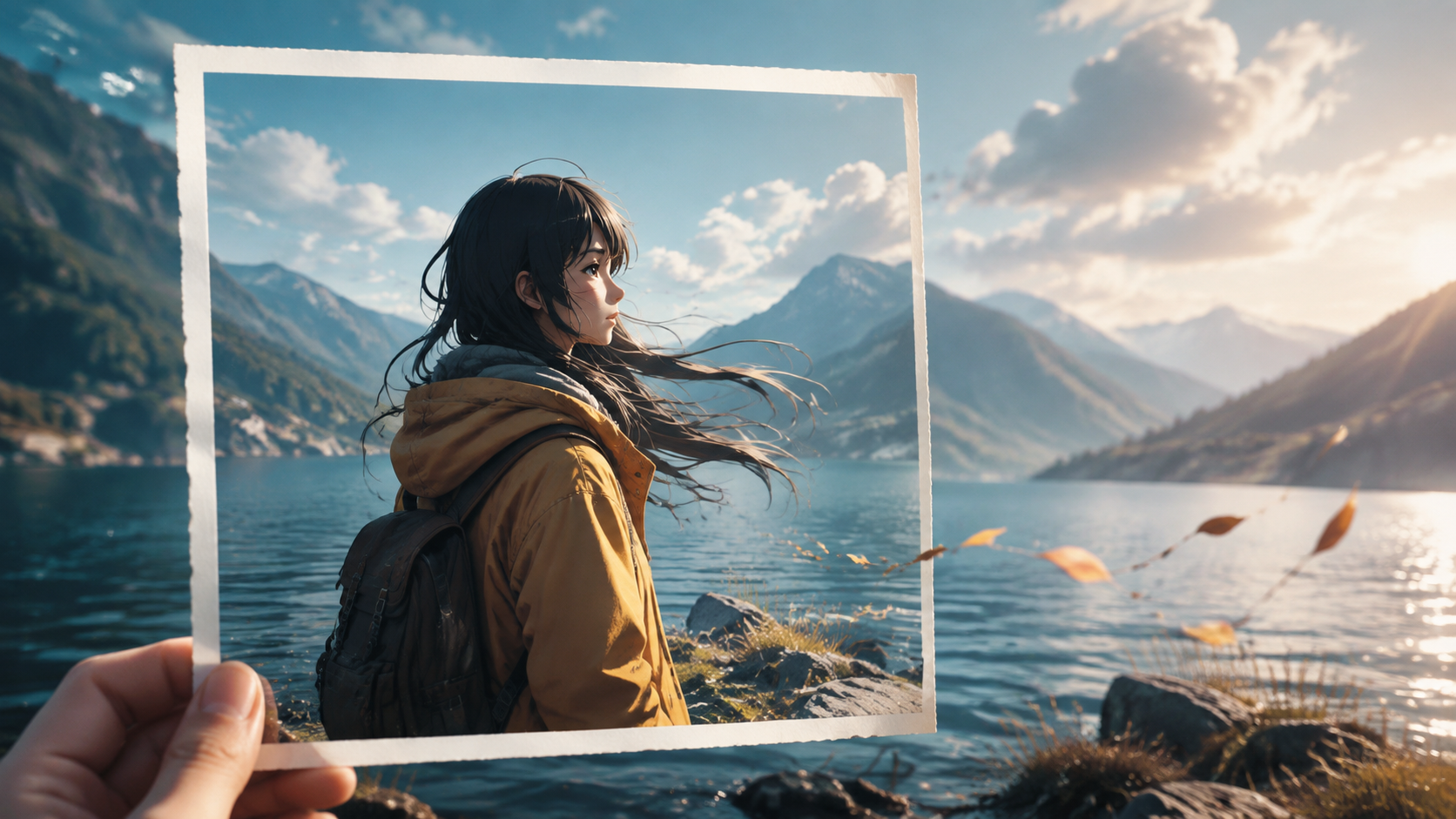
A still photograph captures a singular moment, rich with detail and emotion, yet inherently static. The transition from a static image to a dynamic AI-generated video requires more than just adding movement; it demands a clear purpose. The key lies in understanding why motion is necessary and what new information or feeling it should convey that the original image cannot. This process is a strategic planning exercise, where "three minutes" represents the focused thought invested in defining your creative brief, not a guarantee of generation time.
Effective AI video creation from photos follows a structured approach: first, define the video's objective; second, optimize the source image; third, craft a precise prompt; fourth, test with short, controlled clips; fifth, integrate sound purposefully; and finally, format for the intended platform. This systematic workflow helps mitigate common issues like visual inconsistencies or unintended motion, ensuring the AI output aligns with your creative vision.
For our examples, let's consider a scientific diagram of a complex cellular process. The goal is to animate a specific interaction within the cell, making it easier to understand. These are illustrative production choices, designed to demonstrate the planning process.
1. Define the Video's Core Purpose
Before engaging any AI generation tool, articulate the primary goal of your video. What specific message or insight should the audience gain from the motion that the still image alone cannot provide? This clarity is paramount, guiding every subsequent decision from motion type to framing.
For instance, animating a scientific diagram of a cell could have several distinct purposes:
- Illustrate a Process: Show the movement of proteins across a membrane.
- Highlight a Component: Emphasize the dynamic function of a specific organelle.
- Explain a Mechanism: Demonstrate the stages of cell division.
Each objective necessitates different types of motion, camera work, and visual emphasis. For example, animating protein movement might require subtle, directional flow, while highlighting an organelle could involve a gentle pulse or glow. Without a defined purpose, the AI might generate visually interesting but irrelevant motion, such as a chaotic zoom that obscures the crucial interaction or a rapid pan that disorients the viewer. The most impactful AI-generated videos are those with a singular, well-defined objective.
2. Prepare Your Source Image for AI Processing
The quality and composition of your source photograph are critical factors influencing the AI's ability to produce a coherent video. AI models perform optimally with clean, well-composed input images that directly support the desired motion.
When preparing your image, consider:
- Subject Clarity: Is the main subject (e.g., the specific organelle or protein pathway) clearly visible, well-defined, and free from visual clutter? If you aim to animate a particular detail, ensure it is prominent in the original photo.
- Composition and Edges: Is the subject fully contained within the frame, or are important parts cropped? If a full rotation or complex interaction is desired, ensure the image provides sufficient information for the AI to infer missing perspectives without excessive invention.
- Background Relevance: Does the background complement the subject and allow for any intended camera movement or background effects? A busy or irrelevant background can distract from the main action or lead to unpredictable motion.
- Resolution and Quality: Utilize a high-resolution image with minimal compression artifacts. This provides the AI with the richest detail to work from, reducing the likelihood of visual degradation.
For our cell diagram, if the image is a low-resolution scan where the target organelle is blurry, expecting a crisp animation of its internal dynamics is unrealistic. Similarly, if the diagram only shows a cross-section, asking for a 3D rotation might introduce distortions. The AI can infer missing information, but this is a common point where visual inconsistencies or "drift" can occur.
It is also essential to ensure you possess the necessary rights or permissions for any images, characters, or likenesses used in your generated content. For any publishable or commercial projects, always use original, licensed, or public domain assets to avoid potential copyright issues.
3. Craft Precise Prompts for Motion and Consistency
A well-structured prompt serves as the direct instruction to the AI, translating your creative vision into actionable commands. It must not only describe the desired motion but also explicitly define which elements should remain consistent. A vague prompt, such as "Make this cell diagram look cool," grants the AI too much interpretive freedom, often leading to unpredictable and undesirable results.
An effective prompt fulfills two critical functions:
- Define Motion: Clearly articulate the type of movement, camera action, and any specific changes in lighting or subject expression.
- Preserve Identity: Explicitly state which elements must not change to maintain visual consistency and prevent "drift" or unwanted alterations.
Consider these adaptable editorial examples for different scenarios:
For a Historical Portrait: "Subtle, slow zoom into the subject's eyes. The eyes gently blink once, followed by a slight, almost imperceptible shift in gaze towards the viewer. Maintain the subject's facial features, hairstyle, clothing, and the painting's original texture and color palette. No changes to the background or framing."
This prompt specifies a subtle animation to bring a static portrait to life while critically preserving the artistic integrity and identity of the subject.
For a Product Advertisement: "Elegant camera pan from left to right, revealing a new luxury watch on a velvet cushion. The watch face subtly glints as light catches its polished surface. Ensure the watch's exact design, brand logo, material finishes, and the cushion's texture remain unchanged. Keep the background soft and out of focus."
Here, the focus is on showcasing a product with controlled movement and lighting, while strictly maintaining its brand identity and visual details.
For a Scientific Diagram (our cell example): "Slow, pulsing glow emanating from the mitochondrion, followed by a subtle, directional flow of small particles from the nucleus towards the cell membrane. Maintain the overall structure, labels, and color scheme of the cell diagram. No changes to other organelles or the background."
This example clearly defines the specific animated elements within the diagram while ensuring the rest of the scientific illustration remains accurate and consistent.
When you are ready to generate, you can take an image and a motion brief to VideoAny's image-to-video page. Review the available workflows and controls to understand how your prompt can be most effectively implemented.
4. Iterate with Short Clips for Refinement
The inclination to generate a single, long, and complex video from the outset is common, but it often leads to frustration. Extended generations increase the probability of visual drift, where subjects' features change, backgrounds warp, or unintended actions occur.
For your initial generations, prioritize short clips, typically ranging from 3 to 5 seconds. This duration is ample for evaluating:
- Motion Accuracy: Does the requested movement execute as intended?
- Subject Consistency: Does the main subject retain its identity and form throughout the clip?
- Background Stability: Does the background remain consistent or change predictably and acceptably?
- Aesthetic Alignment: Does the generated video match the overall style and mood of the original photo?
If your first clip of the cell diagram shows the mitochondrion's glow distorting the surrounding cytoplasm, or the particle flow is too fast, you've identified a specific issue. Instead of attempting to fix multiple problems simultaneously, make small, targeted adjustments to your prompt and regenerate.
For creating longer sequences, a more effective strategy is to produce several controlled short clips from the same source image. For example, a scientific explanation could comprise:
- A 3-second clip highlighting the mitochondrion's pulse.
- A 2-second clip demonstrating particle flow.
- A 4-second clip showing a different cellular interaction.
These individual, refined clips can then be assembled and edited externally into a longer, more comprehensive video. This modular approach offers greater control and consistency compared to relying on a single, lengthy generation.
5. Integrate Sound as an Enhancement
Sound is a powerful element that can significantly enhance the impact and immersion of any video. However, its role should be to complement a strong visual, not to conceal a weak one. Before adding any audio, critically review your generated video in silence.
Ask yourself:
- Is the motion clear and understandable without sound?
- Does the subject remain stable and consistent throughout?
- Does the video achieve its intended purpose visually?
If the silent video does not meet your expectations, prioritize refining the visuals through regeneration. Adding music or voice-overs to a visually unstable clip will only draw attention to its flaws.
Once the motion is satisfactory, select audio that thoughtfully supports the video's purpose:
- Scientific Explanations: A calm, informative voice-over, subtle ambient sounds, or understated background music can maintain focus.
- Dramatic Scenes: Atmospheric sounds like wind, rain, or distant echoes can deepen the mood.
- Product Reveals: Clean, minimalist sound effects or a sophisticated musical score can highlight elegance.
For our cell diagram, a clear, concise voice-over explaining the process, accompanied by a subtle, almost imperceptible hum or gentle electronic tones, would be appropriate. If the particle flow is a key element, a soft, directional whoosh could emphasize its movement. Keep sound design focused and purposeful for short clips; an overly complex soundscape can detract from the visual message.
6. Optimize for Target Platform Delivery
The final stage involves preparing your video for its intended distribution channel. Different platforms have specific aspect ratio requirements, audience expectations, and user interface overlays that can significantly influence how your video is perceived.
Key considerations include:
- Aspect Ratio: Vertical formats (9:16) are standard for platforms like TikTok, Instagram Reels, and YouTube Shorts. Horizontal (16:9) is common for YouTube, websites, and presentations. Square (1:1) can still be effective for Instagram feeds.
- Framing: Ensure your main subject remains central and clearly visible within the chosen aspect ratio. Avoid cropping essential details or placing them where platform UI elements might obscure them. For vertical video, allow adequate space at the top and bottom for text overlays.
- File Specifications: Adhere to platform-specific recommendations for video codecs, resolution, and file size to ensure optimal playback quality and efficient loading times.
For our cell diagram, if targeting an educational YouTube channel, a 16:9 aspect ratio would be standard. If it's a quick explainer for Instagram Stories, a 9:16 vertical format would be more suitable. Always preview the exported file on the target platform or device to confirm that the final deliverable matches your expectations, including sound, crop, and overall quality.
Common Pitfalls to Avoid
Even with a structured approach, certain mistakes frequently undermine the quality of AI-generated videos from photos:
- Excessive Motion Requests: A still image lacks the data for every possible angle or complex action. Requesting a full 360-degree rotation of an object from a single front-facing photo forces the AI to invent too much, often leading to distortions.
- Neglecting Identity Preservation: Failing to specify what must not change (e.g., "maintain facial features," "preserve diagram labels") is a primary cause of visual drift and inconsistent results.
- Premature Audio Integration: Adding sound before the visuals are polished can mask underlying issues, leading to a less impactful final product.
- Incorrect Aspect Ratio: A well-crafted video can lose its effectiveness if cropped awkwardly or if key elements are obscured by platform interfaces.
- Copyright Infringement: Using copyrighted images, diagrams, or proprietary designs without permission can lead to legal issues. Always ensure you have the rights to your source material.
The Power of Focused Creation
Transforming a photo into a compelling AI video is less about raw speed and more about strategic, deliberate planning. By clearly defining your objective, optimizing your assets, crafting precise prompts, iterating with short clips, thoughtfully integrating sound, and optimizing for delivery, you can effectively leverage AI to bring your still images to life with purpose and control. The ultimate goal is not to showcase every possible AI feature, but to create one clear, impactful motion that makes your image feel alive and effectively communicates your intended message.