Text-to-image generation
Turn a structured prompt into a new visual, compare image models, and refine composition, lighting, style, and exclusions one variable at a time.
An uncensored AI generator is a broad creative hub for legitimate prompts that may be blocked too aggressively elsewhere. VideoAny separates text-to-image, image editing, image-to-video, and model selection so every deliverable starts with the right input and controls.
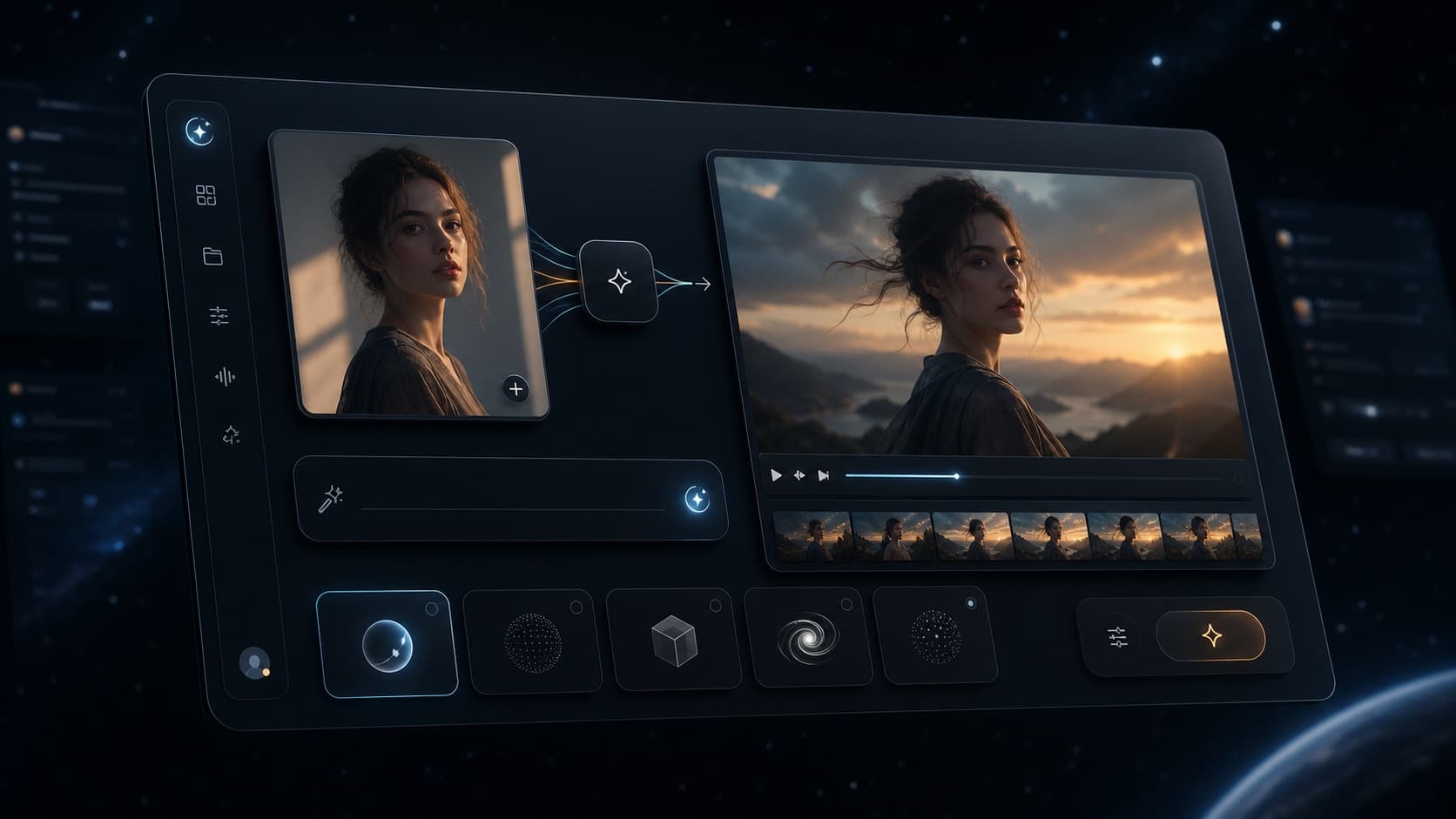
Route the job before choosing the model
Start from text for a new image, from an authorized source for an edit, or from an approved still when motion is the next deliverable.
Route by input and output
The broad keyword covers several production jobs. Selecting the deliverable first keeps prompts specific and sends each task to the focused tool designed for that input and output pair.
Turn a structured prompt into a new visual, compare image models, and refine composition, lighting, style, and exclusions one variable at a time.
Upload an image you own or may edit, describe the intended change, and identify the subject, product, pose, or background details that must remain stable.
Use an approved still as the visual anchor, then describe one subject action, camera movement, pace, and environmental motion for the first test.
Choose a model by source type, prompt behavior, successful-output quality, generation time, resolution, duration, and current credit cost.
Search intent
This page owns the broad multi-tool query. Dedicated image, editing, video, and adult-image pages own narrower keywords so users can move directly to the workflow they searched for.
Use this page as the broad product hub when the project may include a new image, an image edit, and a video handoff.
Open the focused image page when the deliverable is a new still created entirely from a text prompt.
Open the editing page when an authorized image already provides the composition and only selected visual details should change.
Open the video page when an approved still should remain recognizable while subject, camera, or environment motion is added.
Workflow
Use one representative test at every stage, approve the result, and hand it to the next tool only when the production plan requires another output type.
Decide whether you need a new image, a targeted image edit, or motion from an approved still before selecting a model.
Keep the lawful prompt and settings stable, then judge instruction following, artifacts, speed, controls, and credit use.
Correct one weak variable, retain the strongest result, and move it into editing or animation only when a new production stage begins.
Related paths
These pages divide generic tools, adult creation, authorized editing, technology research, and brand review into distinct keyword owners and paths.
FAQ
An uncensored AI generator is a broad term for image, editing, or video workflows designed to reduce unnecessary prompt blocks. On VideoAny, it does not remove legal, consent, likeness, intellectual-property, or safety requirements.
It is a product hub. Text to Image creates new stills, Image to Image changes an authorized source, and Image to Video animates an approved frame. Specialist model pages provide additional controls for a particular workflow.
The best option depends on the deliverable. Compare models with the same lawful prompt and judge successful-output quality, instruction following, artifacts, speed, source handling, rights, and current credit cost.
You can start with available VideoAny free credits. Credit use varies by model, image count, resolution, video duration, and generation settings, so review the displayed cost before running a batch.
No. The term describes fewer false refusals for legitimate creative work. Illegal material, exploitation, minors, non-consensual sexualized likenesses, harmful deception, and rights violations are prohibited.
Commercial use depends on the selected model terms, account plan, source rights, consent, applicable law, and destination-platform policies. Verify every requirement before publishing, licensing, or selling an output.
Generate a still from text, approve the direction, and move into editing or video only when the production plan calls for the next stage.
Open Text to Image