Introduction
AI animation gives TikTok creators a practical way to prototype skits, educational explainers, and surreal short-form ideas without building every frame manually. The output still needs human direction, selection, editing, sound, and platform checks. This guide turns those decisions into a repeatable workflow from concept to publication.
1) The TikTok-Native Animation Workflow
TikTok demands a different approach than cinematic video. A visually stunning ten-second landscape often fails if the hook is unclear or the subject is too small for a mobile screen. A successful AI animation workflow prioritizes:
- Vertical Framing (9:16): Essential for mobile-first consumption.
- Clarity: Ensuring the subject is prominent and the action is easy to follow.
- Repeatable Formats: Building a recognizable style that keeps your audience coming back.
2) Defining Your Concept
Before opening any tools, define your video in a single sentence. For example: "A tiny robot tries to sell coffee to humans." A 10- to 20-second clip doesn't require a complex plot; it needs a clear setup and a satisfying payoff. Keep the narrative arc tight so the viewer understands the premise within the first two seconds.
3) Build a 10–20 Second Scene Structure
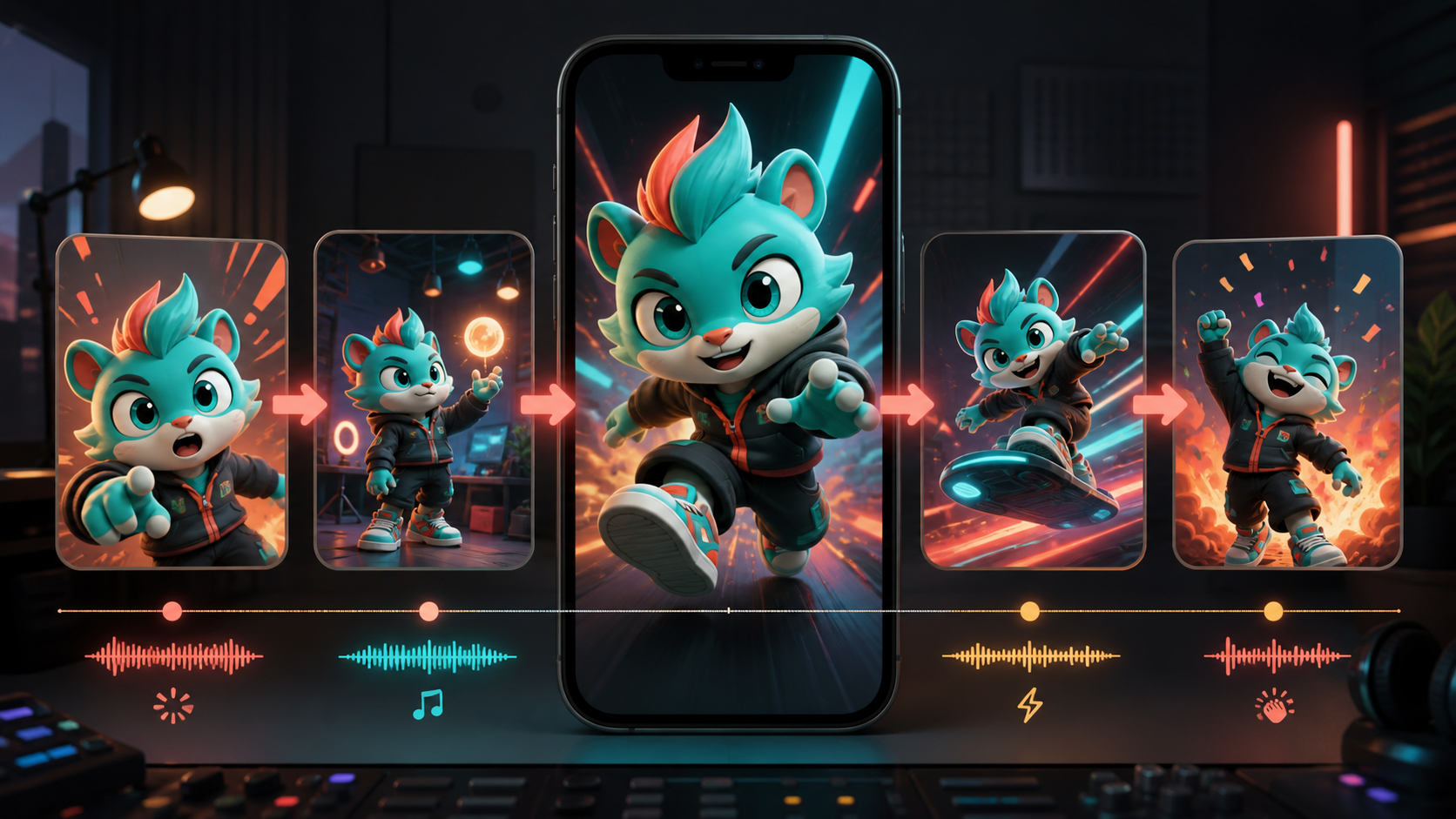
Short-form animation still needs a beginning, middle, and payoff. A practical structure is Hook → Setup → Motion → Payoff:
- 0–2 seconds — Hook: open on the strange, funny, or visually surprising image; skip logos and slow introductions.
- 2–6 seconds — Setup: reveal the character's immediate goal or problem.
- 6–11 seconds — Motion: show one readable action or transformation.
- 11–15 seconds — Payoff: land the joke, reveal, lesson, or product benefit.
For example, a recurring “cat teacher” series could open with the character pointing at an impossible equation, show a student objecting, animate one exaggerated correction, and end on a clear reaction. Each block has one function. If the motion section is weak, regenerate that short segment rather than rebuilding the entire video.
The exact duration can vary, but the source workflow recommends keeping initial concepts around 10–20 seconds. Confirm current TikTok delivery specifications before publishing; platform requirements and interface safe areas can change.
4) Establishing a Visual Anchor
A consistent visual anchor gives the generation process a fixed subject to animate. An image-to-video workflow can begin from an approved character, product, or mascot image instead of asking every clip to reconstruct the subject from text.
- Character Consistency: Define your character’s face, outfit, and art style early. Use this same reference image in every generation to ensure your audience recognizes your "host" across multiple videos.
- Product/Mascot Focus: If you are creating content for a brand, start with a clean, high-quality product photo or mascot design to serve as the foundation for all subsequent animations.
5) Crafting Effective Prompts
Your prompts should be platform-aware, specific, and structured. Build each one from a short field list:
- Frame: target aspect ratio and the current platform-safe composition.
- Opening image: the visual hook that must be readable in the first frame.
- Subject: the character, product, or mascot reference and its fixed identity traits.
- Action: one visible action with a clear start and end.
- Camera: a fixed camera or one restrained move.
- Look: animation medium, palette, lighting, and texture.
- Caption area: the region that should remain visually quiet for later text.
- Do not change: face, outfit, proportions, signature colors, or other series anchors.
Combine only the fields the shot needs. A compact prompt with one action and explicit fixed traits is easier to review than a paragraph containing several performances and camera moves.
Note: Always ensure you have the rights or consent to use the characters or likenesses you are animating. Responsible AI creation means respecting intellectual property and individual identity.
Protect the character details that make a series recognizable: face, hairstyle, outfit, proportions, silhouette, palette, and art style. Give the model one main action per clip—a blink, turn, point, short walk, object hold, or single expression change—before attempting multi-step performances.
6) Editing for the Feed
The raw AI output is just the beginning. To make your video "TikTok-ready":
- Trim the Fat: Remove slow lead-in frames. Start at the most interesting moment.
- Respect Safe Zones: Keep text and logos away from the areas covered by the TikTok UI (like the like/comment buttons on the right and the caption area at the bottom).
- Enhance with Audio: Use sound effects (whooshes, pops, or character-specific noises) to emphasize movement and transitions.
7) Building a Repeatable Production Loop
The most successful creators don't just make one video; they build a system. Generate short variations of the core concept, compare the outputs, and select the clearest usable clip. By maintaining a library of prompt templates and character assets, you can reduce setup work for future videos.
Repeatable series formats might include a fixed character responding to trends, one product photo becoming a short animated ad, a comic panel turning into a cliffhanger, a mascot explaining one concept, or a recurring “fix this prompt” demonstration. Keep the identity and format stable while changing the weekly topic.
Production Checklist
- Write the concept in one sentence.
- Design the first frame as the hook.
- Choose one strong visual anchor.
- Write a simple prompt with one main action.
- Generate several controlled variations.
- Select the version with the clearest action and strongest identity continuity.
- Remove slow lead-in or dead frames.
- Add captions and sound that contribute new information.
- Check the current interface safe zones and final 9:16 crop.
- Publish, review performance, and reuse the format rather than rebuilding the whole system.
Final Thoughts
AI animation is a tool for creative expression, not a replacement for creative intent. The strongest videos are those where the creator carefully manages the pacing, context, and sound design. Treat your AI-generated clips as raw material to be polished into a finished, engaging story.
Explore VideoAny’s AI models when you are ready to generate a controlled clip for the workflow.