AI Hug GeneratorCreate an AI hug video effect from your inputs
Generate an AI hug video effect in minutes. This page focuses on examples, best practices, FAQs, and responsible use, then sends you to the generator to create.
How the AI Hug Effect Looks Natural
Smoother motion, cleaner blending, faster iteration
Create a convincing AI hug effect with stable motion and cleaner blending. Start with short clips, iterate quickly, and export when it looks right.
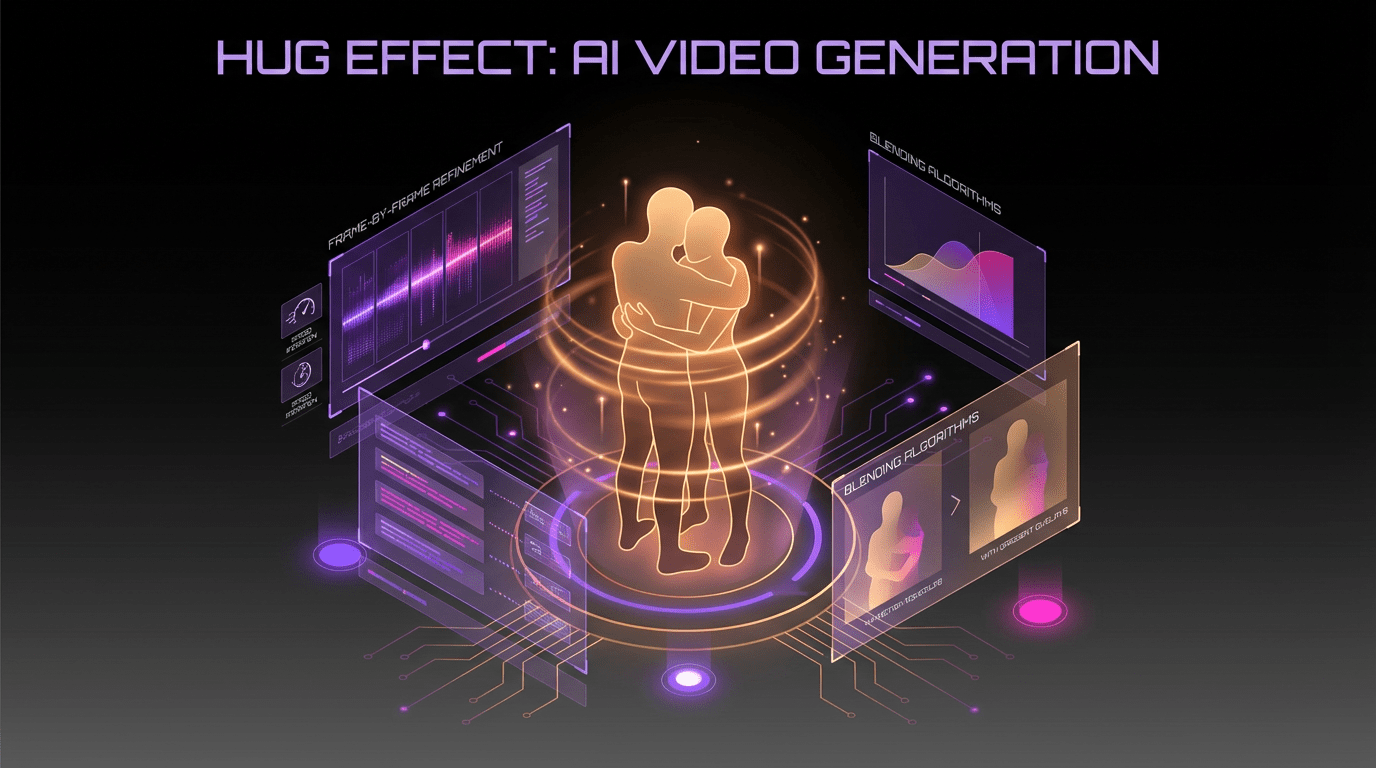
Motion-Aware Generation
Maintains consistent timing and motion so the hug effect feels natural in your clip.
Fast Preview Workflow
Generate drafts quickly so you can iterate on inputs and settings before exporting.
Cleaner Edges
Improves blending around faces and foreground details to reduce visible artifacts.
Creator-Friendly Controls
Keep results predictable with simple settings designed for repeatable outputs.
AI Hug Generator FAQ
Common questions about the AI hug effect
Answers on inputs, quality tips, and responsible use.
Still have questions? Contact our support team


Create an AI Hug Video Effect
Generate, iterate, and export in one workflow
Launch the generator to create your AI hug effect. Use short clips for fast iteration, then export when you’re ready.
- Fast previews for quick iteration
- Cleaner blending and smoother motion
- Export when results look right
- Responsible use guidance included