Video & motion
AI Video Generator
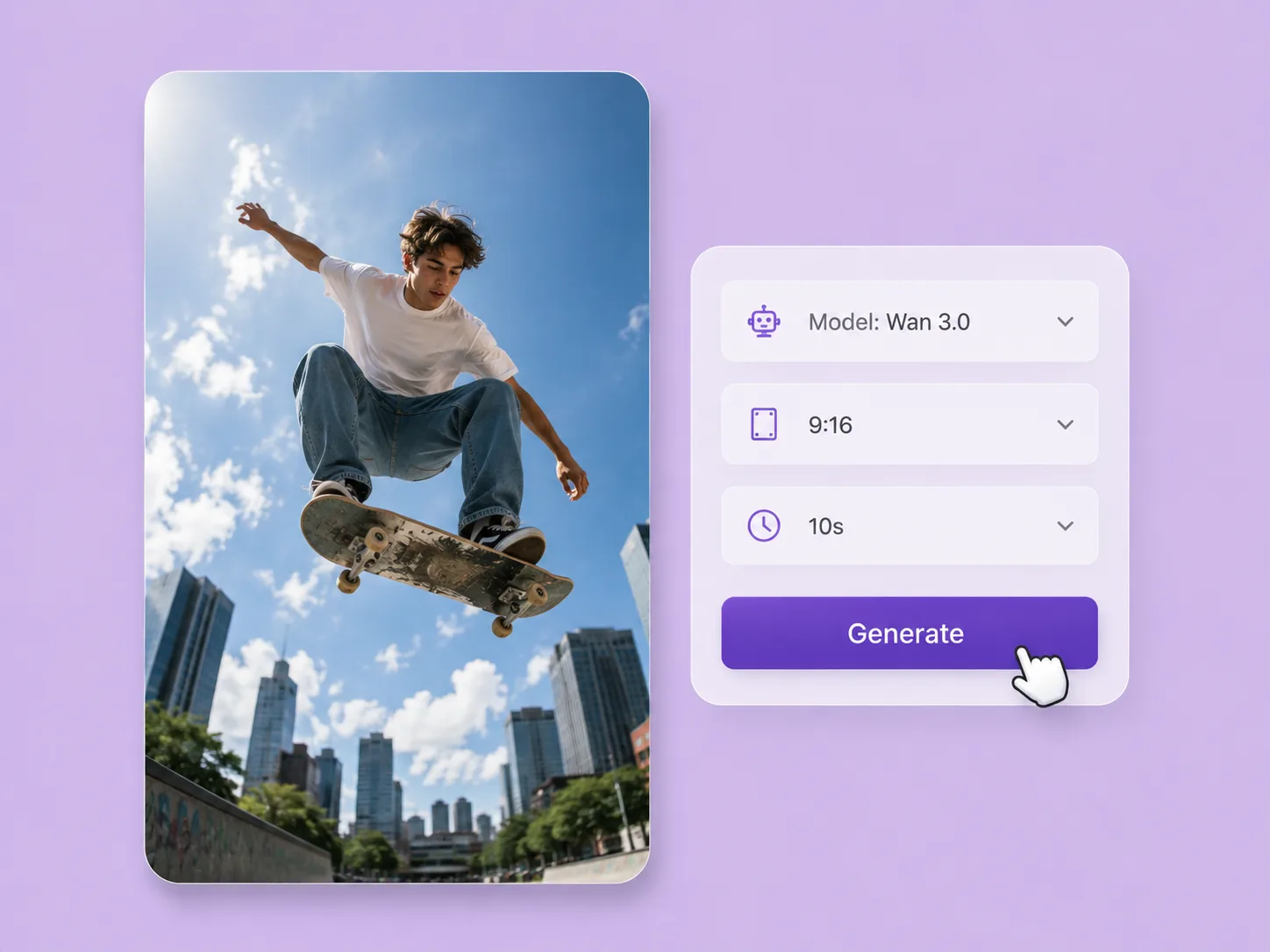
Turn a creative brief into a shot. Start with words or an image and direct motion with VideoAny V5, V4, V3, or V2.
Explore solutionVIDEOANY SOLUTIONS
Start with the creative task in front of you. Develop stills with ImageAny, direct motion with VideoAny, and use focused tools to bring the pieces of your project together.
Develop the starting frame with ImageAny V3 or V2: create from words or guide an edit with your references.
Create the shot with VideoAny V5, V4, V3, or V2: animate a selected still or invent a scene from text.
Model choices carry into matching generation workflows. Dedicated processing tools show their own inputs and controls.
Develop a creator portrait, character, or campaign outfit with ImageAny. Explore the clothing edit, then take the selected still into motion in VideoAny.
Explore Clothes Changer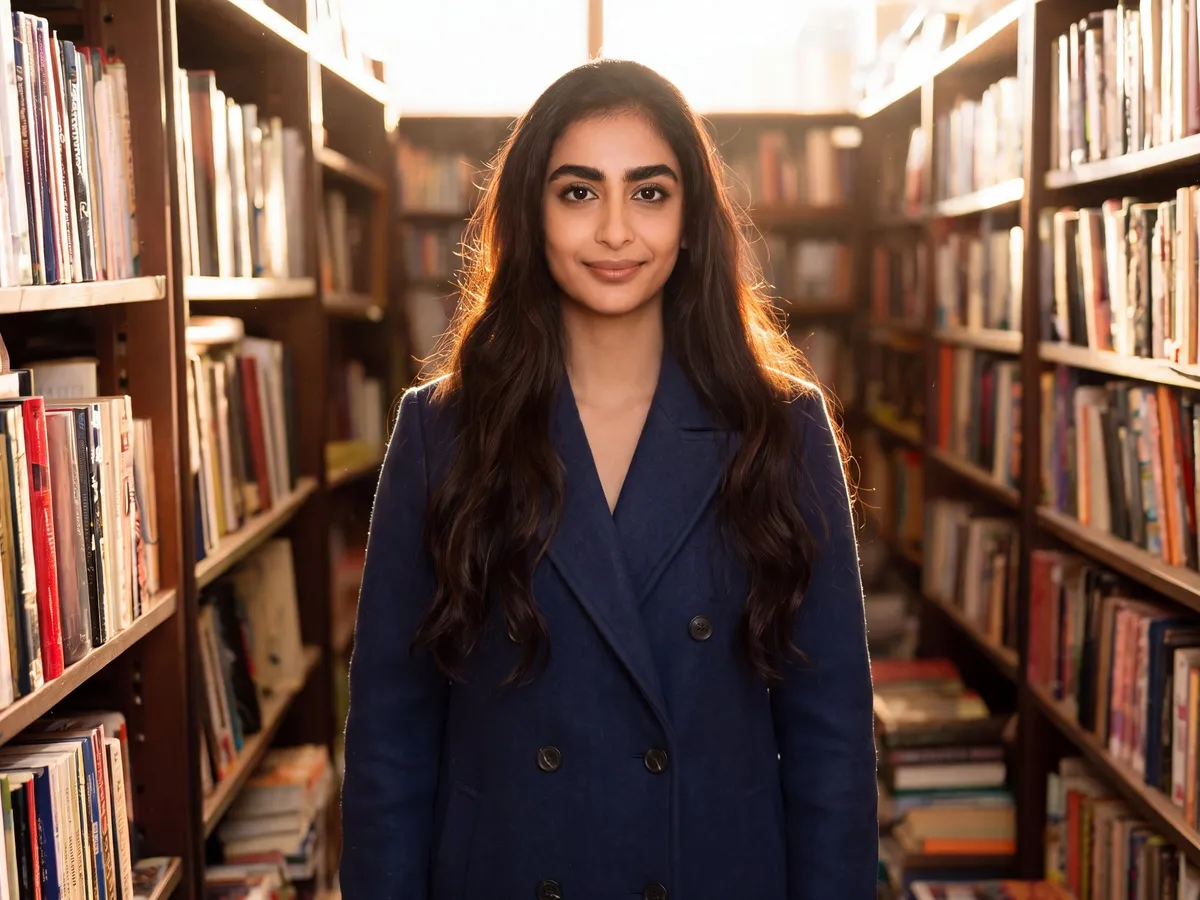
23 solutions
Video & motion
Turn a creative brief into a shot. Start with words or an image and direct motion with VideoAny V5, V4, V3, or V2.
Explore solution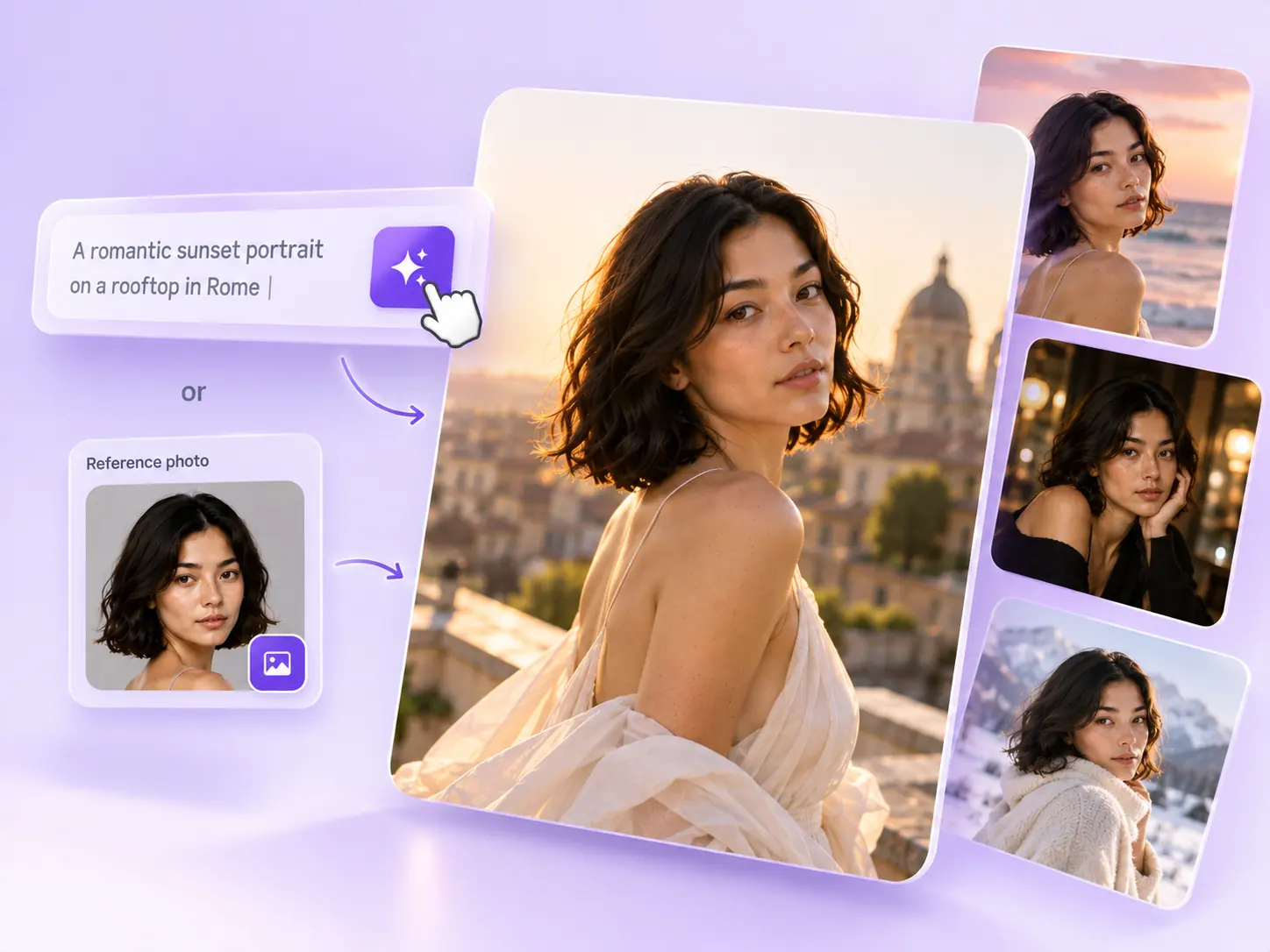
Image creation
Create the still that starts the story: product concepts, portraits, and campaign photos from a written ImageAny brief.
Explore solution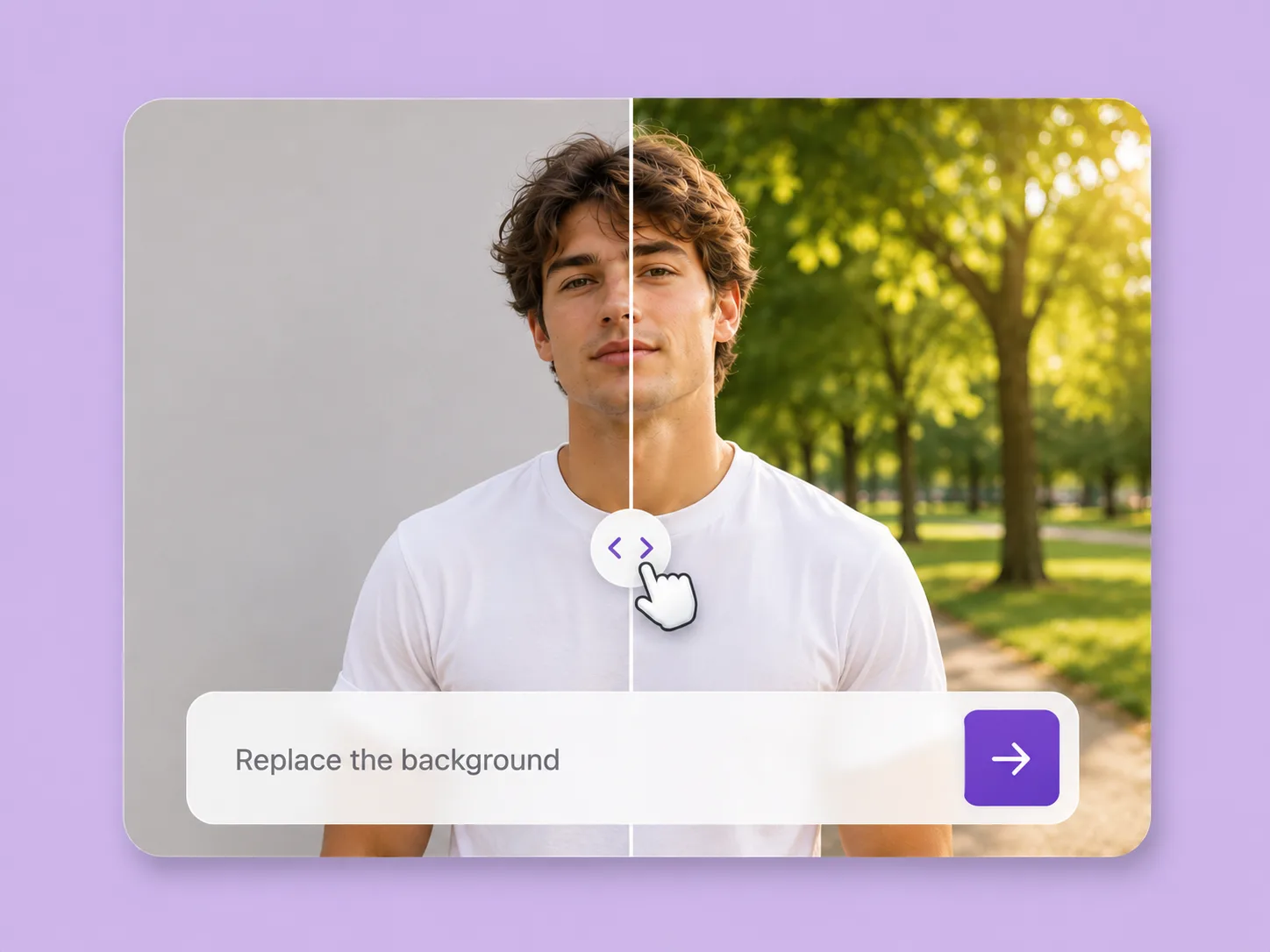
Photo editing
Make an existing image fit the next idea. Direct backgrounds, styling, objects, and light with ImageAny V3 or V2.
Explore solution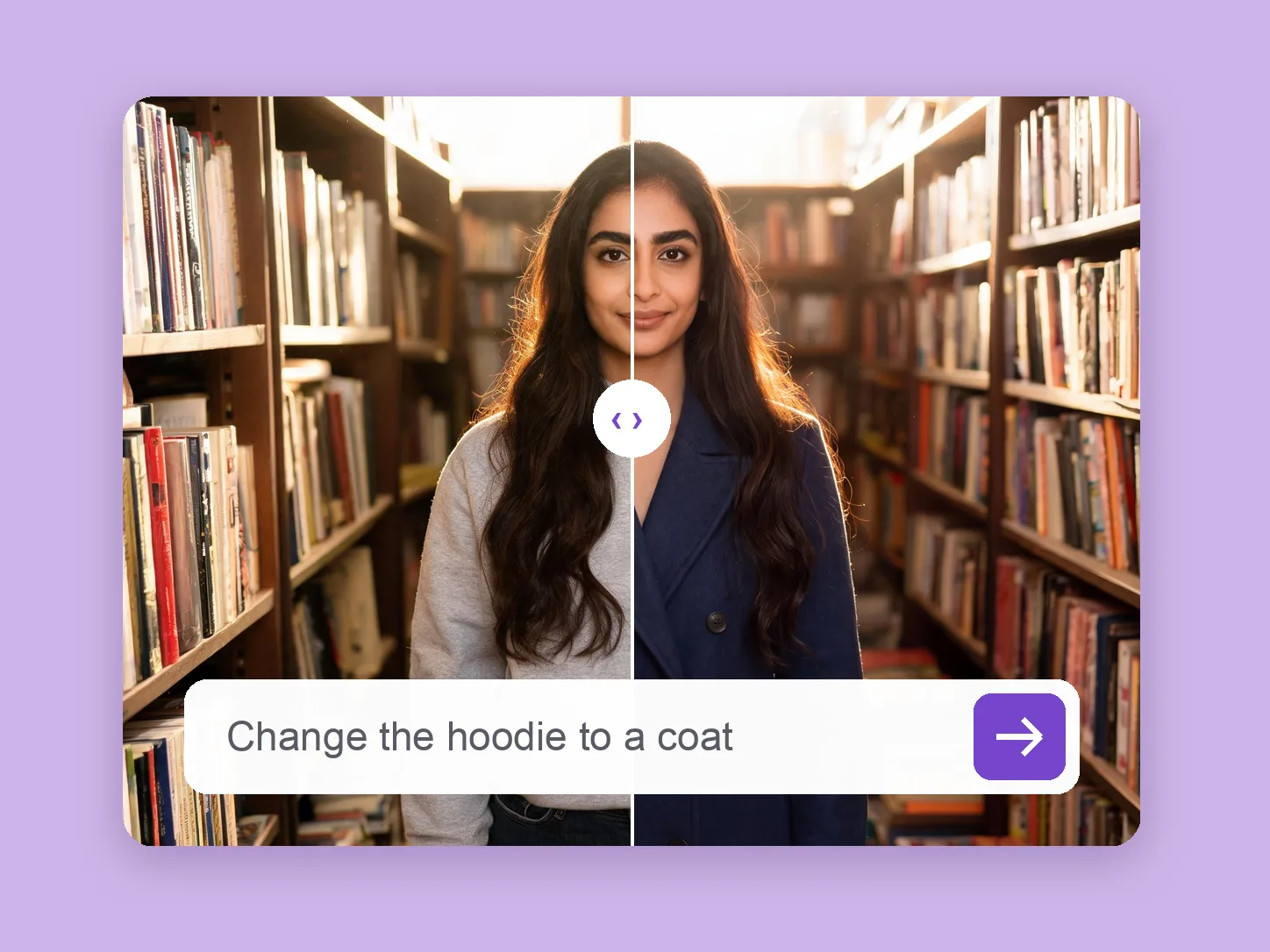 Featured
Photo editing
Develop a wardrobe for a portrait, character, or campaign frame using a clothing prompt or garment reference.
Explore solution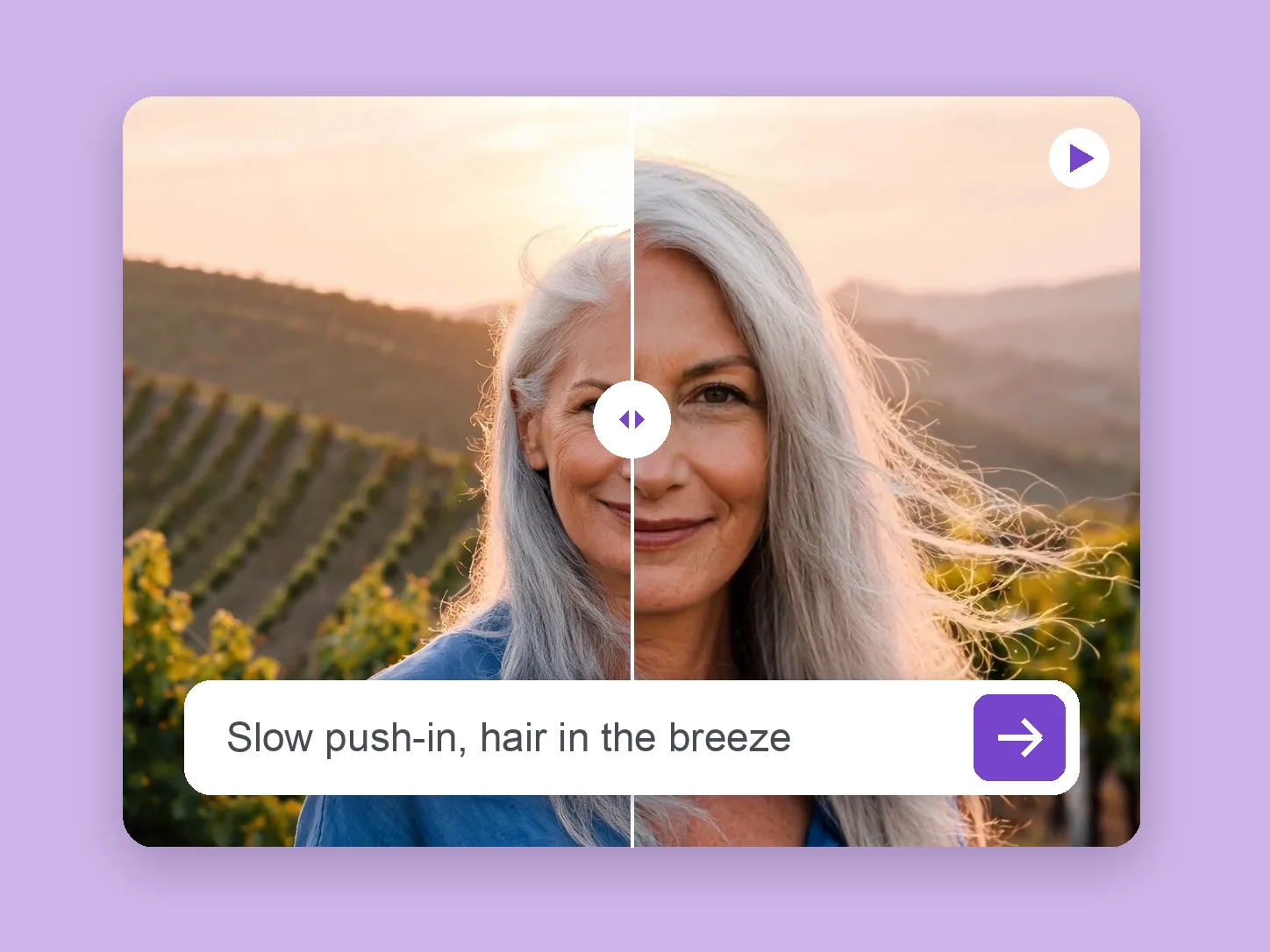
Video & motion
Bring a chosen still into motion. Direct the subject and camera with VideoAny V5, V4, V3, or V2.
Explore solution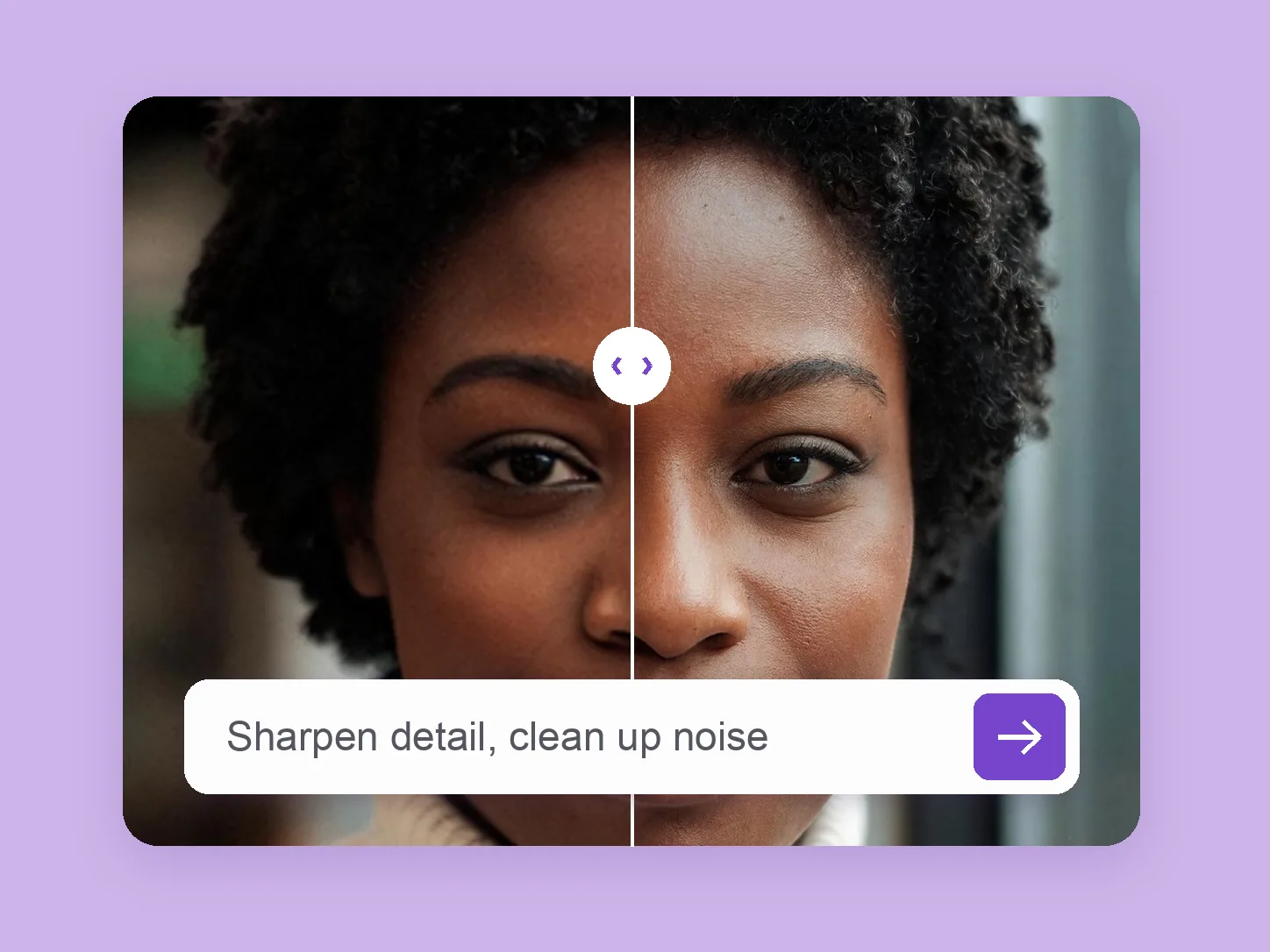
Photo editing
Explore a more considered finish for light, texture, and apparent detail through a focused ImageAny editing brief.
Explore solution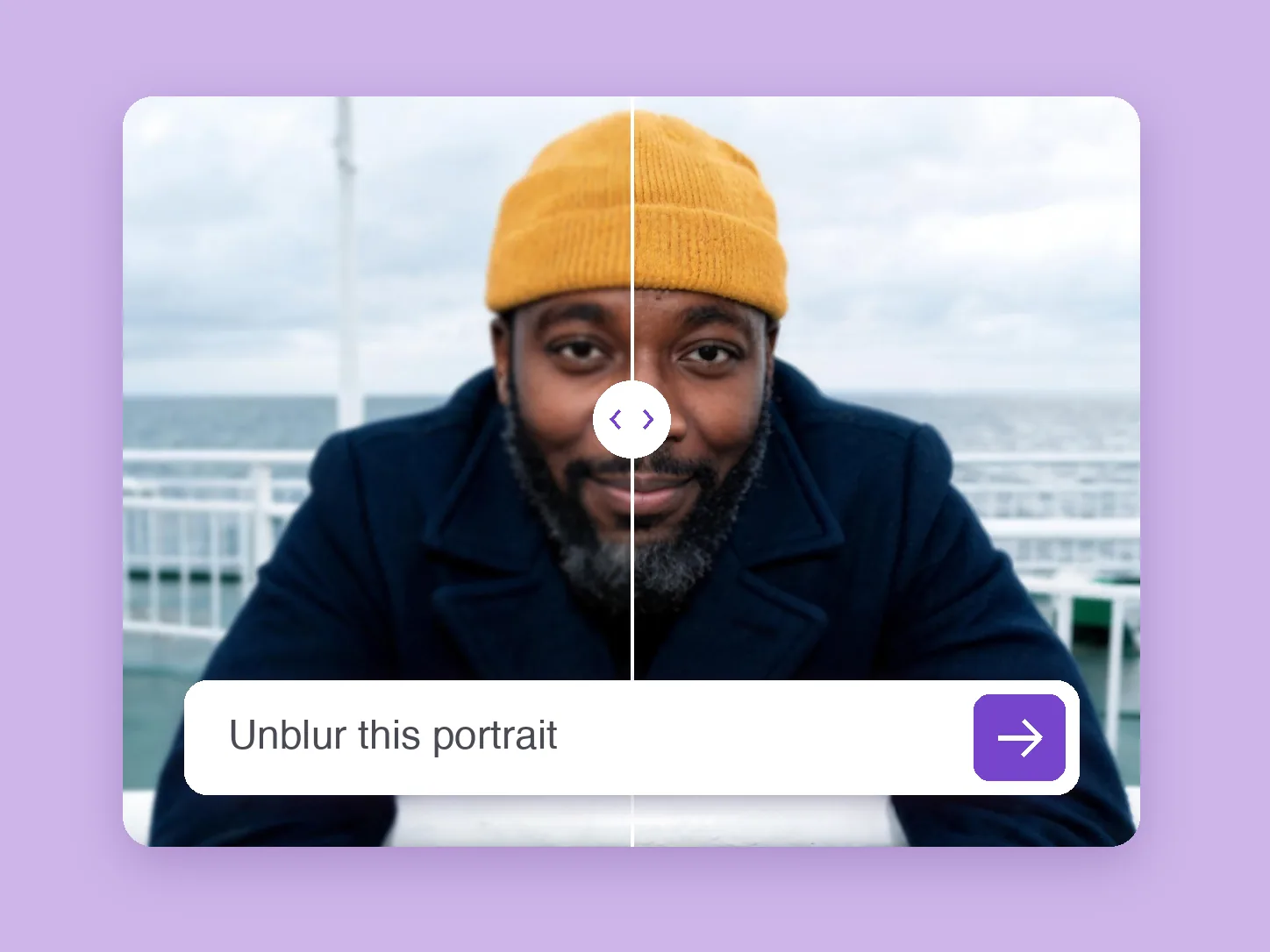
Photo editing
Try a clearer-looking interpretation of a soft photo with ImageAny, then compare reconstructed detail with the source.
Explore solution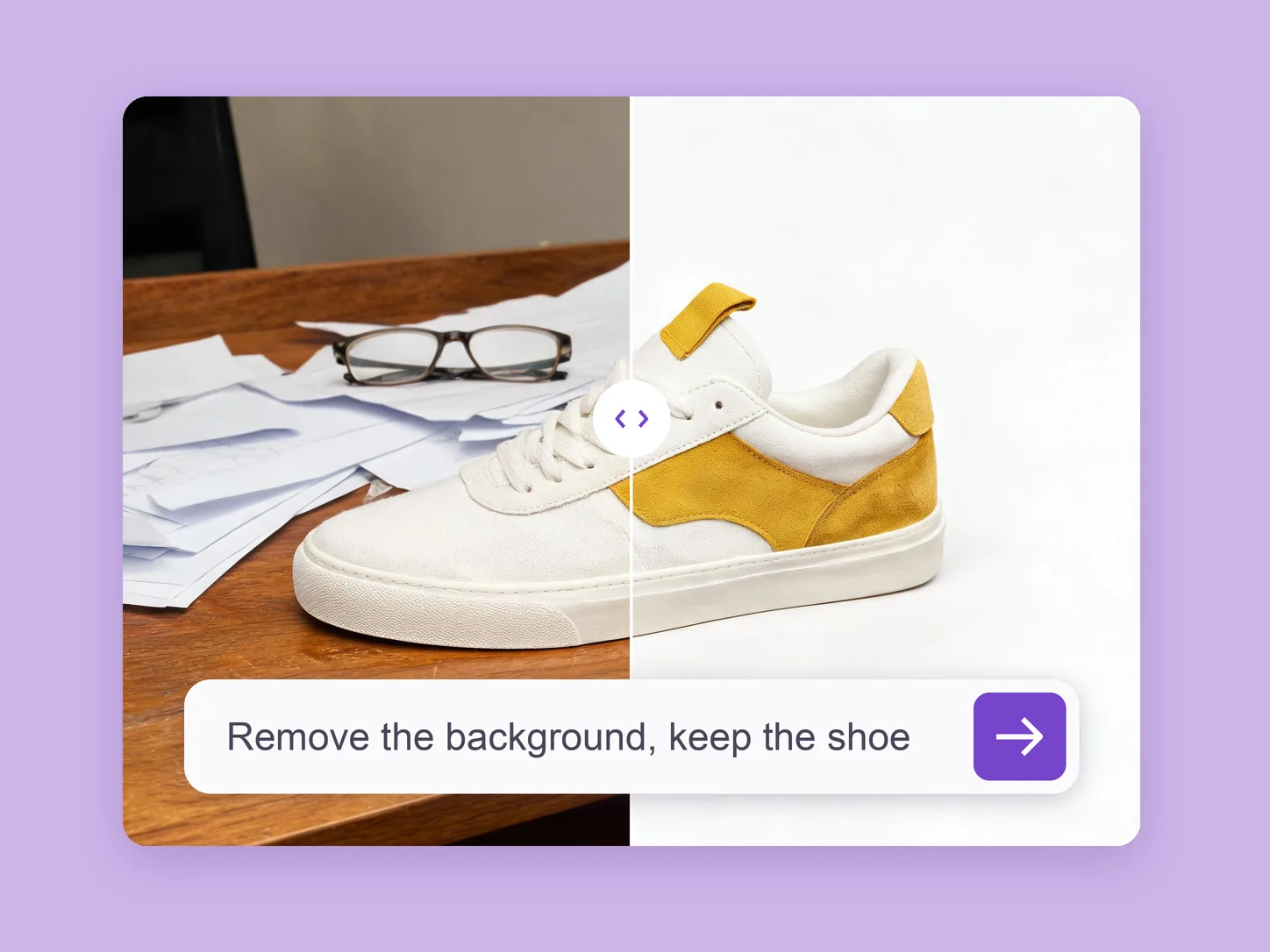
Photo editing
Place a portrait or product in a clean studio setting or a new scene through prompt-guided background replacement.
Explore solution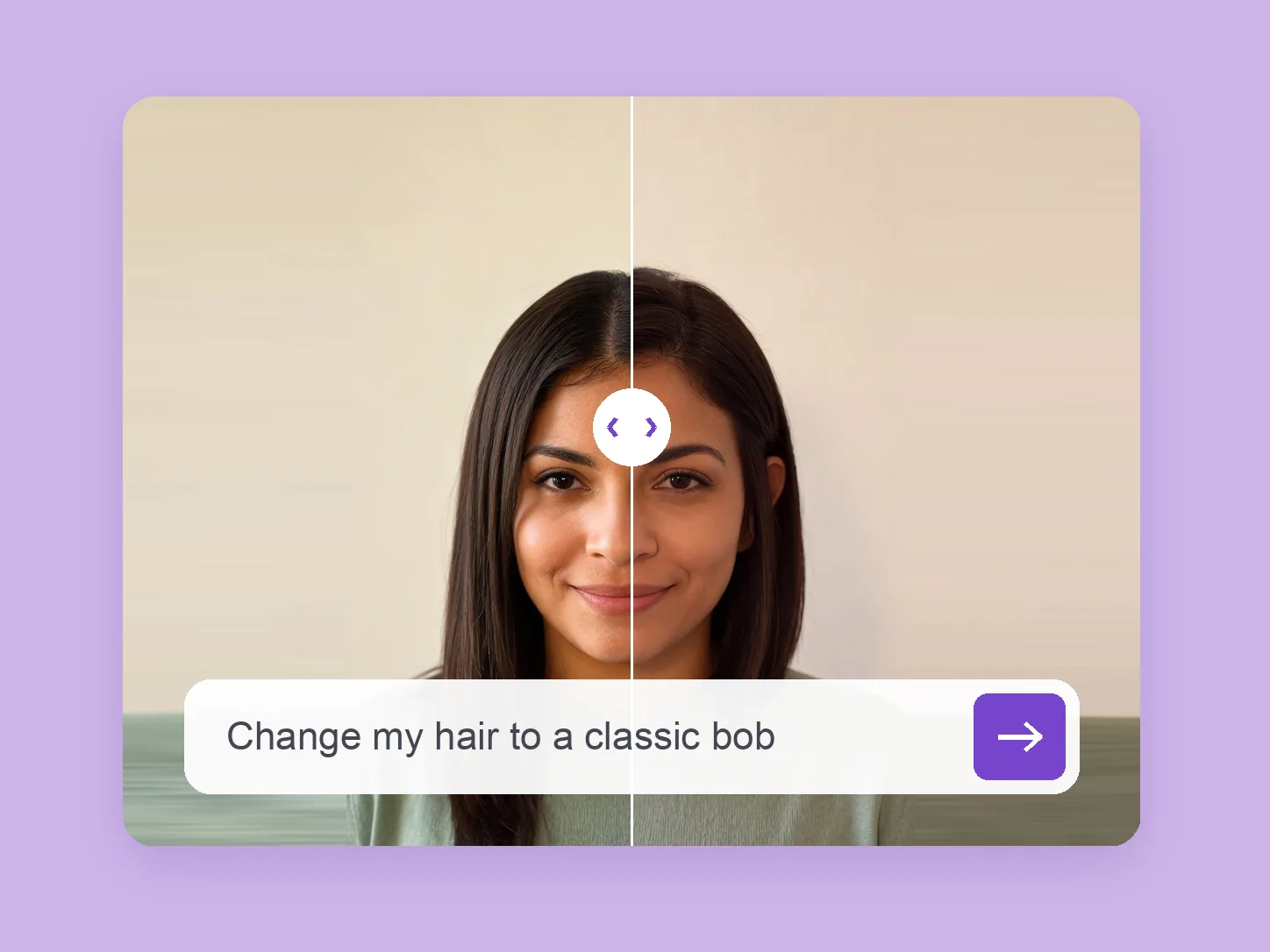
Portraits & faces
Compare a new cut, texture, or color on a portrait before choosing the look for yourself or a character.
Explore solution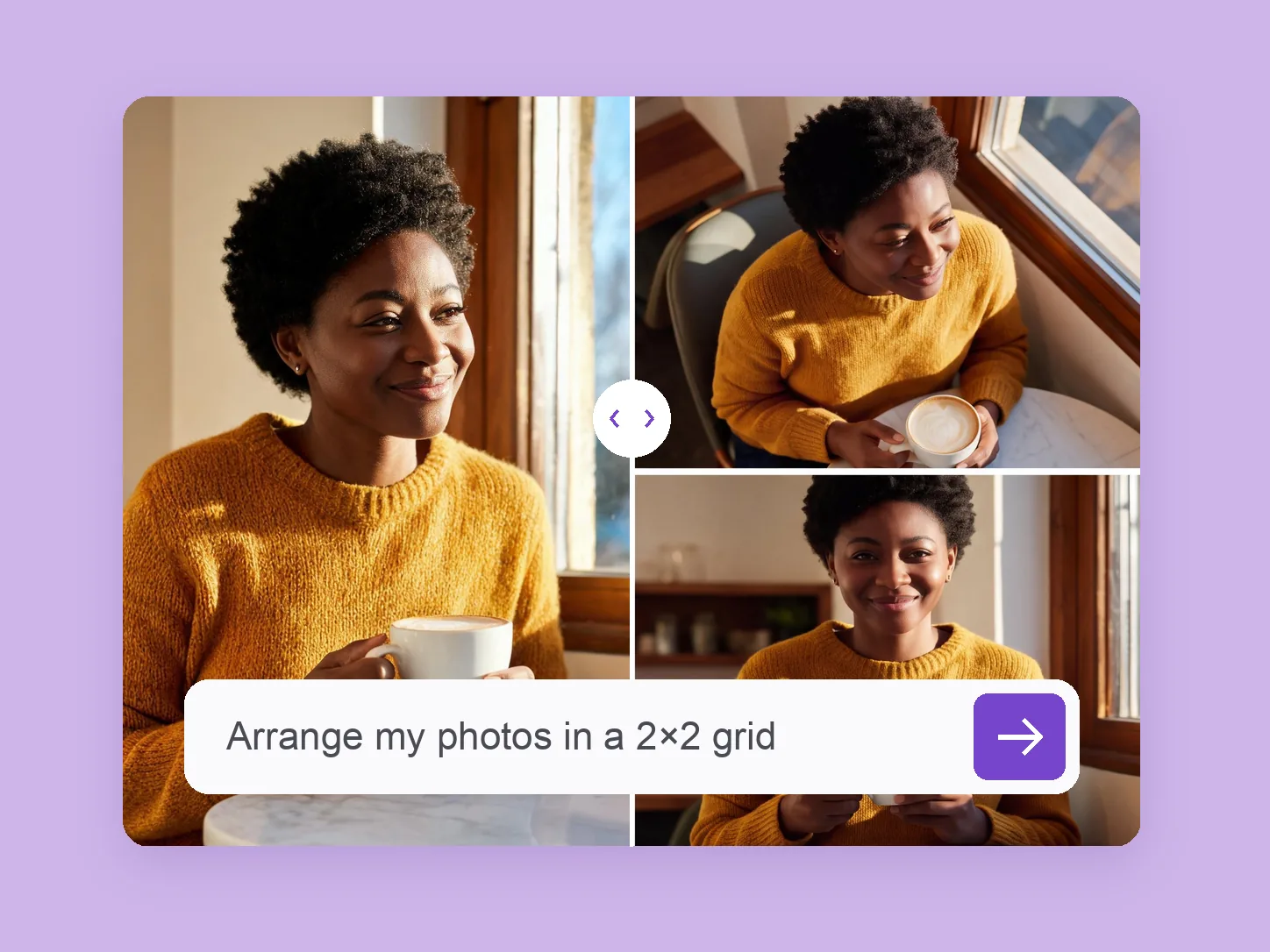
Image creation
Turn up to four references into a generated moodboard or collage with a clear panel layout and shared visual direction.
Explore solution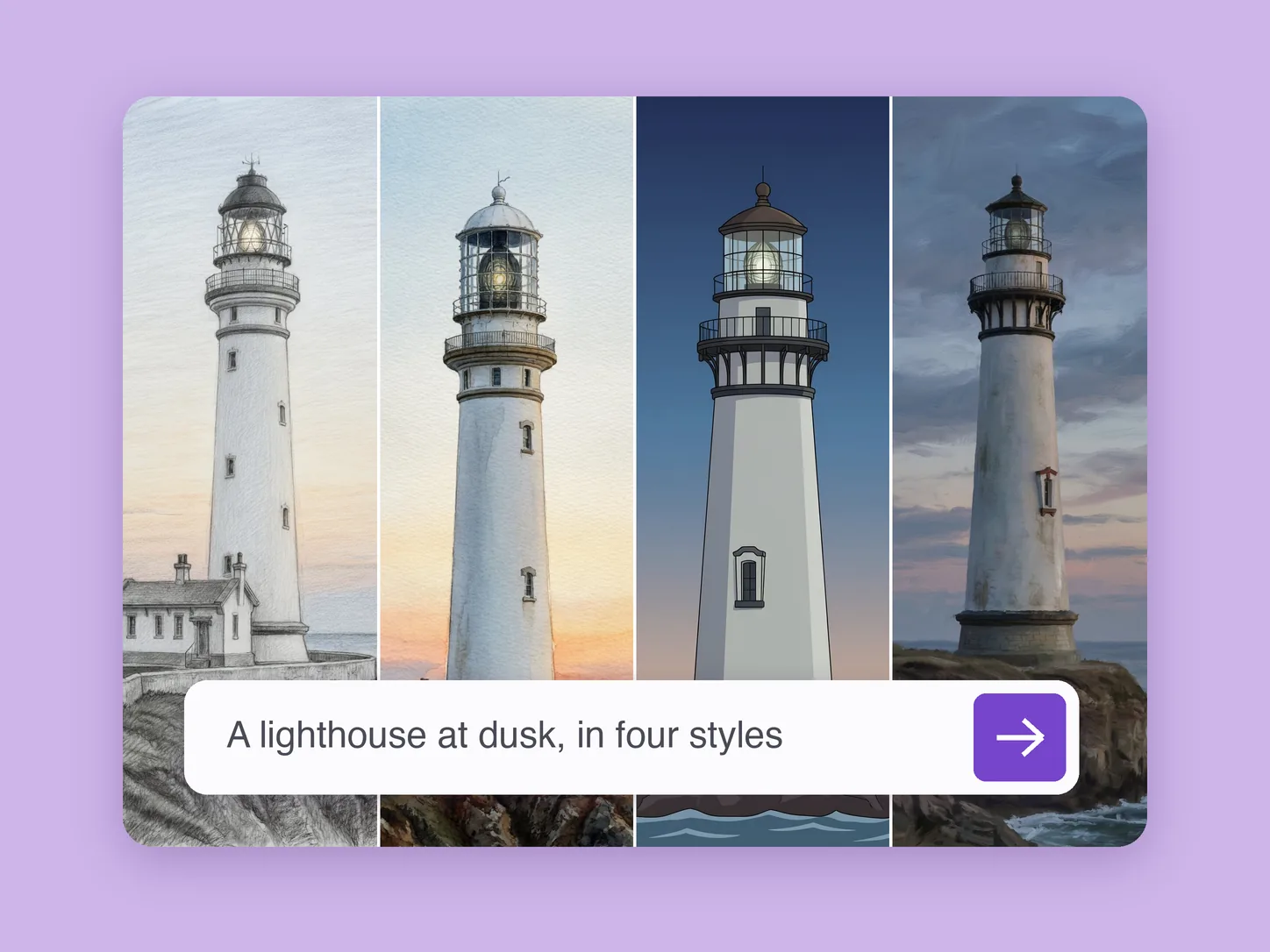
Image creation
Choose a subject, medium, and palette. Develop illustrations, paintings, and stylized worlds with ImageAny.
Explore solution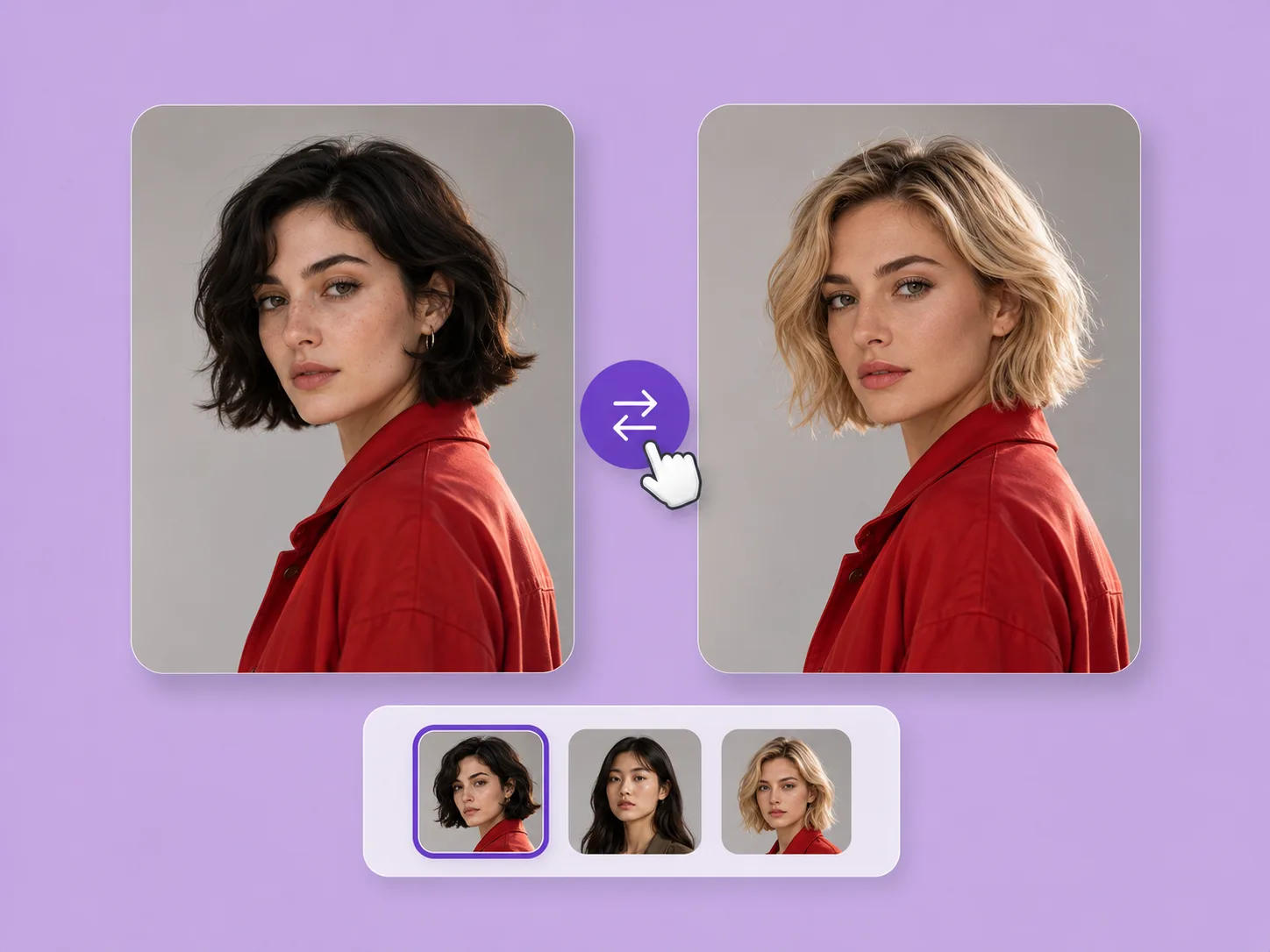
Portraits & faces
Bring a face reference into a target photo using the dedicated swap workflow, with video and GIF options available.
Explore solution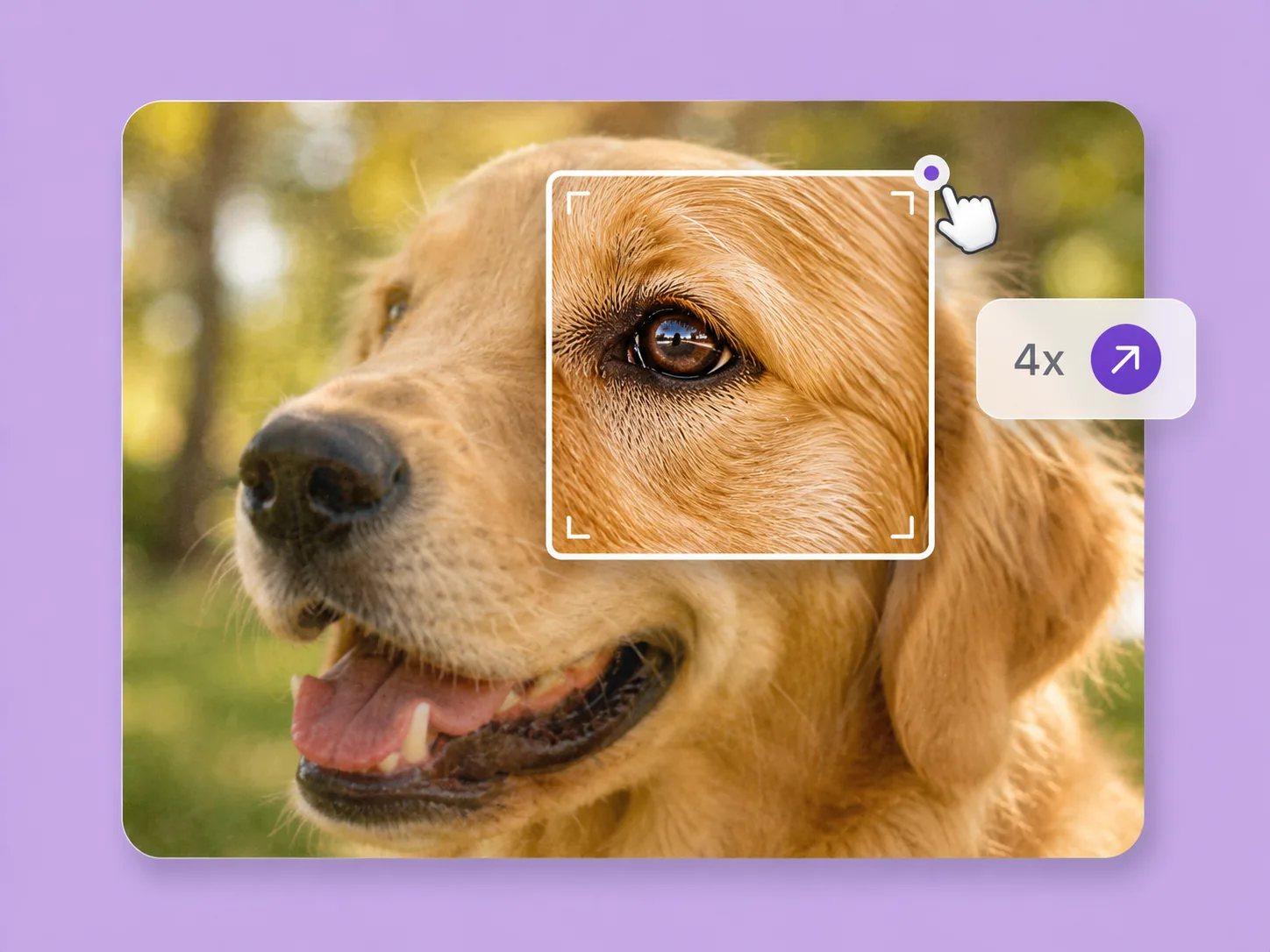
Photo editing
Prepare a larger creative revision with ImageAny’s available output settings and inspect how generated details change.
Explore solution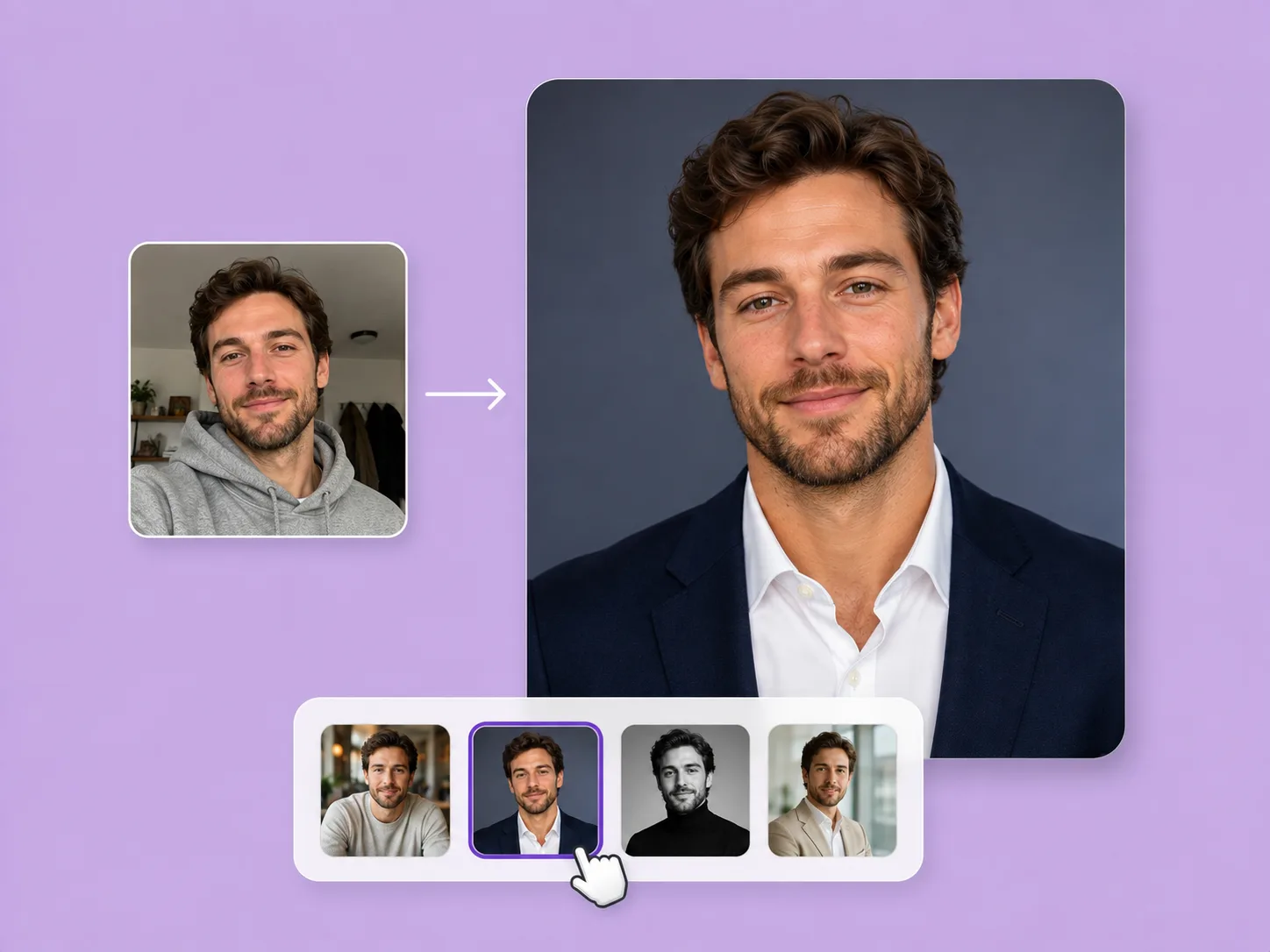
Portraits & faces
Coordinate clothing, background, light, and framing to develop a professional profile portrait from your photo.
Explore solution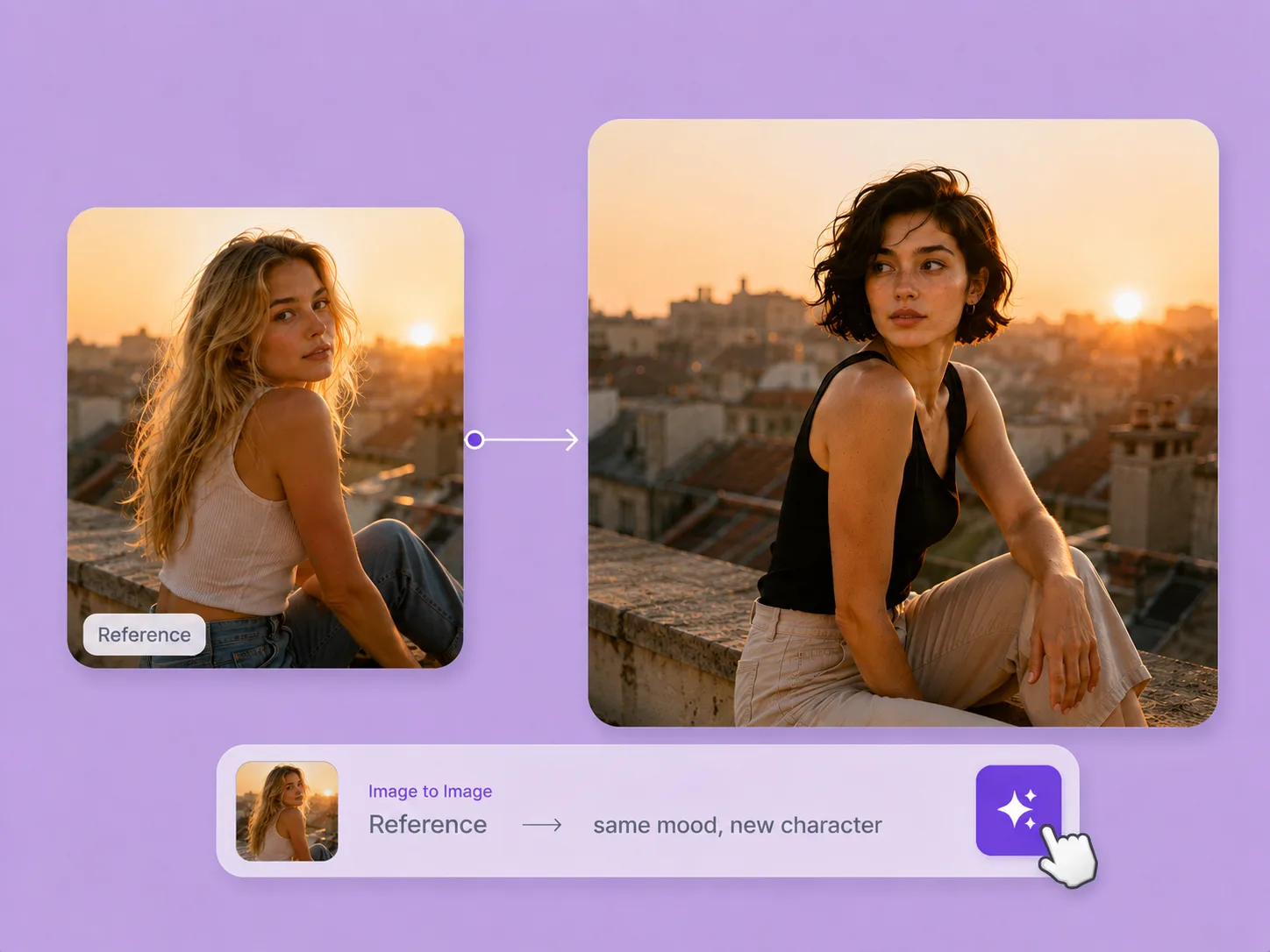
Image creation
Use a photo, sketch, or product reference to guide the next scene, composition, or visual treatment with ImageAny.
Explore solution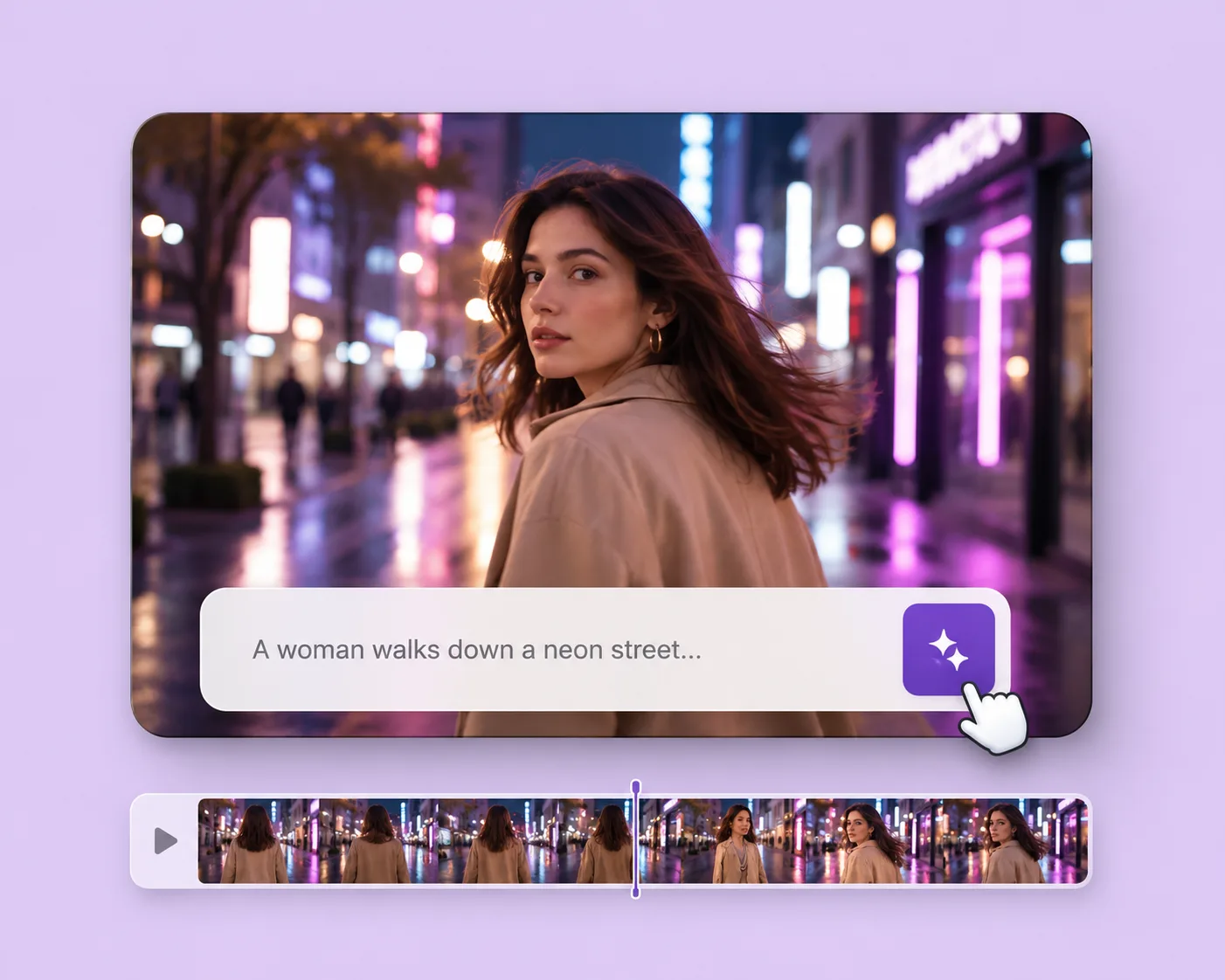
Video & motion
Write the subject, action, setting, and camera movement. Direct an original shot with your selected VideoAny version.
Explore solution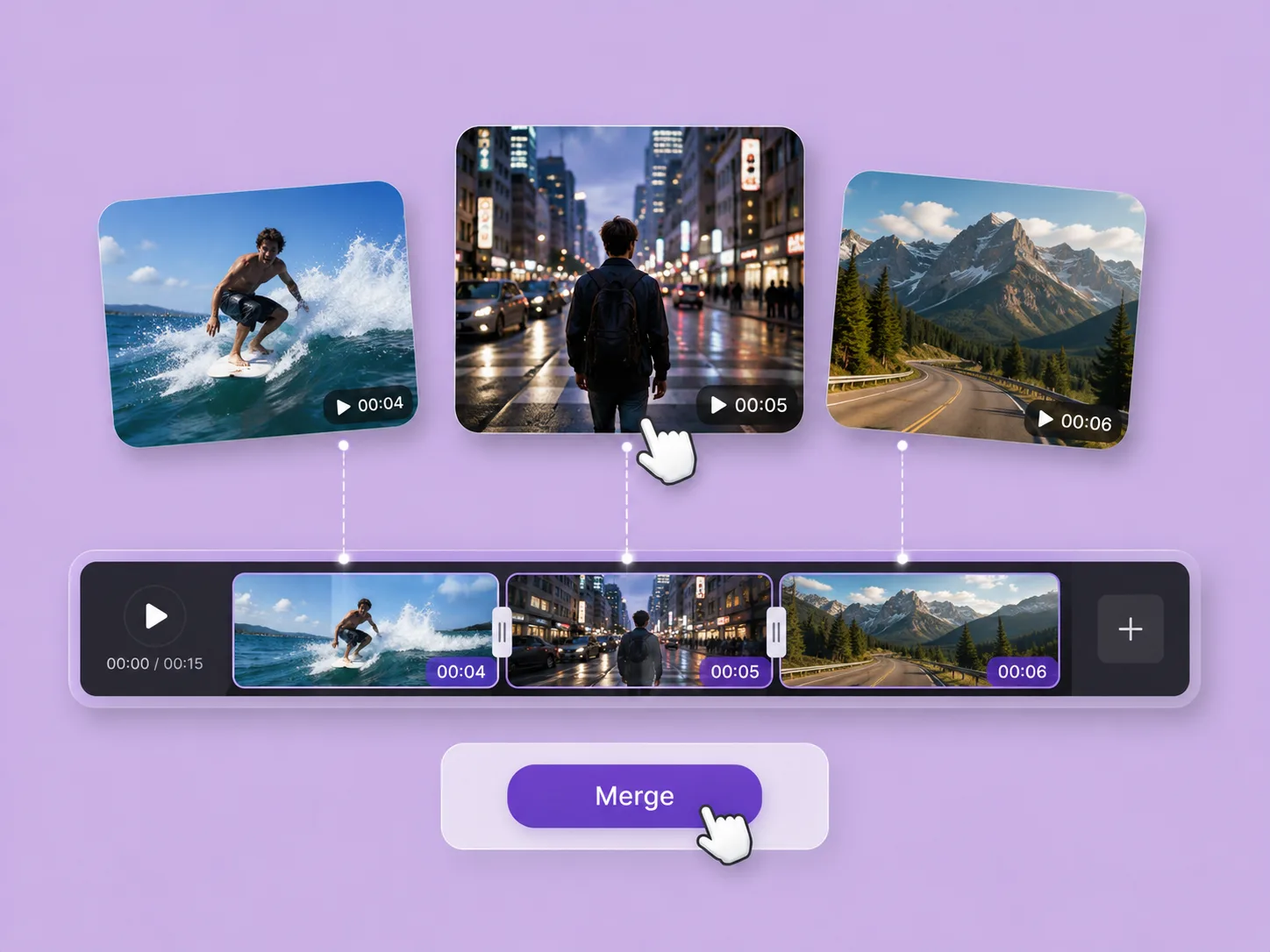
Video & motion
Arrange two to five prepared MP4 clips and combine them into one landscape video after reviewing the processing quote.
Explore solution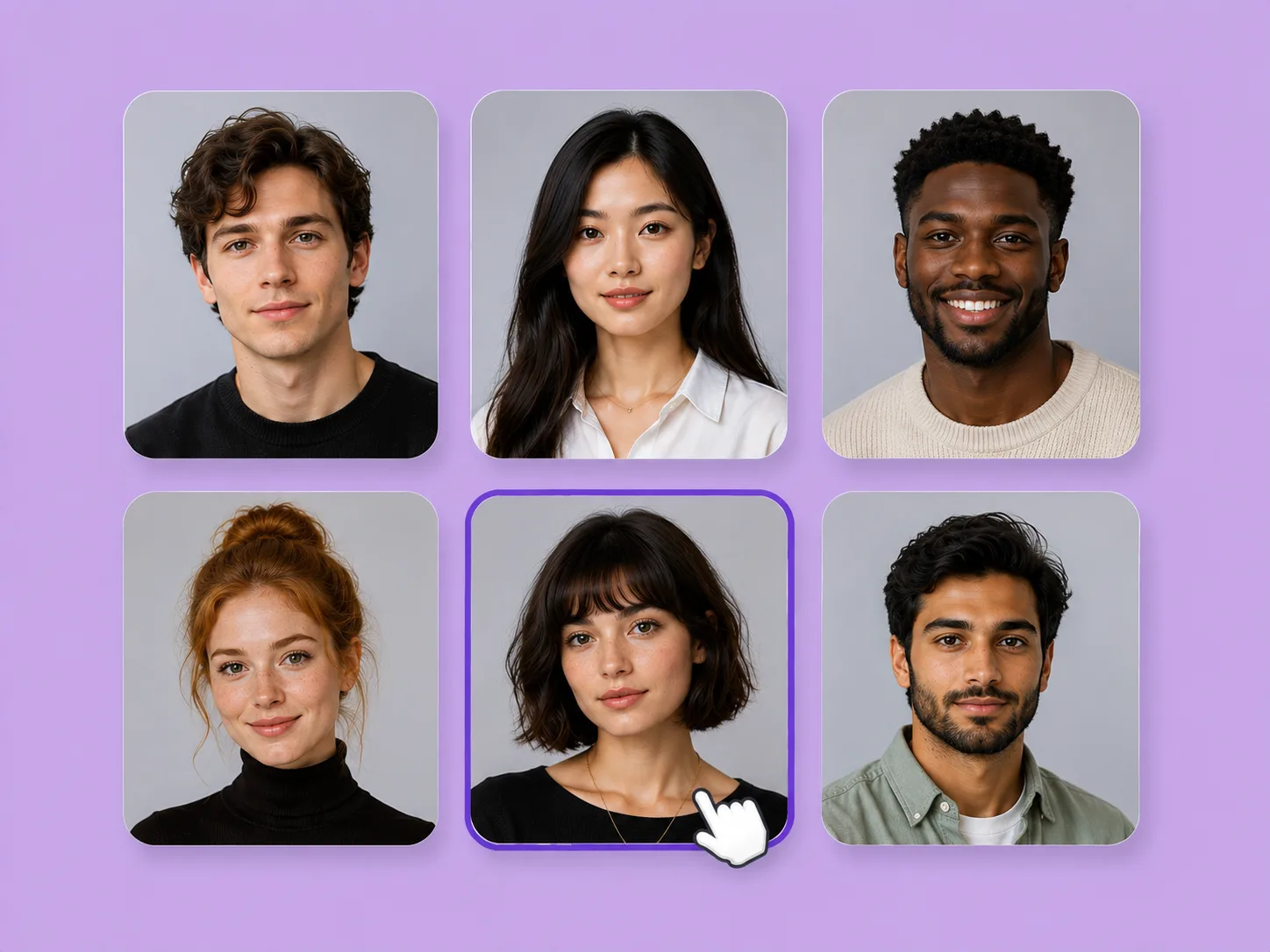
Portraits & faces
Design an original fictional portrait, then use the selected face as a reference for further character development.
Explore solution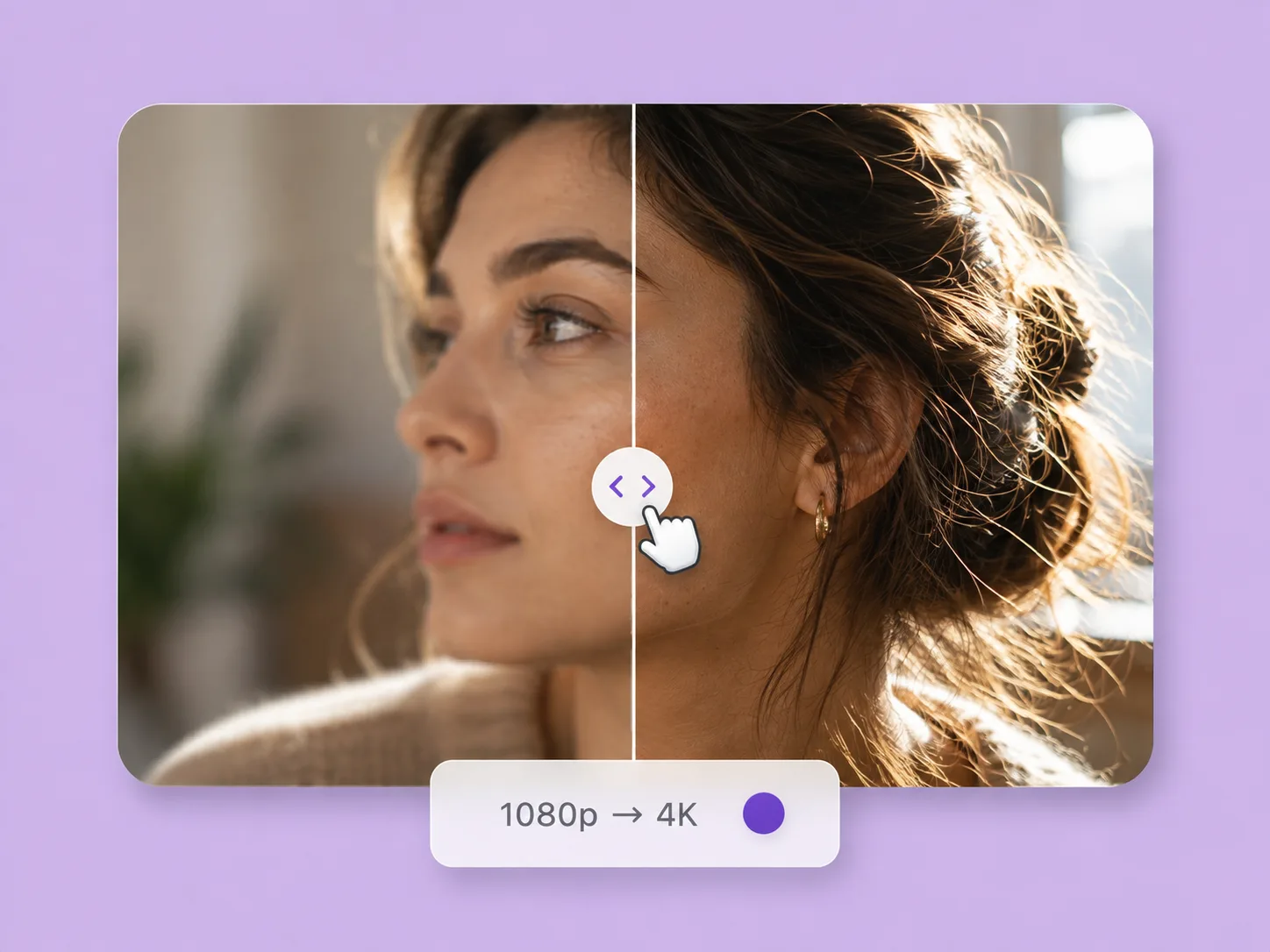
Video & motion
Enlarge a supported short MP4 clip by 2× with the dedicated processor, with validated settings and a credit quote.
Explore solution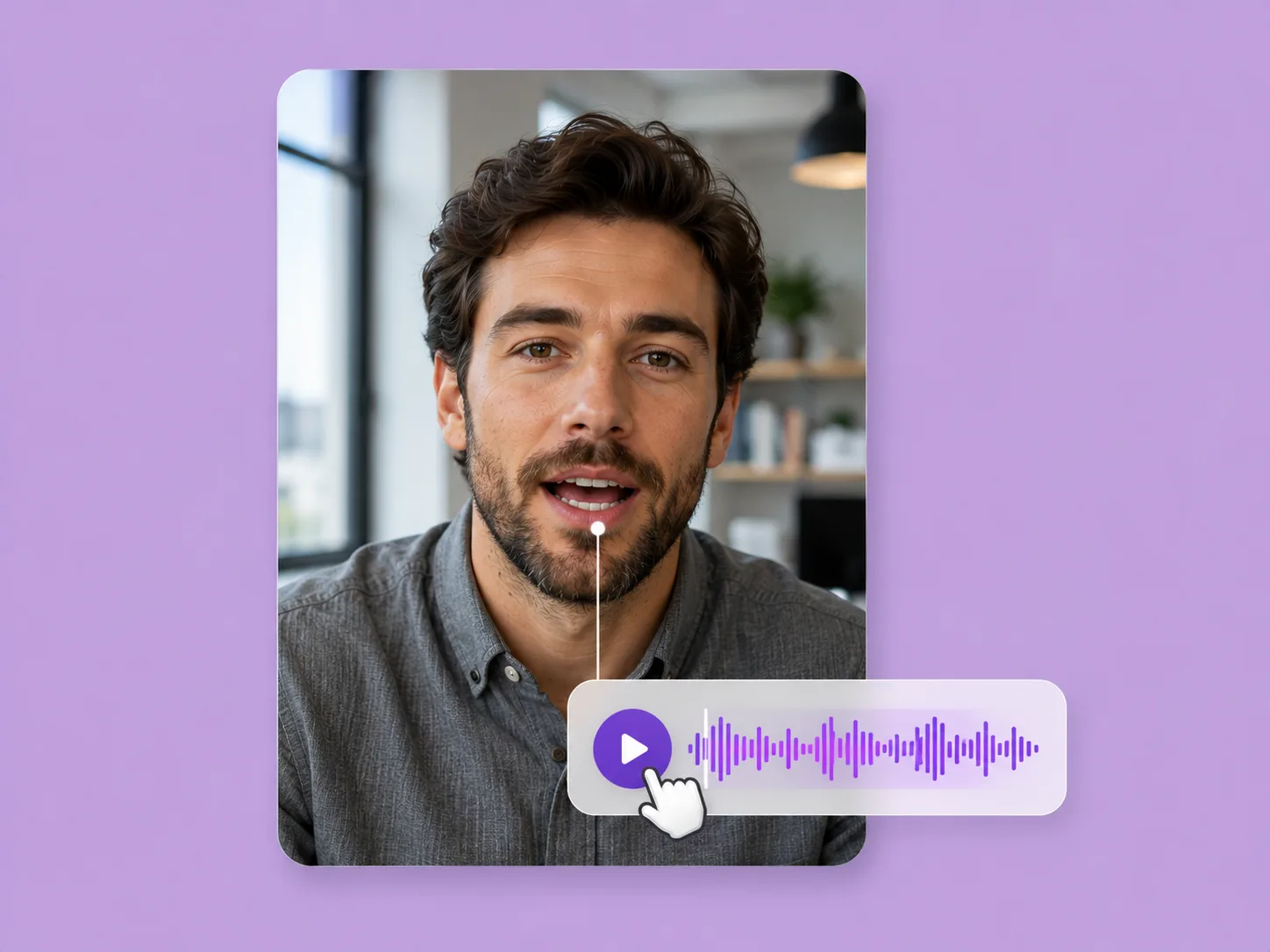
Video & motion
Bring a portrait and a finished voice recording together in the dedicated lip sync workspace.
Explore solution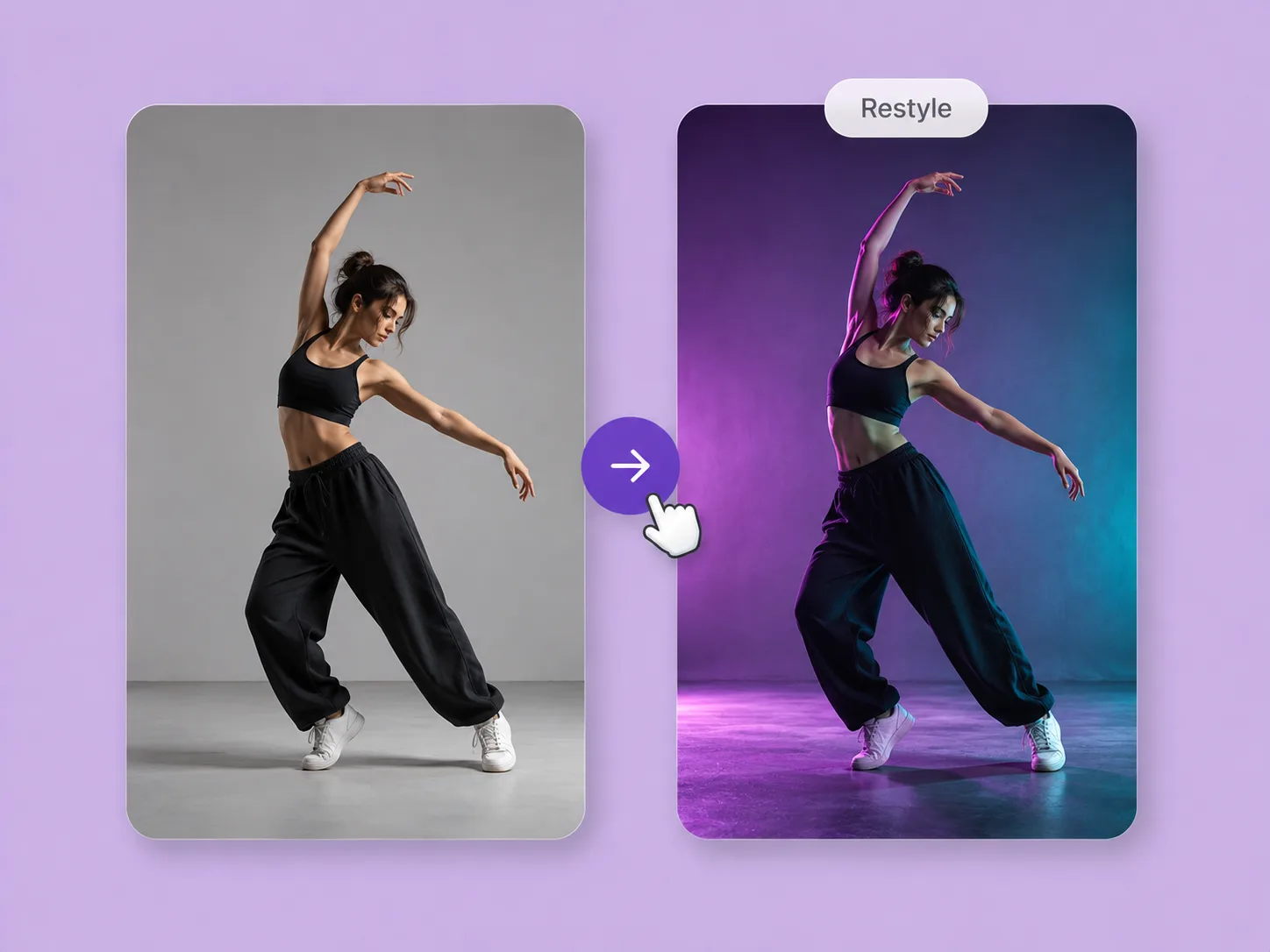
Video & motion
Give an existing clip a new visual treatment while using its motion as the starting point for the edit.
Explore solution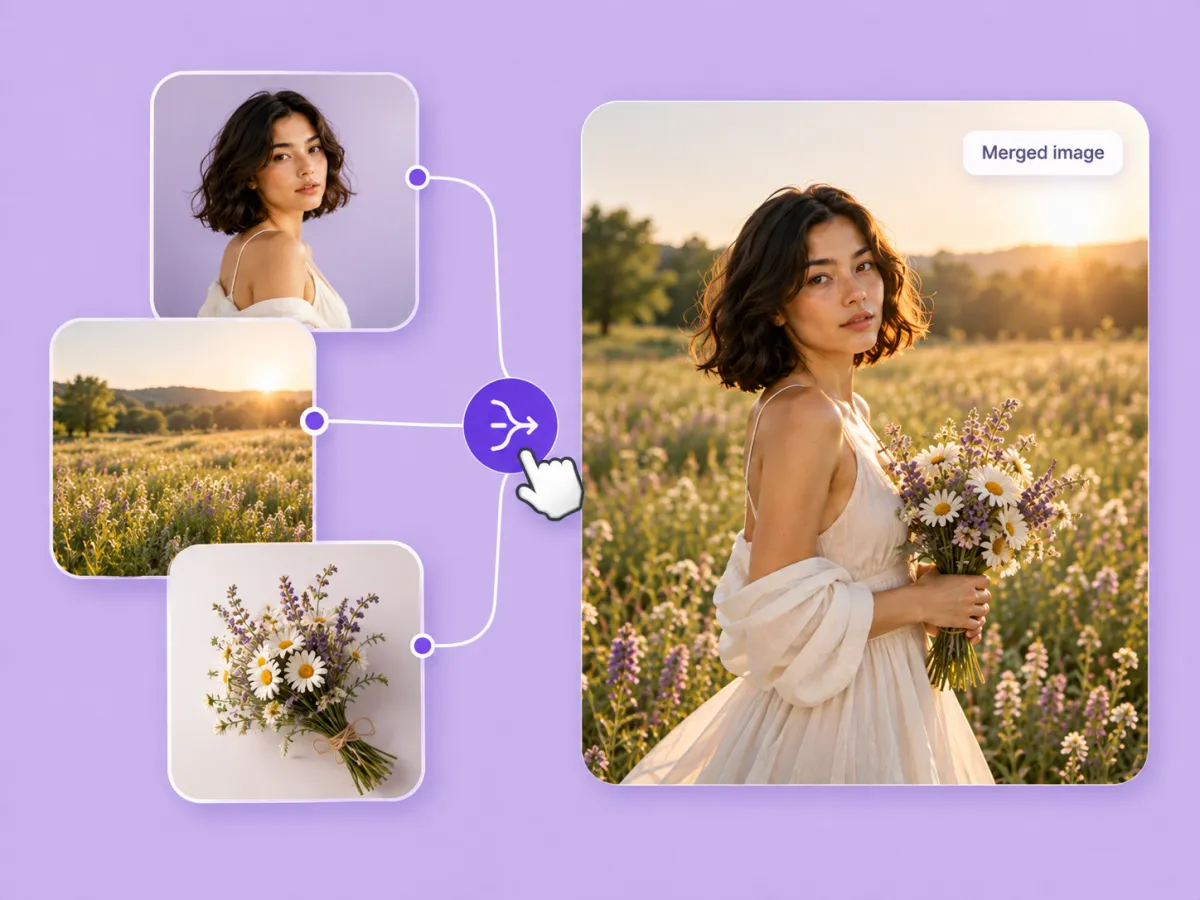
Image creation
Assign a role to each reference and bring people, products, garments, or settings into one generated scene.
Explore solution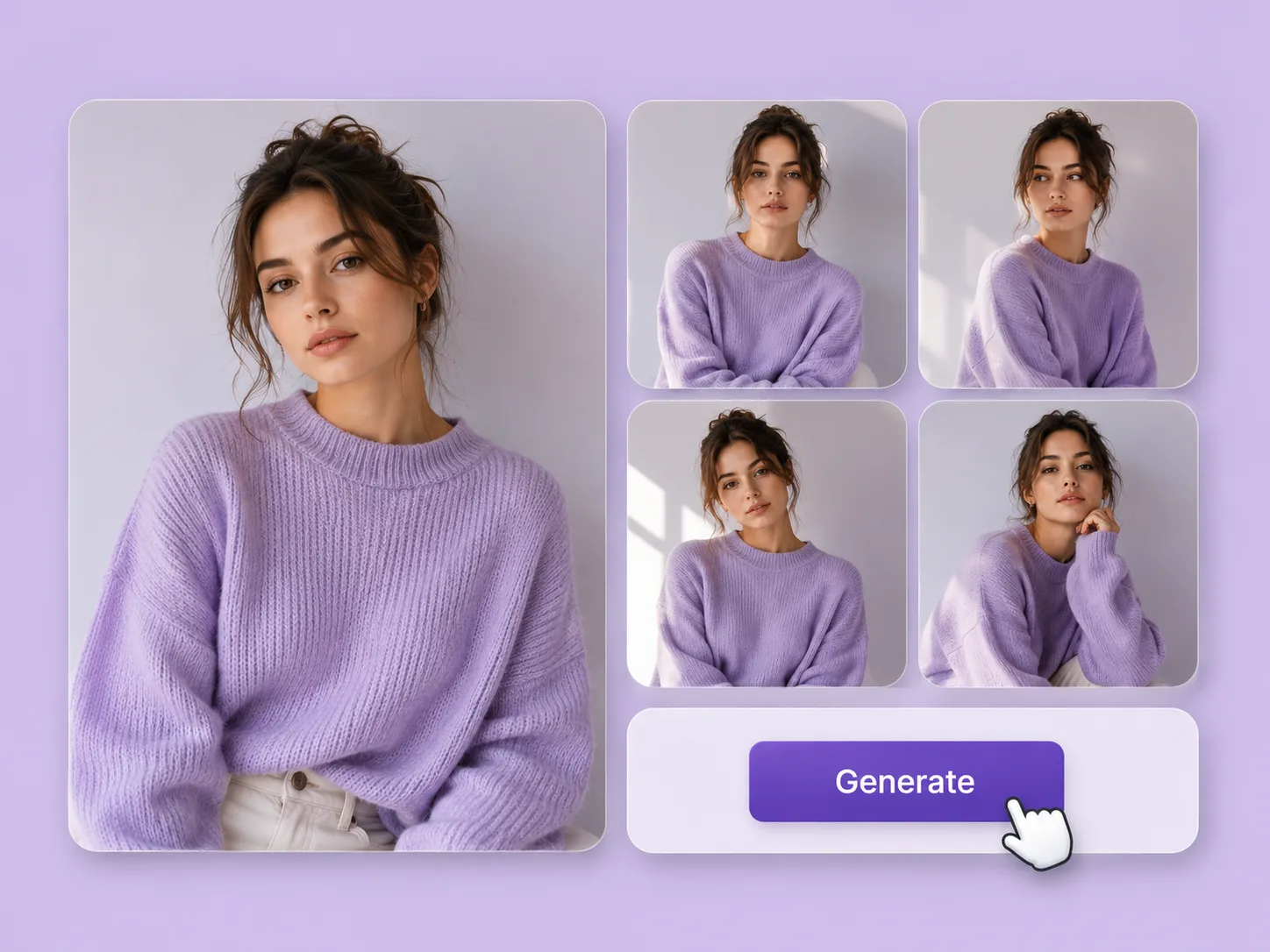
Image creation
Keep a promising reference and explore a deliberate change in light, styling, mood, or composition with ImageAny.
Explore solution