Wan 2.7 Image Generator
Create and refine images with Wan 2.7

Why Choose Wan 2.7
Prompt-accurate visuals, cleaner text, and flexible Wan 2.7 editing
Wan 2.7 is built for creators who need more than generic image output. Alibaba positions Wan 2.7 around precision, personalization, and controllable visual styling, while the current Wan 2.7 workflow here supports practical text-to-image generation and guided image editing for day-to-day creative production.
Wan 2.7 for Better Prompt Understanding
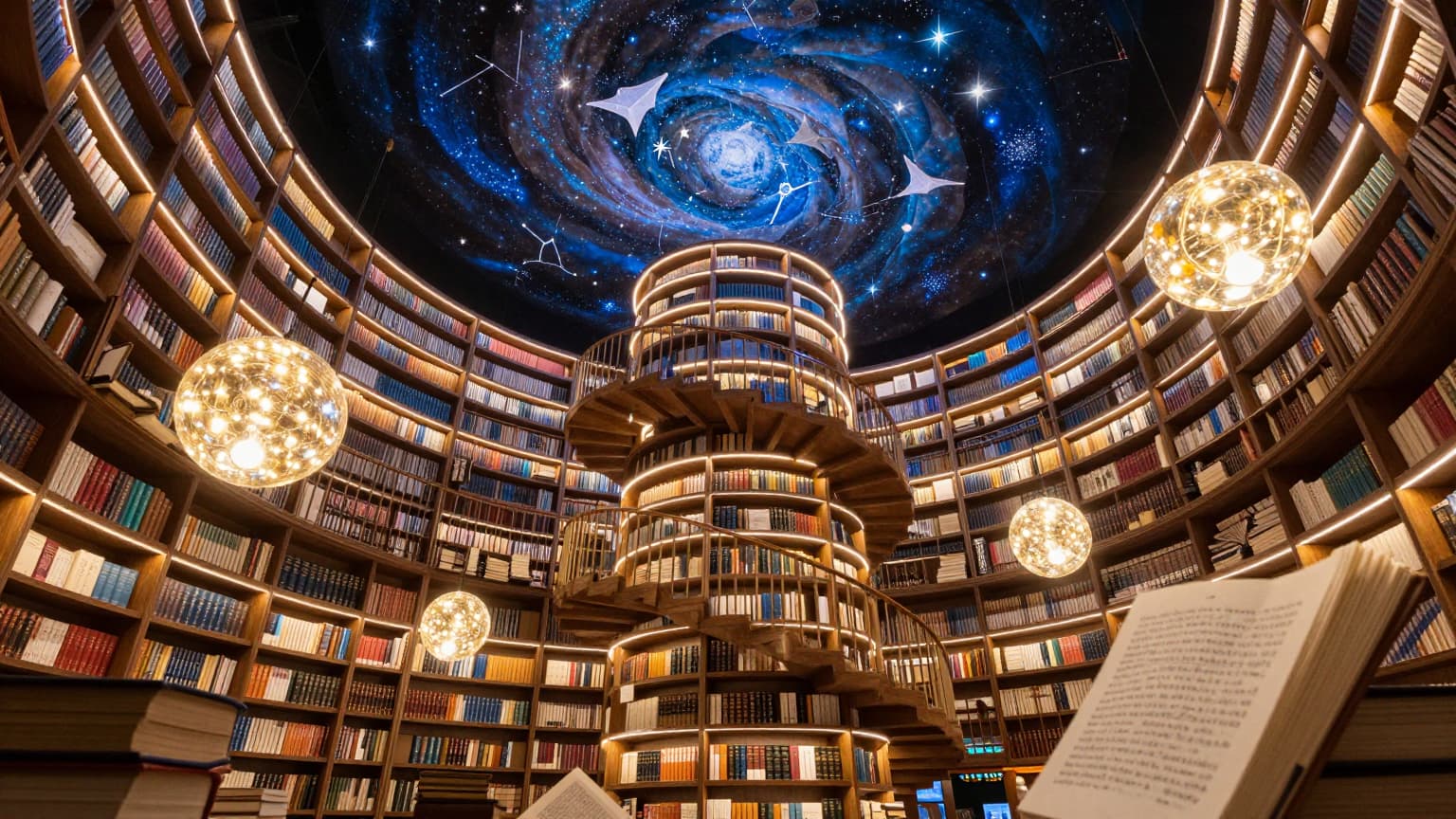
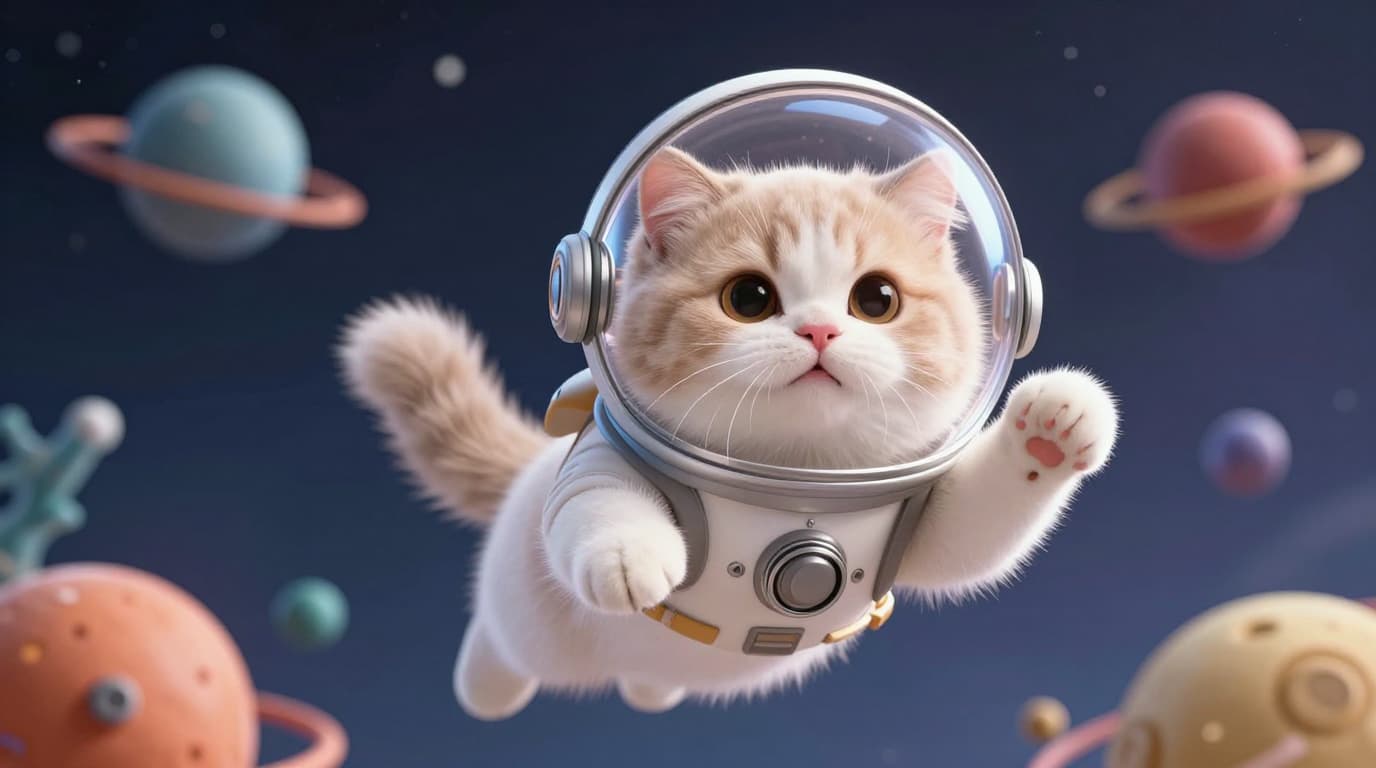
Wan 2.7 is designed to follow complex instructions more reliably, making Wan 2.7 a strong choice for scenes with multiple subjects, detailed styling notes, composition constraints, or brand-specific art direction.
Wan 2.7 for Text Rendering and Language Support
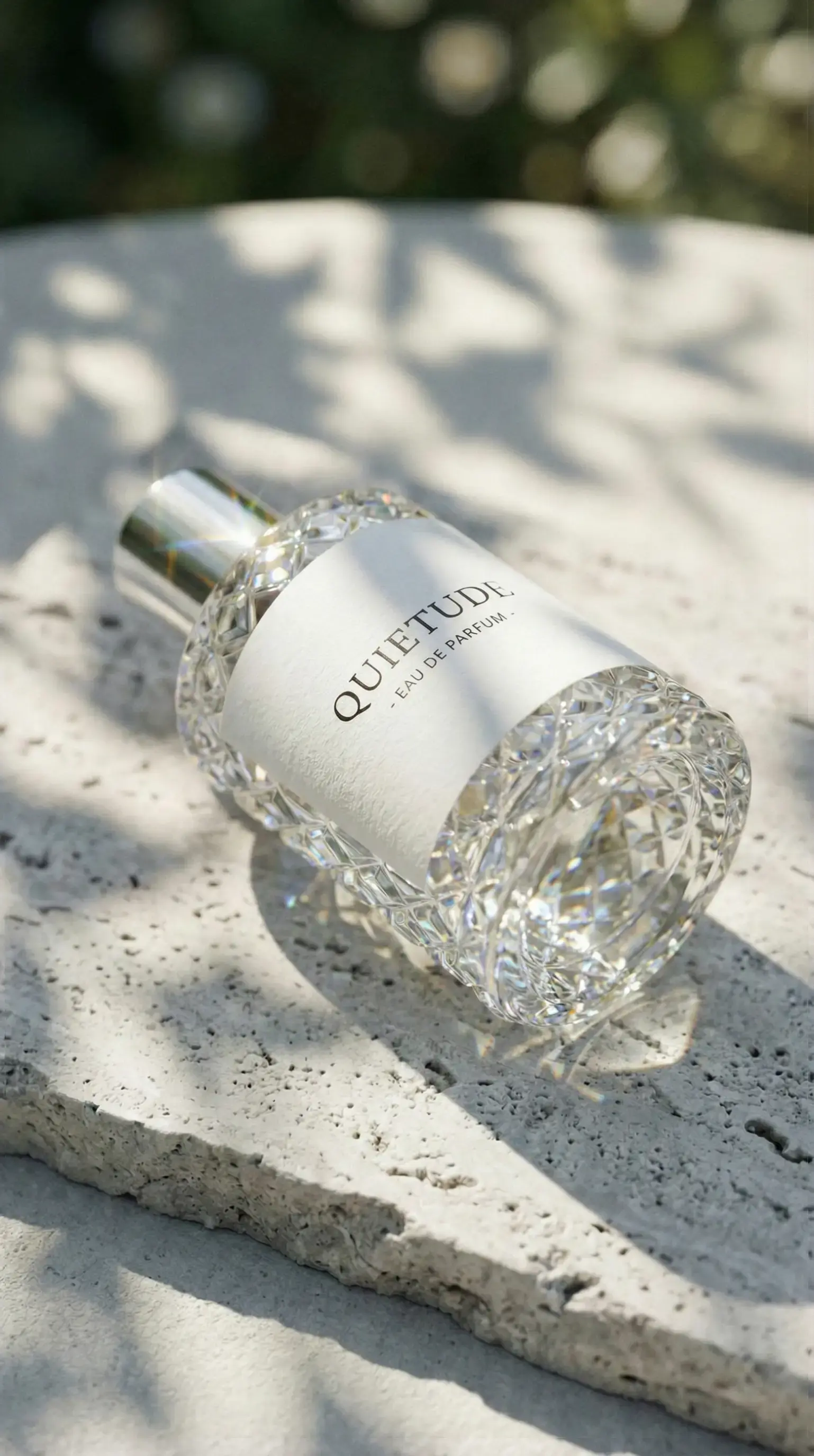
Alibaba highlights Wan 2.7 for long text rendering and multilingual image generation. In practice, Wan 2.7 is especially useful for posters, ads, packaging concepts, and branded assets where readable on-image text matters.
Wan 2.7 Image Editing with Clear Instructions
Wan 2.7 supports instruction-based editing so you can change style, composition, objects, or visual details without rebuilding everything from scratch. That makes Wan 2.7 effective for iterative creative work, fast revision cycles, and controlled visual updates.
Wan 2.7 for Personalized and Brand-Aware Output
Official Wan 2.7 announcements emphasize personalization and color control. Use Wan 2.7 when you need visuals that stay closer to product identity, campaign palette, or a specific creative direction instead of drifting into generic outputs.
Wan 2.7 FAQ
Everything you need to know about Wan 2.7
Quick answers about Wan 2.7, including what Wan 2.7 is, why Wan 2.7 stands out, and how to get better Wan 2.7 image results.
Still have questions? Contact our support team
Start Creating with Wan 2.7
Generate sharper, more controllable visuals with Wan 2.7
Use Wan 2.7 to turn prompts into polished images, test multiple creative directions, and refine outputs with practical edit workflows. If you are evaluating Wan 2.7 tools, this page is built to highlight what Wan 2.7 is good at in real creative production.
- Generate high-quality images with Wan 2.7 from detailed prompts
- Use Wan 2.7 for posters, product visuals, ads, and branded creative work
- Refine concepts faster with Wan 2.7 editing and controlled iteration
- Export Wan 2.7 outputs for marketing, design, and production workflows