Grok Imagine Image
Create and edit images with the Grok Imagine Image model
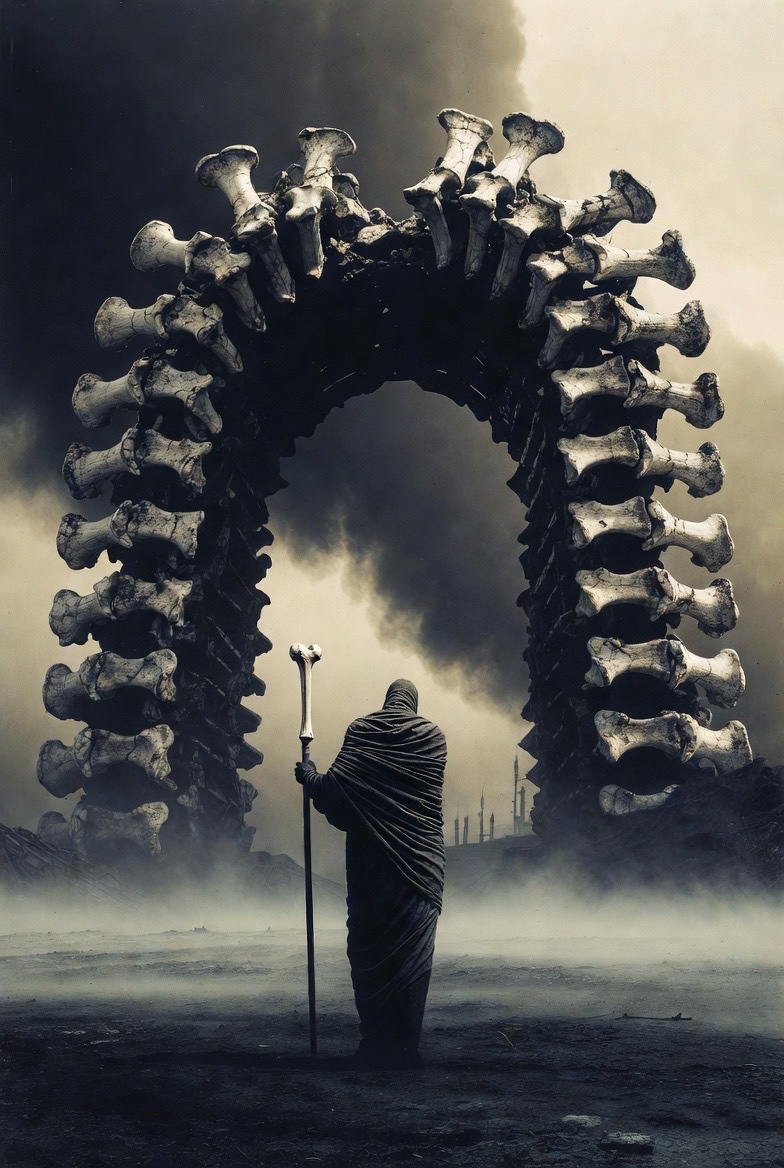
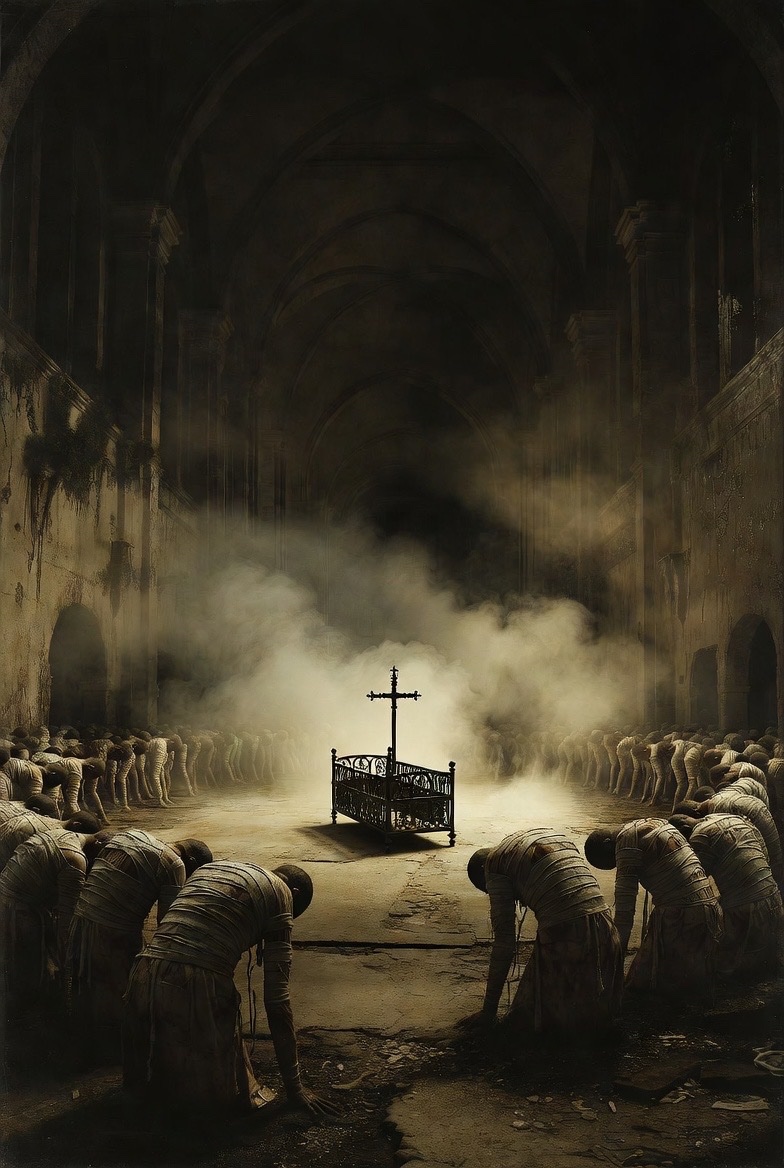
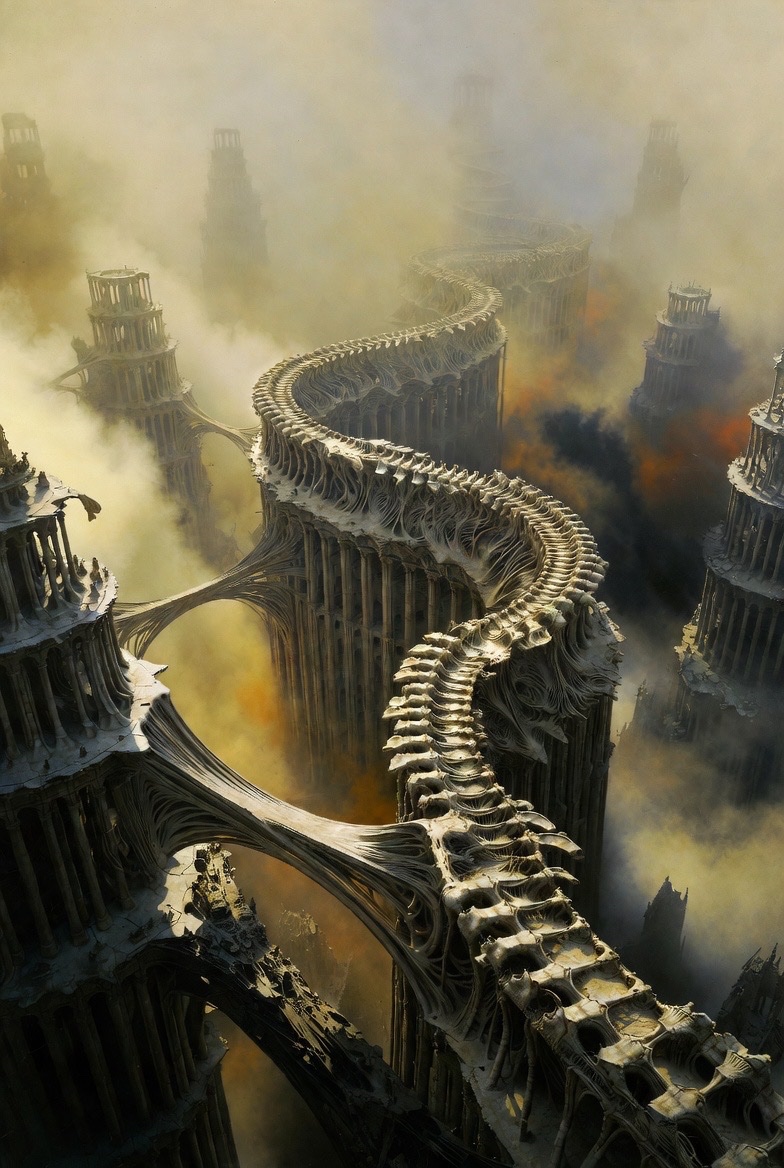
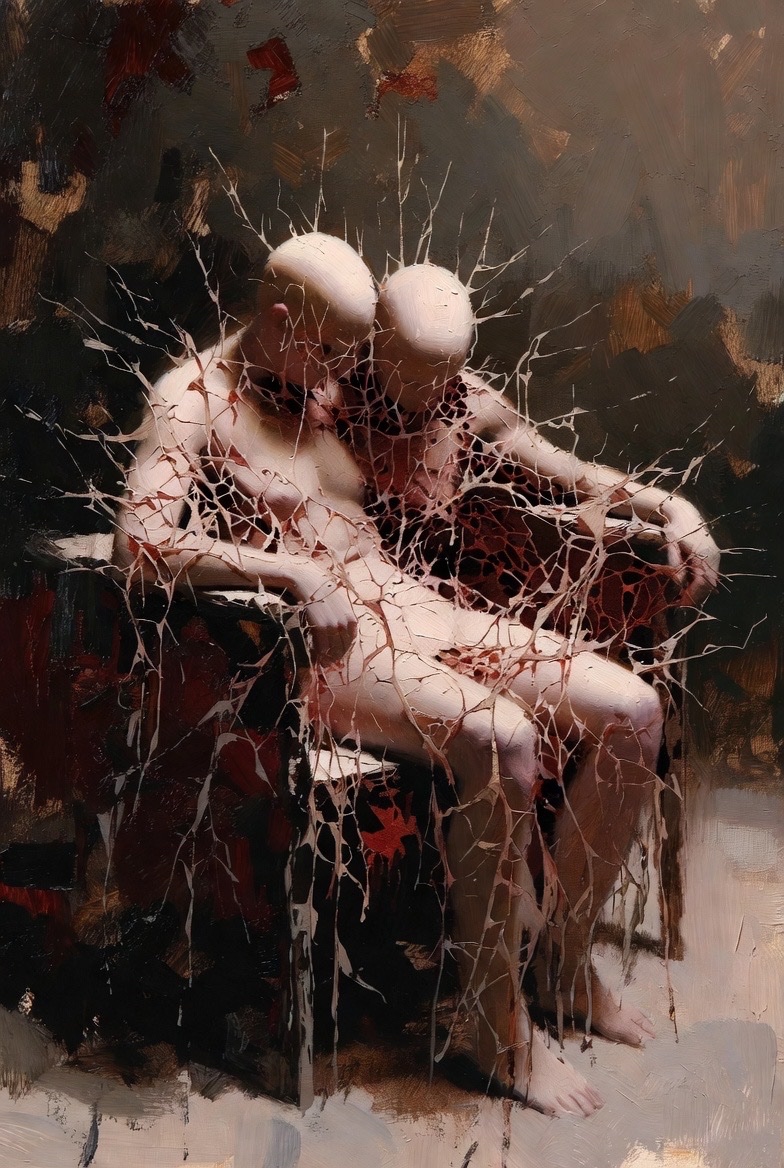
Why Choose Grok Imagine Image
Prompt-first image creation, with edit-friendly control
Grok Imagine Image is built for practical image generation and lightweight editing. Start from a clear prompt, generate multiple candidates, then refine the best result with focused edits—without rebuilding everything from scratch.

Text-to-Image + Image Editing
Use Grok Imagine Image to generate images from a text prompt, then iterate with edits (where supported) to adjust details, style, or composition while keeping the core intent.
Multiple Variations, Faster Iteration
Generate several outputs per prompt so you can compare options quickly. Lock onto the strongest candidate, then refine with smaller prompt changes instead of starting over.
Format Controls for Real Use
Choose an aspect ratio, output size, and image format (URL or base64) depending on your integration. This helps you generate assets that fit common UI, social, and product image workflows.
API-Ready by Design
Grok Imagine Image can be called as a model in the xAI image generation API, making it a strong fit for building tools, automations, and creative pipelines around the grok imagine image model.
Grok Imagine Image FAQ
Everything you need to know about Grok Imagine Image
Quick answers about Grok Imagine Image—what it is, how the Grok Imagine Image model is used, and how to get better results from prompts and edits.
Still have questions? Contact our support team
Start Creating with Grok Imagine Image
Generate, iterate, and refine with the Grok Imagine Image model
Use Grok Imagine Image to create images from prompts, explore multiple variations, and refine results with edit-friendly workflows. If you’re comparing grok imagine image tools, this page is optimized for the Grok Imagine Image model experience.
- Generate images from a single prompt
- Create multiple variations per prompt
- Refine with focused edit prompts (where supported)
- Export in practical formats for real workflows