Kling 3.0 - AI Video GeneratorCreate high-quality clips with Kling 3.0 (text-to-video and image-to-video)
Kling 3.0 is a next-gen AI video model built for clean motion, strong prompt-following, and flexible creation flows. Generate videos from a text prompt (text-to-video) or animate a start image (image-to-video), optionally adding a matching end image for smoother transitions. For longer storytelling, use multi-shot prompts to divide a clip into multiple shots. You can also add reusable elements (characters/objects) and enable native audio with optional voice IDs. Choose duration (3–15s) and aspect ratio (16:9, 9:16, 1:1) to fit any platform.
Why Choose Kling 3.0
Kling 3.0 is built for controllable motion, clean results, and faster iteration
Kling 3.0 helps you turn an idea into a video quickly—without giving up control. Start from text or a start image, choose your framing, extend storytelling with multi-shot prompts, and add optional audio and reusable elements for consistent characters and objects.
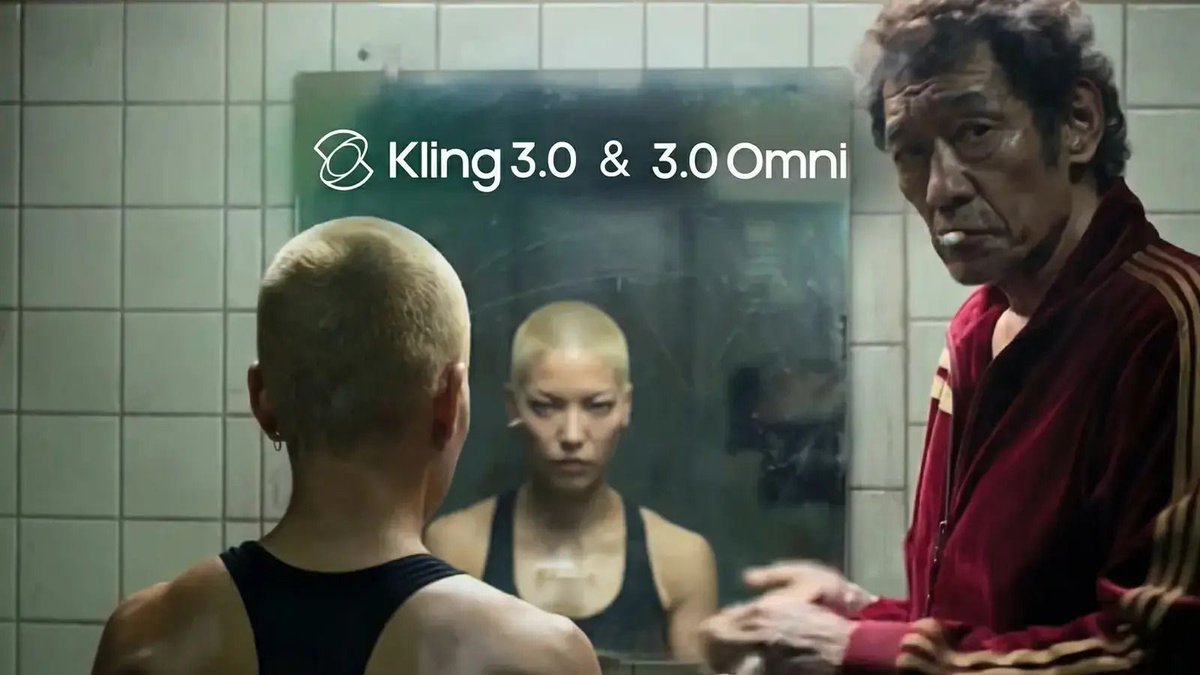
Kling 3.0 Prompt Control
Generate videos from text or a start image and guide action, camera movement, lighting, and pacing. Kling 3.0 is designed to follow detailed instructions while maintaining a coherent visual style.
Multi-shot Storytelling
Use multi-shot prompts to split a single video into multiple shots with per-shot prompts and durations—great for mini narratives, transitions, and structured storyboards.
Start + End Keyframes
In image-to-video, animate a start image and optionally provide an end image to steer how the clip concludes—ideal for before/after, product reveals, and controlled transformations.
Elements + Native Audio
Add element assets (image sets or videos) and reference them in your prompt for consistent characters/objects. Enable native audio and optionally supply voice IDs for dialogue-driven scenes.
Kling 3.0 FAQ
Everything you need to know about Kling 3.0
Common questions about Kling 3.0: what it is, how text-to-video and image-to-video work, and how to get the best results with prompts, keyframes, and elements.
Still have questions? Contact our support team
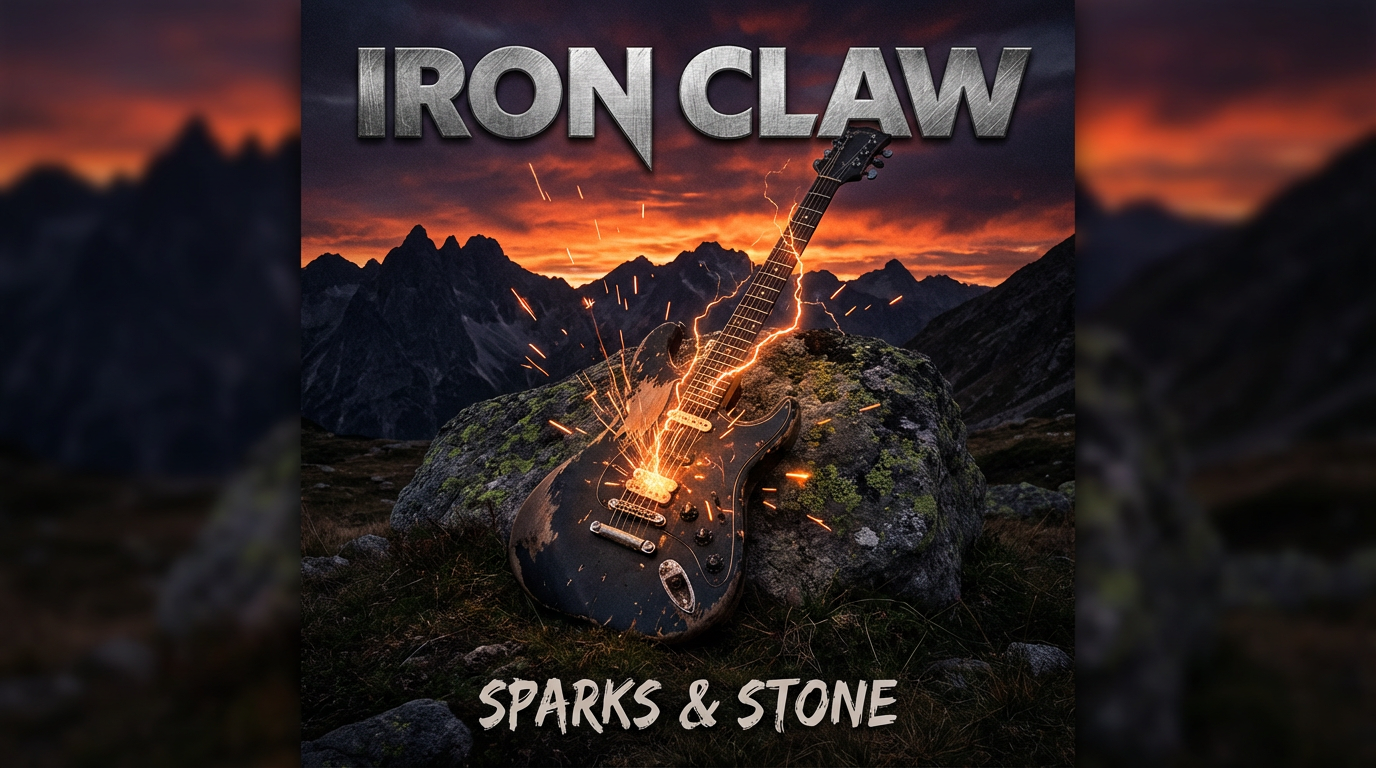
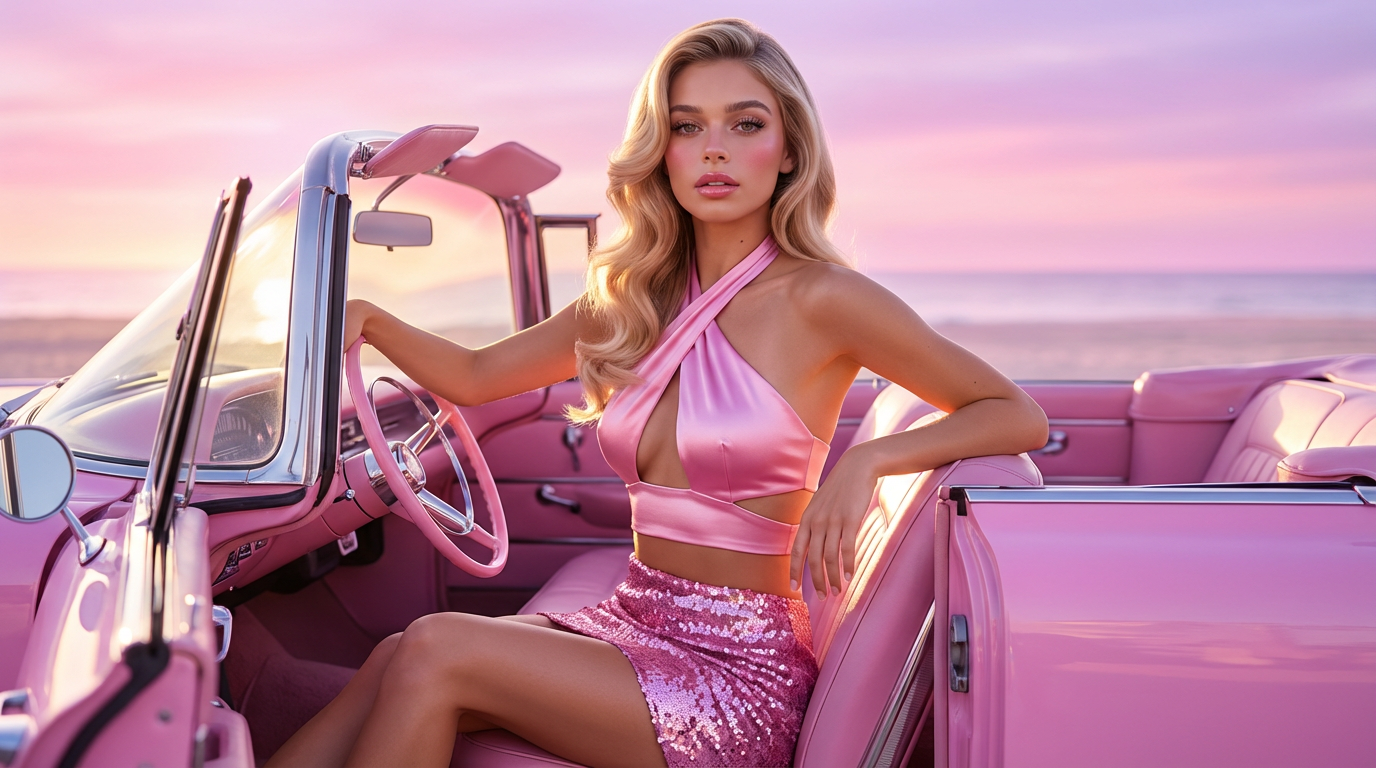
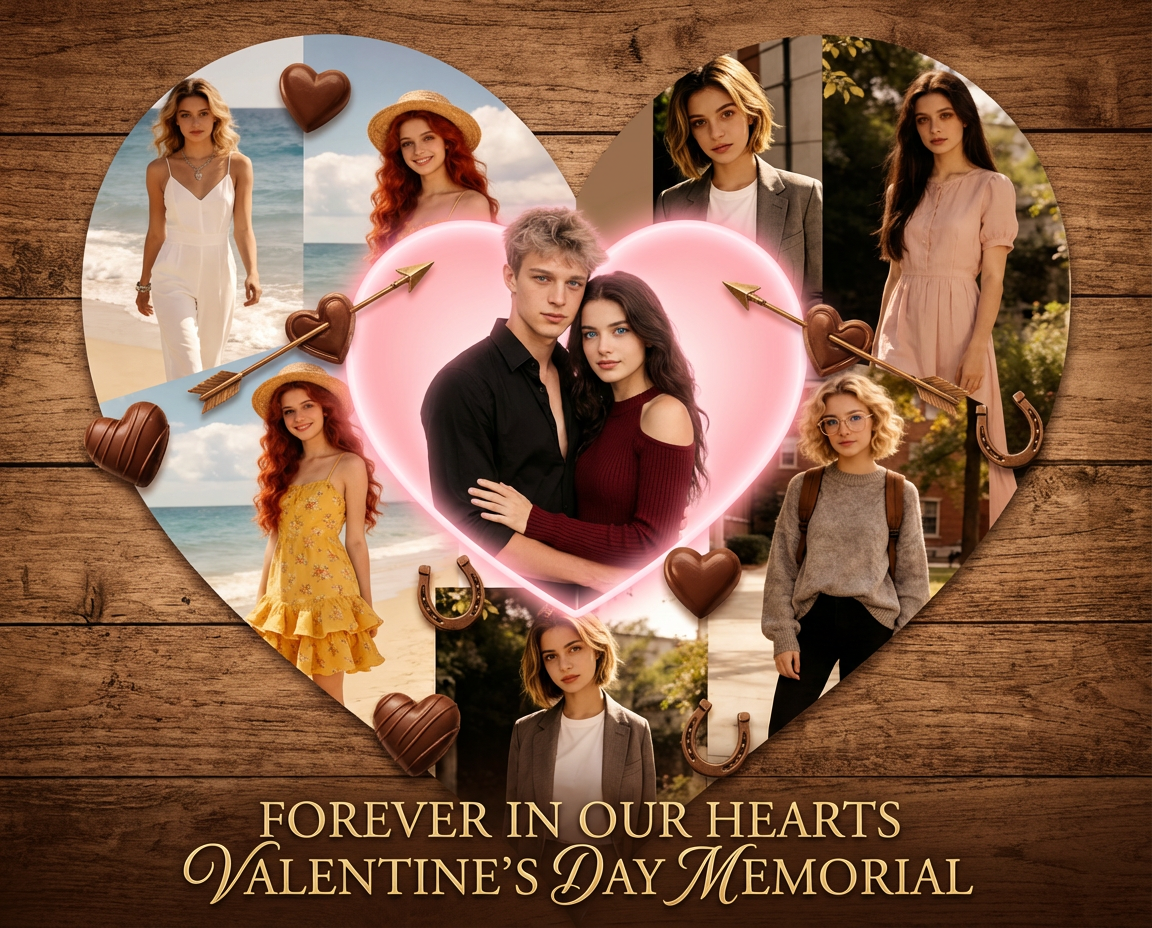
Start Creating with Kling 3.0
Kling 3.0 turns text and images into publish-ready video
Create a short clip with Kling 3.0 in minutes. Start from text or a start image, choose framing and duration, add elements for consistency, and enable native audio when you need it.
- Kling 3.0 text-to-video and image-to-video
- Optional end keyframes for guided transitions
- Elements for consistent characters and objects
- Native audio generation with optional voice IDs