Uncensored Image to Video AI
Turn a single image into a short video with prompt-guided motion. On this page, “uncensored” means fewer unnecessary blocks on non-explicit creation—not adult or illegal content—and you must follow applicable laws and platform policies.
Responsible use
What we mean by “uncensored”
“Uncensored” here means fewer unnecessary blocks on non-explicit image-to-video creation (e.g., education, health, documentary, and artistic contexts). It does not mean adult, illegal, or unsafe content.
Allowed / Disallowed use-cases
Allowed (examples)
- Animating your own photos and designs
- Educational and informational clips
- Brand-safe marketing content with original assets
Disallowed
- Sexual content involving minors
- Non-consensual sexual content or exploitation
- Illegal content, fraud, or harmful wrongdoing
Safety & rights
- Use images you own or have permission to use
- Get consent before using a real person’s likeness
- Follow platform rules and applicable laws for publishing
How to useImage-to-video in 4 steps
A simple, responsible workflow: upload an image, write a motion prompt, iterate quickly, then export the clip you like.
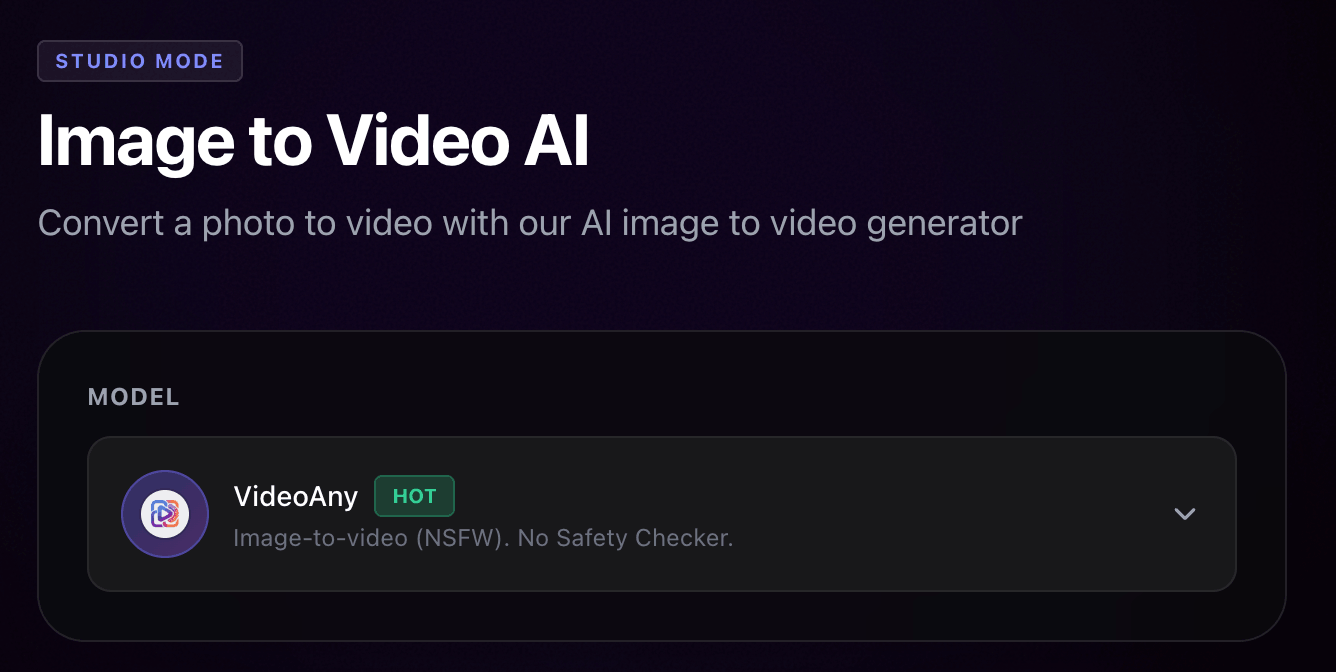
Upload a photo or image
Start with a clear, high-resolution image. Cleaner inputs help the result look more stable.
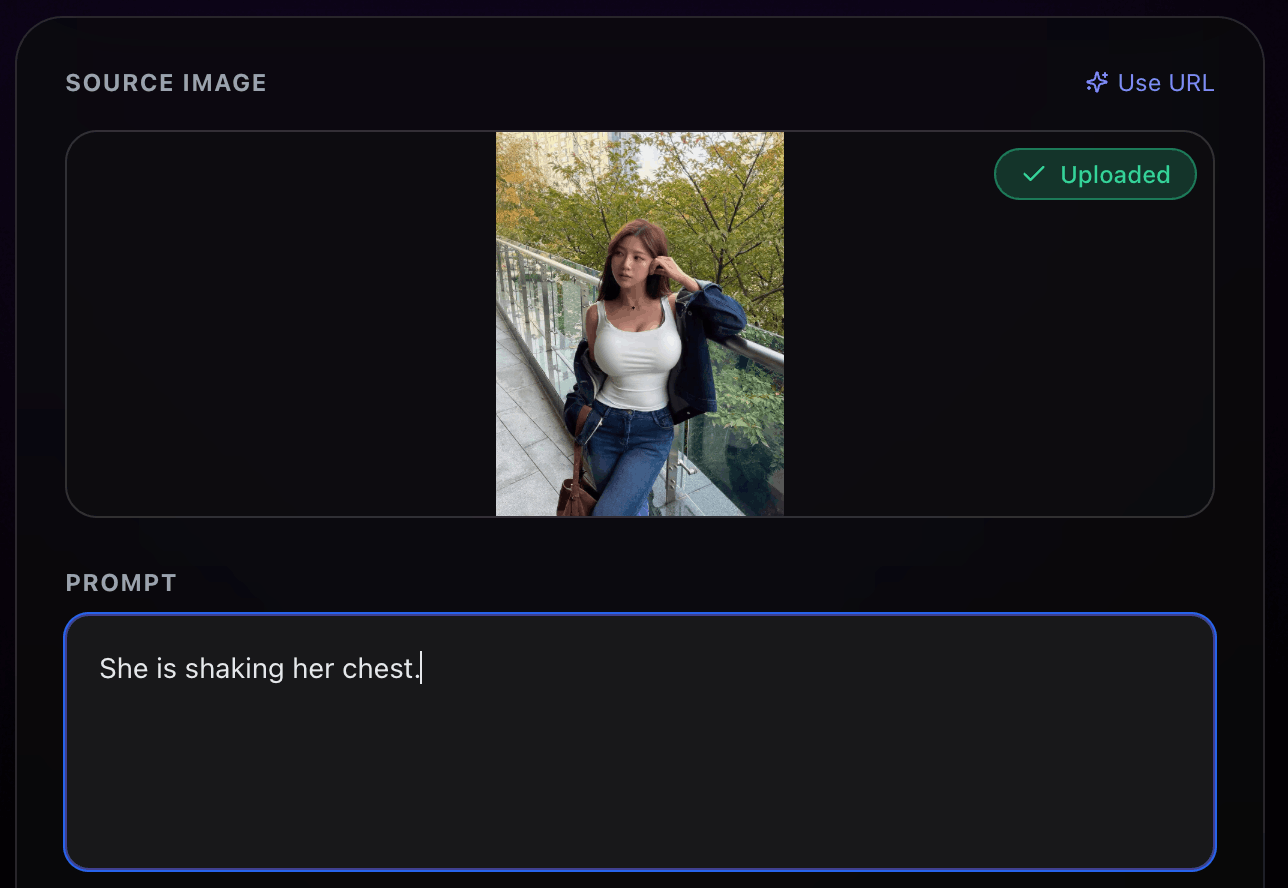
Describe motion and camera
Write a short motion prompt (pan, zoom, dolly) and small subject movement. Keep motion realistic for better consistency.
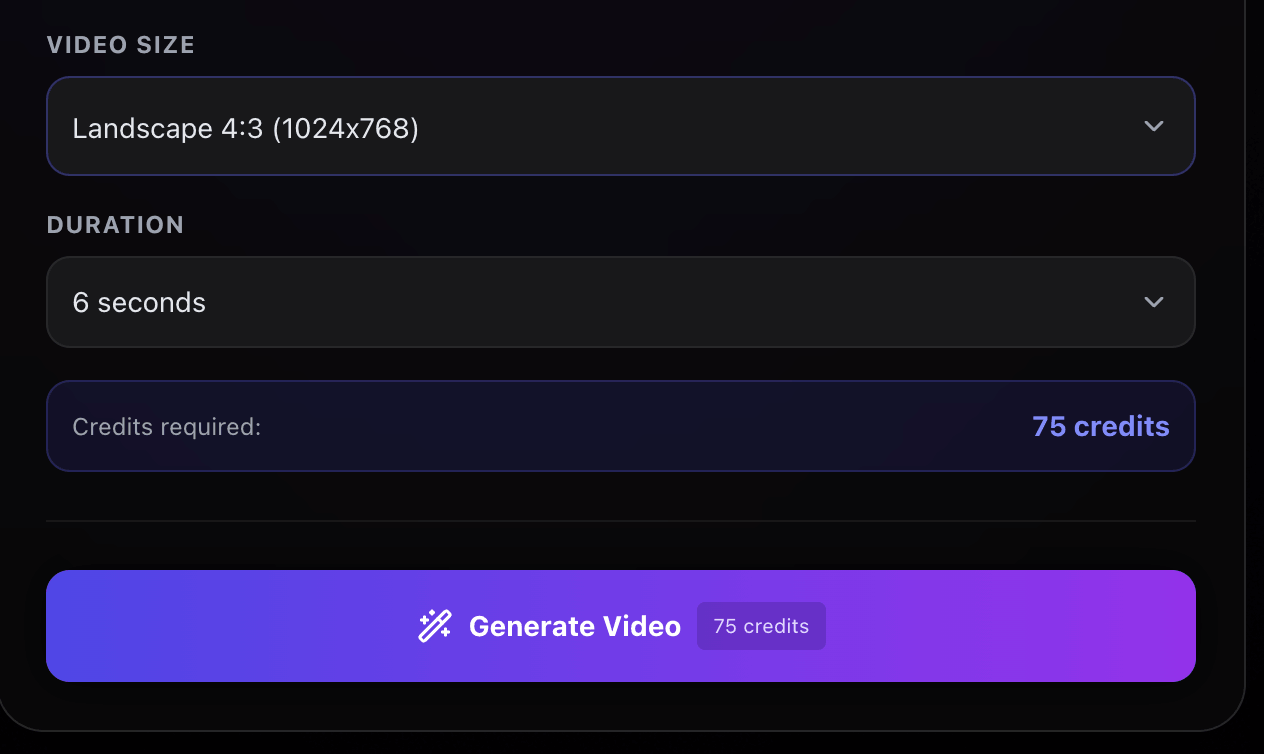
Generate and iterate
Generate a draft, review for artifacts, then adjust one thing at a time. Iteration is how results get consistent.
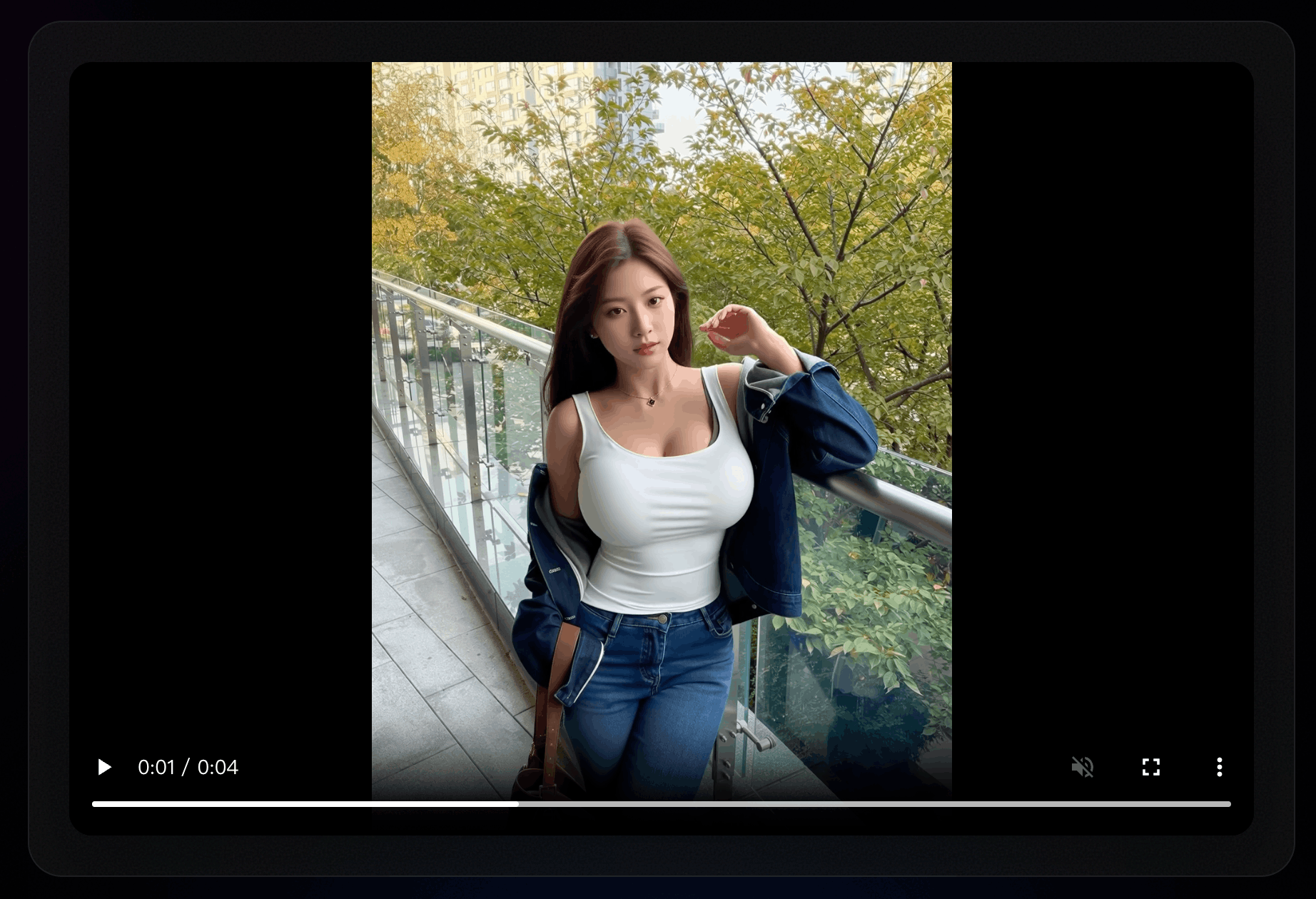
Export and reuse
Export your clip and reuse it in social posts, ads, or presentations. This helps teams create repeatable assets.
Creators ship faster with a prompt-first workflow
Notes from users who iterate quickly and export reliably.
"I can turn a product photo into motion fast. The prompt-first flow makes drafts easy to refine."
Quality
9/10
Speed
Fast
Satisfaction
High

Avery K.
Creator
"We needed consistent short clips from a single image. The workflow made iterations predictable."
Quality
Consistent
Speed
Quick
Satisfaction
Very high

Jordan P.
Marketing team
"Better results came from writing a tight motion prompt and keeping changes small. The workflow feels more controllable."
Quality
Clean
Speed
Fast
Satisfaction
High

Sam L.
Indie builder
"For photo-to-video work, fast drafts plus export options keep our pipeline moving."
Quality
Reliable
Speed
Rapid
Satisfaction
High

Taylor R.
Content studio
Built for controllable image-to-video creation
More control, fewer retries
Use prompts to guide motion and camera movement. Iterate quickly, keep frames consistent, then export when it looks right.
Prompt-guided control
Guide your workflow with motion prompts, camera moves, and style constraints.
Fast iteration
Generate drafts quickly so image-to-video becomes a repeatable workflow, not a gamble.
More consistent frames
Improve temporal consistency so your output stays cleaner across frames.
Export-ready output
Download results and reuse them across social, ads, or presentations.
Uncensored Image to Video AI FAQ
Quick answers for first-time users
Tips on prompts, export formats, and responsible use.
Still have questions? Contact our support team
Try image to video
Create, iterate, and export in one workflow
Launch the image-to-video tool, try a few motion prompts, then export the clip you like.
- Prompt-guided motion control
- Fast drafts for iteration
- Export-ready, shareable clips
- Great for creators and teams