Vidu Q3 - Video Generation with Native AudioCreate text-to-video and image-to-video clips with sound, lip-sync, and 1080p output
Vidu Q3 is a next-generation video model designed for high-fidelity clips with audio. Generate scenes from a text prompt or a reference image, then steer motion, camera, and style with natural language. Many integrations support up to 16-second outputs, 1080p resolution, and audio features like voice and sound effects (availability depends on your provider).
Why Choose Vidu Q3
Cinematic visuals, longer clips, and sound-ready outputs
Vidu Q3 is built for creators who want control and quality. Start from text or an image, then iterate quickly while keeping motion, camera, and on-screen details aligned with your prompt.
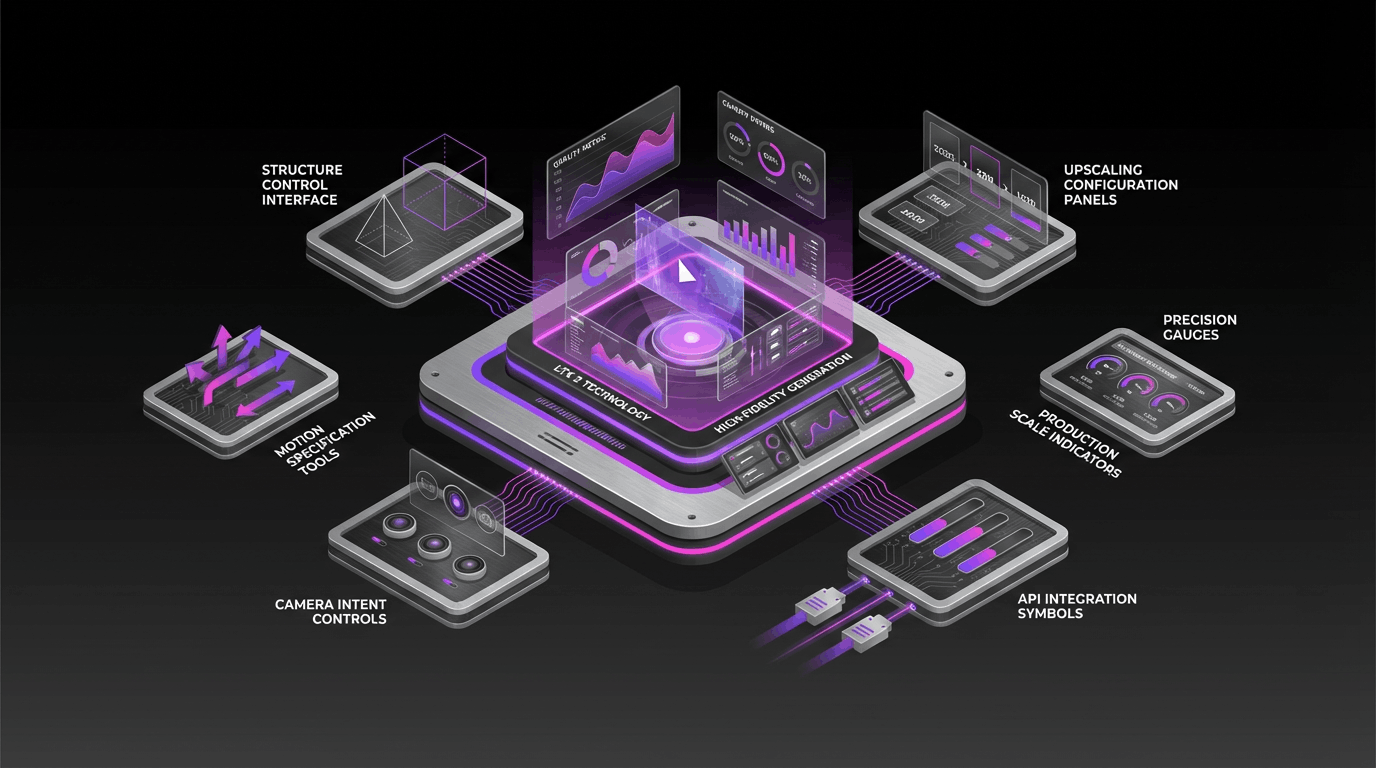
Native Audio + Lip-Sync
Generate video with audio—voice, ambience, or sound effects—and get natural lip-sync for dialogue-forward scenes (where supported).
1080p Output Quality
Export crisp, high-resolution clips suitable for marketing, social media, and cinematic storytelling workflows.
Up to 16-Second Clips
Create longer short-form shots in a single generation—useful for establishing scenes, action beats, and transitions.
On-Screen Text & Camera Control
Prompt for readable in-scene text (like signs or captions) and specify shot style, camera movement, and transitions for a more directed result.
Vidu Q3 FAQ
Everything you need to know about Vidu Q3
Common questions about Vidu Q3: what it is, what it can generate, and how to get the best results from prompts and references.
Still have questions? Contact our support team
Create with Vidu Q3
High-quality video generation—now with native audio
Generate cinematic clips from text or images with Vidu Q3. Guide camera motion and scene details, iterate fast, and export in high resolution (feature availability depends on provider).
- Text-to-video and image-to-video workflows
- Native audio + lip-sync (where supported)
- Up to 16 seconds and up to 1080p output
- Promptable camera control and on-screen text