Gerador de Vídeos com IA Sem Censura
Crie vídeos com IA em um fluxo de trabalho focado no criador: envie uma imagem, descreva o movimento, itere rapidamente e exporte clipes compartilháveis. Aqui, "sem censura" significa menos bloqueios desnecessários em conteúdo permitido, não conteúdo ilegal ou perigoso.
Uso responsável
O que queremos dizer com “sem censura”
"Sem censura" aqui significa menos bloqueios desnecessários em conteúdo não explícito (por exemplo, contextos educacionais, de saúde, documentais e artísticos). Não significa conteúdo adulto, ilegal ou inseguro.
Usos permitidos e proibidos
Permitido (exemplos)
- Trabalho criativo não explícito, narrativa e arte conceitual
- Conteúdo educacional e informativo
- Conteúdo de marketing seguro para a marca com ativos originais
Não permitido
- Conteúdo sexual envolvendo menores
- Conteúdo sexual ou exploração não consensual
- Conteúdo ilegal, fraude ou conduta prejudicial
Segurança e direitos
- Use conteúdo de sua propriedade ou para o qual você tenha permissão de uso
- Obtenha consentimento antes de usar a imagem de uma pessoa real
- Siga as regras da plataforma e as leis aplicáveis para publicação
Como usarGeração de vídeo com IA em 4 passos
Um fluxo de trabalho simples e responsável comece com uma ideia clara, escreva um prompt de movimento preciso, itere rapidamente e, em seguida, exporte seu resultado.
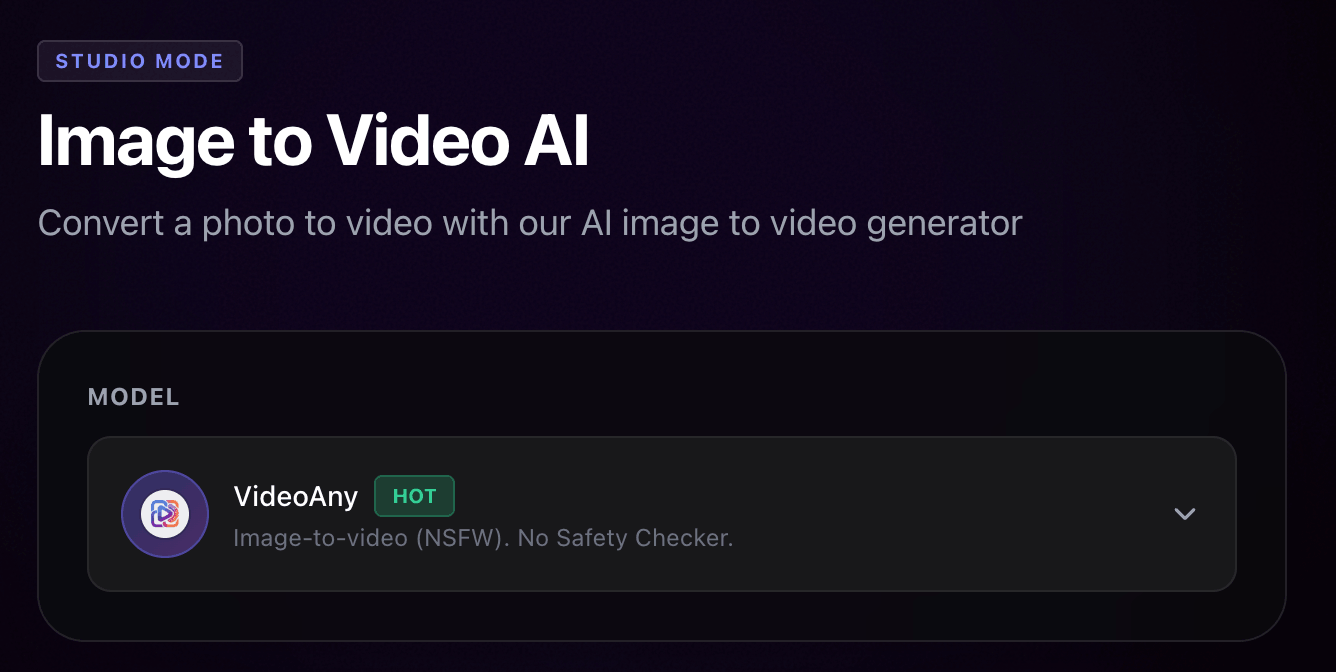
Escolha seu ponto de partida
Escolha um modelo ou comece do zero. Defina seu objetivo (estilo, tom e extensão).
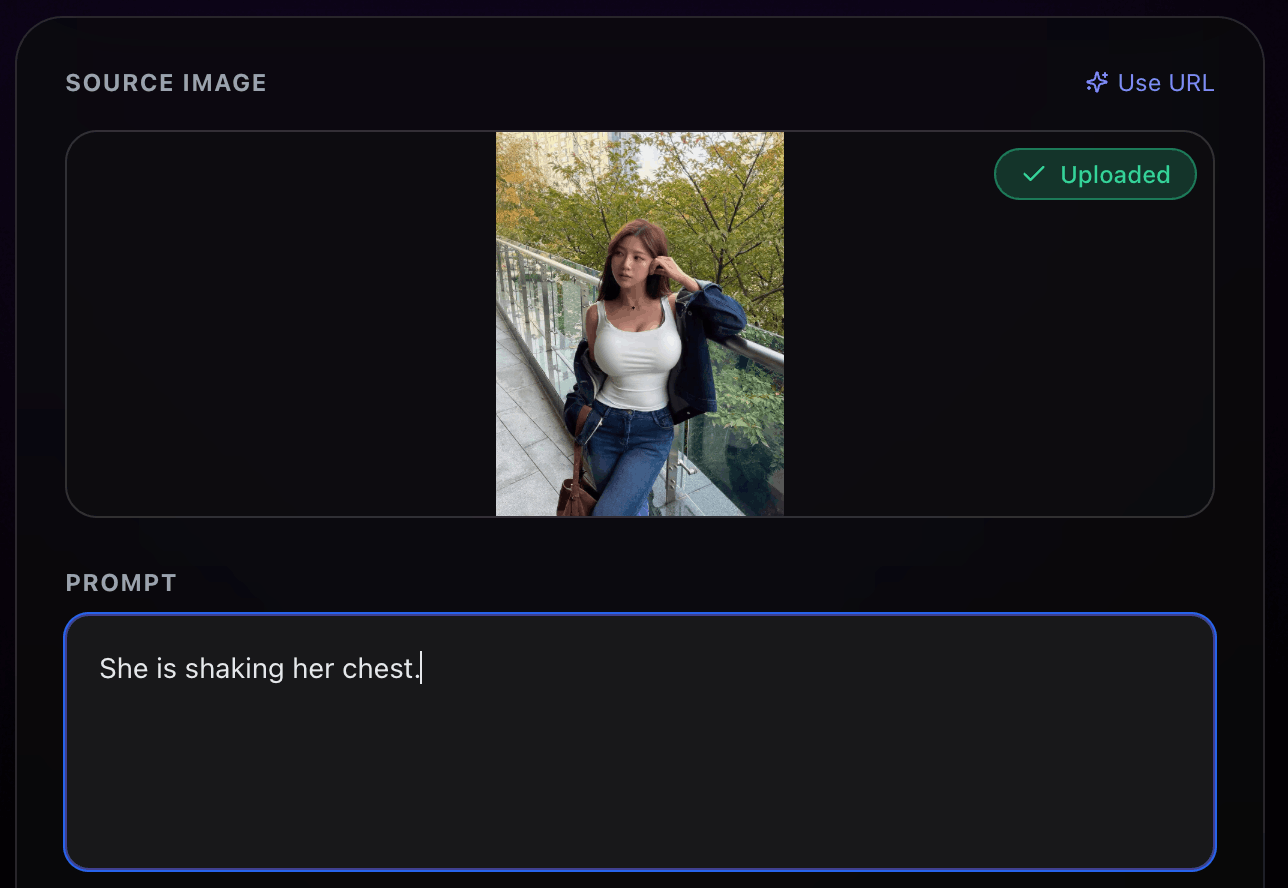
Escreva um prompt de movimento claro
Descreva o objeto e o movimento da câmera (panorâmica, zoom, dolly). Prompts específicos produzem resultados mais consistentes.
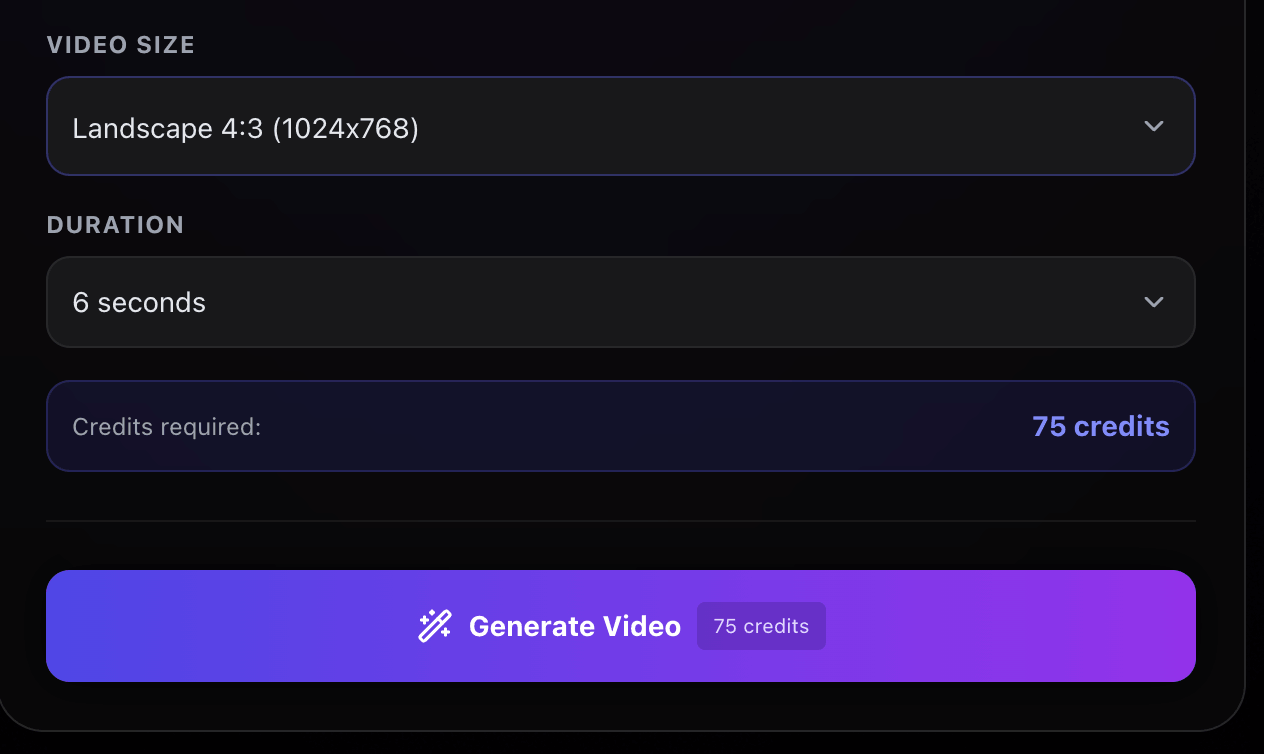
Gerar, revisar, iterar
Gere um rascunho rápido e depois refine. Faça uma alteração por vez para melhorar a confiabilidade.
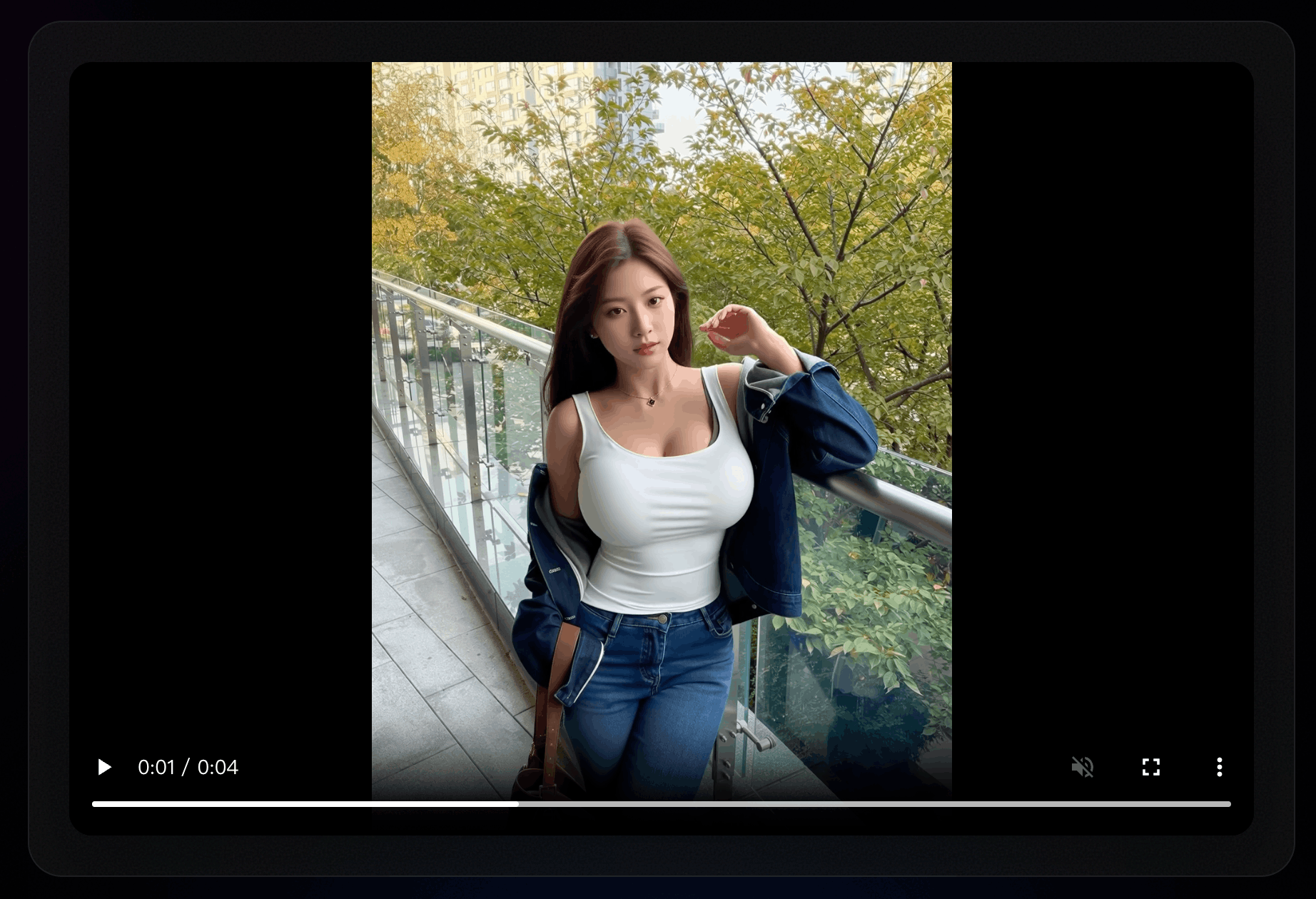
Exportar e reutilizar
Baixe clipes compartilháveis e reutilize-os em vários projetos. Isso ajuda as equipes a criar ativos criativos reutilizáveis.
Criadores entregam mais rápido com um fluxo de trabalho prompt-first
Notas reais de usuários que iteram rapidamente e exportam com confiança.
"O fluxo "prompt-first" me ajudou a obter rapidamente um rascunho de vídeo sólido e, em seguida, refiná-lo sem precisar começar do zero."
Qualidade
9/10
Velocidade
Rápido
Satisfação
Alto

Avery K.
Criador
"Precisávamos de clipes prontos para exportação para campanhas. O fluxo de trabalho tornou as iterações previsíveis."
Qualidade
Consistente
Velocidade
Rápido
Satisfação
Muito alta

Jordan P.
Equipe de Marketing
"Melhores resultados foram obtidos ao escrever um prompt de movimento conciso. O fluxo de trabalho parece mais controlável."
Qualidade
Limpar
Velocidade
Rápido
Satisfação
Alto

Sam L.
Desenvolvedor independente
"Rascunhos rápidos e opções de exportação mantêm nosso fluxo de trabalho ágil."
Qualidade
Confiável
Velocidade
Rápido
Satisfação
Alto

Taylor R.
Estúdio de conteúdo
Desenvolvido para geração controlável de vídeos com IA
Mais controle, menos tentativas
Use prompts para orientar o movimento da cena e da câmera. Teste pequenas mudanças, mantenha a consistência entre as versões e baixe o melhor resultado.
Controle guiado por prompt
Guie seu vídeo com prompts de movimento claros, movimentos de câmera e restrições de estilo.
Iteração rápida
Gere rascunhos rapidamente para que a criação de vídeos se torne um fluxo de trabalho repetível, não uma aposta.
Quadros mais consistentes
Melhore a consistência temporal para que sua saída permaneça mais limpa entre os quadros no VideoAny.
Saída pronta para exportação
Baixe os resultados e reutilize-os em redes sociais, anúncios ou apresentações.
Perguntas Frequentes sobre o Gerador de Vídeos de IA Sem Censura
Respostas rápidas para novos usuários
Dicas sobre prompts, formatos de exportação e uso responsável.
Still have questions? Contact our support team
Experimente o gerador de vídeo com IA
Crie, itere e exporte em um único fluxo de trabalho
Inicie o gerador, experimente algumas sugestões de movimento e exporte o clipe de **VideoAny** que você mais gostar.
- Controle de movimento guiado por prompt
- Rascunhos rápidos para iteração
- Clipes prontos para exportação e compartilhamento
- Ótimo para criadores e equipes