Fictional photographic portraits
Describe an original adult character in a believable setting with natural light and texture. Keep the brief focused on visible qualities rather than naming a real person to reproduce.
AI FACE GENERATOR
Design a fictional portrait with ImageAny V3 or V2. Define expression, styling, and light, then develop the selected character across images and video in VideoAny.
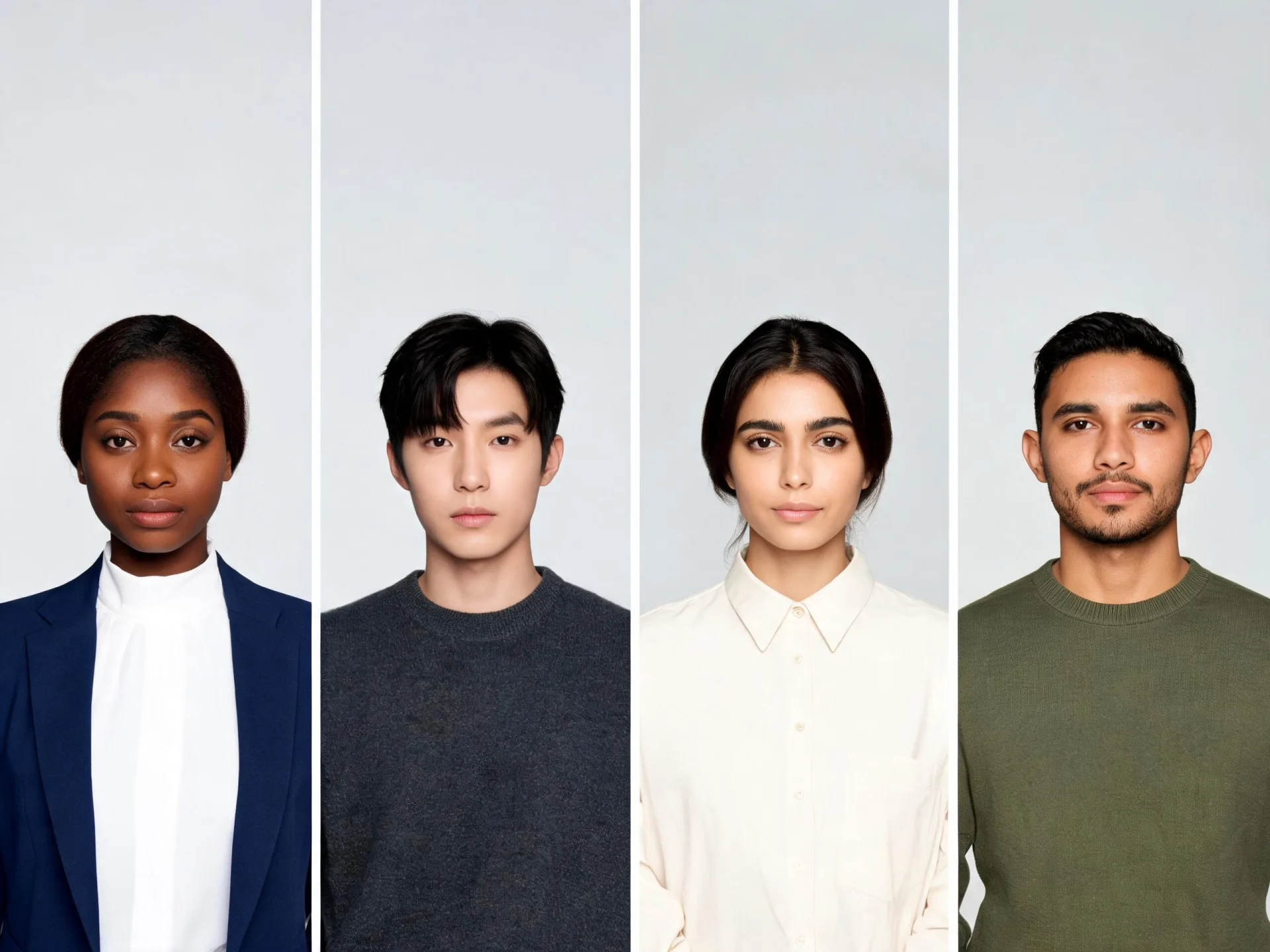
A memorable portrait comes from a coherent combination of appearance, expression, wardrobe, framing, and context.
Use text to image when you want to invent a person for an illustration, a character study, or a creative concept. Describe a fictional adult’s visible features, expression, hair, clothing, and setting. Give the portrait a purpose: a calm editorial study, a warm everyday moment, or a stylized character introduction. Those details produce a more useful direction than asking for a generic beautiful face.
Once a portrait fits the project, keep it as the visual reference for later edits. Image to image can help explore a different outfit or scene while you compare identity cues between results. Image to video can bring the chosen still into motion. Generated faces are not guaranteed to be unique or identical across outputs, so review resemblance and continuity instead of assuming that a new prompt creates a persistent character model.
Treat the face as part of a portrait with a role, mood, and composition.
Describe an original adult character in a believable setting with natural light and texture. Keep the brief focused on visible qualities rather than naming a real person to reproduce.
Choose a drawing or painting treatment with a clear palette and shape language. Explain the medium so the face and surrounding image belong to the same visual world.
Explore a calm, curious, confident, or reflective expression. Small differences in the eyes and mouth can carry more character than adding many decorative details.
Use clothing and environment to communicate the character’s role. A workshop, library, or quiet street gives the portrait a story without requiring a complex action.
Save a chosen face and use it as a reference for a related image. Describe the distinguishing features and review each new result for changes in identity.
Develop the still until the expression and framing work, then upload it in image to video. Begin with a subtle turn or camera move and check continuity through the clip.
Source reference examples for planning your brief; these are not presented as ImageAny-generated outputs.
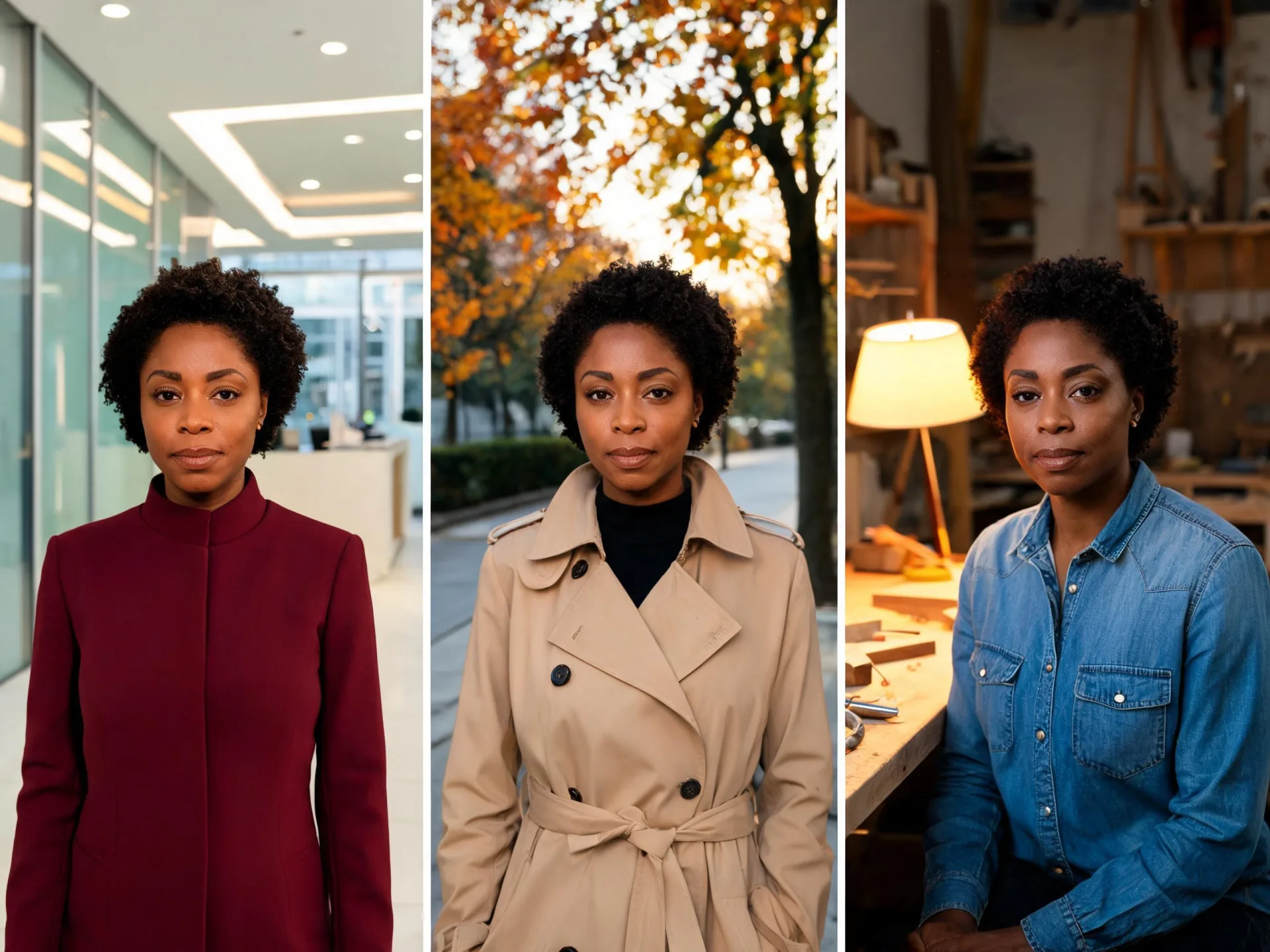
Office, outdoor, and indoor portraits show why a selected reference is useful for continued development. Compare identity cues across your own results.
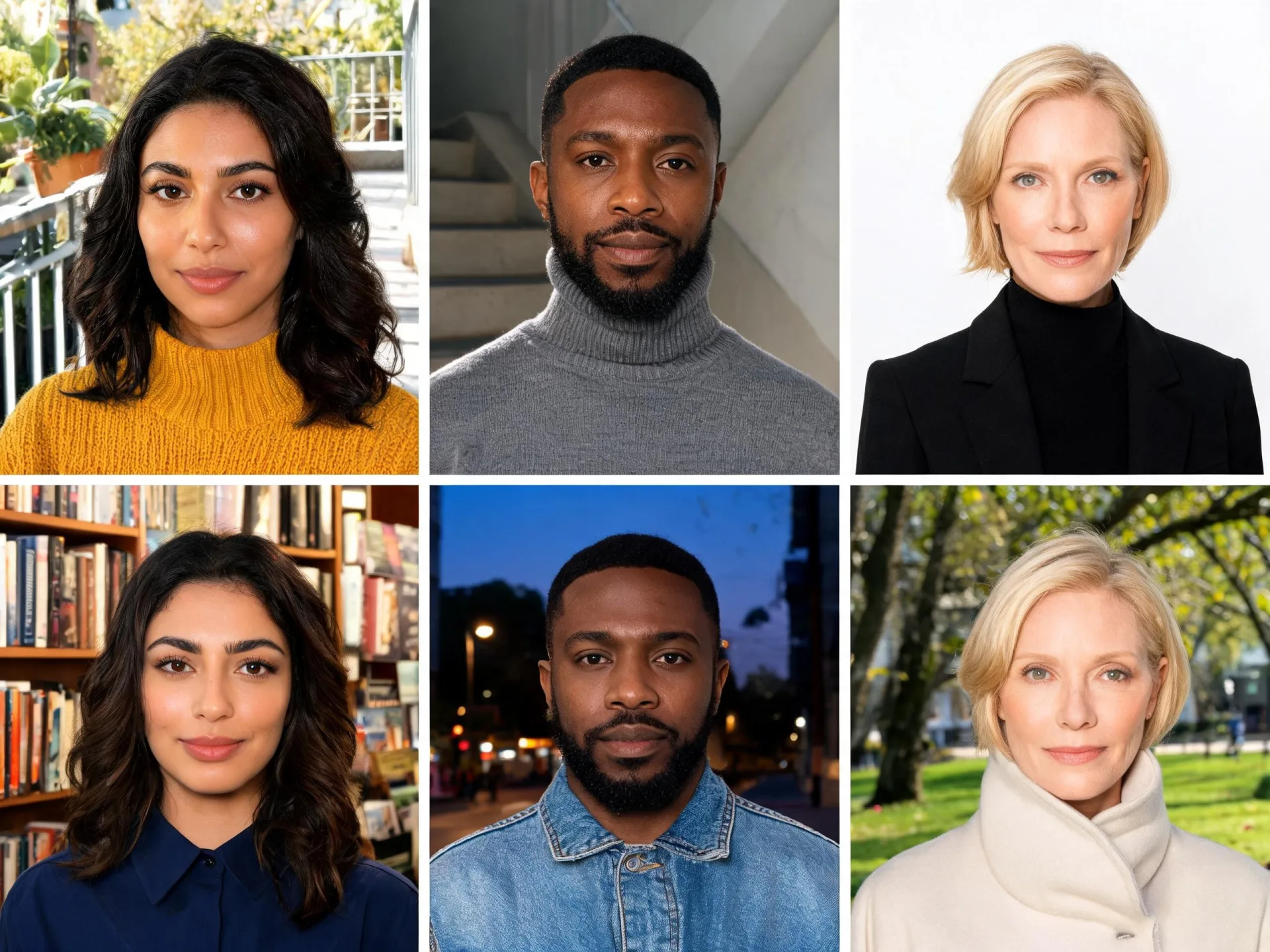
Several character concepts offer different roles and visual directions. Give each portrait a clear brief before developing the scenes around it.
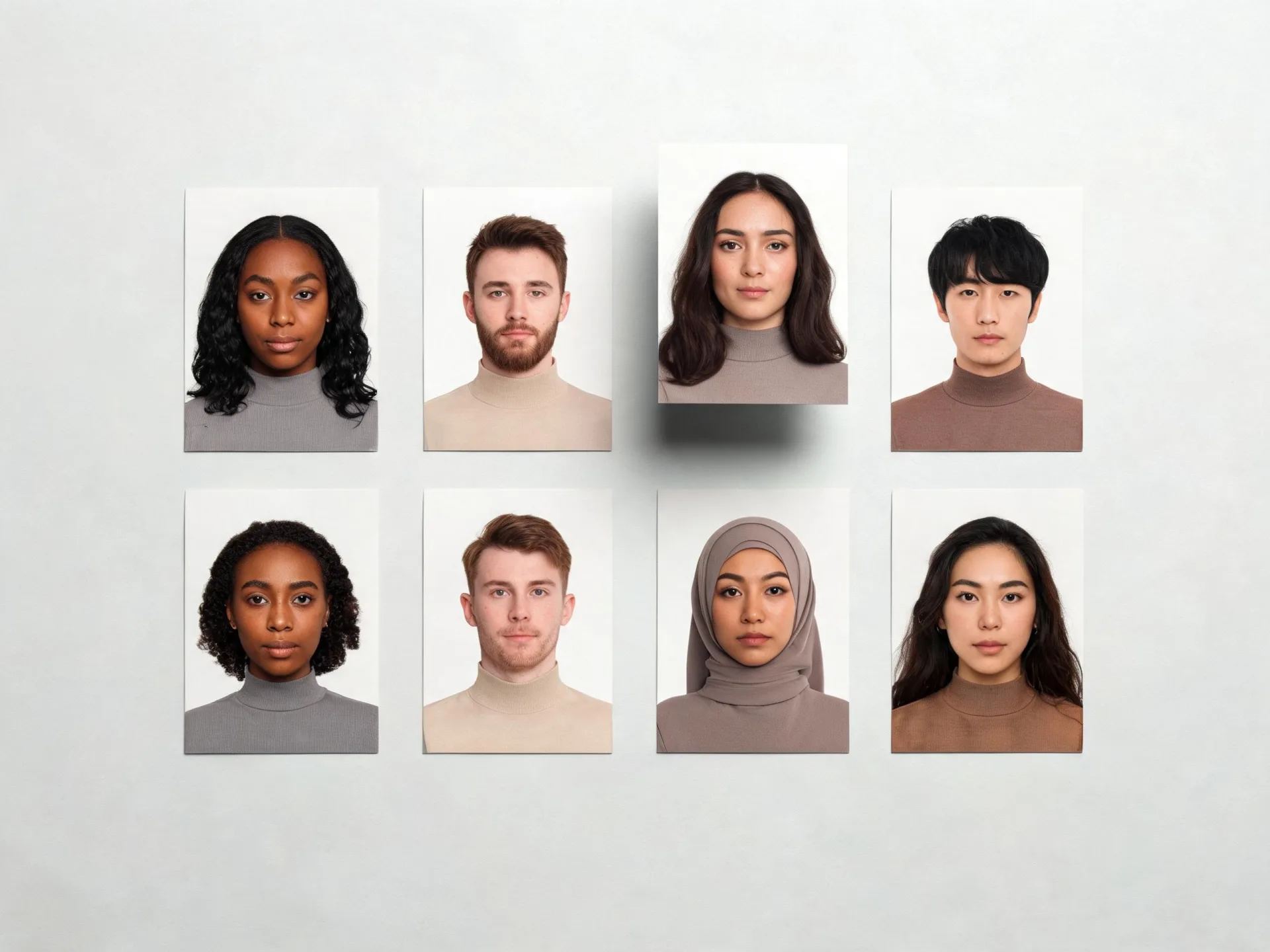
Printed portrait options make the selection process visible. Review expression, appearance, and fit with the project rather than treating every result as a finished character.
Prepare your direction, then continue in the workspace.
Choose the approximate adult age, visible features, expression, and context that serve the project. Avoid conflicting appearance instructions.
Select ImageAny V3 or V2 and describe photographic, illustrated, or painterly qualities together with framing and light.
Open text to image, review the available output settings and credit amount, and generate the portrait. Use image to image when continuing an existing reference.
Inspect facial anatomy, expression, and unintended resemblance. Save the chosen portrait as the starting point for later styling or motion experiments.
Create a fictional adult character from a written brief. If a face already exists in your project, use the reference route to develop it further.
Match the workflow to your source and final requirements.
| Your goal | Suggested workflow | What to expect |
|---|---|---|
| Invent a fictional character | Text-to-image face generation | Describe the appearance, expression, treatment, and scene. |
| Restyle a person in an existing photo | Image to image or headshot editing | Provide the portrait and state which identity cues should remain. |
| Replace a face in a target photo | Dedicated photo face swap | Use the specific source-and-target workflow with appropriate permission. |
| Continue a character into motion | Image to video | Upload the selected portrait and direct a focused movement. |
Adapt these directions to your image and intended use.
Choose a few distinguishing features and let the portrait remain readable.
Short dark curls, a thoughtful expression, a plain olive jacket, and soft window light.
Describe the emotional moment through features that can be seen in the image.
A relaxed mouth and attentive eyes, looking slightly past the camera.
Framing, medium, and light should support the same direction.
A chest-up painted portrait with broad brushwork and a limited warm palette.
The workflow generates a portrait from your description. It is intended here for fictional characters, but an output can still resemble an existing person by coincidence. Do not treat generation as a guarantee of uniqueness, anonymity, or verified identity.
Start by choosing a portrait and reuse it as a reference in image to image. Describe the distinguishing features and compare each result. This helps direct continuity, but the workflow does not promise a permanently trained identity or exact consistency across generations.
Yes. Describe the visual medium, shape language, palette, and expression in the prompt. A specific treatment such as textured watercolor or bold flat illustration is more useful than combining many unrelated style labels.
Face generation from text invents a new portrait. Headshot editing begins with a real portrait and aims to restyle it for a profile context while retaining likeness. Use the route that matches whether you are creating a character or presenting an existing person.
Download the selected portrait and upload it in image to video. Choose a VideoAny model and direct a small expression change, head turn, or camera movement. Review the face throughout the result because identity and fine features can drift during motion.
Review anatomy, expression, unwanted resemblance, and any visible marks or lettering. Use source references you have permission to upload and make sure the intended presentation does not misleadingly treat a fictional portrait as evidence of a real person’s identity or actions.
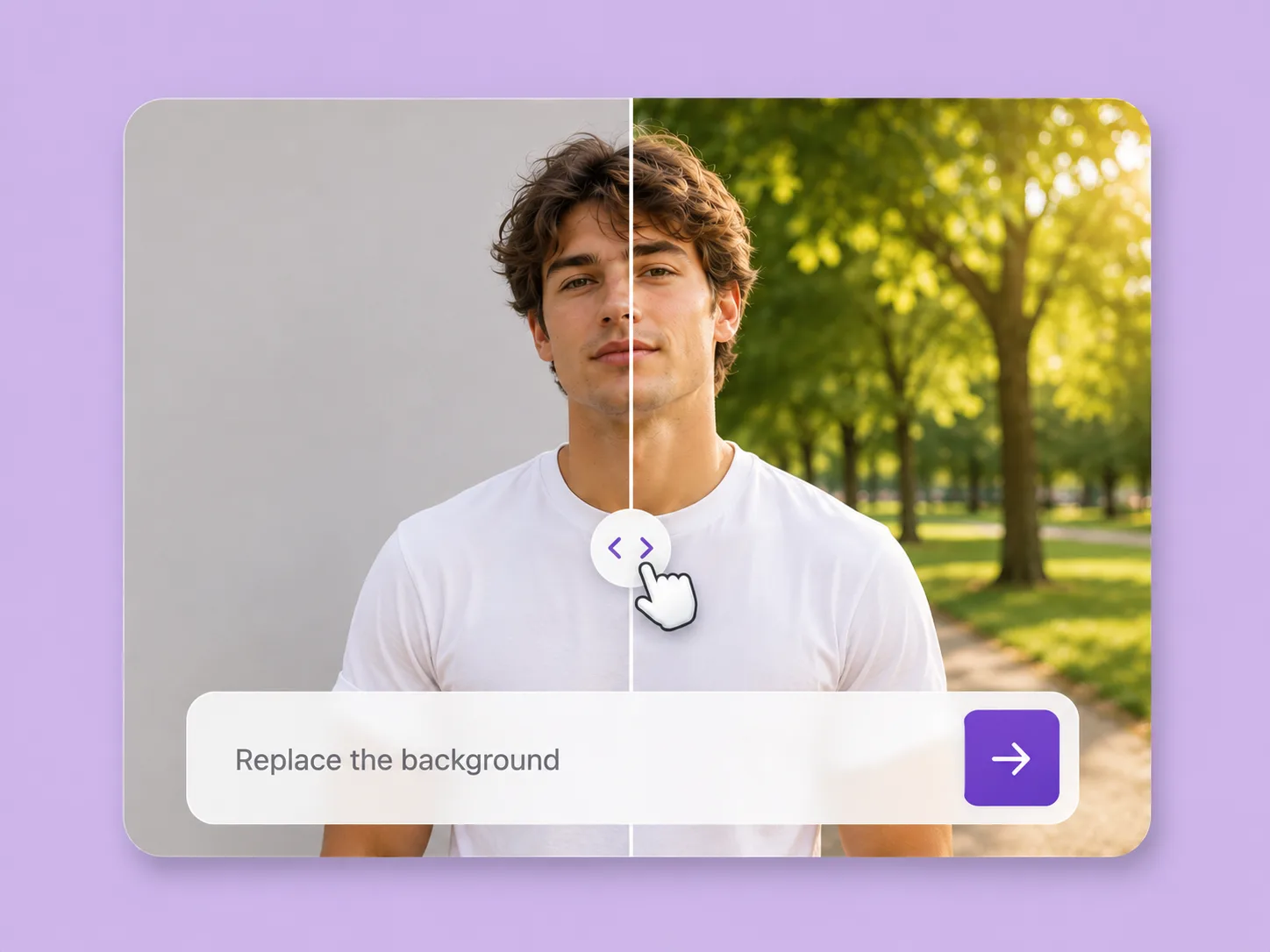
Make an existing image fit the next idea. Direct backgrounds, styling, objects, and light with ImageAny V3 or V2.
Explore solution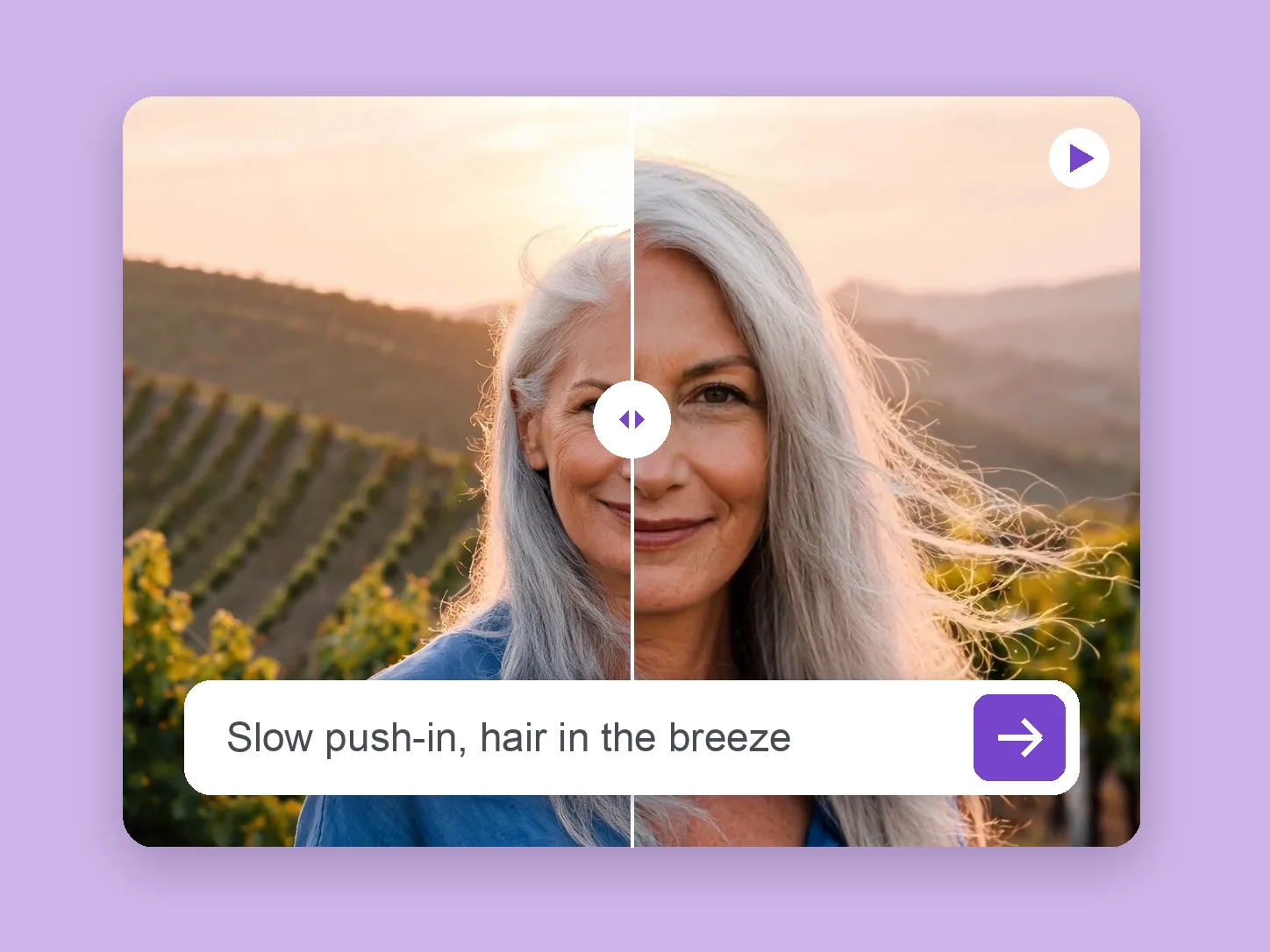
Bring a chosen still into motion. Direct the subject and camera with VideoAny V5, V4, V3, or V2.
Explore solution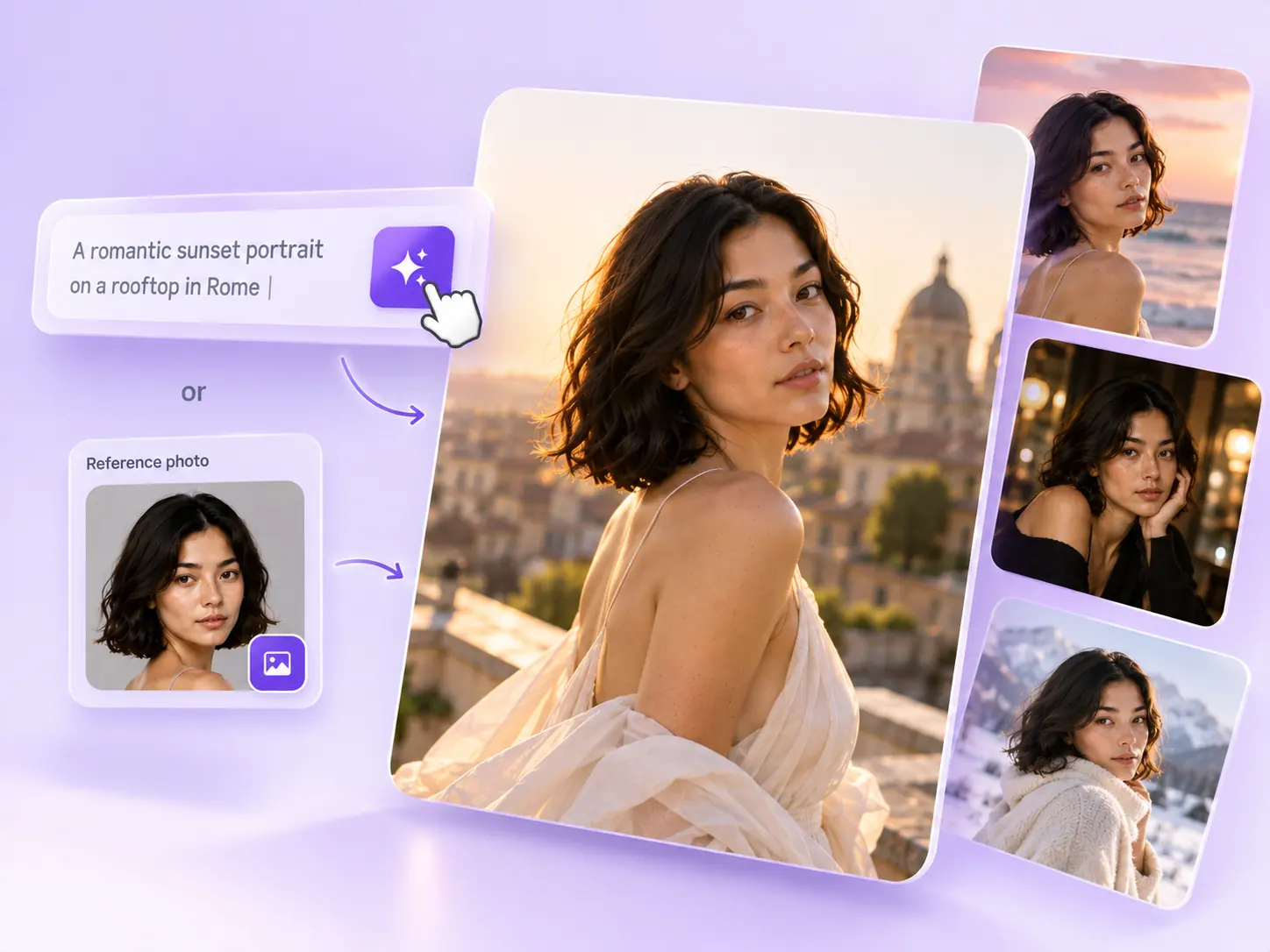
Create the still that starts the story: product concepts, portraits, and campaign photos from a written ImageAny brief.
Explore solutionChoose ImageAny V3 or V2, write a coherent portrait brief, and develop a reference you can build on in VideoAny.
Prepare my image