Creator Guides

Guides

Explore practical guides, comparisons, and walkthroughs to help you choose the right AI tools, workflows, and platforms for what you want to create.

Start with the guides below for creator-focused advice, platform comparisons, and step-by-step workflow ideas. More guides will be added over time.

Showing 121-130 of 146 guides

Page 13 / 15

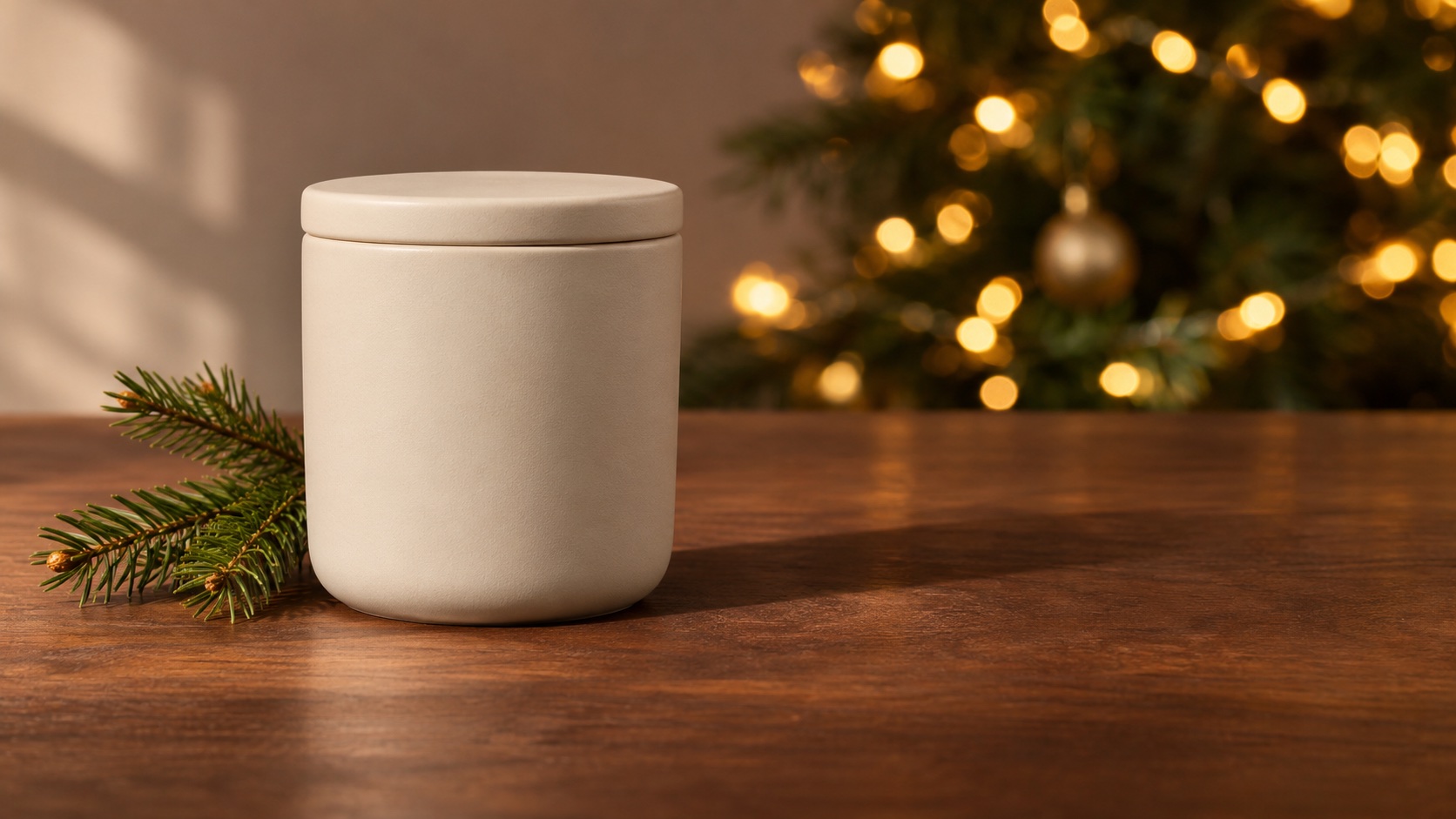
Create a Christmas Product Commercial with AI
Practical workflow
VideoAny Team•8 min read•2026-11-07

Create a Christmas Product Commercial with AI

Prepare a Christmas product still, animate a short shot and review brand details. Copy practical prompts and learn where manual editing and quality checks are required.

24K Magic Style Dance: Photo-to-Video Guide
Practical photo workflow
VideoAny Team•8 min read•2026-11-08

24K Magic Style Dance: Photo-to-Video Guide

Prepare a full-body photo for an original cruise-deck dance. Copy scene and motion prompts, check upload requirements and troubleshoot feet, framing and face changes.

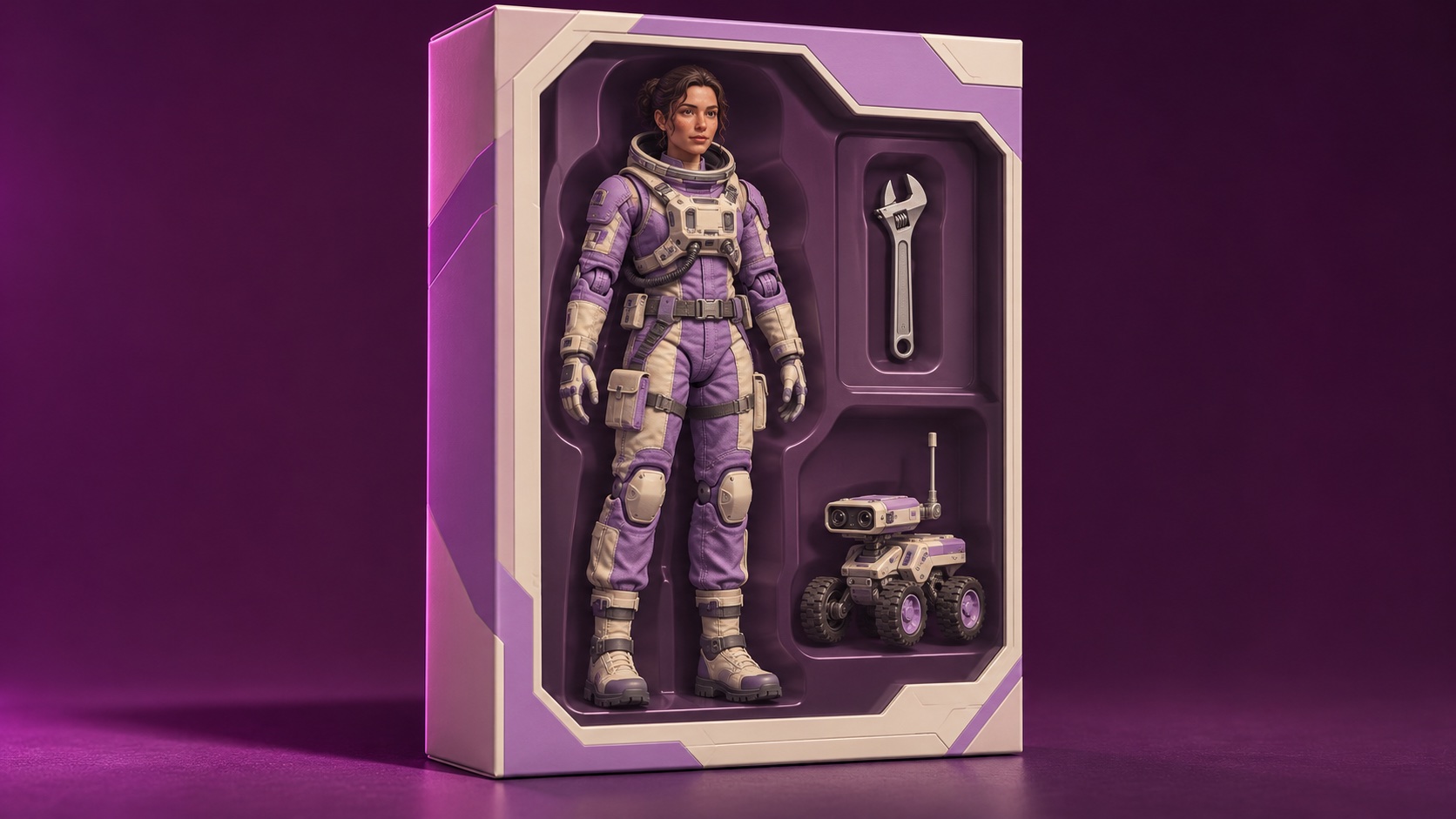
AI Action Figure: Photo, Box and Short Video Guide
Practical photo workflow
VideoAny Team•8 min read•2026-11-08

AI Action Figure: Photo, Box and Short Video Guide

Turn an authorized portrait into an original boxed action figure concept. Copy editable prompts, check the image, then manually upload it for an optional product-style video.

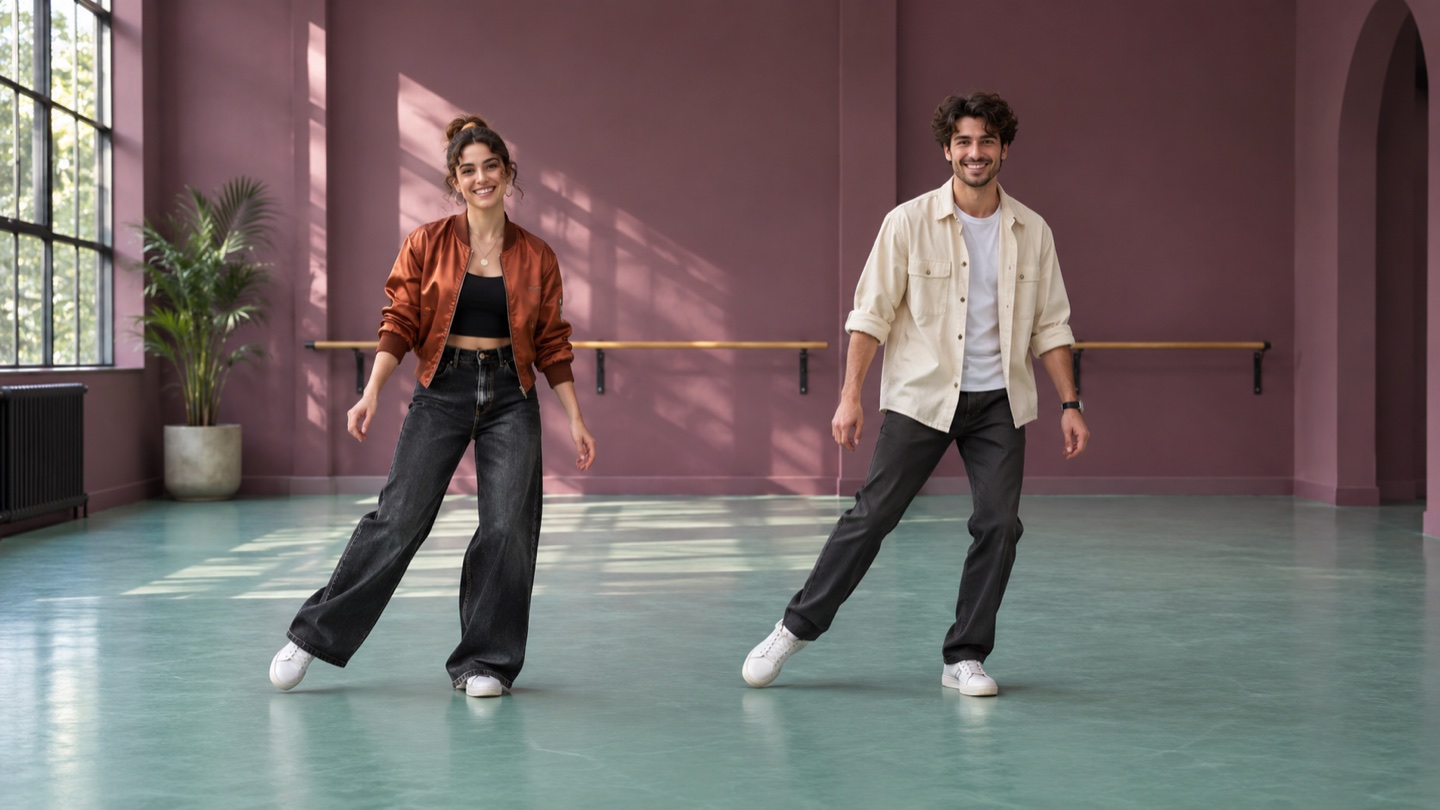
Trouble Maker: Make an Original Duet from One Photo
Practical duet guide
VideoAny Team•7 min read•2026-11-10

Trouble Maker: Make an Original Duet from One Photo

Prepare a shared two-adult photo for an original duet. Copy motion prompts, use the existing Trouble Maker effect, and check faces, feet and framing before sharing.

How to make an AI Santa greeting video
Portrait-to-video guide
VideoAny Team•7 min read•2026-11-10

How to make an AI Santa greeting video

Create a Christmas portrait, inspect and download it, then upload it manually to image-to-video. Copy prompts, check real settings and troubleshoot gentle motion.

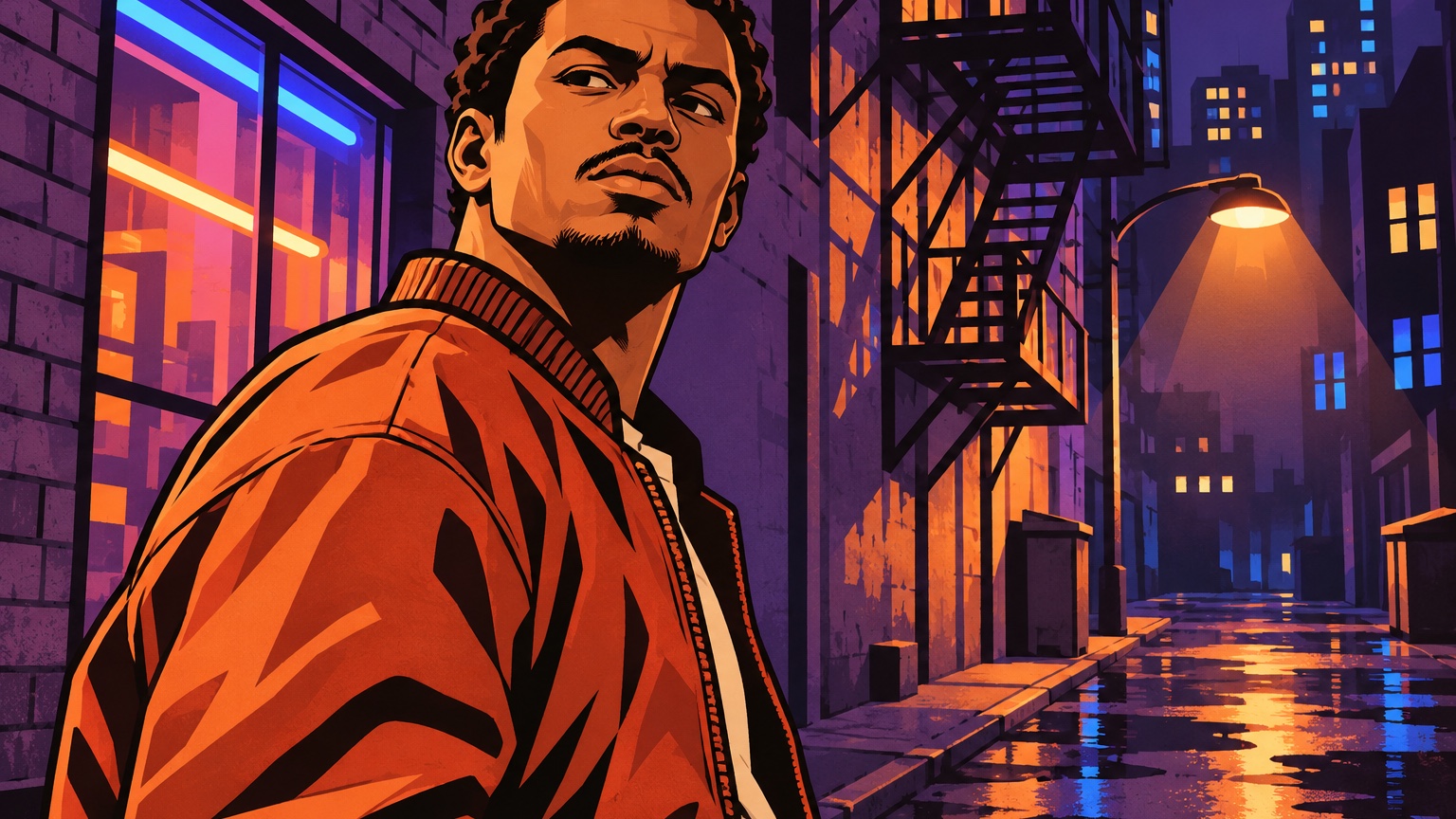
AI GTA Filter: Photo-to-Video How-to Guide
Unofficial style exercise
VideoAny Team•7 min read•2026-11-12

AI GTA Filter: Photo-to-Video How-to Guide

Prepare a portrait for an unofficial GTA-inspired urban illustration, review and download the still, then manually upload it for optional video. Prompts and troubleshooting.

Seedream 5.5 Complete Guide: Tutorial and Settings
Seedream workflow guide
VideoAny•6 min read•2026-11-16

Seedream 5.5 Complete Guide: Tutorial and Settings

Learn the Seedream 5.5 workflow on VideoAny: start from text or references, choose output settings, review results and find focused editing and prompt guides.

Seedream 5.5 Image Editing: References and Export
Seedream workflow guide
VideoAny•6 min read•2026-11-16

Seedream 5.5 Image Editing: References and Export

Use the existing Seedream 5.5 image editor with uploads or image URLs, up to 10 references, 1K–2K resolution, background options and PNG or JPEG output.

Seedream 5.5 vs 5.0: VideoAny Options Compared
Seedream workflow guide
VideoAny•6 min read•2026-11-16

Seedream 5.5 vs 5.0: VideoAny Options Compared

Compare Seedream 5.5 and 5.0 as configured on VideoAny: model entries, references, image size controls, output count, background and format options.

Seedream 5.5 Prompt Guide: Practical Image Briefs
Seedream workflow guide
VideoAny•6 min read•2026-11-16

Seedream 5.5 Prompt Guide: Practical Image Briefs

Write Seedream 5.5 prompts for text-to-image and image editing. Use practical, untested examples, reference instructions and a focused review checklist.