AI Barbie Slideshow
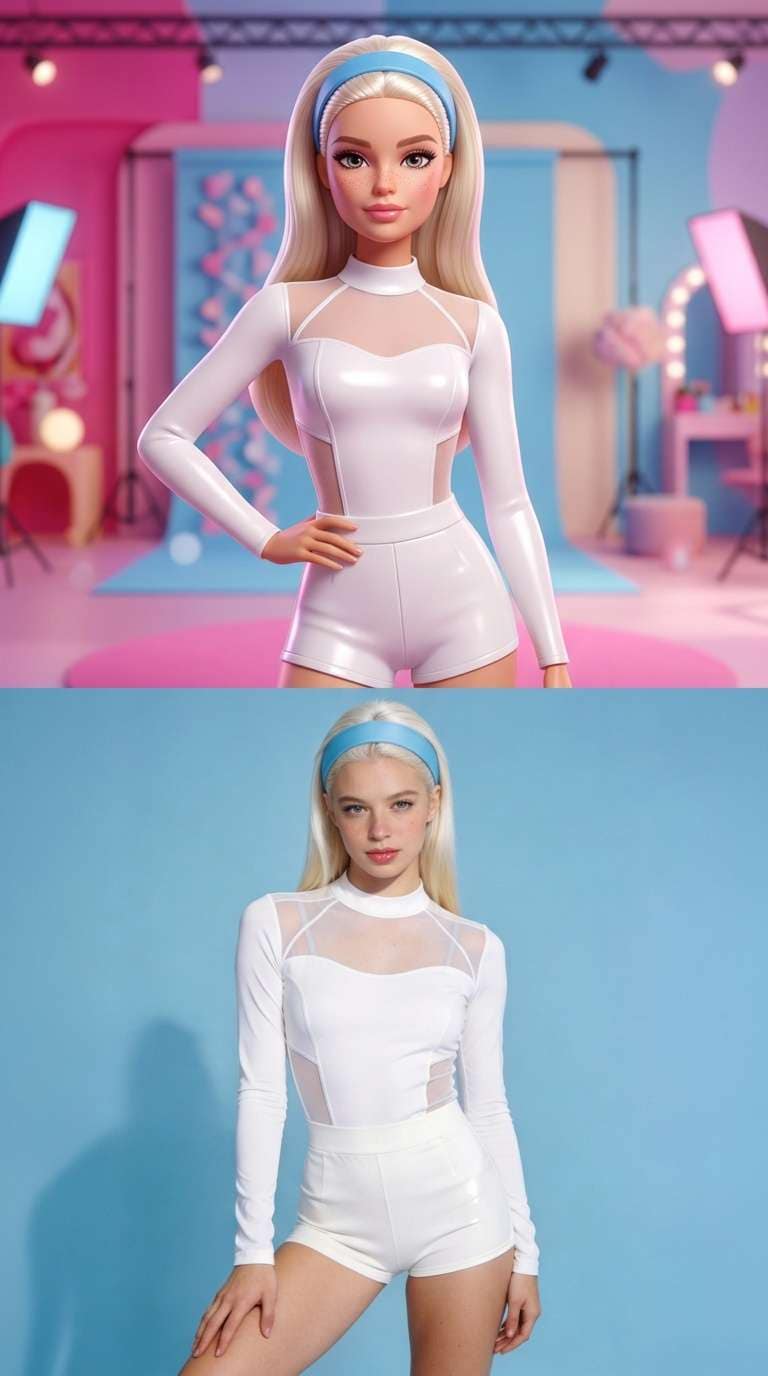
Turn one photo into two stacked panels: a glossy fashion-doll portrait above a realistic version, with subtle motion.
A clear mirror selfie or posed portrait works well. A phone portrait can suit the layout, while output keeps your source aspect ratio.
568 credits per 5-second video
External visual references, not VideoAny-generated results. They illustrate the setting or style; the generated 5-second clip may differ.
Explore the doll-vs-real contrast
These references show the stacked doll-versus-portrait layout and the original portrait used to illustrate the face, pose and clothing.
Doll-vs-portrait layout
A blonde fashion doll appears above a photographic portrait in two stacked panels, with matching white clothing in both.
Media.io ↗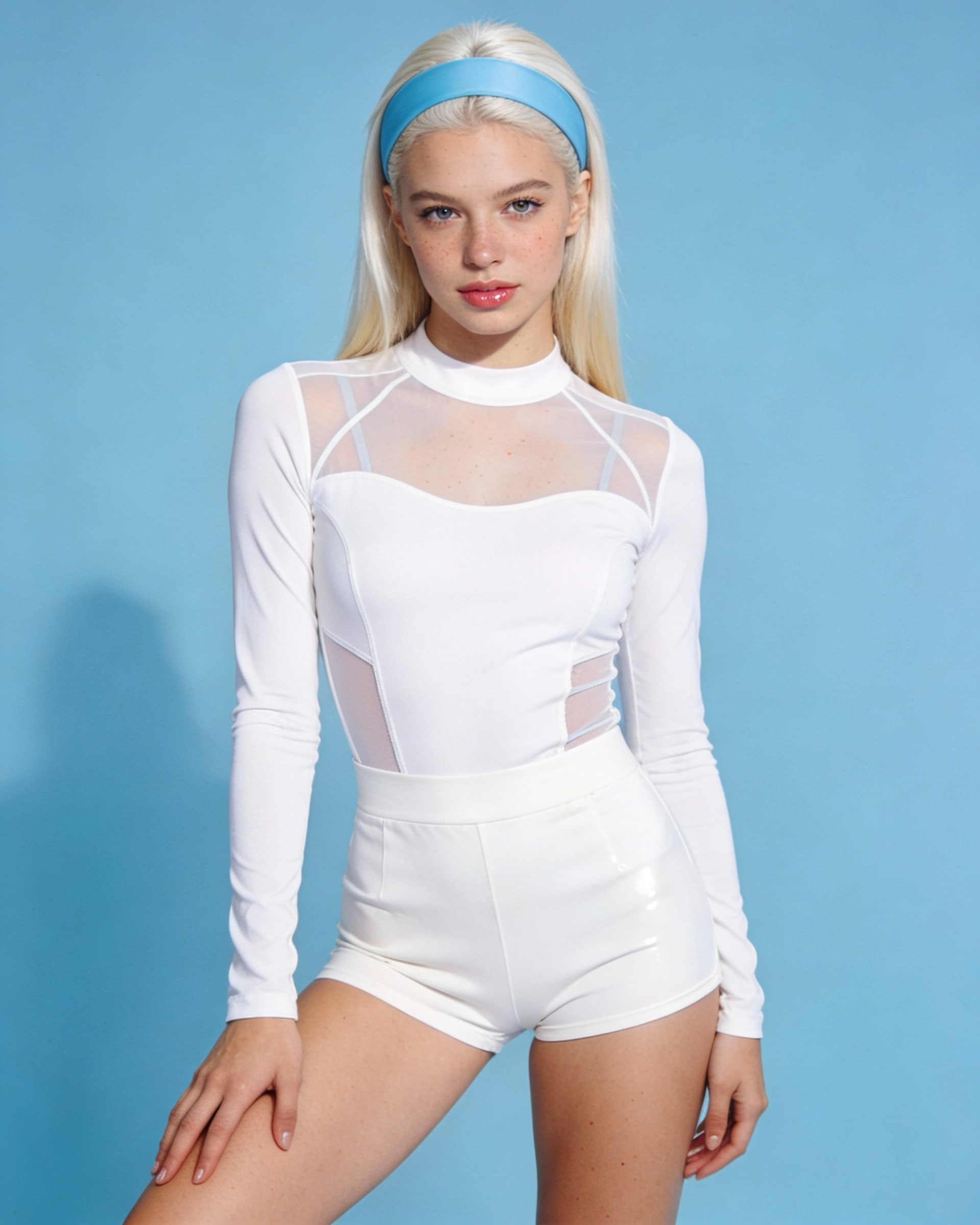
Original portrait reference
The original blonde portrait against a blue background is shown as a reference for the face, pose and white clothing.
Media.io ↗External visual references, not VideoAny-generated results. They illustrate the setting or style; the generated 5-second clip may differ.
Upload your photo
Choose one clear portrait or mirror selfie of one person. Keep the face, hairstyle and outfit easy to see.
Generate your video
Sign in, check that you have 568 credits and select Generate. Allow several minutes for the 5-second video.
Preview and download
Preview the upper doll panel and lower realistic panel, then download the silent clip for editing or posting.
AI Barbie Slideshow FAQ
One photo becomes a two-panel composition: a glossy 3D fashion-doll treatment on top and a realistic treatment below, with gentle movement in each panel.
No. This is an independent effect inspired by a social media style and is not affiliated with or endorsed by Mattel.
No. Each generation makes one 5-second split-panel video from one photo. To build a slideshow, download the MP4 and use an external editor to combine clips or extract and arrange still frames.
Each generation costs 568 credits. You need at least 568 credits in your account to start.
The prompt asks for a related pose, hairstyle and outfit idea in both panels. The upper panel is restyled as a doll, so details and alignment may differ.
Blurred images, complex poses, content checks or temporary service issues can affect generation. AI may alter facial details, clothing and motion. If progress cannot be checked, review your generation history before starting again.
One photo is used for image-to-video generation with Seedance 2.5: 5 seconds, 720p, 568 credits, no audio. The aspect ratio follows the source photo. Generation can take several minutes; 5 seconds is the clip length.
Ready to create your next release?
Upgrade for faster queues, higher resolutions, and expanded usage options.