
Seedance 2.5 guide
VideoAny•5 min read•2026-11-20
Seedance 2.5 4K: Settings and Workflow
Use the Seedance 2.5 4K option on VideoAny. Choose text or image input, 4–30 seconds and optional audio, then review the downloaded video.
Creator Guides
Explore practical guides, comparisons, and walkthroughs to help you choose the right AI tools, workflows, and platforms for what you want to create.
Start with the guides below for creator-focused advice, platform comparisons, and step-by-step workflow ideas. More guides will be added over time.
Showing 131-140 of 146 guides
Page 14 / 15
Use the Seedance 2.5 4K option on VideoAny. Choose text or image input, 4–30 seconds and optional audio, then review the downloaded video.

Compare MiniMax H3 studio settings with the H3 Max workflow in VideoAny’s AI Video Generator: inputs, duration, resolution and where to start.

Evaluating ImagineArt alternatives? Use a practical test for image creation, targeted revisions, and image-to-video in VideoAny, with clear acceptance criteria.

Looking for Makefun alternatives? Compare a focused AI effect, source-image preparation, and custom motion in VideoAny with a repeatable short-clip test.

Evaluate Higgsfield alternatives with a shot-based test in VideoAny. Choose text, image, or video input and review action, camera intent, continuity, and effort.
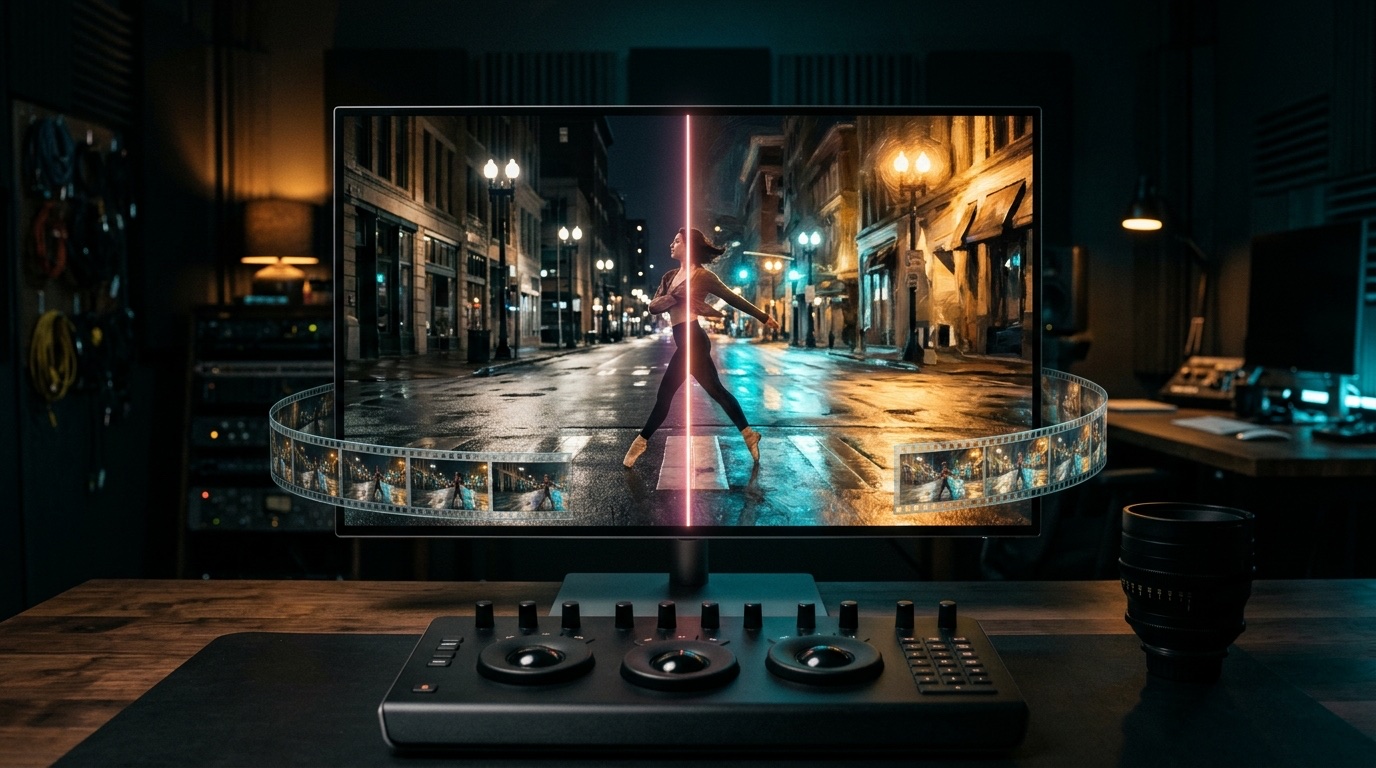
Step-by-step guide to VideoAny's video-to-video studio. Compare VideoAny, Wan 2.7, Happy Horse 1.0, and Grok Imagine Video upload limits, resolutions, durations, and review checks.

Write clearer video-to-video prompts for VideoAny, Wan 2.7, Happy Horse 1.0, and Grok Imagine Video. Includes untested illustrative templates, reference guidance, and troubleshooting.

Compare Image-to-Video and Video-to-Video on VideoAny. Choose the right starting material, inspect each studio's real models and resolution limits, and plan cleaner tests.

Restyle existing footage in VideoAny's video-to-video studio. Prep source clips, compare VideoAny, Wan 2.7, Happy Horse 1.0, and Grok Imagine Video, and check stability.

Evaluating Deevid alternatives? Test written video-to-video restyling across VideoAny, Wan 2.7, Happy Horse 1.0, and Grok Imagine Video with clear upload and review rules.