Start with the task
How to evaluate a Deevid alternative around written restyling
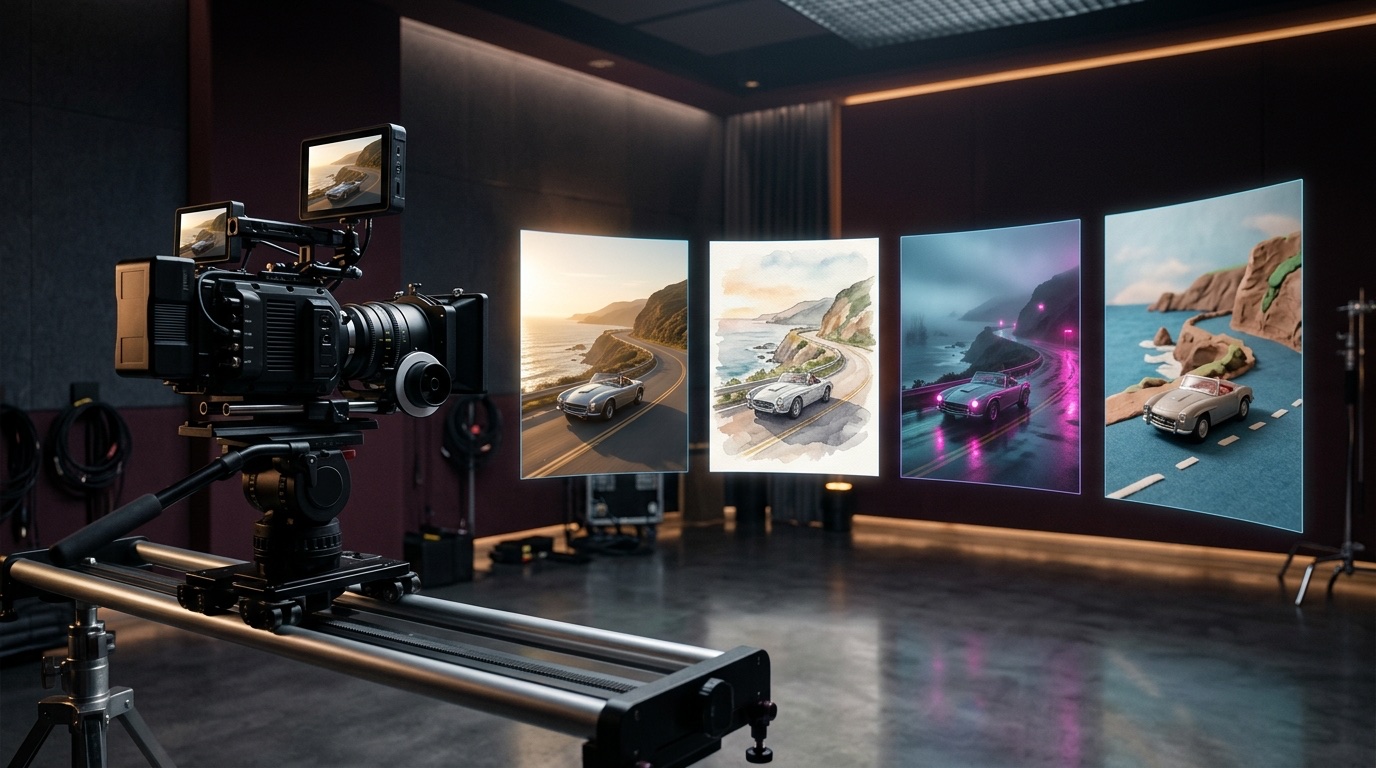
Creators searching for Deevid alternatives are often looking for more flexibility than a fixed style menu—specifically, uploading an existing clip and describing the desired visual treatment in plain text. VideoAny's video-to-video studio centers on that written restyle workflow across four listed models: VideoAny, Wan 2.7, Happy Horse 1.0, and Grok Imagine Video.
This guide is an independent workflow walkthrough for testing VideoAny. VideoAny has no affiliation with Deevid, Pollo, or Senzia, and this page does not claim feature parity, competitor plan pricing, or measured benchmark scores. Bring one real clip you own, check the visible studio limits, and inspect the complete output.
What to verify in your own test
- Input fit: does your clip match the model's format, file size, and duration limit?
- Prompt clarity: does a written aesthetic brief produce the surface and lighting you want?
- Reference support: do you need 1 style reference (Wan 2.7) or up to 5 URLs (Happy Horse 1.0)?
- Temporal review: do the opening, middle, and closing frames remain usable?
Four real studio models
Compare VideoAny's four video-to-video models side by side
All four models are selectable in VideoAny's video-to-video studio. None of these four models currently lists 4K output or a guaranteed motion lock.
| Model | Upload & length limits | Output resolution or size | References & listed credit rate |
|---|---|---|---|
| VideoAny | MP4, MOV, or AVI up to 50MB; selectable durations of 6, 8, 10, 12, 14, 16, or 18 seconds. | Landscape 4:3 (1024x768), Landscape 16:9 (1280x720), Portrait 4:3 (768x1024), Portrait 16:9 (720x1280), Square HD (1024x1024), or Square (768x768). | Source video + written prompt; studio quotes credits from chosen duration and size. |
| Wan 2.7 | MP4 or MOV up to 100MB; 2–10 second input clip; duration matches input or 2–10s. | 720p or 1080p; aspect ratios auto, 16:9, 9:16, 1:1, 4:3, or 3:4. | 1 optional reference image (JPG/PNG/BMP/WEBP up to 20MB or URL); 25 credits/s. |
| Happy Horse 1.0 | MP4 or MOV up to 100MB; source up to 60s, billed on detected length up to 15s max. | 720p or 1080p. | Up to 5 optional reference image URLs; 50 credits/s at 720p or 100 credits/s at 1080p. |
| Grok Imagine Video | MP4, MOV, or AVI up to 50MB; input truncated to 8 seconds. | auto, 480p, or 720p. | Source video + written prompt; 20 credits/s. |
Three-stage test
Run a fair written-restyle trial in three steps
Stage 1 — Pick one representative clip. Trim a 5–8 second continuous shot with clear lighting so it fits every model cleanly. Write a compact visual brief naming the target surface, lighting mood, and main subject elements you want to stay recognizable.
Stage 2 — Test the model that matches your constraints. Try Grok Imagine Video (20 credits/s, up to 8s) for a lightweight first pass, Wan 2.7 (25 credits/s, 720p/1080p) when you want aspect-ratio selection or one style reference image, VideoAny when you want explicit 6–18s durations and fixed pixel sizes, or Happy Horse 1.0 when you want up to five reference image URLs.
Stage 3 — Inspect full playback and count total effort. Watch the entire generated clip rather than judging a single frame. Note whether faces, product shapes, and motion remain acceptable—remember that generative restyling does not guarantee locked motion—and include rejected retries when comparing platforms.
Beyond video-to-video
Match non-video tasks to the right VideoAny page
If your real goal does not start from an existing video clip, switching studios avoids unnecessary workarounds. Use Image to Video when you have a finished photo or product still, Text to Video when you are starting from a written scene idea, and AI Effects when you want to test a focused effect workflow separately.
Route matching
- Existing video clip + written style change → Video to Video.
- Approved still image + motion brief → Image to Video.
- Written scene description only → Text to Video.
- Single pre-defined effect test → AI Effects.
Common questions
Deevid alternatives: practical questions
Is VideoAny affiliated with Deevid?
No. VideoAny is an independent platform and has no affiliation with Deevid, Pollo, or Senzia. This page helps you evaluate VideoAny's written video-to-video restyling workflow using your own clip.
Which model in VideoAny's video-to-video studio should I try first?
For clips up to 8 seconds, Grok Imagine Video (20 credits/s, auto/480p/720p) is a quick baseline and Wan 2.7 (25 credits/s, 2–10s MP4/MOV, 720p/1080p) adds aspect-ratio controls and an optional reference image. Choose VideoAny for 6–18s fixed sizes or Happy Horse 1.0 when guiding the look with up to five reference image URLs.
Does written video-to-video restyling guarantee identical motion to my input video?
No. The source clip guides the transformation, but movement, timing, and fine details can shift. Treat motion continuity as something to verify across the full playback.
Does VideoAny offer 4K inside Video to Video?
No. None of the four models listed in Video to Video (VideoAny, Wan 2.7, Happy Horse 1.0, and Grok Imagine Video) currently lists 4K; Wan 2.7 and Happy Horse 1.0 list up to 1080p. Check the separate Seedance 2.5 4K guide if you need 4K from text or a still image.
How should I compare cost between Deevid and VideoAny?
Check current pricing and the live credit estimate displayed in the studio before generating. Compare the total cost and time required to produce one usable clip, including retries, rather than relying on a single marketing headline.
Try your own clip
Test one written restyle brief in Video to Video
Upload a short clip you own, select one of the four models, and compare the full output against your brief before choosing a long-term workflow.
- Four selectable video-to-video models
- Visible credit quote before submitting
- Review the full clip start to finish