Senzia vs Yeri AI: Which Workflow Fits Your Images?
Compare Senzia and Yeri AI on prompt accuracy, editing tools, usability, free access, and pricing, with a clear look at the source article’s claims.

Creator Guides
Explore practical guides, comparisons, and walkthroughs to help you choose the right AI tools, workflows, and platforms for what you want to create.
Start with the guides below for creator-focused advice, platform comparisons, and step-by-step workflow ideas. More guides will be added over time.
Showing 111-118 of 118 guides
Page 12 / 12

Compare Senzia and Yeri AI on prompt accuracy, editing tools, usability, free access, and pricing, with a clear look at the source article’s claims.


Explore 22 Jev AI use cases for games, browser actions, support, and agent routing, with practical tips on typed questions, confidence, and official access.

Take a still from an AI image generator into video: check input compatibility, keep a handoff record, troubleshoot failed drafts, and track usable-clip costs.

Compare Senzia, ComfyUI, Mage, Venice, and HeraHaven by task, setup, privacy, and cost. Use a small trial and a reusable scorecard to choose your workflow.

Explore Mage’s October 2026 Nano Banana 2.1 release, including Thinking Level, search, 4K resolution, Fast Mode, MCP Skills, and VideoAny's distinct image workflow.

Compare five MCP image servers for Claude: Mage, fal, FLUX, Recraft, and Hugging Face. Review setup, models, billing, references, and video workflows.

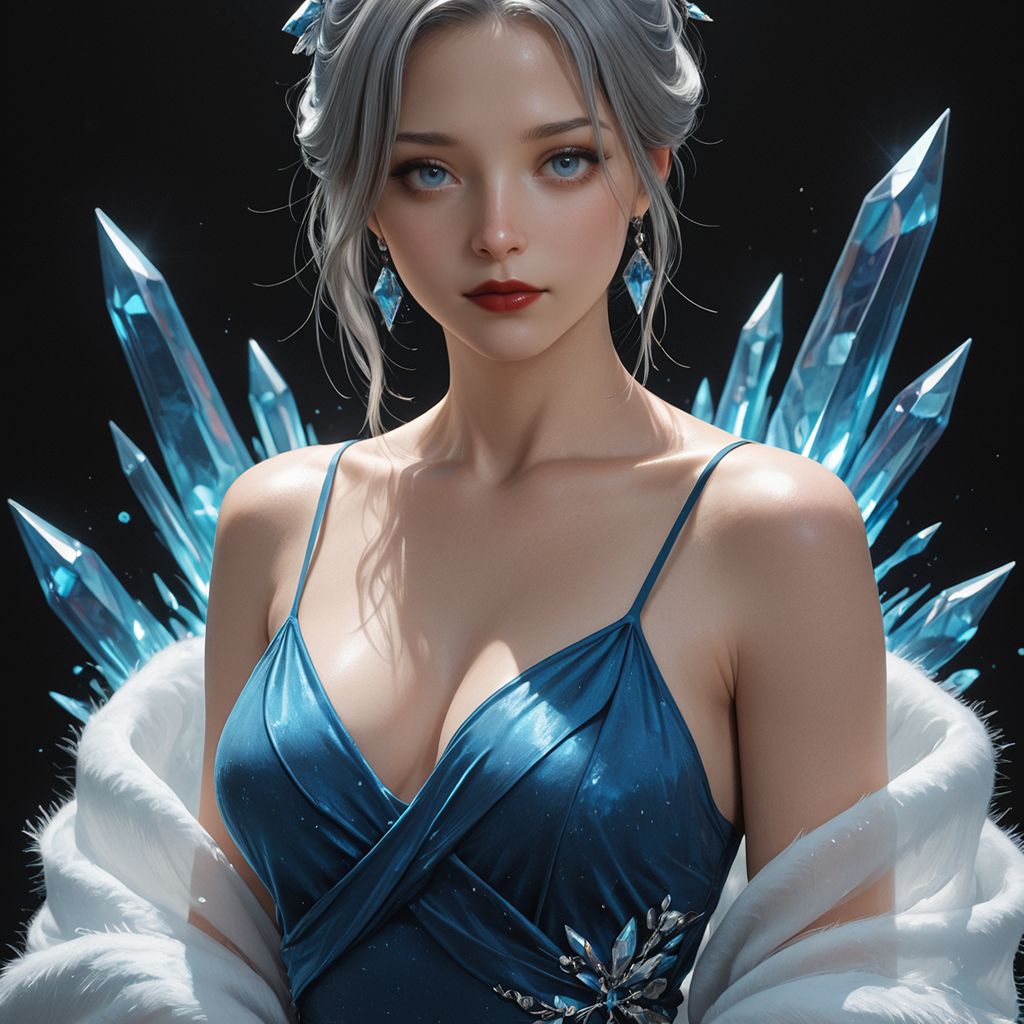
Explore Prefect Semi-Real on Mage, read its SDXL style cues, and build clear portrait or fantasy prompts for a practical semi-realistic image workflow.

Use Nano Banana 2.1 for clear prompts, reference-guided edits, character continuity, and text. Compare Mage model notes with VideoAny settings and credits.