
Start with the job, then choose a shortlist
These five options occupy different categories. Their order is a reading sequence, not a measured quality ranking.
| Your main requirement | First candidate | Rule it out when… |
|---|---|---|
| Hosted stills and motion in one service | Senzia | You require a fully local workflow or a specific model it does not offer. |
| Control the workflow graph and local files | ComfyUI local | You cannot allocate hardware, installation time, or maintenance. |
| Explore hosted image and video models | Mage | The model or controls you need are outside your available plan or balance. |
| Make privacy a model-selection criterion | Venice | The selected model’s processing and retention terms do not meet your requirements. |
| Create and interact with a fictional companion | HeraHaven | Your task is a product shot, a general scene, or a configurable video pipeline. |
“Uncensored” does not specify a model, content policy, export format, or license. Check the exact image and video workflow separately.
Already picked a tool?
Five options and the trade-off each asks you to make
Product capabilities below were checked against official pages on October 15, 2026. The existing screenshots illustrate the earlier source article; they are not new test results or proof of current output quality.
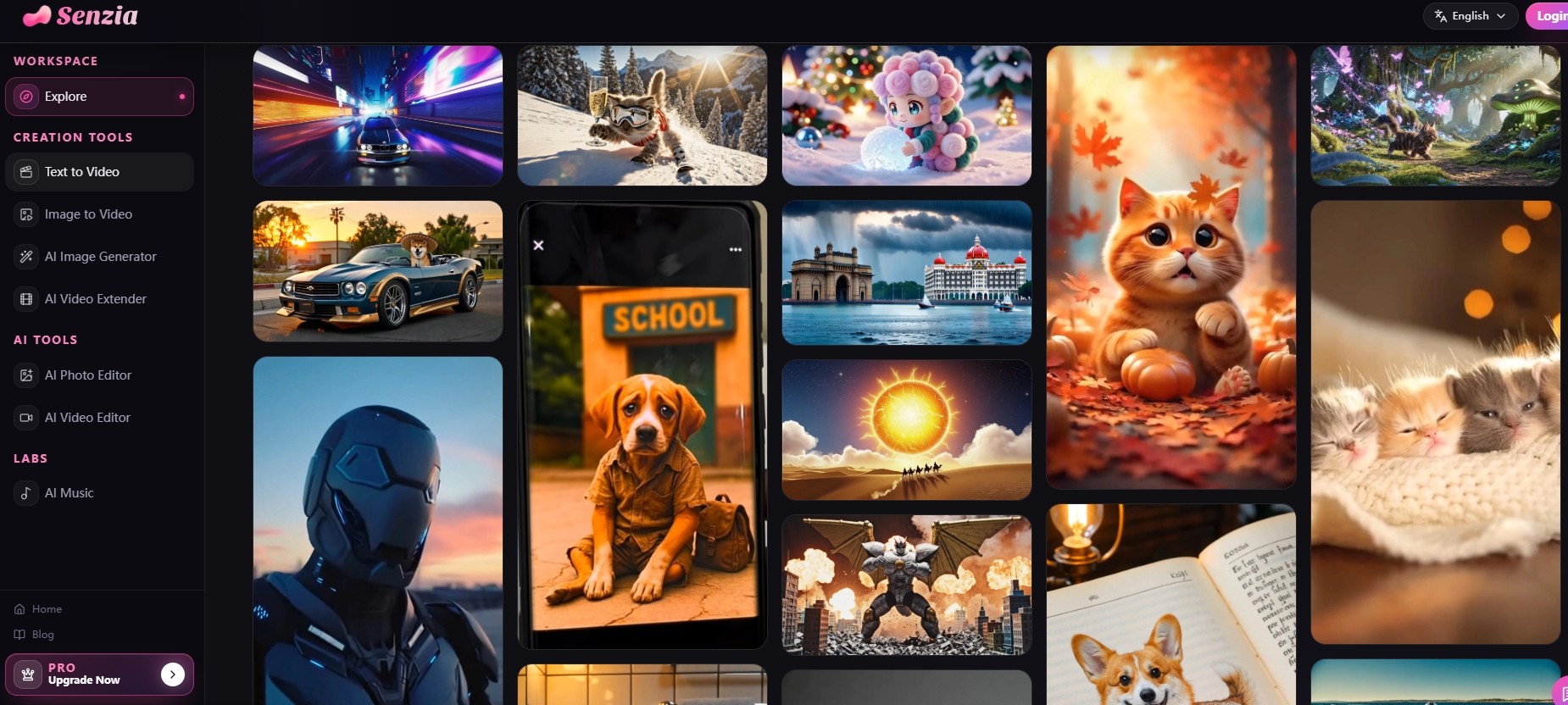
Senzia interface screenshot from the source comparison
Senzia
A candidate when you want image generation and motion tools under one account.
What its official pages list
- Text-to-image and image-to-image creation
- Text-to-video and image-to-video workflows
- Pricing model
- Its pricing page lists Premium and one-off credit purchases; usage varies by model and feature.
- Trade-offs
- A shared account does not establish consistent identity, permissive policies, or identical controls across models. Confirm your required input and export in the selected tool.
- Best fit
- A creator who values a hosted workspace and can test its available models against a specific brief.
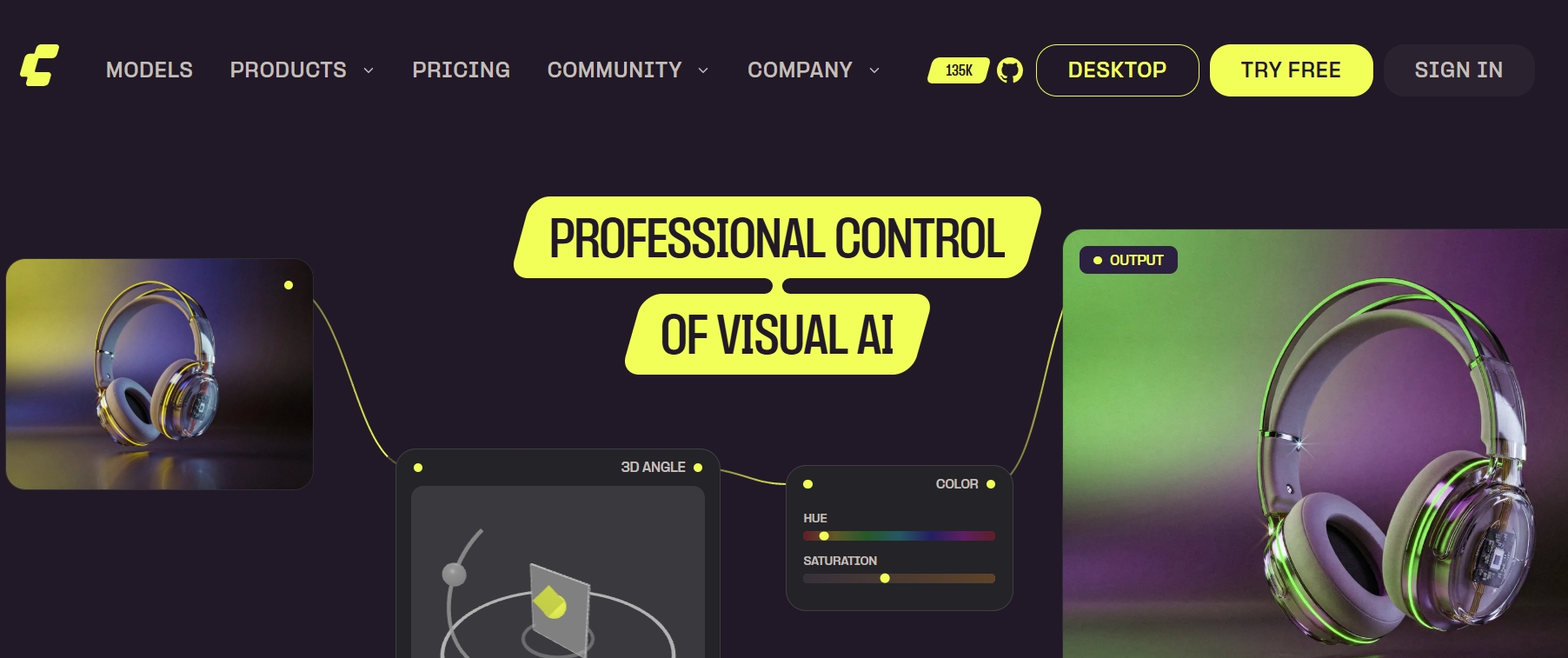
ComfyUI product page screenshot from the source comparison
ComfyUI
A node-based engine for building a generation process rather than choosing one fixed service.
What its official overview establishes
- Open-source core that can run on your hardware
- Node workflows for image, video, audio, and other supported models
- Pricing model
- The local core is free. Budget hardware, storage, and setup time; optional cloud and partner services are separate.
- Trade-offs
- Local execution depends on the complete graph. Nodes that call external services send work outside your machine. Check dependencies, model licenses, and hardware needs before installation.
- Best fit
- Someone comfortable maintaining a graph, model files, and a record of settings.
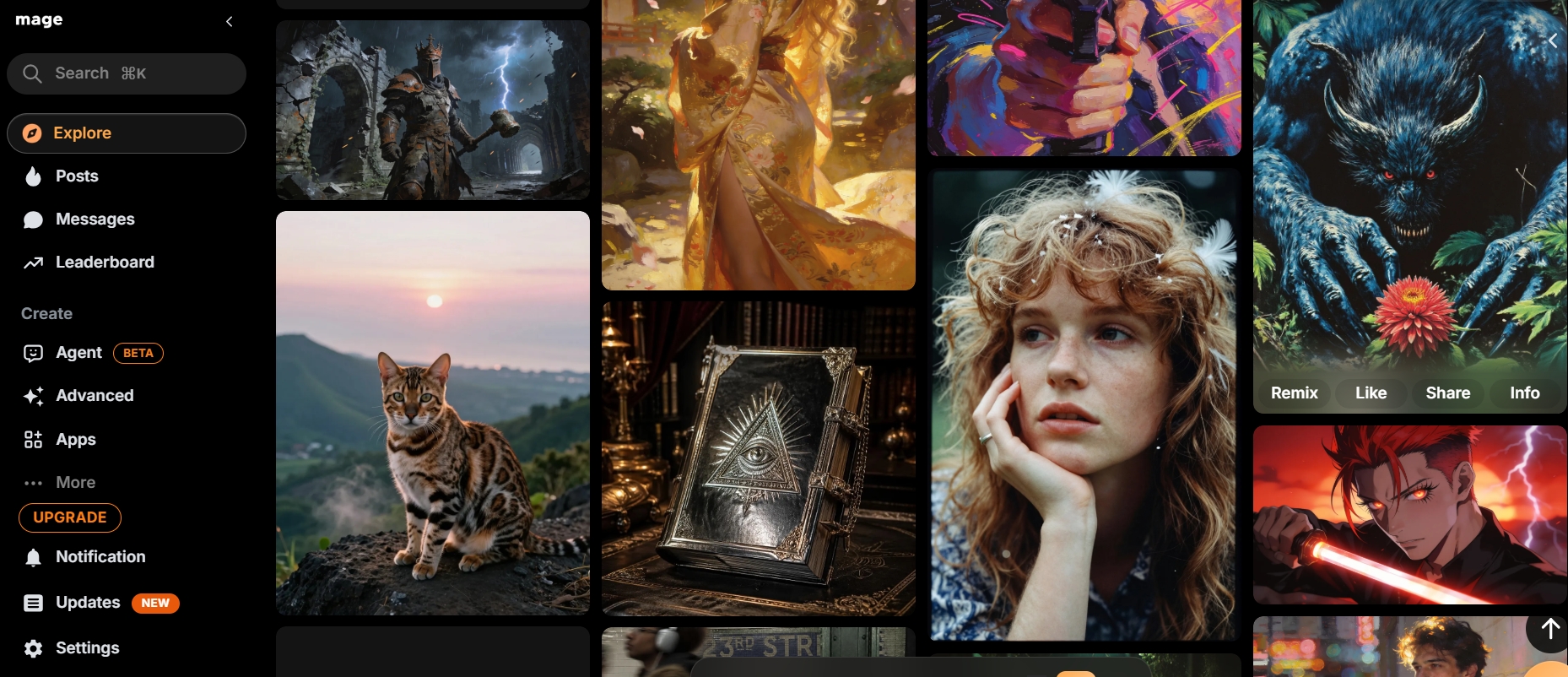
Mage artwork interface screenshot from the source comparison
Mage
A browser workspace for comparing image and video models without a local installation.
What its official pages list
- Image creation, character tools, and video generation
- Model-specific text-to-video and image-to-video options
- Pricing model
- Review membership access and Gems for your chosen model. A starter allowance does not establish ongoing free video access.
- Trade-offs
- Compare the model and generation mode, not just the membership name. Check which reference controls and exports are available to your account.
- Best fit
- A creator who wants to sample several hosted models and keep the same brief while comparing.

Venice platform screenshot from the source comparison
Venice
A hosted option where the selected model’s privacy mode belongs in the buying decision.
What its official pages establish
- Image generation and editing plus video workflows
- Privacy categories with different provider and processing assumptions
- Pricing model
- Check account access and the current quote for the model and media settings you intend to use.
- Trade-offs
- Its privacy page distinguishes Anonymous, Private, TEE, and E2EE modes. Do not extend one mode’s claims to every model. Its legal policy also describes temporary video storage.
- Best fit
- A user who will inspect model-level privacy labels and media handling before uploading references.
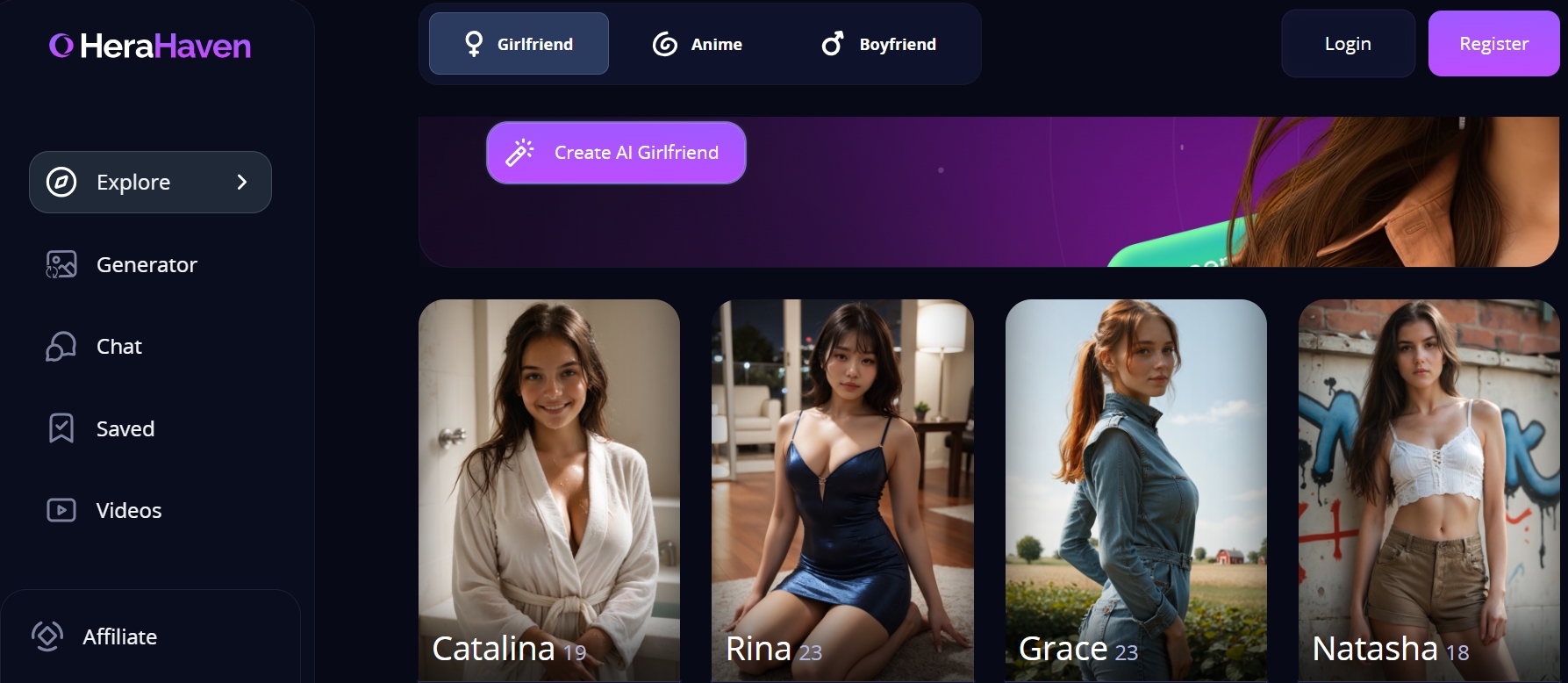
HeraHaven virtual companion screenshot from the source comparison
HeraHaven
A separate category centered on a customizable fictional companion, chat, and associated imagery.
What its official homepage describes
- Companion appearance and personality customization
- Pictures and conversion of companion pictures into videos
- Pricing model
- Check the in-account limits and paid options for pictures and videos before relying on them.
- Trade-offs
- Companion video is not evidence of a general-purpose production studio. Do not shortlist it for model graphs, product accuracy, or scene controls without verifying those capabilities.
- Best fit
- An adult seeking a fictional companion experience, rather than an interchangeable image-and-video engine.
Check image and video requirements separately
Write down your non-negotiable output before comparing: a still illustration, a repeatable character series, a short motion shot, or companion interaction. Eliminate candidates that solve a different job, even if their showcase looks appealing.
For images, check whether you need text prompts, an uploaded reference, masking, or a reusable character. For video, independently confirm whether that reference is accepted and which duration, aspect ratio, resolution, and audio controls the chosen model exposes. An image model accepting a request does not establish that a video provider will accept it.
Inspect model access, content policy, file handling, and output-use terms at the point of selection. A privacy label and a permissive prompt policy answer different questions. For a local graph, identify every node that makes a network request; for a hosted service, check the actual provider used by the selected model.
Run a bounded trial on two candidates
This is a proposed evaluation procedure, not a benchmark we have performed.
Choose two candidates from the decision table, not all five. Use one original brief and one reference you are authorized to upload. For example: an illustrated adult explorer in a blue coat beside a red bicycle, composed for a vertical poster. Define three pass criteria before generating: coat and bicycle colors remain correct, the full subject fits the frame, and hands have no distracting defects.
Give each candidate three image attempts within the same spending limit. Keep the brief stable and record adjustments rather than silently optimizing one tool more than the other. Different model architectures may interpret settings differently, so describe a matched creative task rather than claiming identical technical conditions.
If video is necessary, take one approved still and make up to two short motion attempts on each eligible workflow. Use a simple action, such as a slow camera push while the subject stays still. Judge image accuracy and video stability separately; watch the complete clip. Stop at your limit and retain failures in the record.
A small trial can rule out an unsuitable workflow. It cannot establish a universal winner or a reliable success rate. If the candidates both pass, choose by the control, privacy, and total cost that matter to your next project.
Copy this trial record
One record per candidate
Fill in actual results, including rejected requests and unusable outputs. Keep a screenshot or export of the relevant settings.
Date / tool / plan:
Model and version / local workflow file:
Task and reference filename:
Image settings / video settings:
Pass criteria defined before generation:
Attempt 1: settings changed / charge / pass or fail / reason
Attempt 2: settings changed / charge / pass or fail / reason
Attempt 3: settings changed / charge / pass or fail / reason
Total charged / usable outputs:
Setup and review time:
Policy, privacy, or export limitation observed:
Decision and next test:
- Keep raw credits separate across services until you know each credit’s purchase cost.
- For local work, record setup time and compute assumptions alongside cash spending.
Compare cost per usable result, not cost per attempt
Use this formula for your trial: generation spend divided by usable outputs. Add subscriptions attributable to the task, setup, storage, and review time separately. If no result passes, record “no usable result within budget”; dividing by zero does not produce a meaningful cost.
Hypothetical example, not provider pricing: candidate A charges 10 credits per attempt. Three attempts cost 30 credits, and one passes, so the observed generation cost is 30 credits per usable image. Candidate B charges 15 credits per attempt; if two attempts produce two usable images, its observed cost is 15 credits per usable image. Convert both to the same currency before comparing.
For motion, include the source-image attempts as well as video attempts when estimating the complete deliverable. A low clip price can still produce an expensive finished asset if the source requires repeated repair. Treat your small sample as a project estimate, not a prediction of future performance.
Two questions before committing
Which of these is the best uncensored AI generator?
There is no tested overall winner in this guide. Shortlist by task, eliminate missing requirements, and compare two candidates with the same brief and spending limit.
Does local mean the entire workflow stays offline?
Only when the models, nodes, and dependencies run locally without external calls. Inspect the complete ComfyUI graph rather than assuming every optional node is local.
Use your own brief
Apply the same trial to VideoAny
Choose an available model, check its current settings and credit cost, then record a small set of image or motion attempts against your pass criteria.
Official references and image credits
Feature scope was checked on October 15, 2026. Provider descriptions establish listed capabilities, not independently measured quality. Prices and allowances are intentionally left to the current product interface.