Generate images from text
Turn a detailed prompt into original visual concepts, campaign assets, and story frames.
Open Text to ImageMove from prompt to image, edit, and video in one workspace. VideoAny provides flexible visual AI workflows for legitimate creative work while keeping explicit safety and rights boundaries.
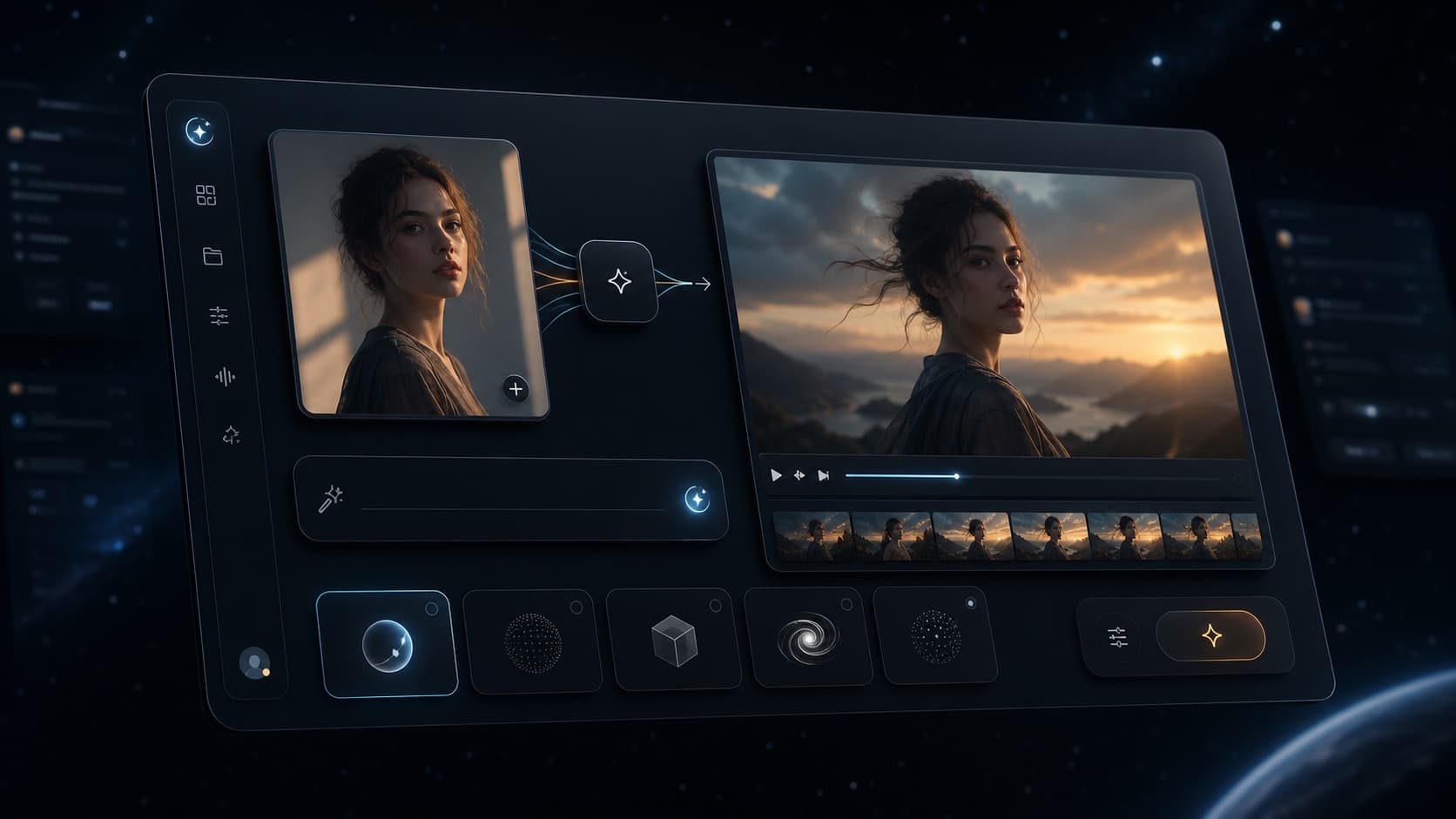
One visual workflow, several specialist tools
Choose the input and model that match the job instead of relying on a generic chatbot.
Choose by task
Each page below owns one search and product intent. Start from your source material, then move to the next step without losing the creative direction.
Turn a detailed prompt into original visual concepts, campaign assets, and story frames.
Open Text to ImageUpload a reference and describe the change while preserving the parts that already work.
Open Image to ImageAdd subject motion and camera movement to a photo, illustration, or generated frame.
Open Image to VideoCreate short video concepts from scene, movement, lens, lighting, and style instructions.
Open Text to VideoUse an existing clip as motion structure and explore a different visual treatment.
Open Video to VideoCompare image and video models by workflow instead of forcing every task through one engine.
Browse AI ModelsWhat the term means here
“Unrestricted AI” is often used for several unrelated products. VideoAny is specifically a visual creation platform. It is not a general chatbot, and unrestricted does not mean that illegal, non-consensual, exploitative, or harmful content is permitted.
FAQ
It means creator-focused image, editing, and video workflows with fewer unnecessary blocks on legitimate, non-explicit requests. It does not remove rules for illegal, exploitative, deceptive, or otherwise harmful content.
No. VideoAny is a visual creation workspace. This page covers image generation, image editing, text-to-video, image-to-video, video-to-video, and related model workflows rather than general-purpose chat.
You can start with available free credits and test the workflow before choosing a paid plan. Credit use depends on the selected model and generation settings.
Use Image to Image when you already have a source visual. Describe one focused change at a time and state which subject, composition, or identity details should remain unchanged.
Use Image to Video. Upload a clear source image, describe subject motion and one camera movement, then refine the result with smaller prompt changes.
Commercial use depends on the applicable plan, model terms, and your rights to uploaded materials. Obtain consent for real-person likenesses and review the current terms before publishing.
Edit an image with a prompt, then animate the selected result when you are ready to add motion.
Try Image to Image