Recover the master
Check the original project, camera file, stock license, or creator delivery for an unmarked export before rebuilding anything.
VIDEO WATERMARK REMOVER
A visible watermark can spoil a draft or a licensed clip. Start with the unmarked master when you have it. If you need a new interpretation, VideoAny can help you recreate the shot; generative restyling is not a pixel-accurate watermark eraser.
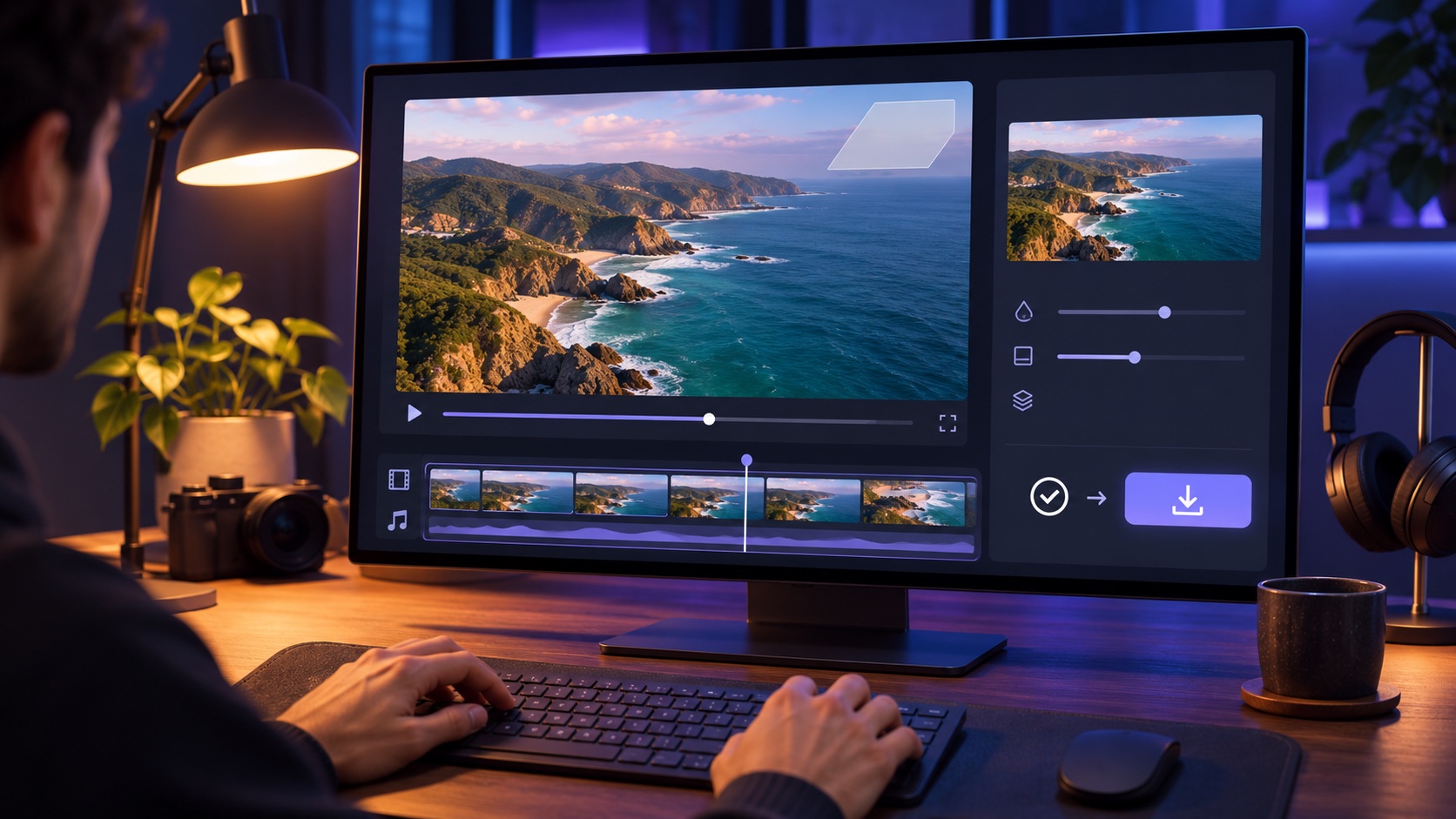
The primary link opens video to video. Upload a clip you own and review the model controls there.
The strongest result usually begins before any AI step: find the original export or licensed clean source.
If the watermark is part of a preview export, return to the project and export an authorized clean copy. If only a marked video remains, a generative workflow can reinterpret the scene while using its motion as guidance. It may change backgrounds, faces, product details, or timing, so compare the new result with the source across the entire clip.
VideoAny provides video-to-video restyling and text-to-video creation. It does not currently offer a dedicated tool that detects and removes watermark pixels from uploaded video. For exact preservation of the underlying frames, use the original source or a conventional editor with rights to the material.
Work from assets you can use and pick the amount of reconstruction the shot can tolerate.
Check the original project, camera file, stock license, or creator delivery for an unmarked export before rebuilding anything.
Use an owned clip as motion guidance and describe the clean appearance you want. Generated detail can change from frame to frame.
When exact visual continuity is unnecessary, describe the subject, action, and camera in text to video.
Check opening, middle, and final frames for unwanted text, altered details, and usable motion before sharing.
Paired reference frames illustrate visual restyling; they are not examples of automatic watermark removal.
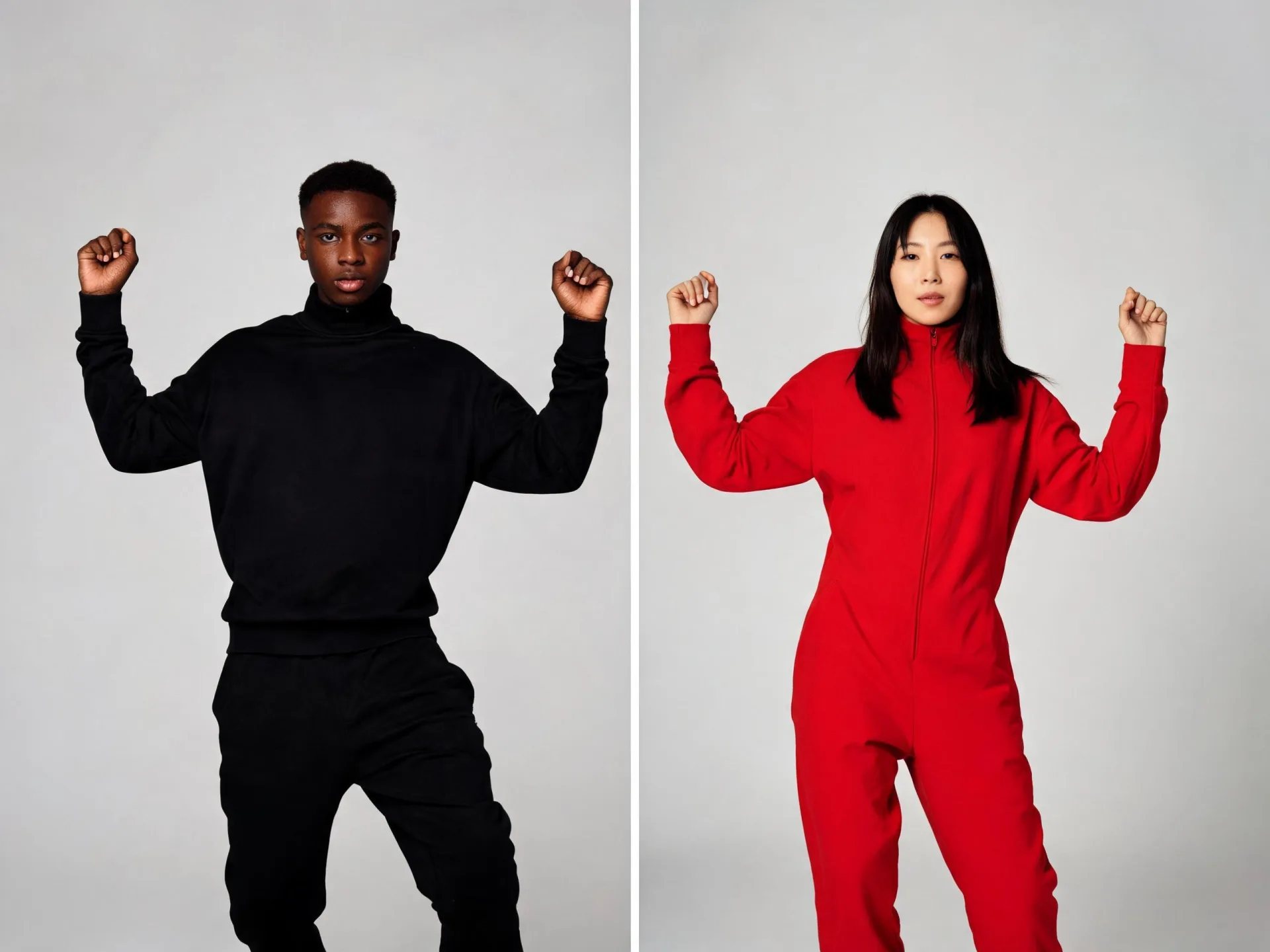
Review the appearance of a performer across two visual treatments.
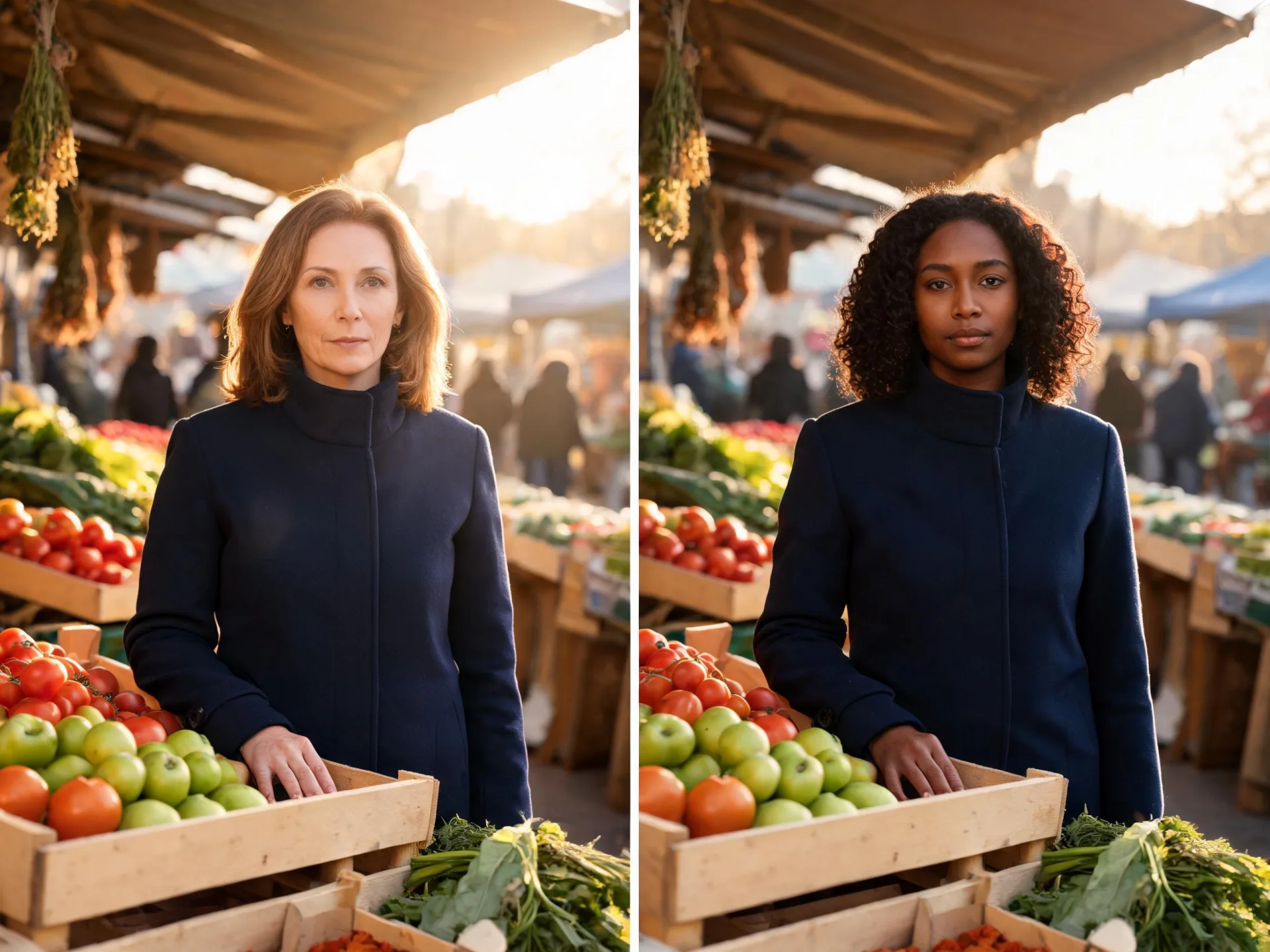
Check character and background details when rebuilding a shot.
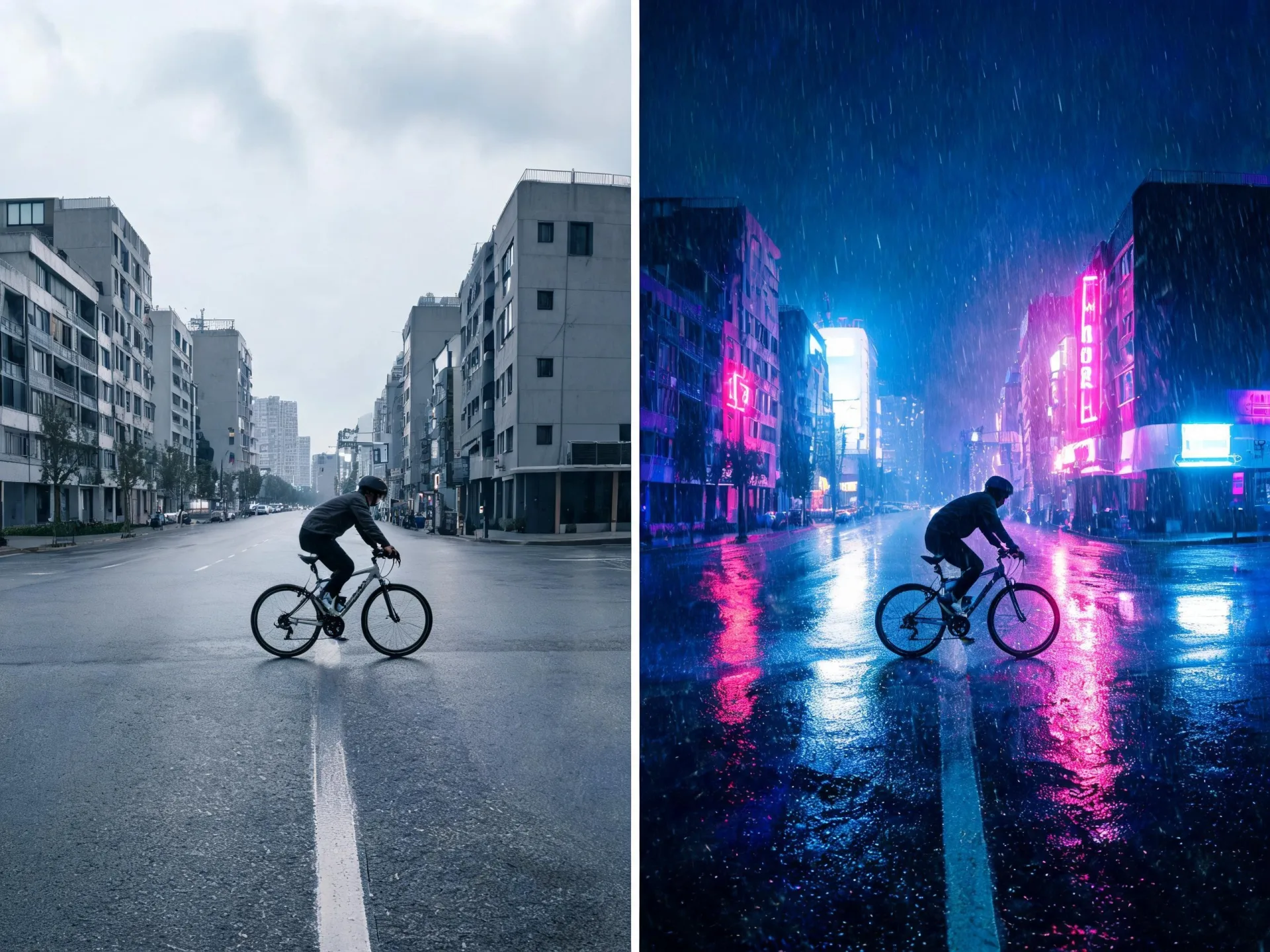
A clear style direction can guide the appearance of a replacement scene.
Keep a clean source, a concrete brief, and a review pass in the workflow.
Use your own clip or footage you are licensed to alter. Ask for a clean export when the source is available.
Use video to video to reinterpret motion, or text to video to create an original replacement shot.
Describe the subject, action, framing, and absence of overlays. Avoid asking the model to preserve every source pixel.
Watch the entire output. If identity or product detail matters, use an editor or original master for exact work.
A clean original is the best source for exact visual matching.
| Situation | Recommended route | What to expect |
|---|---|---|
| Clean project or camera master | Use the original unmarked file. | No AI reconstruction is needed. |
| Marked clip with reusable motion | Try video-to-video restyling. | Expect possible changes to objects, faces, and timing. |
| Only the concept matters | Create a replacement with text to video. | Write a new shot rather than reproducing protected material. |
| Every original pixel matters | Use an authorized edit or clean export. | Generative video is not a frame-accurate eraser. |
A reconstruction prompt gives the model visible decisions it can follow.
Say what the subject does and what the camera does.
A coffee cup stays still while the camera slowly pushes in.
Ask for a scene without added text or graphic overlays.
Natural kitchen background; no logos, captions, or corner graphics.
Identify a small number of essential visual details.
Keep the blue jacket and walking direction; allow the background to be reinterpreted.
No dedicated pixel-accurate video watermark remover is available here. The linked video-to-video workflow creates a new interpretation, and the output may differ from the source.
Find the original unmarked export or request a licensed clean copy. That preserves the footage better than a generative replacement.
Use only video you own or have permission to modify. A watermark often identifies ownership or license terms.
No. Generative restyling can alter identity, shapes, text, and timing. Review the full result and use an exact editing workflow when those details must stay unchanged.
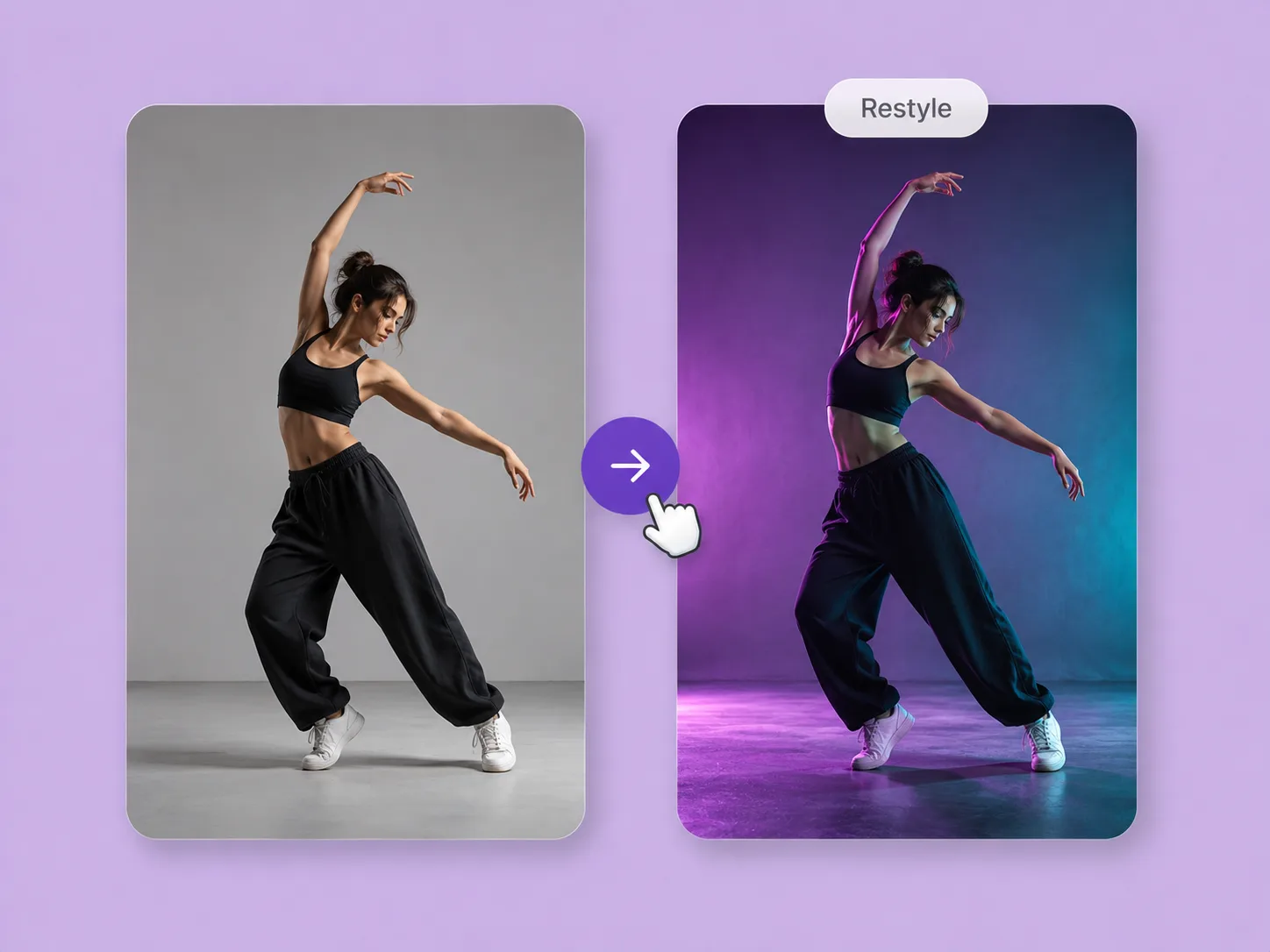
Give an existing clip a new visual treatment while using its motion as the starting point for the edit.
Explore solution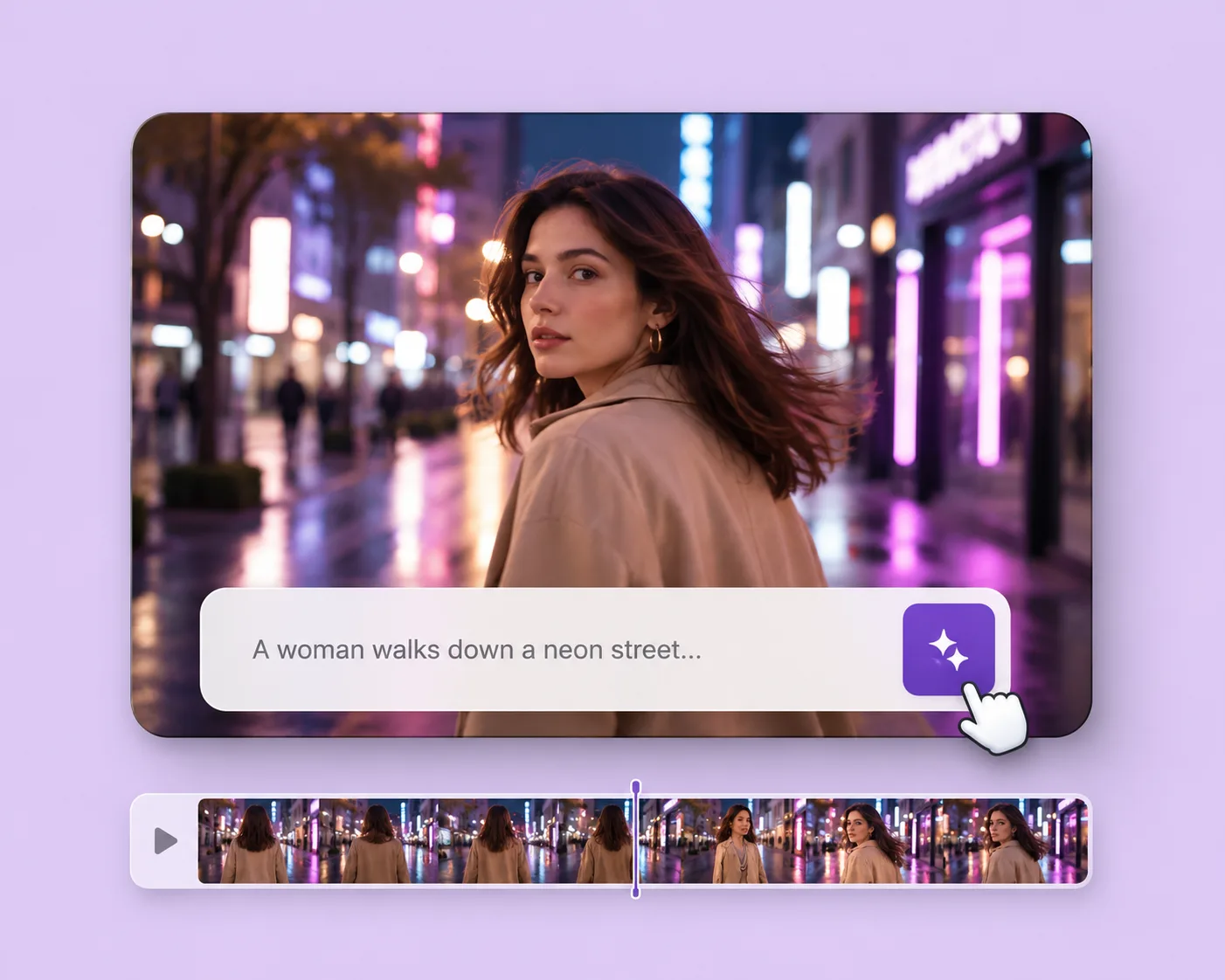
Write the subject, action, setting, and camera movement. Direct an original shot with your selected VideoAny version.
Explore solution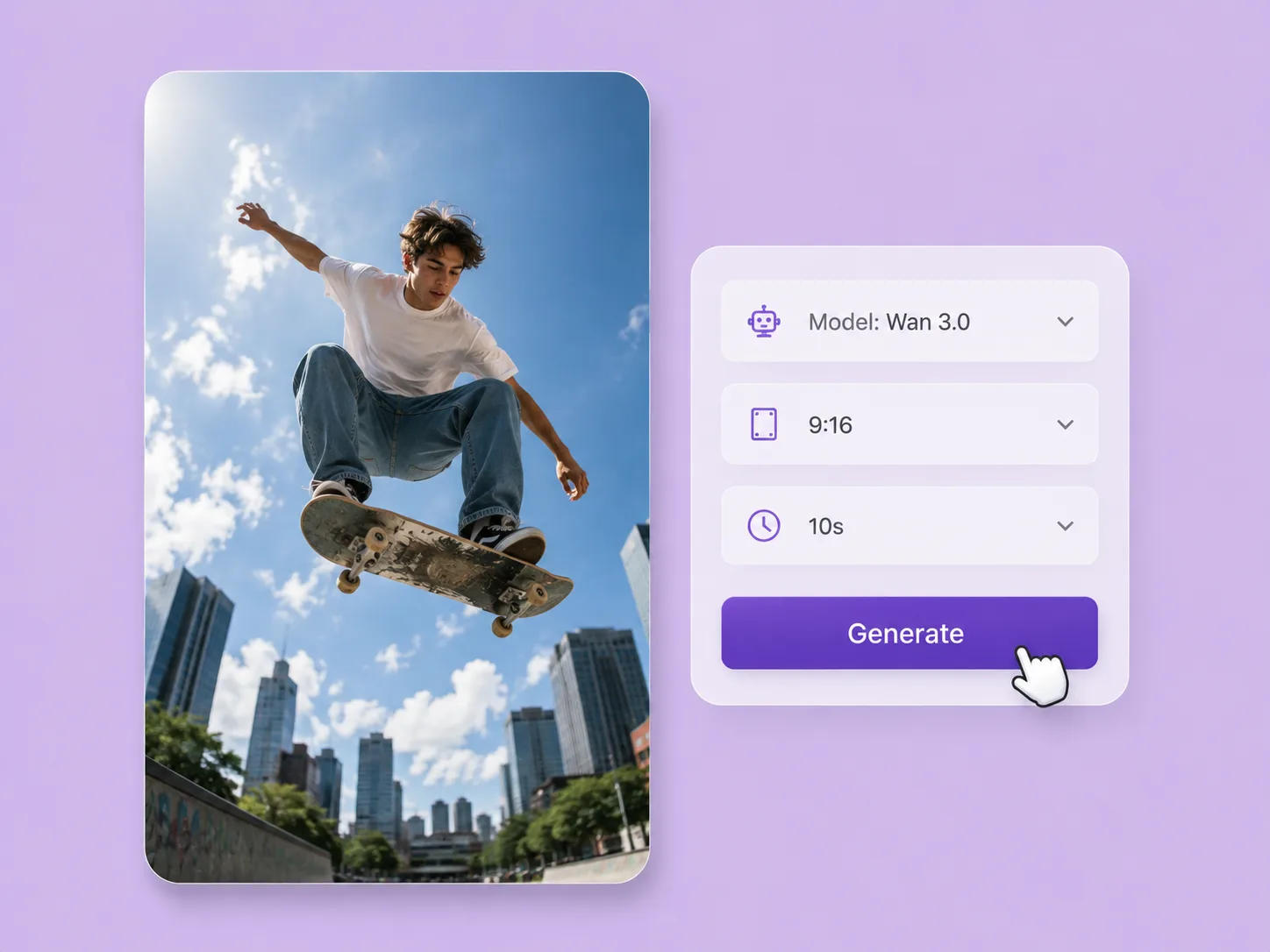
Turn a creative brief into a shot. Start with words or an image and direct motion with VideoAny V5, V4, V3, or V2.
Explore solutionChoose a reconstruction route and review the result before publishing.
Prepare a new version