Consistent Character Generator
Start with reference photos of one person or original character. Keep their recognizable features as you try a new pose, setting, or lighting setup.
Prepare your character
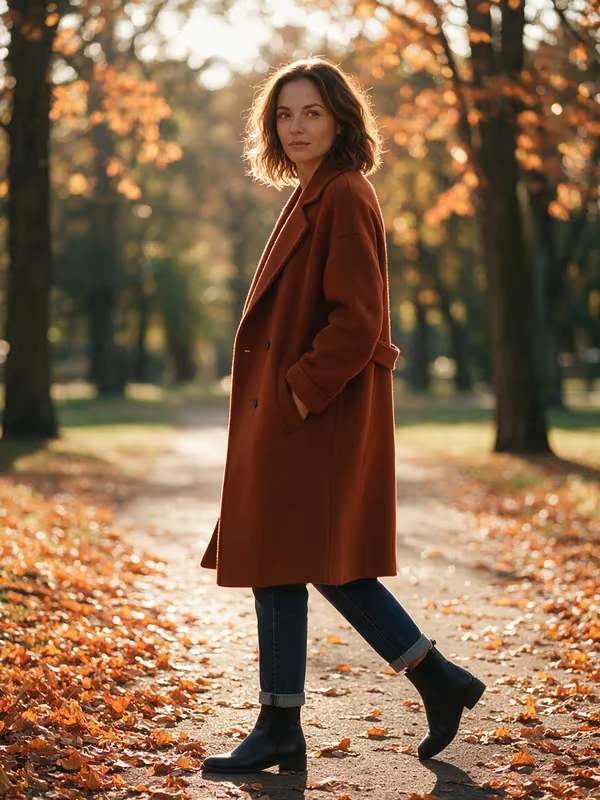

Prepare a reusable character profile
How to create the same character in different scenes
Choose a clear reference
Start with a sharp front-facing portrait. Add a second angle or a full-body photo of the same subject when those details matter.
Describe what should stay
Write down details like face shape, hair, clothing, and accessories. Save the references and description together for your next scene.
Generate and review variations
Change the setting or pose, then open the image workspace. Generate one to four variations of that scene and review each result for likeness.
Use original characters and reference images you have permission to use.
Consistent character generator FAQ
How many reference photos can I add?
Start with one clear photo or add up to four photos of the same person or character. The tool accepts JPG, PNG and WebP images up to 4 MB each.
Can I reuse my character in another session?
Yes. Use Save profile to keep the reference photos and notes in this browser. The same profile loads in the Consistent Character Generator and AI Photoshoot pages.
Can I generate multiple pictures at once?
You can request one to four variations of the current scene with ImageAny V2 or V3. To create a different scene, change the scene prompt and generate a new set.
Can I use this to make a character sheet?
Yes. Try the Character sheet preset to request front, three-quarter and side views. Review the views together and regenerate any that drift from your reference.
Will the character look exactly the same in every image?
Likeness can vary with the model, prompt, and reference quality. Use consistent angles and lighting in the references, specify the details you want to preserve, and review the results.
Can I animate a finished character image?
Yes. Choose Image to video on a generated result in the image workspace to carry that frame into the video workspace. You can then describe the motion you want.