Outline the arc
Write a beginning, middle, and end before deciding which shots to generate.
AI LONG VIDEO GENERATOR
Long-form AI video is a production workflow. Plan the arc, generate short scenes, and assemble selected clips. VideoAny’s multi-shot studio makes a short sequence; the merger joins prepared clips, while a timeline editor handles a longer finished piece.
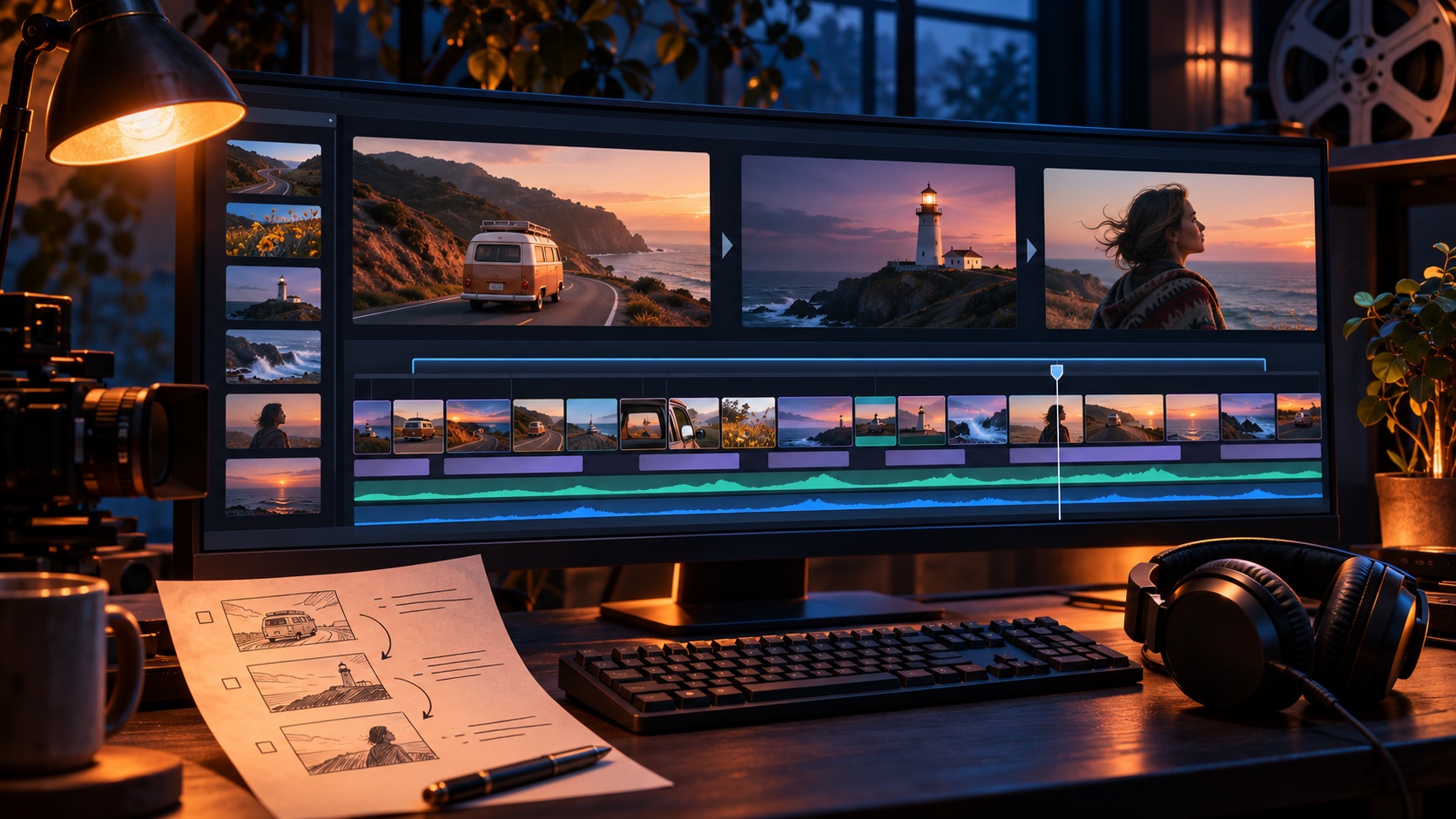
Use the multi-shot studio for a compact scene plan, then join approved clips as needed.
Start by defining the story beats, then make each generation serve one beat.
A single generation is easier to control when it has one clear action, location, and camera move. Break the idea into an opening, development, and ending, then list the shots needed in each part. Keep character references, wardrobe, setting, and lighting notes beside the shot list so each new clip has the same visual target.
The VideoAny multi-shot studio currently builds short sequences of 2–6 shots with a 3–15 second total duration. The separate merger joins prepared MP4 clips within its own limits. For a piece longer than those tools support, download and arrange the approved clips in a timeline editor with your sound, transitions, and final captions.
Make small, reviewable decisions before joining them into one edit.
Write a beginning, middle, and end before deciding which shots to generate.
Carry a reference image, wardrobe notes, and setting details across scene prompts.
Use the multi-shot studio to arrange a compact set of related beats.
Join short prepared clips in the merger or a timeline editor when the project grows.
These reference images illustrate shot sequencing, not a one-prompt long-video output.
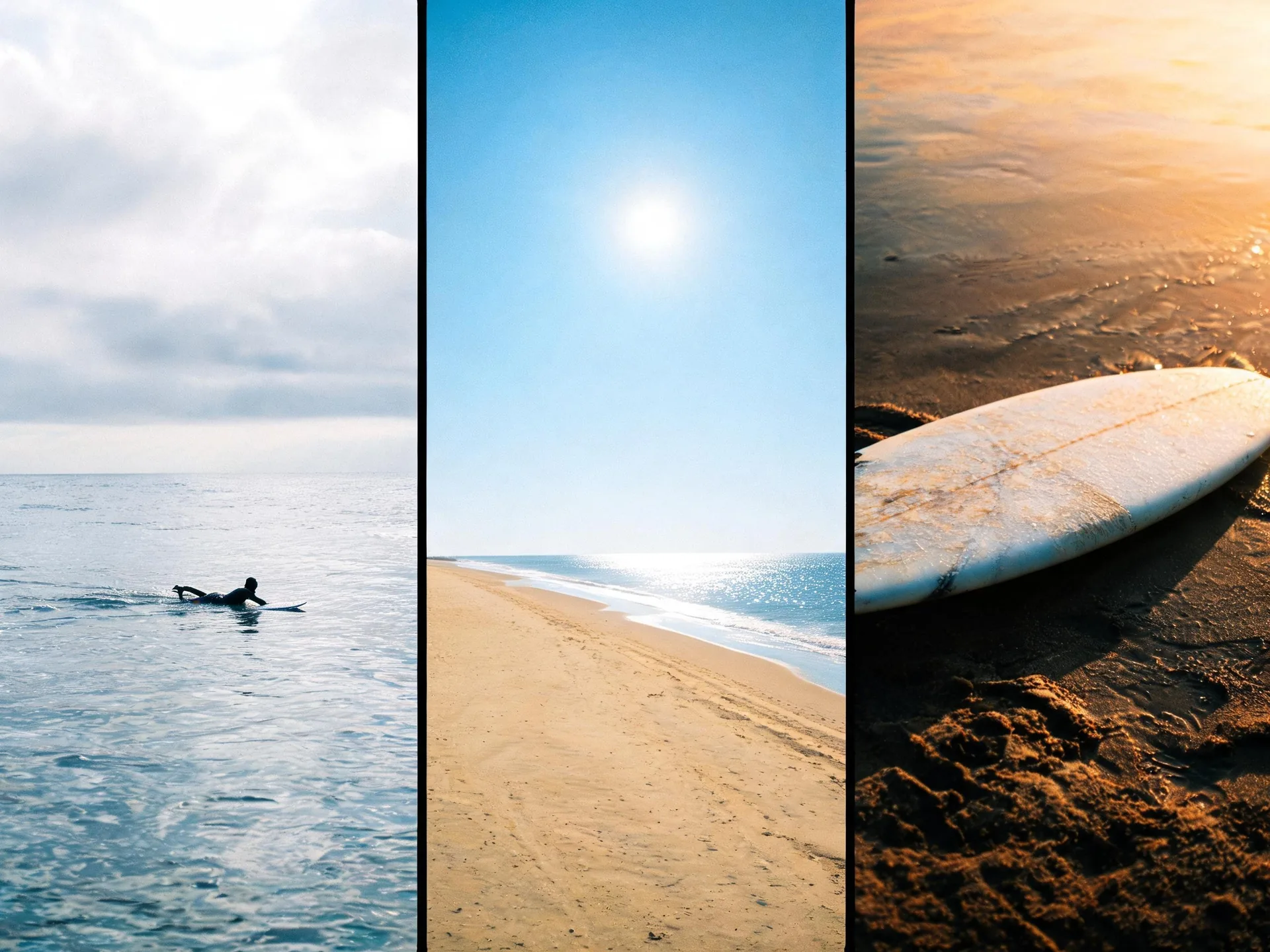
Use a small group of related coastal views to introduce a location.
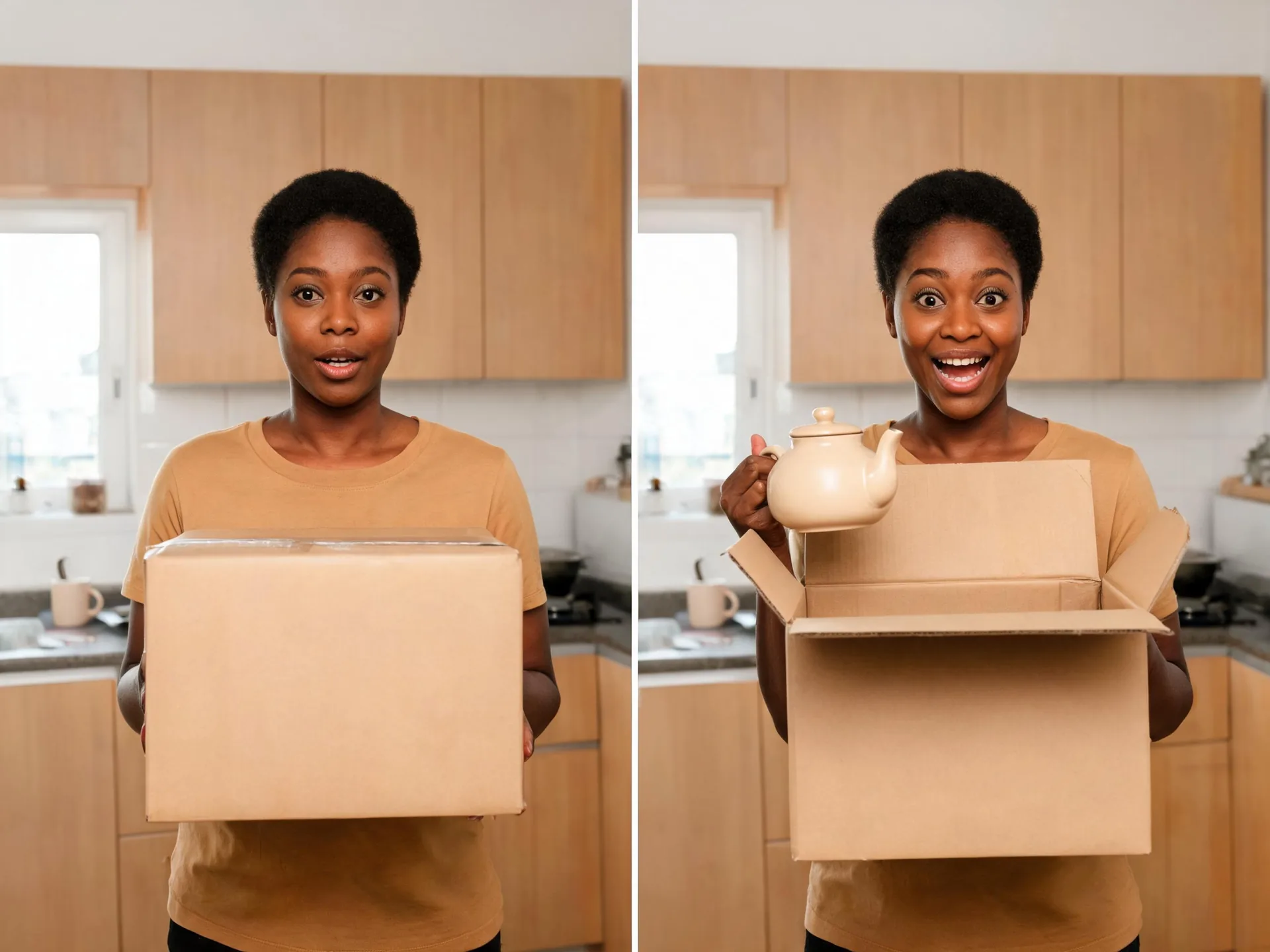
Give an introduction a clear visual payoff before moving to the next beat.
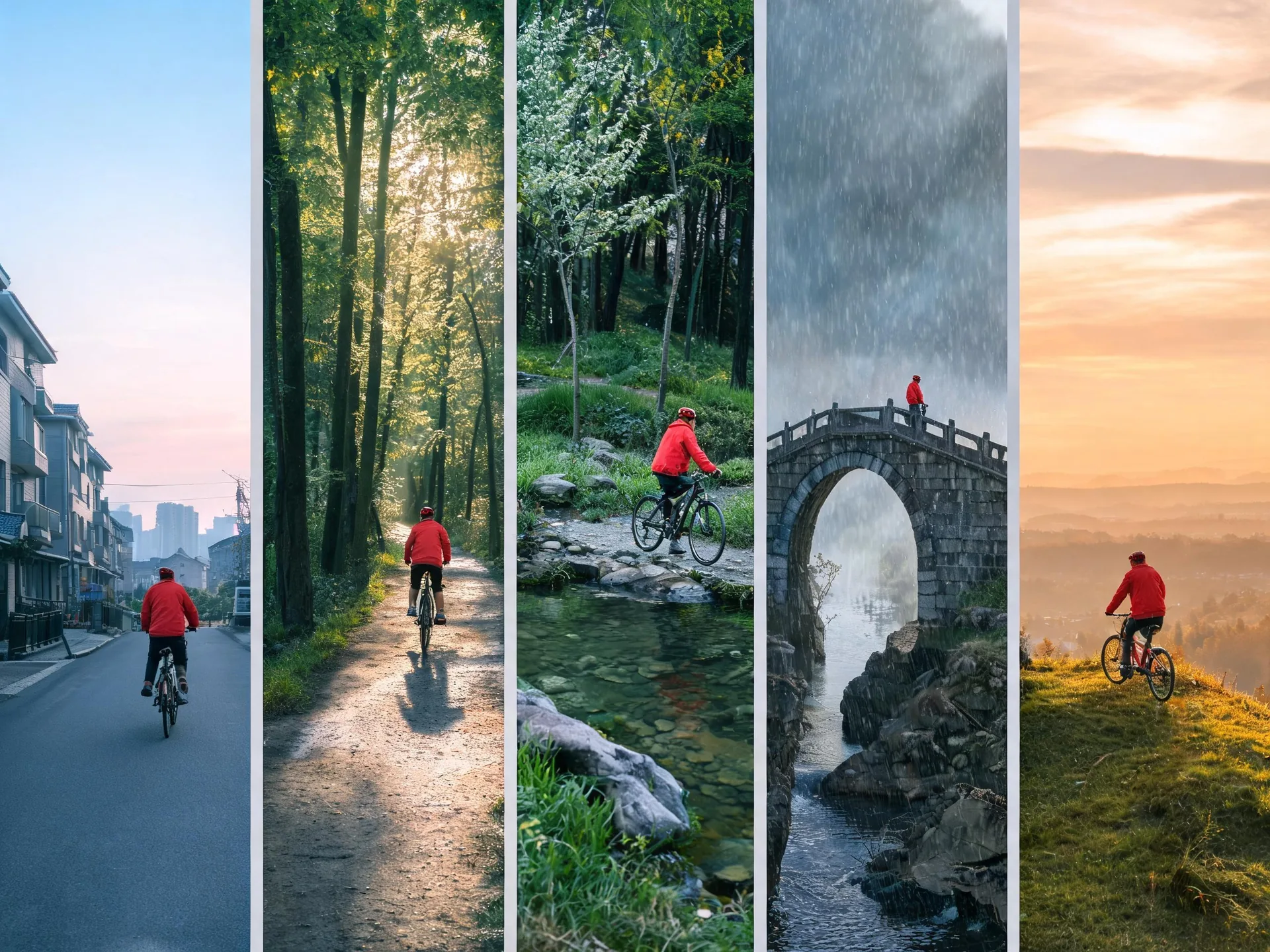
Order shots so the viewer can follow the change in place or action.
Each approved shot reduces uncertainty in the final assembly.
Define the purpose, location, action, and duration target of every scene.
Create or animate a starting image, then render alternate takes for the important beats.
Compare character, setting, lighting, motion, and end frames before keeping a take.
Join compatible clips, then finish exact cuts, sound, captions, and pacing in a timeline editor.
Different tools solve different parts of the same long-form project.
| Situation | Recommended route | What to expect |
|---|---|---|
| Need a compact sequence | Plan 2–6 shots in the multi-shot studio. | Review its current total-duration limit before generating. |
| Need a missing scene | Create a separate text-to-video or image-to-video shot. | Keep the visual brief consistent with the surrounding clips. |
| Need several files joined | Use the merger for supported prepared MP4 clips. | It does not supply cuts, transitions, or sound mixing. |
| Need a longer final edit | Arrange selected clips in a timeline editor. | Finish pacing, audio, graphics, and captions there. |
Consistency grows from repeated visual anchors and clear shot roles.
State what the audience should understand from this shot.
Opening: a train enters a quiet station at dawn.
Repeat the stable character and location details in each shot brief.
Same red raincoat, blue station signs, and overcast morning light.
Choose a useful ending frame for the next cut.
End with the traveler looking down the platform before the close-up.
No. VideoAny generates short shots and short multi-shot sequences. Plan and assemble a longer finished piece from multiple approved clips.
The current studio supports 2–6 shots and a total duration of 3–15 seconds. Review the workspace controls before planning a fixed deliverable.
No. It combines a limited number of prepared clips within its upload and duration limits. Use a timeline editor for longer edits and detailed finishing.
Carry a reference image and a short list of stable visual details across prompts, then inspect each output. Generated identity can still drift between shots.
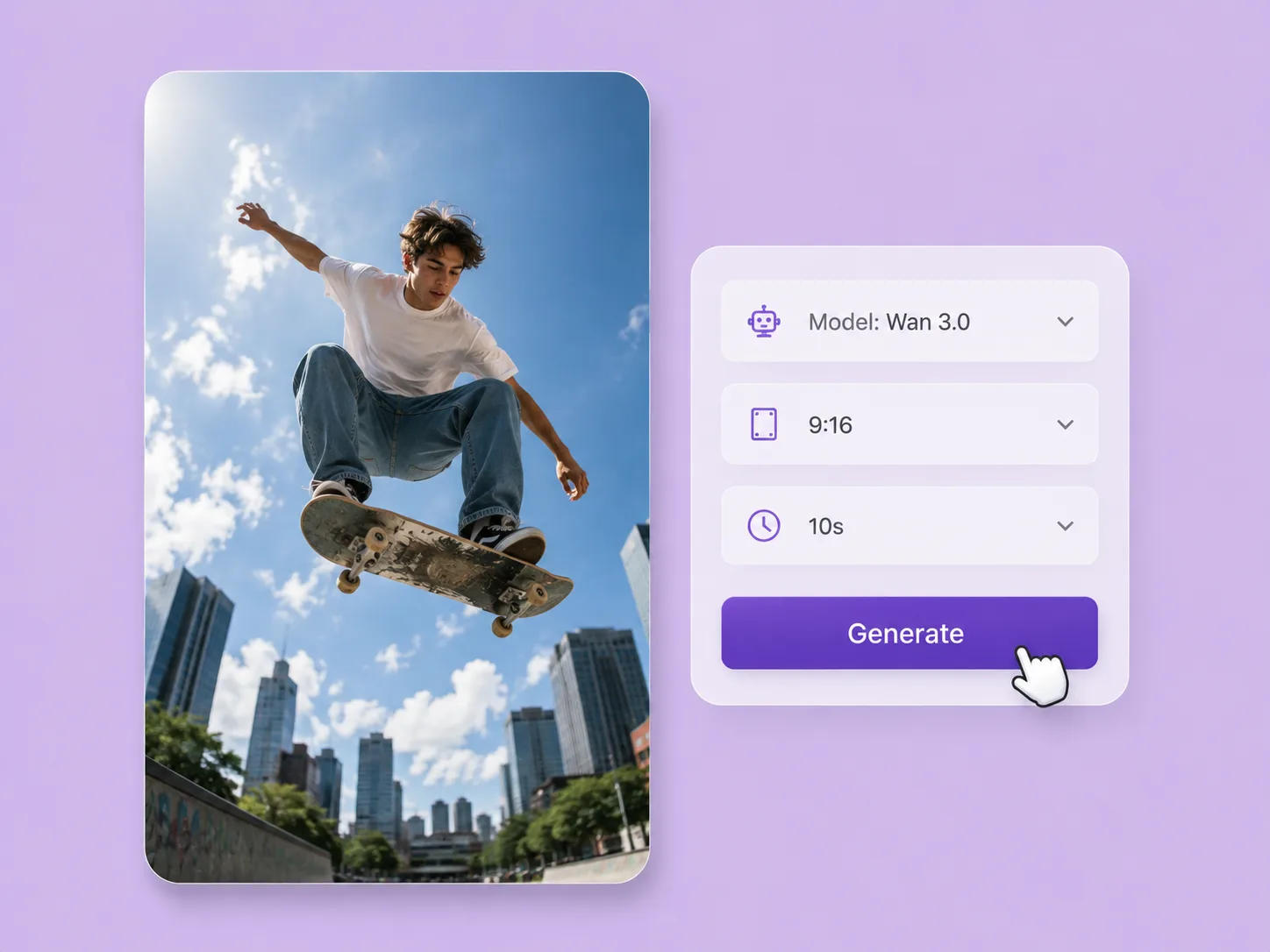
Write, arrange, and time individual shots, then render them as one Kling 3 video.
Explore solution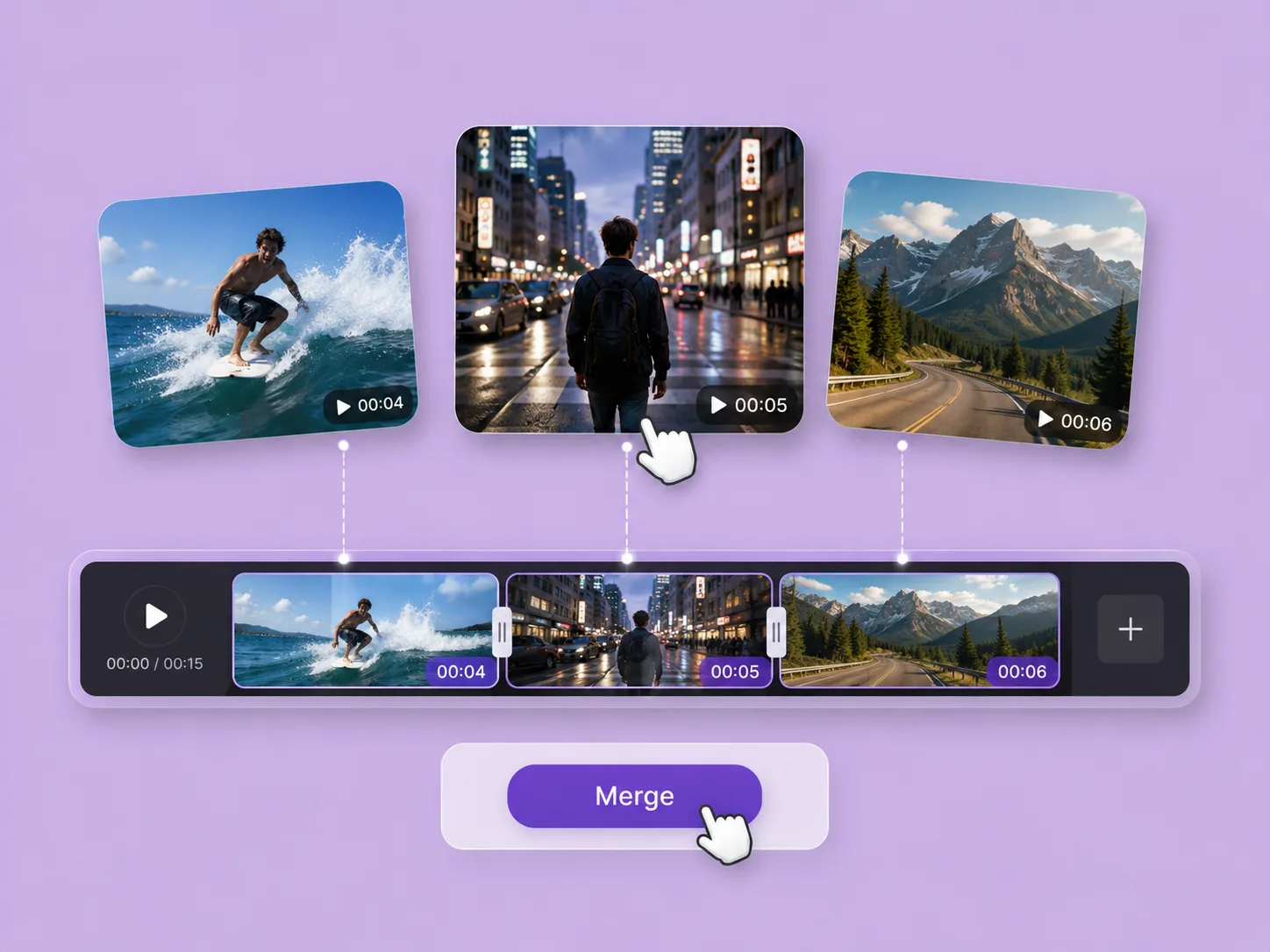
Arrange two to five prepared MP4 clips and combine them into one landscape video after reviewing the processing quote.
Explore solutionTurn a creative brief into a shot. Start with words or an image and direct motion with VideoAny V5, V4, V3, or V2.
Explore solutionPlan a few related shots, generate a short test, and build from the takes that work.
Open the multi-shot studio