Character intent
Write what each character wants in the scene before choosing a camera angle.
AI DRAMA GENERATOR
A short drama needs character goals, a turning point, and readable shots. Outline the script, build each beat in VideoAny, then assemble the selected clips with dialogue, sound, and exact cuts in an editor.
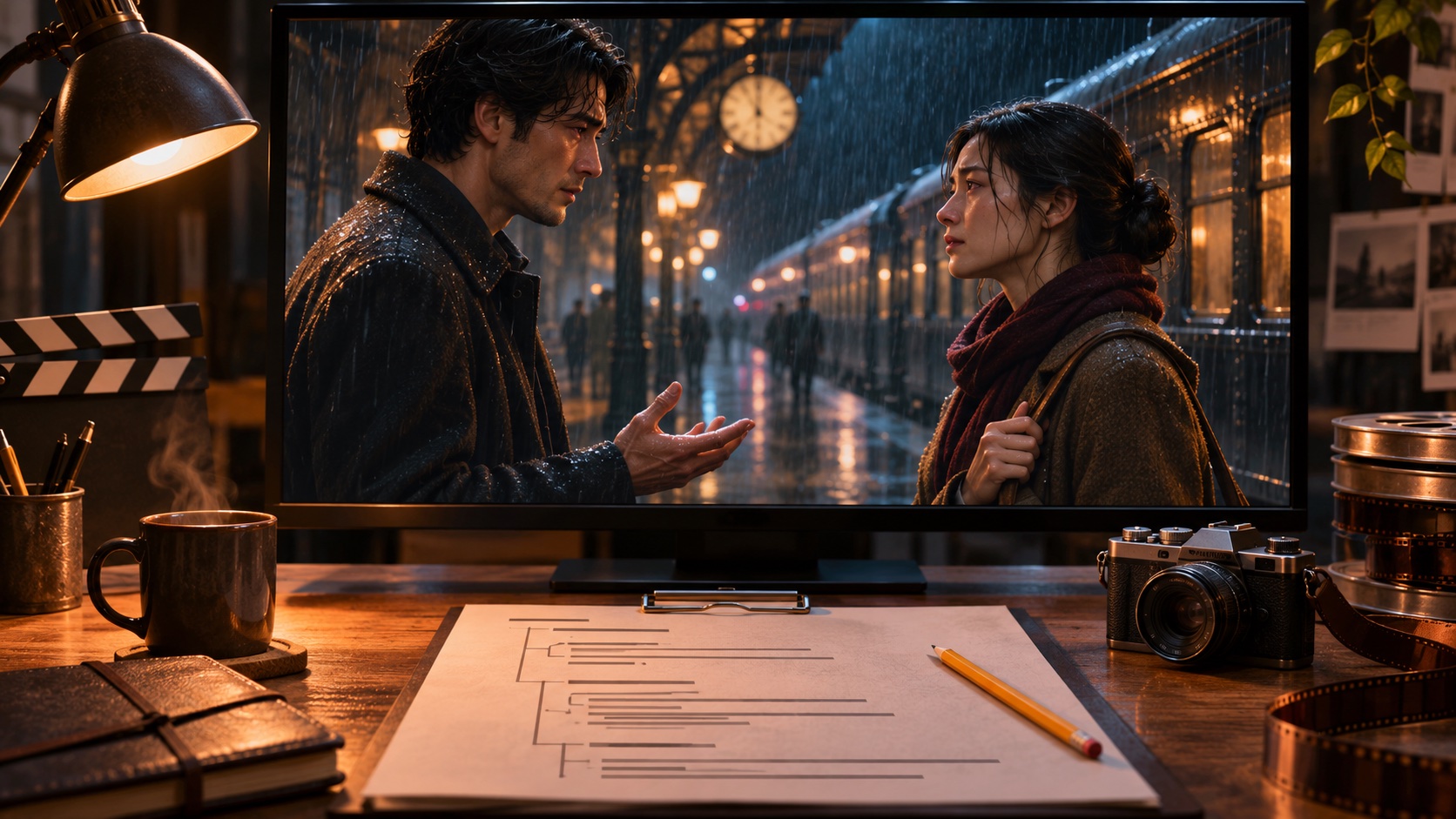
Start with a compact sequence in the multi-shot studio or create a single scene from text.
Treat the screenplay as a guide for shots, performance, and pacing rather than one oversized prompt.
Begin with a concise scene: who wants what, what changes, and what the audience should notice. Split the beat into an establishing shot, a character action, and a reaction or reveal. Use a consistent character description and visual reference whenever possible. Generate alternatives for difficult gestures or emotional moments, then keep only the takes that read clearly.
VideoAny helps generate visual clips and offers a short multi-shot studio. It does not automatically produce a finished drama with a complete script, dialogue edit, soundtrack, and timeline. For a publishable episode, edit the chosen clips, voice, music, subtitles, and transitions in a dedicated editor.
A focused shot list makes dramatic continuity easier to review.
Write what each character wants in the scene before choosing a camera angle.
Keep wardrobe, props, lighting, and location notes close to every prompt.
Generate separate moments when a single shot cannot show a clear turn.
Prepare voice and music as separate production elements for the final edit.
These still frames illustrate atmosphere, props, and character beats for planning a drama edit.
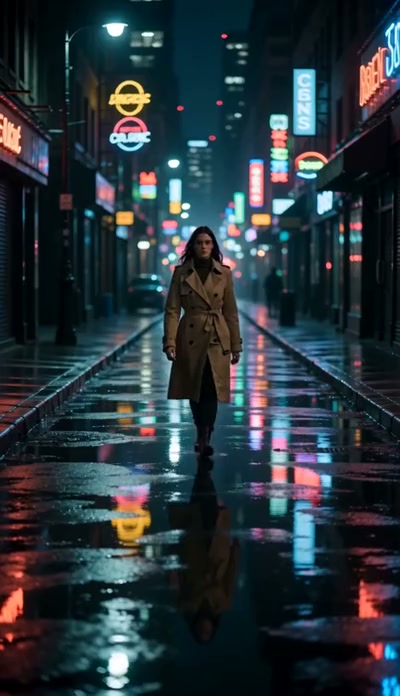
Use lighting, wardrobe, and a clear location to introduce the mood of a scene.
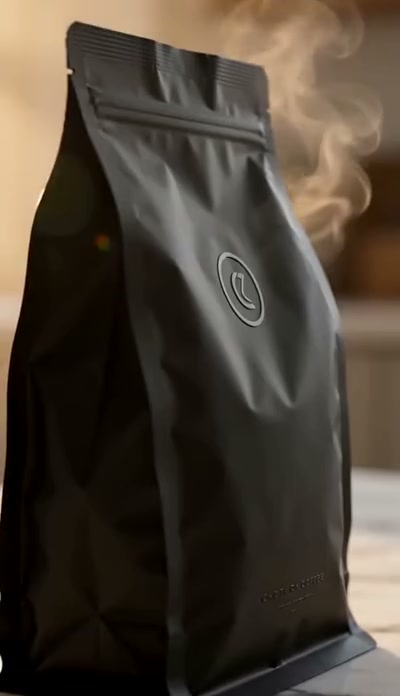
A focused object view can connect one shot to a later character decision.
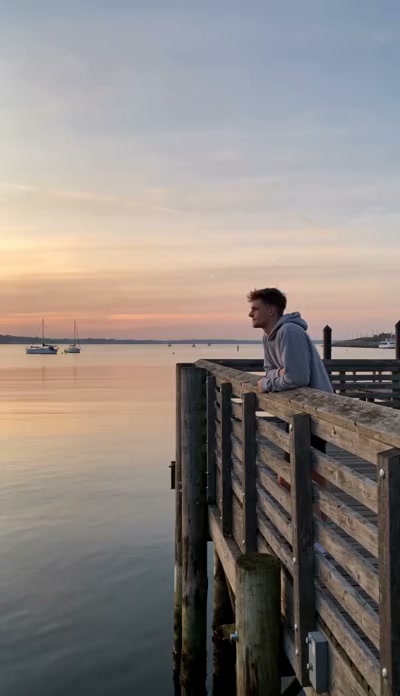
A quiet character moment can provide an edit point after a dramatic turn.
Keep generation and final storytelling decisions in distinct stages.
Summarize who is present, where they are, and what changes.
Plan an establishing view, an action, and a response or reveal.
Use the multi-shot studio or make separate takes, then check character and prop continuity.
Arrange approved clips and add dialogue, sound, and titles in a timeline editor.
A dramatic beat can be one clear shot or several linked moments.
| Situation | Recommended route | What to expect |
|---|---|---|
| One visual idea | Use text to video for a single action. | Keep the brief to one location and a readable movement. |
| A compact sequence | Use the multi-shot studio to arrange related shots. | Review its current shot and duration limits. |
| A recurring character | Use a stable visual reference and repeat key details. | Compare every generated take for drift. |
| An episode or series | Assemble approved clips in a timeline editor. | Add dialogue, music, and captions there. |
Describe what the camera can actually show.
Establish the setting and the character’s immediate task.
A courier waits alone outside a closed theater at dusk.
Let a single event change the scene.
The theater lights switch on behind the courier.
Repeat anchor details when generating the next shot.
Same green coat, paper envelope, and rain-soaked pavement.
No. Use the tools to create short visual shots or a short multi-shot sequence, then assemble and finish the episode in a timeline editor.
Plan and record or generate voice separately, then align it with approved visual takes. Review lip movement and timing in the final edit.
A visual reference and repeated notes can help, but generative output can drift. Check each shot before adding it to the sequence.
Write a short scene goal and three visual beats. Test those in the multi-shot studio before planning a longer episode.
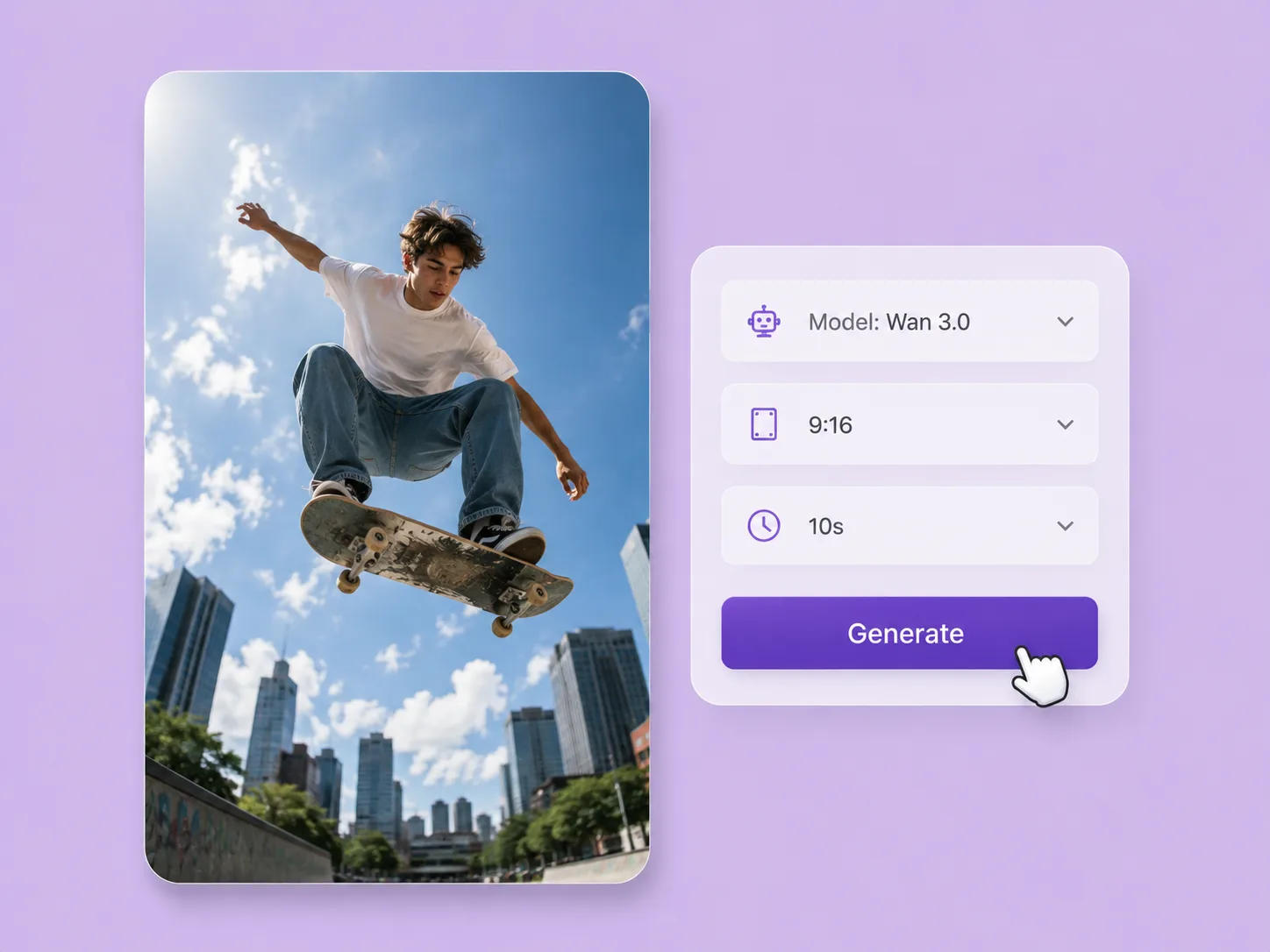
Write, arrange, and time individual shots, then render them as one Kling 3 video.
Explore solution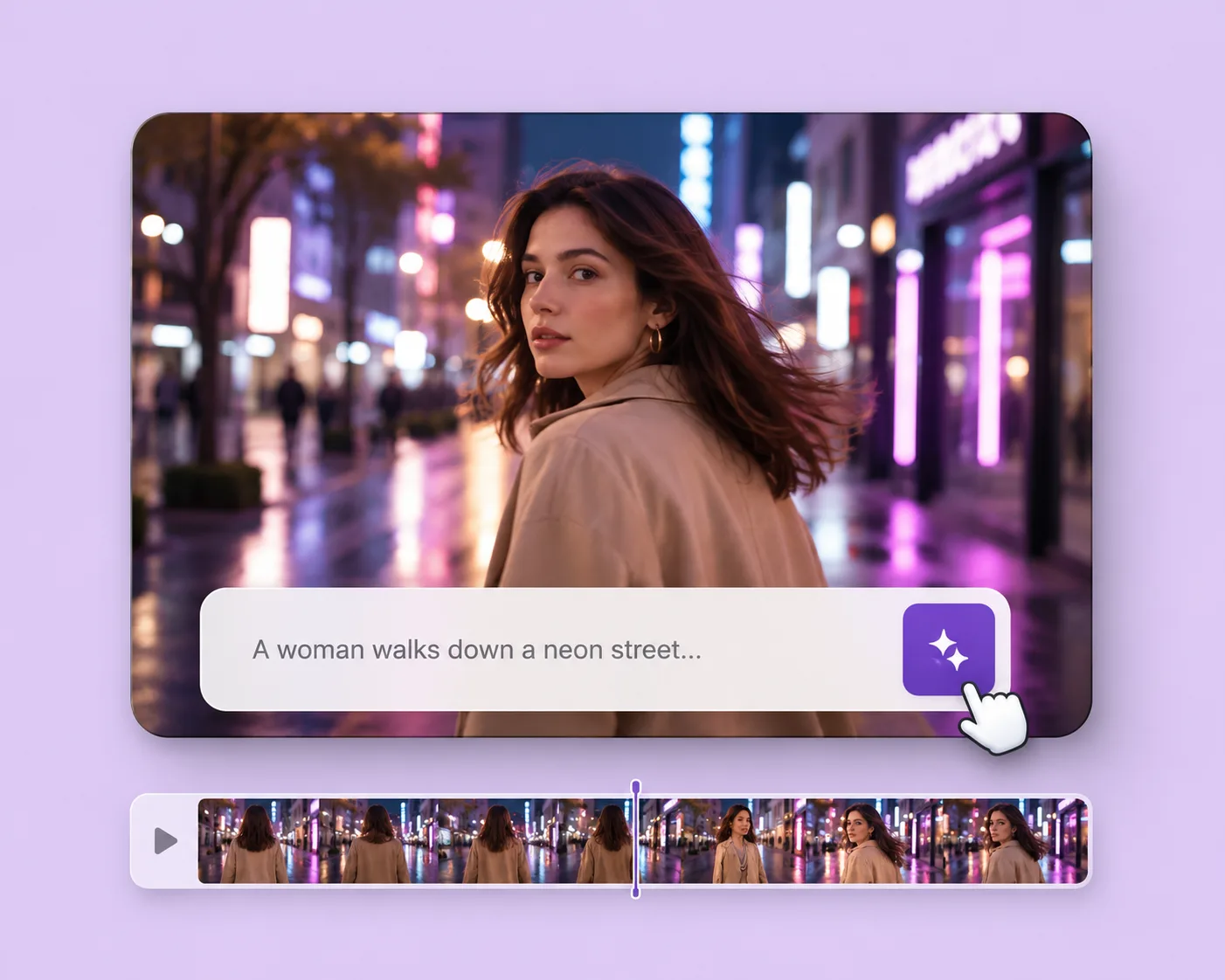
Write the subject, action, setting, and camera movement. Direct an original shot with your selected VideoAny version.
Explore solution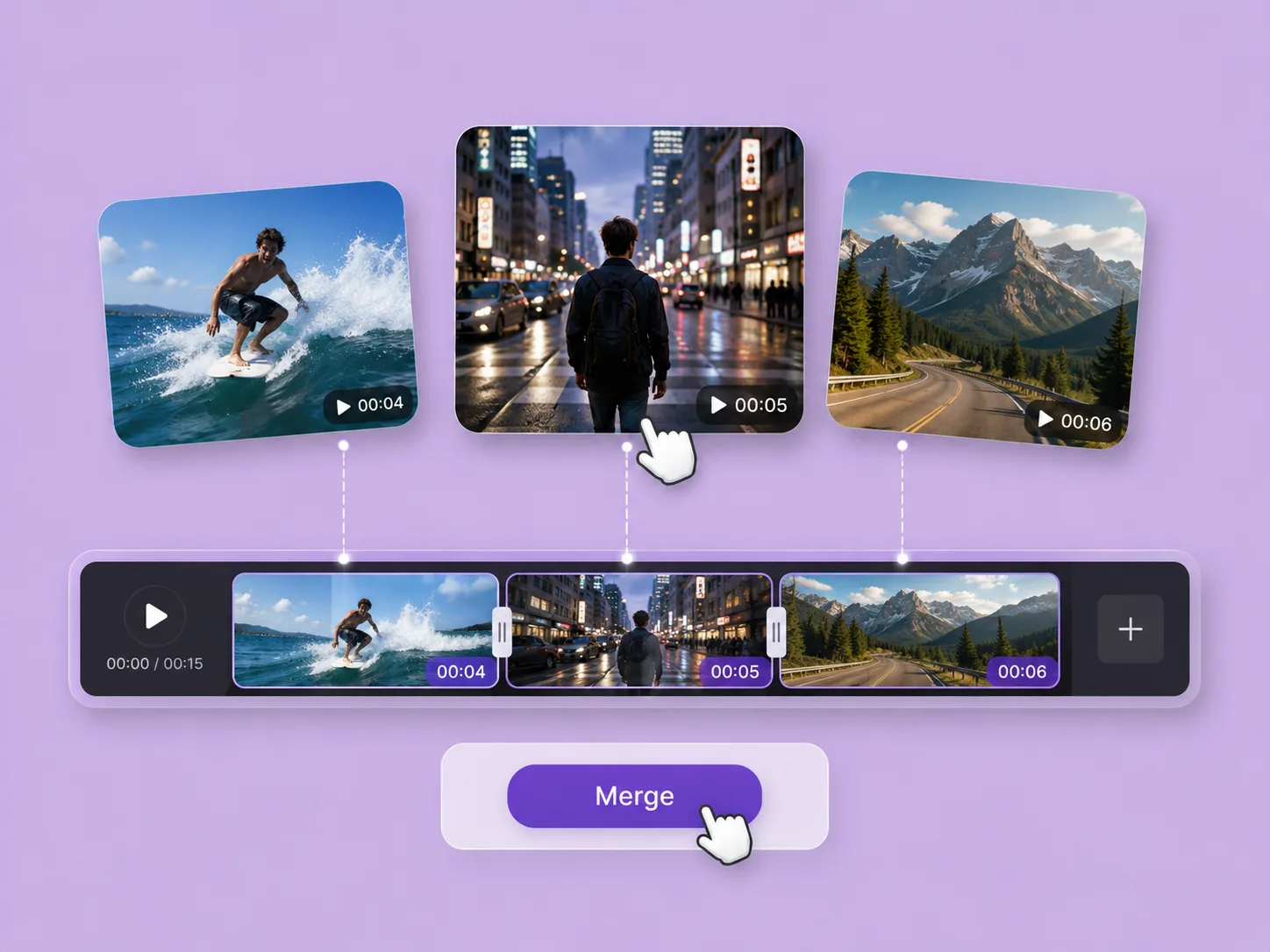
Arrange two to five prepared MP4 clips and combine them into one landscape video after reviewing the processing quote.
Explore solutionStart with one dramatic beat and turn it into a short visual sequence.
Plan a drama scene