
クイックアンサー
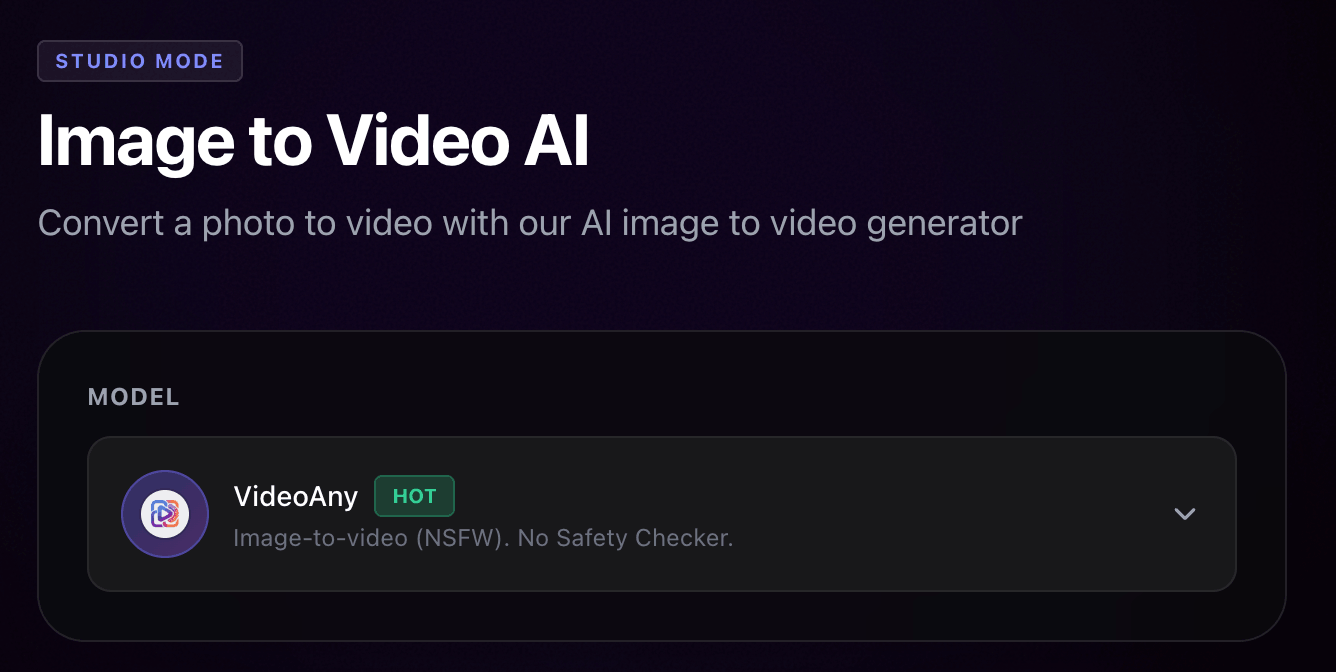
VideoAnyは、よりシンプルなクリエイターパイプラインを求める場合のMedia.ioの代替手段です
両製品とも現在はAI画像と動画をカバーしていますが、製品の構成は異なります。
Wondershareが提供する、動画、画像、音声、モデル、テンプレートなど多機能なAIメディアスイートを求めるならMedia.ioを選んでください。現在のナビゲーションには、画像から動画、テキストから動画、動画延長、動画から動画、テキストから画像、画像から画像、AIミュージックビデオ、テキストから音楽、効果音、リップシンク、翻訳、および大規模なエフェクトカテゴリが含まれています。
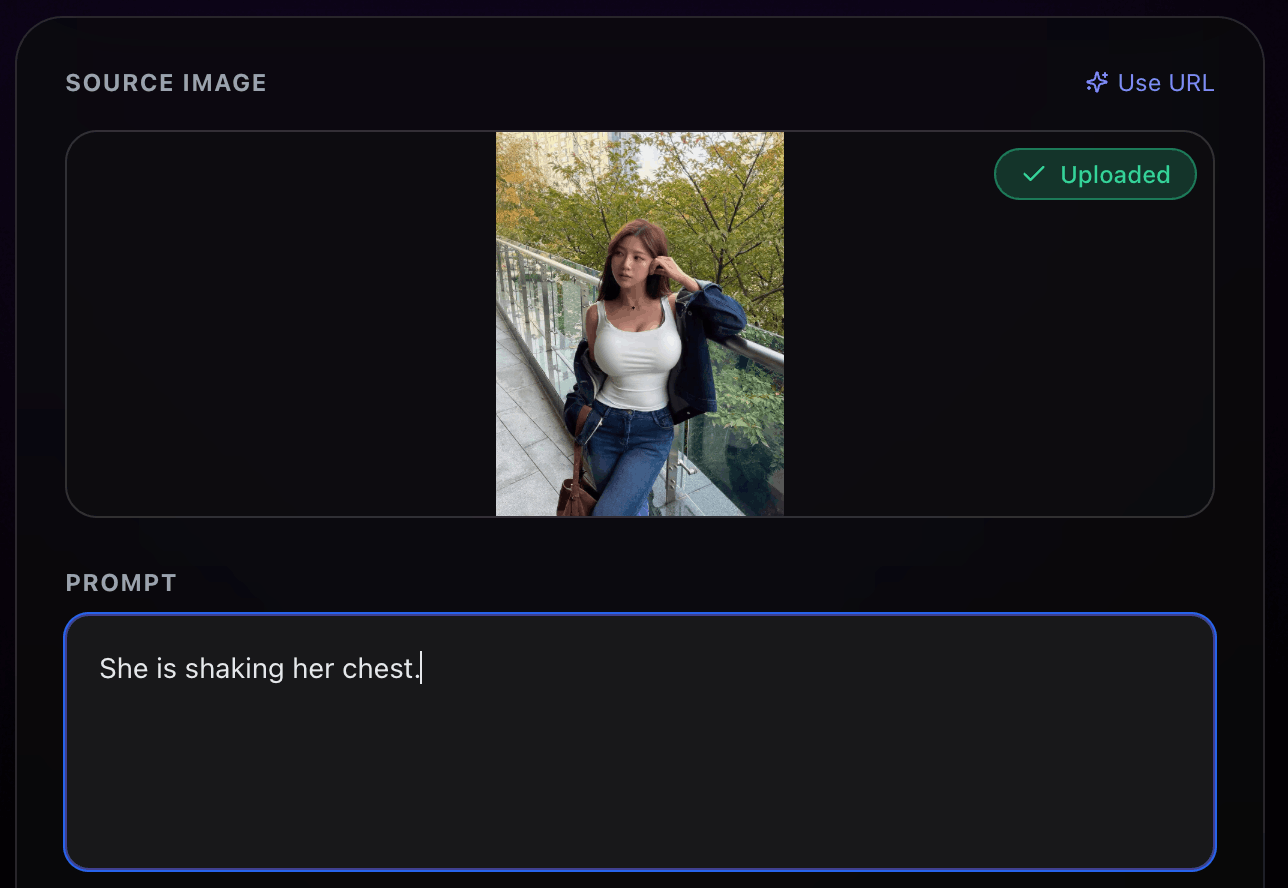
画像生成、画像編集、画像から動画、テキストから動画、動画から動画、顔交換、リップシンク、音声、モデル専用ページ、エフェクトなど、大規模なカタログを辿ることなく、作成と反復のための集中型のブラウザワークフローを求めるならVideoAnyを選んでください。
本ページは、どちらのプラットフォームが常に優れた出力を生成すると主張するものではありません。モデルの選択、プロンプトの品質、ソースファイル、キューの動作、透かしルール、エクスポート制限、クレジットコストがすべて結果に影響します。制作ボリュームを本格的に動かす前に、両方のプラットフォームで同じ3つのジョブをテストしてください。
実用的な使い分け
- Media.io:広範なメディアスイート、多数のテンプレート/エフェクト、月額メンバーシップとクレジット制
- VideoAny:集中型のクリエイターワークフロー、無料ログインクレジット、使い切りクレジットパック、画像/動画/音声/モデルルート
- Media.io:豊富なエフェクトやユーティリティのカタログを求める場合に便利です
- VideoAny:ソース画像やプロンプトから完成した画像/動画への明確なパスを求める場合に便利です
Media.ioの製品および料金ページは、2026年6月30日に https://www.media.io/ および https://www.media.io/pricing.html. で確認されました
VideoAnyのMedia.io比較は、検索意図とページ構造の特定のみに使用されており、未検証の主張はVideoAnyの主張として繰り返されていません。
並列比較
Media.io vs VideoAny 機能比較
メニューに記載されているツールの数だけでなく、ワークフローの適合性を比較するためにこの表を使用してください。
| 判断基準 | Media.io | VideoAny |
|---|---|---|
| コアポジショニング | 大規模な機能とエフェクトカタログを備えたオールインワンのAI動画・画像・音楽プラットフォーム | 画像、動画、音声、モデル、編集ツール、顔交換、リップシンク、エフェクトのためのブラウザベースのAI制作ワークスペース |
| 動画生成 | テキスト/画像から動画、動画延長、参照から動画、動画から動画。ナビゲーションにはKling、Seedance、Veo、Hailuo、Vidu、Wanなどのモデルが記載されています | 画像から動画、テキストから動画、動画から動画、動画延長、モデル専用ページ、およびエフェクトワークフロー |
| 画像生成と編集 | テキストから画像、画像から画像、AIキャラクター/参照から画像、オブジェクト削除、アップスケーリング、顔交換、着せ替え、その他の画像ツールが記載されています | テキストから画像、画像から画像編集、制限なしの画像生成/編集ページ、モデルページ、および後続の画像から動画ワークフロー |
| 音声とリップシンク | テキストから音楽、歌詞から音楽、AI効果音、ノイズ除去、ボーカル除去、リップシンク、翻訳が現在の製品ナビゲーションに表示されています | テキスト/音声/音楽ツール、リップシンク、音声から動画、動画から音声、効果音、および関連する生成ルート |
| エフェクトカタログ | 現在のナビゲーションで2,000以上の動画エフェクトと2,000以上の画像エフェクトを謳う大規模なエフェクトマーケットプレイス | よりシンプルなVideoAnyサイト構造内での厳選されたエフェクトとモデル固有のワークフロー |
| 無料アクセス | 現在の料金ページには、3つのデイリーチェックインクレジットを含む無料トライアルが記載されており、最大1本の動画、1枚の画像、1つの音声、1GBのストレージ、720pエクスポート、透かしなどの制限があります | VideoAnyは無料のログイン/デイリークレジットを提供しています。出力制限とコストはツール、モデル、期間、解像度によって異なります |
| 有料課金 | メンバーシップとクレジットオプション。現在の料金ページにはプレミアムサーフェスと定期プランの文言が含まれています | 使い切りの従量課金クレジットパック。現在の料金フローでは、購入したクレジットは有効期限がないものとして位置付けられています |
| 最適なユーザー | 多くのAIユーティリティ、エフェクト、Wondershareエコシステムをカバーする広範なスイートを求めるクリエイター | プロンプト/ソースメディアから編集済みの画像、動画、音声、エフェクトへの直接的な視覚的制作パスを求めるクリエイター |
無料プランの比較には、単に無料ボタンがあるかどうかだけでなく、透かし、ストレージ、エクスポート解像度、デイリークレジット制限を含める必要があります。
有料比較の場合は、実際のモデル、期間、エクスポート設定において、再試行を含めた「承認済み出力」あたりのコストを計算してください。
最適な選択のまとめ
カタログの幅広さか、ワークフローの明快さかで選ぶ
Media.ioとVideoAnyはどちらも複数のメディアタイプをカバーしています。どちらが最適かは、大規模なツールマーケットプレイスを重視するか、よりタイトなクリエイターパスを重視するかによって決まります。
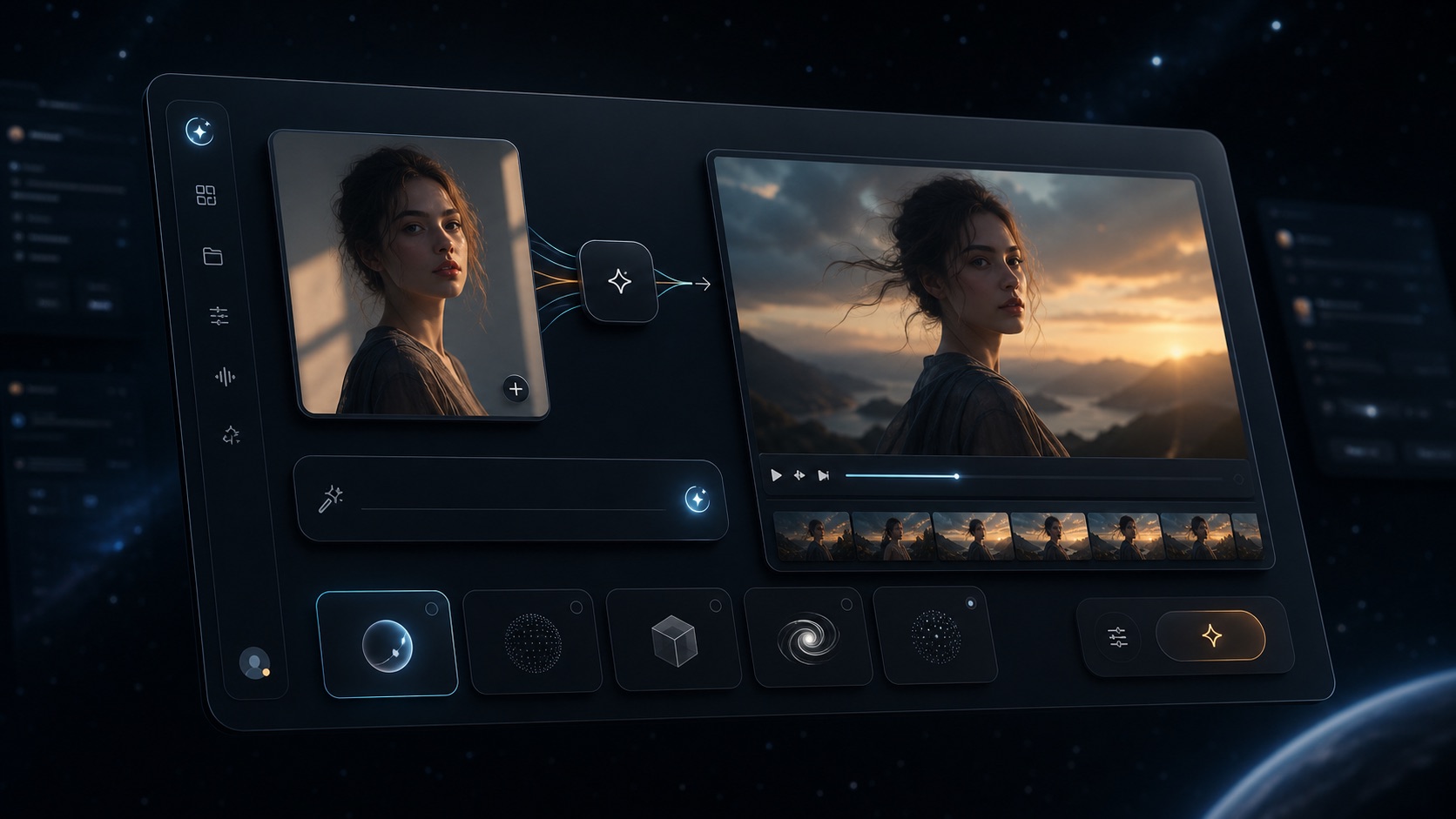
VideoAny browser workspace for image, video, audio, models, and effects
VideoAny
テキストやソースメディアから、画像、編集済みバリエーション、動画、音声、顔交換、リップシンク、モデルページ、エフェクトへと移行するためのブラウザベースのワークスペース。
VideoAnyが適している場合
- 大規模なツールマーケットプレイスを辿ることなく、「テキストから画像」「画像から画像」「画像から動画」「テキストから動画」を開始できます
- モデルの選択が出力に重要な影響を与える場合は、モデル専用ページを使用してください
- 画像、動画、音声、顔交換、リップシンクのワークフローを1つのアカウントで統合できます
- 必須の定期購読ではなく、無料クレジットから使い切りクレジットパックへスケールアップできます
- Pricing model
- 無料クレジットが利用可能です。有料利用は使い切りクレジットパックを使用し、ジョブごとのコストは選択したモデルと設定によって異なります。
- Trade-offs
- VideoAnyは、巨大な変換/編集ユーティリティスイートを目指しているわけではありません。Media.ioのすべてのユーティリティが必要な場合は、切り替える前に正確なツールを比較してください。
- Best fit
- 直接的な生成、編集、アニメーションのワークフローを必要とするクリエイター。

Example AI visual used as a reference for broad media workflow comparison
Media.io
多くの作成、編集、モデル、エフェクトサーフェスを備えた、Wondershareが提供するAI動画・画像・音楽プラットフォーム。
Media.ioが適している場合
- 動画、画像、音声、AIスタジオ、エフェクトにわたる大規模なナビゲーションサーフェス
- トレンド重視のクリエイティブワークのために宣伝されている多数の動画/画像エフェクト
- 公式料金ページには、無料トライアルと有料メンバーシップ/クレジットサーフェスが含まれています
- 1つの生成ワークフローを超えた広範なユーティリティをカバーしたい場合に便利です
- Pricing model
- 現在の料金ページには無料トライアルの制限とプレミアムメンバーシップのサーフェスが記載されています。購入前に、お住まいの地域のライブ価格と更新条件を確認してください。
- Trade-offs
- 広範なカタログは判断のオーバーヘッドを増やす可能性があります。無料プランの透かし、720pエクスポート、ストレージ、デイリークレジット制限は、制作での使用において重要になる場合があります。
- Best fit
- 大規模なオールインワンAIメディアツールスイートとエフェクトマーケットプレイスを求めるクリエイター。
切り替える前に
管理されたMedia.io代替テストを実行する
両プラットフォームとも多くのツールをリストアップしているため、テストでは実際の素材と合格基準を使用する必要があります。
3つのジョブを準備します:1つのテキストから画像アセット、1つの画像から動画アニメーション、1つの短いテキストから動画プロンプト。プラットフォームが許可する範囲で、同じアスペクト比、期間、出力品質ターゲットを使用してください。
許容可能な出力が得られるまでの時間、失敗した試行回数、透かしやエクスポートの制限、クラウドストレージの動作、手動編集時間、最終コストを記録します。合格した出力に多くの再試行が必要な場合、メニュー項目が多いツールが自動的に優れているとは限りません。
チームで頻繁に公開する場合は、通常のワークフローで保存された履歴、再利用可能な参照画像、顔の一貫性、音声、リップシンク、またはエフェクトが必要かどうかも確認してください。最高のプラットフォームとは、機能リストが最も長いものではなく、合計の制作ループを短縮するものです。
推奨スコアカード
- 失敗した生成を含む、承認済み出力のコスト
- 透かしおよびエクスポート解像度の制限
- プロンプト/ソースアップロードから使用可能な結果までの時間
- フォーマットに対するモデルの選択肢と可用性
- ソースアセットのストレージ、履歴、再利用性
- 必要な音声、リップシンク、顔交換、またはエフェクトのワークフロー
FAQ
Media.ioの代替に関する質問
現在表示されているMedia.ioの製品および料金ページに基づく短い回答。
最高のMedia.io代替は何ですか?
VideoAnyは、画像生成、画像編集、画像から動画、テキストから動画、音声、顔交換、リップシンク、モデルページ、エフェクトのワークフローを簡素化したい場合に、実用的なMedia.ioの代替となります。Media.ioは、より広範なユーティリティとエフェクトカタログが必要な場合に適している可能性があります。
Media.ioは無料ですか?
Media.ioの現在の料金ページには、デイリーチェックインクレジットを含む無料トライアルが記載されており、最大1本の動画、1枚の画像、1つの音声、1GBのストレージ、720pエクスポート、透かしなどの制限があります。無料の制限や地域の価格は変更される可能性があるため、ライブの料金ページを確認してください。
VideoAnyを無料で試せますか?
はい。VideoAnyは無料クレジットを提供しているため、クレジットを追加購入する前に生成品質とワークフローをテストできます。
AI動画にはどちらのプラットフォームが優れていますか?
どちらもAI動画ワークフローを備えています。VideoAnyは、画像から動画、テキストから動画、動画から動画、モデルページ、エフェクトを通じた集中型のパスを求める場合に強力です。Media.ioは、隣接する多くのAIユーティリティやエフェクトを備えた広範なスイートを求める場合に強力です。
どちらのプラットフォームが安いですか?
信頼できる唯一の勝者はいません。再試行、エクスポート制限、透かしの削除、ストレージ、期間、モデルの選択、定期プランが必要かどうかを含め、承認済み出力あたりのコストを比較してください。
Media.ioには透かしがありますか?
現在のMedia.io料金ページには、無料トライアル階層での透かしが記載されています。制作公開のために無料の出力に依存する前に、現在のプランの詳細を確認してください。
ソーシャルコンテンツにはMedia.ioとVideoAnyのどちらを選ぶべきですか?
非常に広範なエフェクトとユーティリティのカタログが必要な場合はMedia.ioを選んでください。主なループがプロンプトまたはソース画像から、編集済み画像、AI動画、音声、顔交換、リップシンク、モデル誘導型生成である場合はVideoAnyを選んでください。
独自のプロンプトでテストする
VideoAnyで同じ画像および動画ジョブを実行する
公開予定の正確なソースアセットを使用して、承認済み出力コスト、透かしの動作、生成時間、編集の労力を比較してください。
- 無料クレジットから始める
- 画像から動画とテキストから動画をテストする
- 使い切りクレジットパックでスケールアップする