2枚の画像を役割別に使用
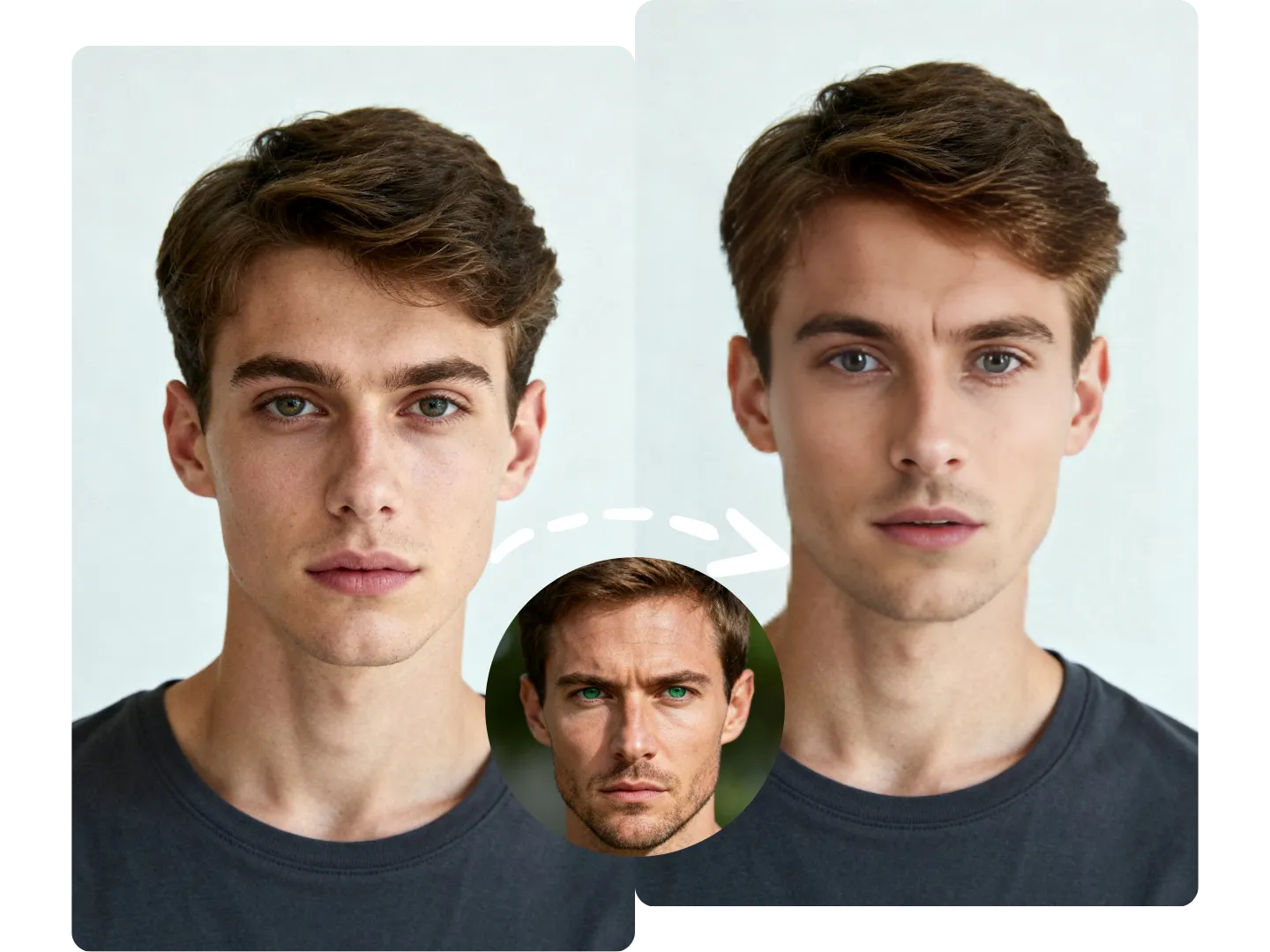
対象写真から構図と表情を、もう一方の顔画像から人物の特徴を取り出して合成します。
2枚の顔の向き、鮮明さ、照明を近づけるほど、境目が目立ちにくく自然な結果になります。
対象写真の構図、ポーズ、表情を保ちながら、指定した人物の顔に自然に差し替えます。
動画/GIF:1件30クレジット・写真:1枚5クレジット
対象写真の主な人物の顔を、指定した人物の顔へ差し替えます。元のポーズと表情は維持されます。
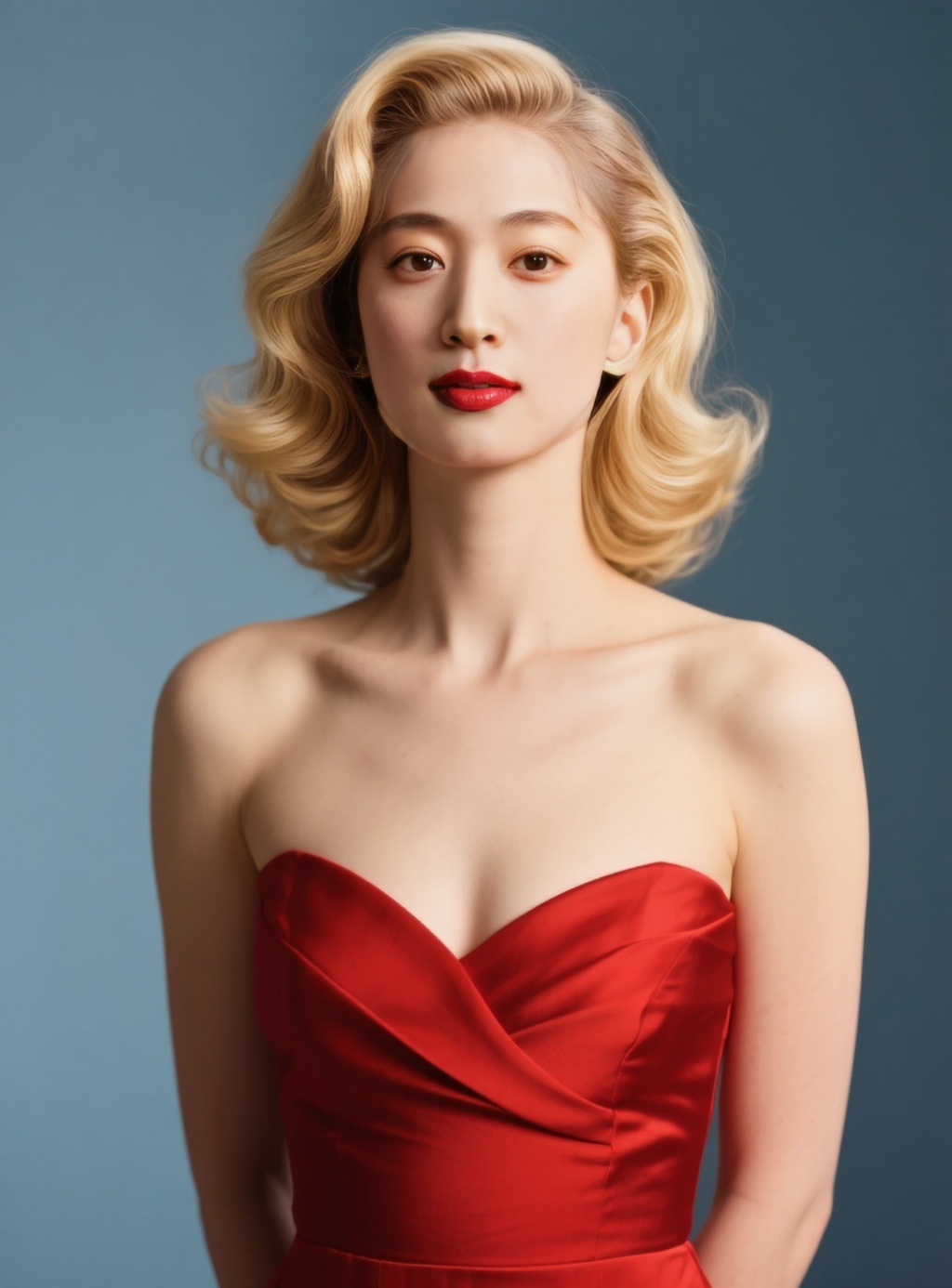
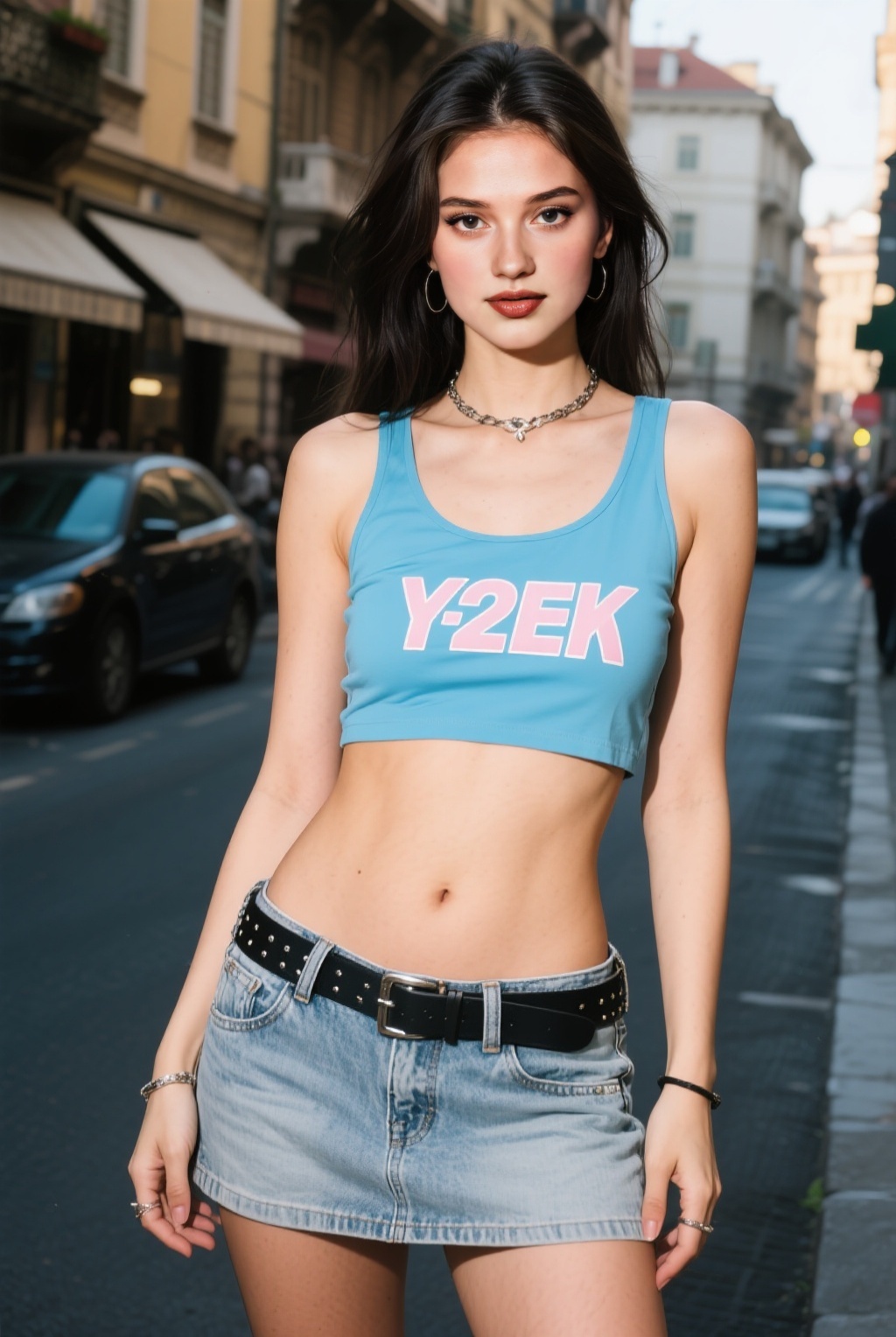
顔を入れ替えたい人物が写っている写真をアップロードします。
差し替えたい人物の顔が鮮明に写ったポートレートを選びます。
フェイススワップを生成し、仕上がりを確認して生成履歴から画像を開きます。
対象写真の背景、構図、ポーズ、表情を残したまま、指定したポートレートの人物へ顔を差し替えられます。
対象写真から構図と表情を、もう一方の顔画像から人物の特徴を取り出して合成します。
2枚の顔の向き、鮮明さ、照明を近づけるほど、境目が目立ちにくく自然な結果になります。
アップロードする動画や顔を使用する権利と許可が必要です。違法コンテンツ、同意のないディープフェイク、なりすましは禁止されています。
対象写真の背景、構図、ポーズ、表情が残ります。もう一方の顔画像は、差し替える人物の特徴として使われます。
JPG、PNG、WebP形式に対応し、1枚あたり10MBまでアップロードできます。
顔の向きと照明が近い、鮮明な写真を組み合わせてください。マスクや髪で顔が大きく隠れた画像は避けると効果的です。
はい。自分が権利を持つ写真、または編集について明確な許可を得た人物・写真のみをアップロードしてください。
買い切りクレジットを追加すると、必要なときに動画・画像・音声の生成を続けられます。