
Home/Guides/Unlucid AI vs VideoAny: Which AI Creator Platform Fits Your Workflow?
Independent competitor comparison

Unlucid AI vs VideoAny: Which AI Creator Platform Fits Your Workflow?

A source-grounded Unlucid AI review and alternative guide covering video generation, AI effects, image creation, image editing, prompt education, and the path from one experiment to a repeatable workflow.

VideoAny TeamPublished 2026-06-20Updated 2026-06-209 min read
  • Maps Unlucid's four core tool categories to VideoAny workflows
  • Built from the live Unlucid site and March-May 2026 search data
  • Separates brand demand from reusable non-brand SEO opportunities

Unlucid keywords observed

322

Top-two brand click share

90.82%

Research date

2026-06-20

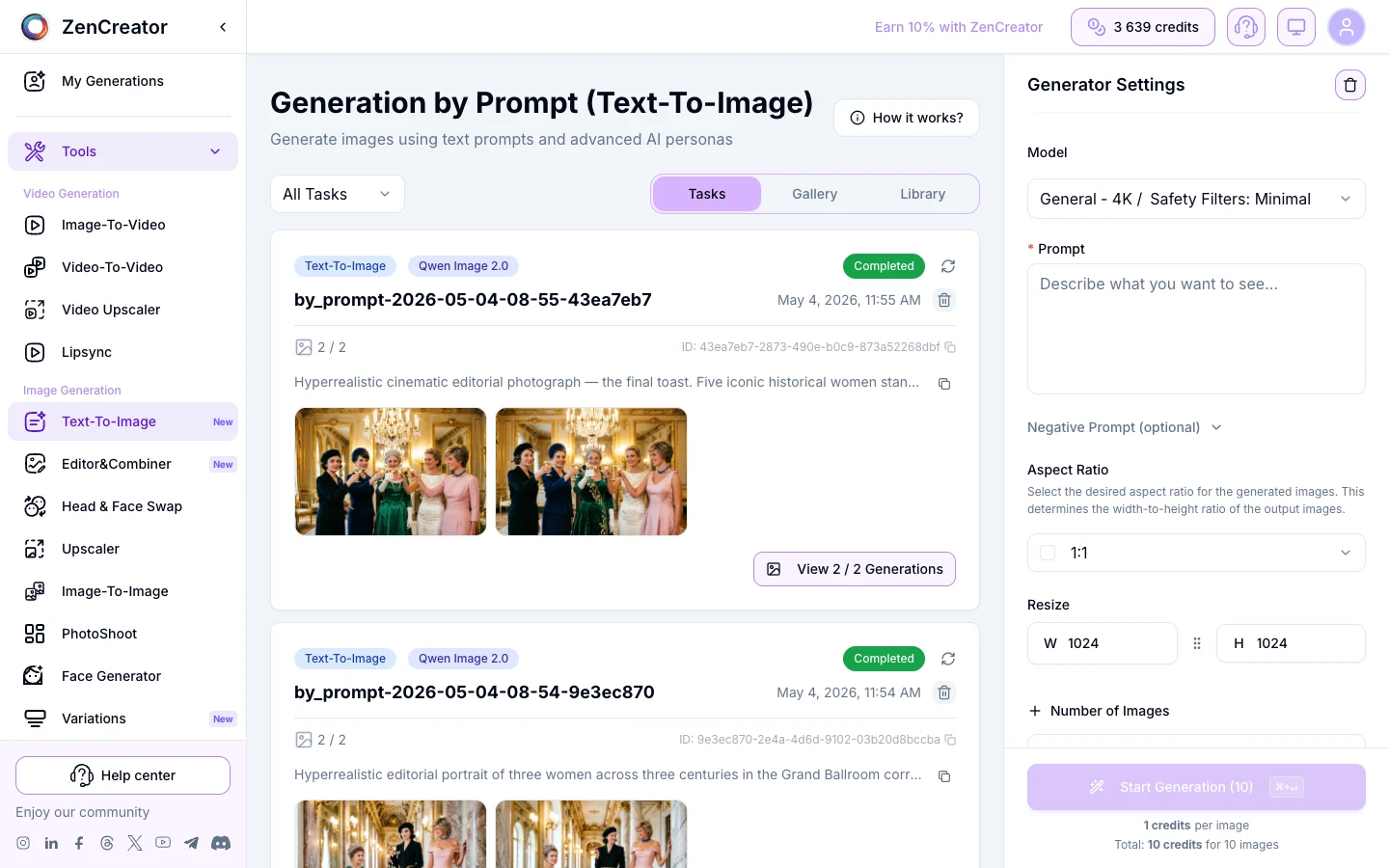
VideoAny AI generator interface used in the Unlucid AI alternative comparison

VideoAny AI generator interface used in the Unlucid AI alternative comparison

VideoAny prompt pattern example for repeatable AI image and video workflows

VideoAny prompt pattern example for repeatable AI image and video workflows

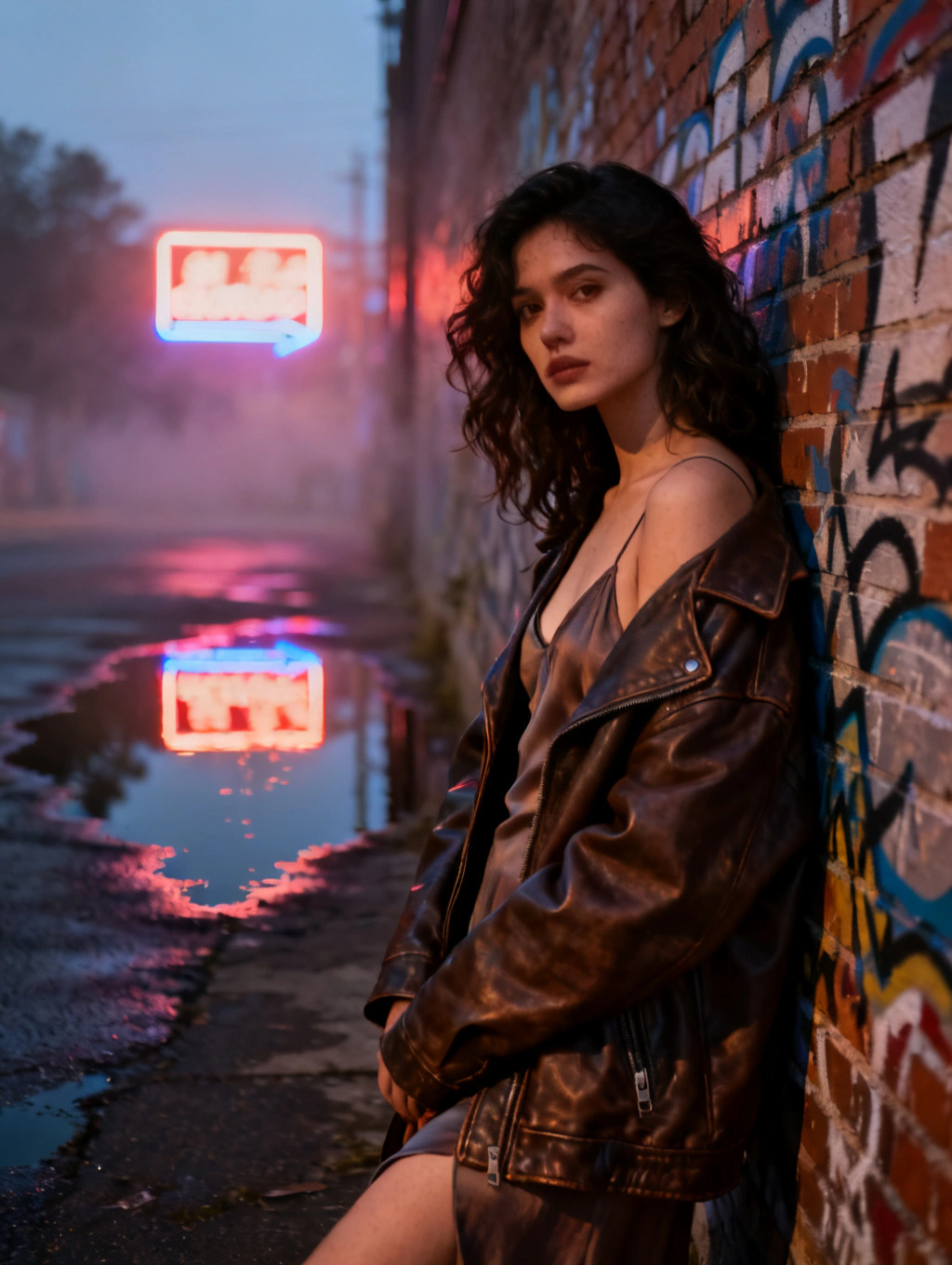
VideoAny AI video effect example for the Unlucid AI vs VideoAny comparison

VideoAny AI video effect example for the Unlucid AI vs VideoAny comparison

VideoAny cinematic video example for creators comparing Unlucid AI alternatives

VideoAny cinematic video example for creators comparing Unlucid AI alternatives

Earn credits+5 / +10 / +15 credits

Solve image puzzles for reward credits

Play the daily VideoAny puzzle, invite friends, and claim credits for more generations.

Play now

Quick answer

Is VideoAny a practical Unlucid AI alternative?

Yes, especially when you want dedicated landing pages and workflows for video, effects, image generation, editing, models, and production guidance.

Unlucid presents a compact creator hub. Its live homepage leads with four primary choices: Video AI, Effects AI, Image Generator, and Edit Tools. It also highlights a feed of effect ideas such as Dance, Squish, Zoom, Smash, Reveal, Fist Punch, Flying, Earth Zoom Out, and Muscles.

VideoAny covers the same broad jobs through more explicit workflow pages: text-to-video, image-to-video, video-to-video, text-to-image, image-to-image, AI effects, model pages, and practical guides. That structure is useful when you already know the task or model you want to use.

Choose Unlucid when its compact discovery experience and effect feed match how you like to create. Choose VideoAny when you want a broader indexed catalog, model-level choices, and more guidance connecting an initial image to animation and later production steps.

The decision in one minute

  • Pick Unlucid for a simple home screen centered on four broad creation modes.
  • Pick VideoAny for dedicated text-to-video, image-to-video, video-to-video, image, effects, and model workflows.
  • Use VideoAny's guides when prompting, model selection, and repeatable production matter as much as the first output.
  • Test both with the same source asset and prompt before committing to a scaled workflow.

Unlucid product facts were checked on https://unlucid.ai/ on 2026-06-20.

Third-party search estimates are directional and can change after the research period.

Feature map

Unlucid AI vs VideoAny at a glance

A task-level comparison based on the current public navigation and the workflows available in VideoAny.

Creator needUnlucid AIVideoAny
AI videoA dedicated Video AI entry from the homepage.Separate text-to-video, image-to-video, video-to-video, and model-specific workflows.
AI effectsAn Effects AI hub plus a discovery feed of named effects.An effects studio and dedicated SEO pages for popular effects, dances, face workflows, and animation templates.
Image creationA Create Image entry in the main navigation.Text-to-image, image-to-image, uncensored image generation, and model detail pages.
Image editingAn Edit Image entry in the main navigation.Image-to-image editing plus guides for unrestricted editing, restoration, outfit changes, and prompt-driven revisions.
Prompt educationA Tutorials section, including an image-prompting landing page seen in search data.A large guide library covering prompting, models, effects, comparisons, and production workflows.
Affiliate intentA public affiliate page linked from the site navigation.A dedicated affiliate page for creators who want to refer VideoAny.

Feature availability and limits can change; verify the current product pages before purchase or production use.

SEO evidence

Where Unlucid's organic search traffic comes from

Similarweb estimates for worldwide organic search across desktop and mobile, March-May 2026.

The observed keyword set contained 322 terms. The traffic profile was overwhelmingly navigational: “unlucid ai” represented an estimated 233.8K clicks and 48.79% of click share, while “unlucid” represented 201.4K clicks and 42.03%. Together, those two brand terms accounted for 90.82% of observed clicks.

Additional brand variants included “unlucidai” at 9K estimated clicks, “unlucid.ai” at 2.2K, and “unlucid ia” at 1.8K, plus many misspellings. The homepage was the leading URL for these searches.

The clearest page-level intents beyond the homepage were “unlucid affiliate program,” mapped to /affiliate, and “unlucid ai prompt tips,” mapped to /tutorials/image-prompting. Lower-volume non-brand terms clustered around uncensored AI, 3D generation, free video generation, and image or video transformation.

What VideoAny should copy from the strategy

  • Use one clear page per search intent instead of forcing every query to the homepage.
  • Build branded comparison pages to capture users evaluating a known competitor.
  • Keep affiliate and tutorial pages crawlable, descriptive, and internally linked.
  • Turn effect names into focused landing pages only when VideoAny has a real matching workflow.
  • Avoid creating duplicate unrestricted or uncensored pages where the project already has a stronger canonical page.

The estimated clicks and shares above are third-party metrics, not Unlucid first-party analytics.

The public page intentionally targets comparison and alternative intent rather than copying Unlucid's trademarked brand identity.

Best fit

Which platform should you choose?

Select based on the workflow you need to repeat, not on a single demo output.

#1Best for a multi-stage creator workflow
VideoAny AI generator interface used in the Unlucid AI alternative comparison

VideoAny AI generator interface used in the Unlucid AI alternative comparison

VideoAny

Use VideoAny when you want separate creation surfaces, model choices, indexed effect pages, and guides that connect images, motion, editing, and publishing decisions.

Why it may fit better

  • Dedicated text-to-video, image-to-video, and video-to-video entry points
  • Model pages that help compare generation options before spending credits
  • Effect pages and guides that match specific creation intent
  • Image generation and editing workflows in the same product ecosystem
Pricing model
Review current credit and plan details on the pricing page.
Trade-offs
A larger catalog means you should choose the workflow and model deliberately instead of relying on one generic entry point.
Best fit
Creators building repeatable image-and-video production systems.
#2Best for compact discovery
VideoAny prompt pattern example for repeatable AI image and video workflows

VideoAny prompt pattern example for repeatable AI image and video workflows

Unlucid AI

Use Unlucid when you prefer a concise homepage with direct access to video, effects, image creation, and editing, plus a feed of trending effect ideas.

Where it stands out

  • Four clear primary creation categories
  • A prominent effect-discovery experience
  • Tutorial and affiliate sections linked from the main site
  • A simple brand-led path from search to the homepage
Pricing model
The homepage markets free access; verify current limits and account requirements directly.
Trade-offs
Its search visibility is highly concentrated in branded queries, so public search data provides less evidence of broad non-brand topic coverage.
Best fit
Users who want a compact interface and effect-led exploration.

Migration

How to move an Unlucid-style workflow to VideoAny

Map the job you were doing to the narrowest relevant VideoAny page.

For Video AI, start with text-to-video when the scene exists only as an idea, or image-to-video when you already have a character, product, or composition that must stay recognizable.

For Effects AI, browse the effects studio or a dedicated effect page instead of trying to recreate an effect with a long generic prompt.

For Create Image and Edit Image, use text-to-image for a new concept and image-to-image for controlled revisions. When you need fewer unnecessary prompt blocks for legitimate creative work, use the uncensored image workflow while still respecting consent, rights, and applicable law.

Recommended route map

  • Unlucid Video AI → VideoAny /text-to-video or /image-to-video
  • Unlucid Effects AI → VideoAny /effects or /ai-effects
  • Unlucid Create Image → VideoAny /text-to-image
  • Unlucid Edit Image → VideoAny /image-to-image
  • Unlucid prompt tutorials → VideoAny /guides/uncensored-ai-generator-complete-guide
  • Unlucid affiliate program → VideoAny /affiliates

Use only assets you own or have permission to process, and obtain consent before using a real person's likeness.

FAQ

Unlucid AI alternative questions

What is the best Unlucid AI alternative?

VideoAny is a practical alternative when you need AI video, effects, image generation, image editing, model choices, and workflow guides in one ecosystem. The best choice still depends on the exact effect, model, output quality, speed, and price you need.

Is Unlucid AI free?

Unlucid's homepage title and description market its tools as free. Check the current site for account requirements, usage limits, queues, output restrictions, and paid options because these details can change.

Does VideoAny have tools similar to Unlucid Video AI and Effects AI?

Yes. VideoAny provides text-to-video, image-to-video, video-to-video, an effects studio, dedicated effect pages, and model-specific video workflows.

Can VideoAny replace Unlucid's image generator and editor?

For many workflows, yes. VideoAny has text-to-image and image-to-image entry points, plus model pages and editing guides. Test the same source image and prompt on both platforms to compare fidelity and control.

Why does this comparison focus on branded search traffic?

In the March-May 2026 Similarweb estimate, the two leading brand terms accounted for 90.82% of observed clicks. That means the strongest practical SEO opportunity for another platform is a useful comparison or alternative page, not a copy of Unlucid's homepage.

Does uncensored mean there are no safety rules?

No. Fewer unnecessary creative restrictions do not permit illegal content, sexual content involving minors, non-consensual exploitation, fraud, or misuse of a real person's likeness. Always follow consent, rights, platform rules, and applicable law.

Next step

Test the same workflow in VideoAny

Use one source asset and one prompt so you can compare motion, identity consistency, editing control, and cost on equal terms.

  • Start with the narrowest task-specific workflow
  • Compare output quality before scaling credit usage
  • Keep consent, rights, and publishing requirements in the review