Home/Guides/Uncensored AI Image to Image Generator — Free, No Filters, No Limits (2026)
Source-inspired guide

Uncensored AI Image to Image Generator — Free, No Filters, No Limits (2026)

This guide explores how to transform any reference image into a new, distinct visual while maintaining key elements like composition and style, all without content filters.

VideoAny TeamPublished 2026-04-18Updated 2026-04-1812 min read
  • References source-page claims and comparison dimensions
  • Uses a ranking + matrix + FAQ layout for quick scanning
  • Includes practical decision rules and workflow guidance

Tools analyzed

8

Focus

Speed + quality

Updated

2026

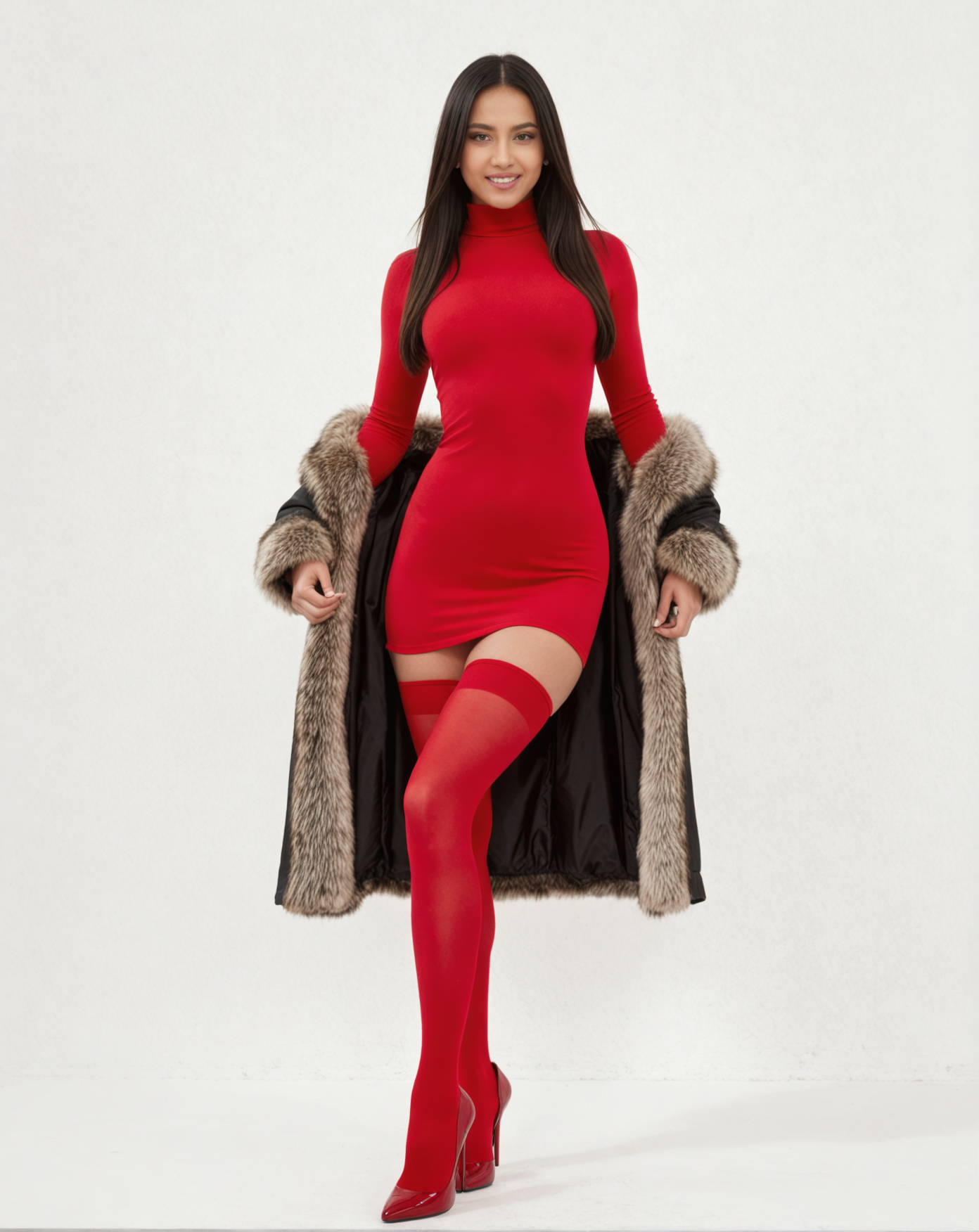
No-face restoration result from the source page

No-face restoration result from the source page

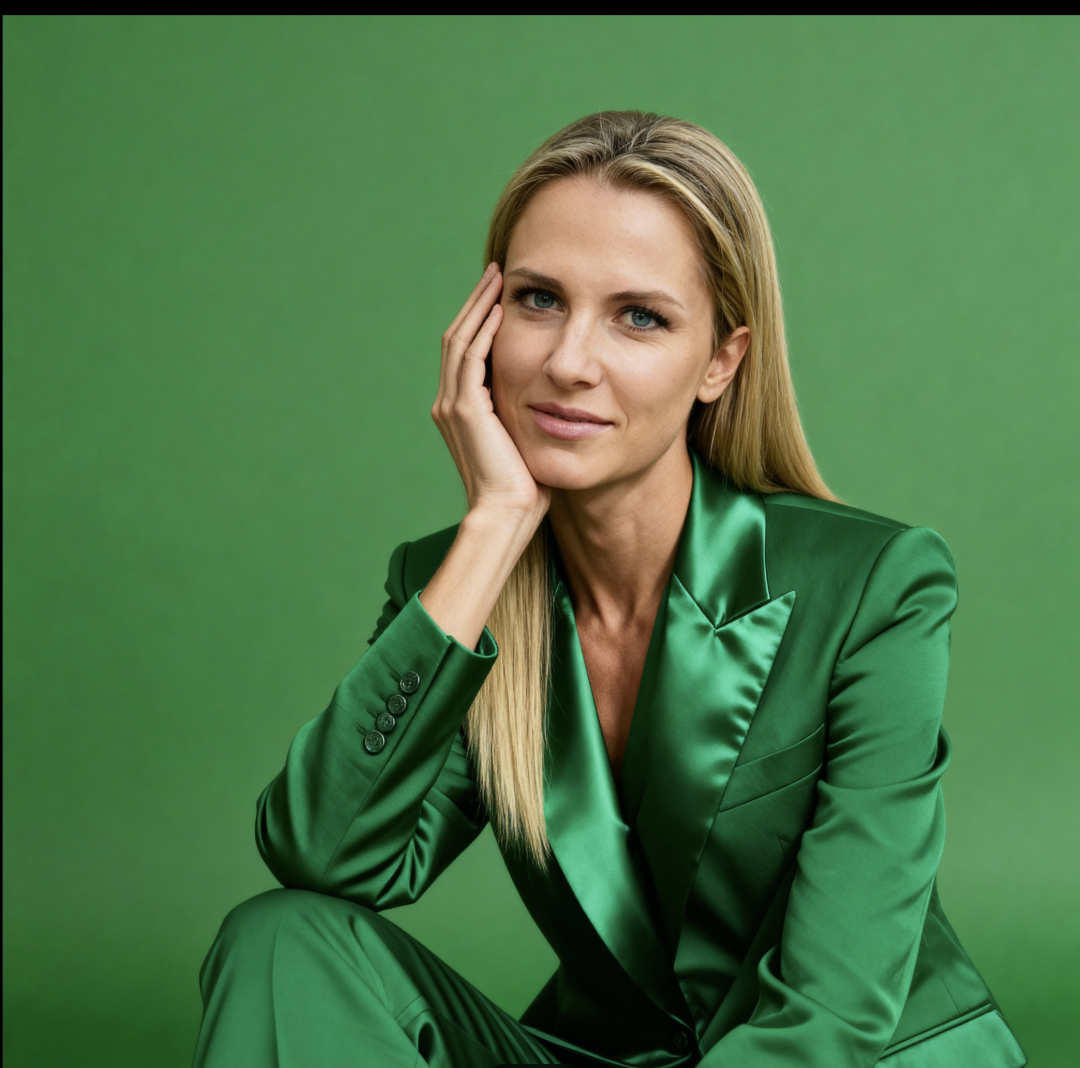
General face transfer result from the source page

General face transfer result from the source page

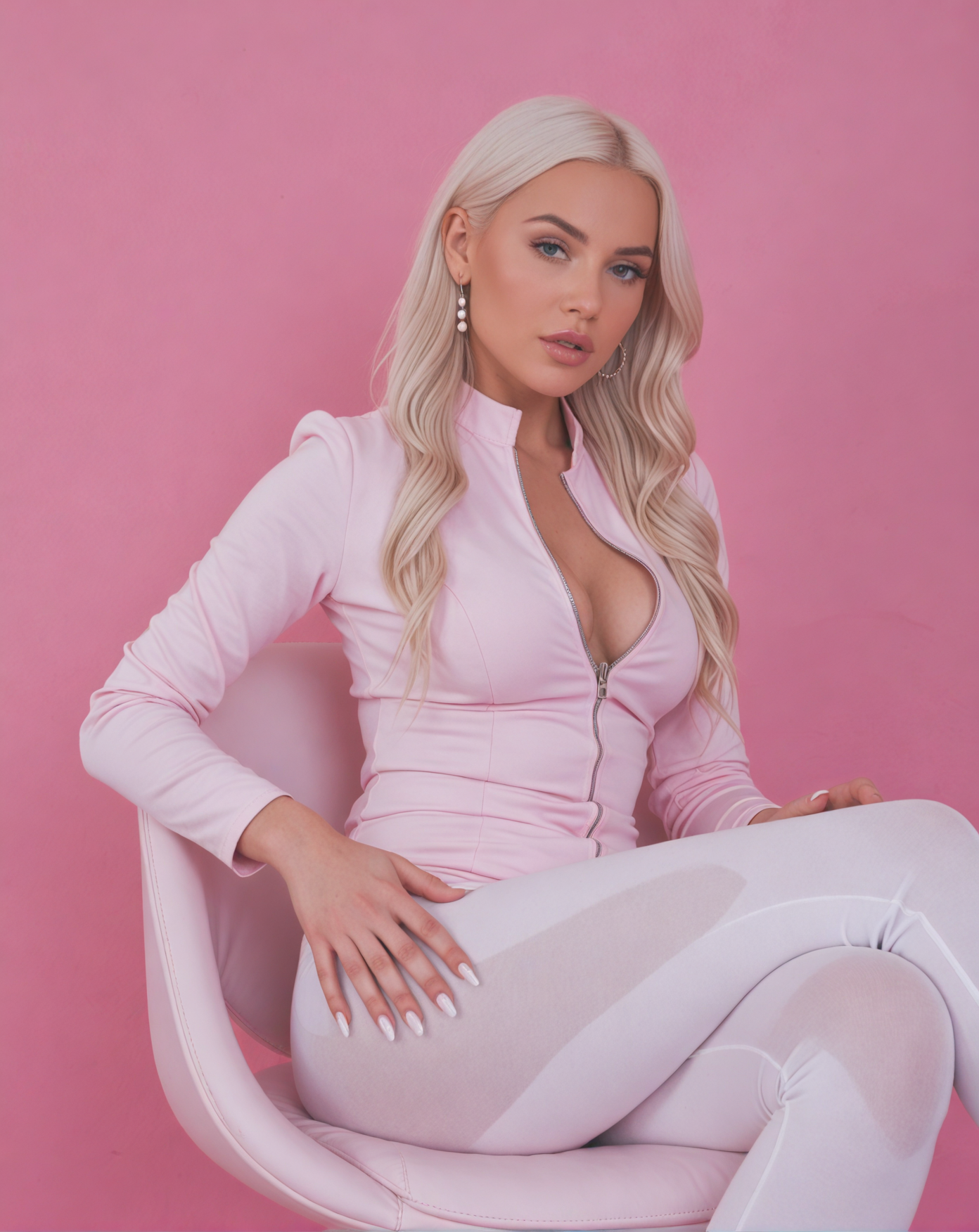
SDXL image-to-image result from the source page

SDXL image-to-image result from the source page

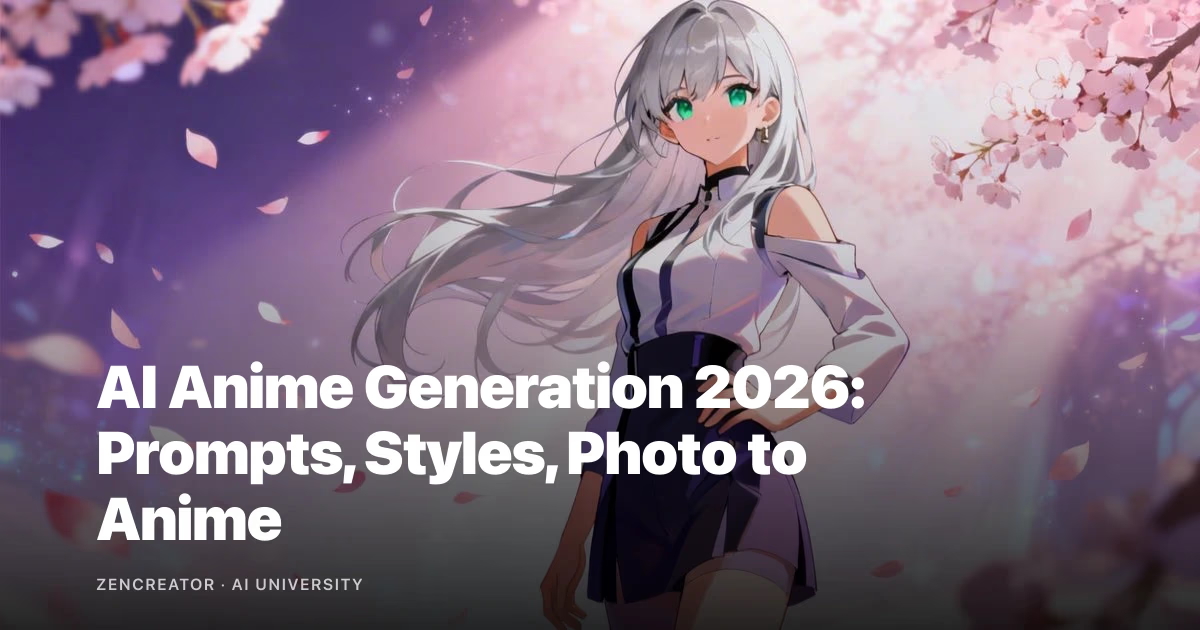
Anime content workflow visual from the source page

Anime content workflow visual from the source page

Overview

What this guide covers

This guide details how VideoAny's Image-to-Image functionality allows you to convert a source photograph into a new image, preserving its structure while enabling creative modifications. We cover two distinct models for different use cases and explain why an 'uncensored' approach is crucial for certain creative endeavors.

VideoAny's Image-to-Image tool transforms a reference photo into a new, yet similar, image. It retains the original's composition, pose, outfit, and lighting, but generates a fresh visual. You can also optionally integrate a second reference photo for a face swap, placing a specific character into the new scene. Our platform operates without content filters between your input and output.

We offer two primary models within the Image-to-Image tool: General (based on Seedream 4.5) and SDXL. The General model supports face swapping and allows for partial prompt influence, making it versatile for stylistic adjustments. SDXL, on the other hand, is designed for generating variations, does not support face swapping, and largely disregards prompt text, focusing almost entirely on the visual reference. All examples provided in this guide are direct outputs from our tool.

The critical choice between models hinges on your need for a specific face. If character identity is paramount, the General model is your go-to. If a new, generic person is acceptable, SDXL offers faster results for variations.

Key functionalities explored

  • Transforming a single reference photo into a new image while maintaining composition and pose.
  • Integrating a second face reference to place a specific character into a new scene.
  • Understanding the distinct behaviors of the General and SDXL models.
  • Crafting effective prompts for Image-to-Image workflows.

This guide focuses on practical application and workflow optimization.

Methodology

How we evaluate tools

Our evaluation framework for Image-to-Image tools prioritizes practical utility and creative freedom. We assess how effectively each model translates a reference image, its responsiveness to user input, and its capacity to handle diverse creative requirements without imposing restrictive content filters.

When assessing Image-to-Image generators, we focus on several core dimensions that directly impact a creator's workflow. The ability to accurately preserve compositional elements from a reference image is paramount, as is the flexibility to introduce new stylistic or character details. We also scrutinize the impact of prompts and the effectiveness of features like face swapping.

A key differentiator in our evaluation is the absence of content filters. Many platforms impose restrictions that hinder legitimate creative work, particularly in areas like AI influencer generation or artistic expression. VideoAny's commitment to an uncensored environment means our tools are assessed on their raw creative power, not their adherence to arbitrary content policies.

This section reflects source-page evidence and is adapted for practical VideoAny workflows.

Evaluation dimensions

  • Fidelity to reference image composition, pose, and lighting.
  • Effectiveness of face swapping and character consistency.
  • Responsiveness to text prompts for stylistic control.
  • Speed and efficiency of image generation.

Benchmarks are directional and may shift as providers update models.

Ranked list

Top tools

Here's a breakdown of the top Image-to-Image tools, highlighting their strengths for different creative needs, from detailed character integration to rapid stylistic variations.

#1Best for Face Swap & Stylistic Control
V

VideoAny General Model (Seedream 4.5)

The General model is ideal when you need to maintain a specific character's face within a new composition, offering strong control over stylistic elements via prompts. It's the go-to for AI influencer creation and consistent visual series.

Key Strengths

  • Supports face swapping for consistent character identity.
  • Preserves composition, pose, outfit, and lighting from reference.
  • Allows prompts to nudge stylistic details (e.g., skin tone, lighting).
  • Fuses face and composition references in a single pass for seamless results.
Pricing model
Included with VideoAny Free Tier credits.
Trade-offs
May be slower than SDXL for simple variations; prompt influence is partial, not absolute.
Best fit
AI influencer creators, consistent character series, detailed stylistic adjustments.
#2Best for Rapid Variations
V

VideoAny SDXL Model

SDXL excels at generating fast, close variations of a single reference image. It's perfect for A/B testing different looks or quickly producing multiple near-duplicates of a scene, though it offers minimal prompt control and no face swap.

Key Strengths

  • Generates high-fidelity variations of a reference image.
  • Maintains very similar pose, outfit, and facial features.
  • Fast processing for quick iteration and multiple outputs.
  • Ideal for generating numerous near-duplicates for selection.
Pricing model
Included with VideoAny Free Tier credits.
Trade-offs
Prompt text has minimal influence; no face swapping capability; less stylistic creativity than General.
Best fit
Fashion/e-commerce for outfit variants, A/B testing, quick scene duplication.
#3Best for Compositional Blueprint
G

General (No Face Reference)

This mode of the General model uses a single reference photo as a compositional blueprint, inventing a new person within that structure. It's excellent for varying scenes where the specific character doesn't matter, with prompts guiding the overall mood.

Key Strengths

  • Treats reference as a structural guide for composition and pose.
  • Generates a new, unique person fitting the scene.
  • Prompts effectively nudge stylistic details like lighting and mood.
  • Provides creative interpretation while respecting the original layout.
Pricing model
Included with VideoAny Free Tier credits.
Trade-offs
Does not lock character identity; requires careful prompt crafting for desired style.
Best fit
Artistic variations, editorial content, exploring different character types within a fixed scene.
#4Essential for AI Influencers
V

VideoAny Face Swap Library

While not an Image-to-Image model itself, the Face Swap library is a critical component for creators using the General model. It allows you to build and manage a collection of AI character faces for consistent application across various compositions.

Key Strengths

  • Enables consistent character identity across multiple images.
  • Seamlessly integrates with the General Image-to-Image model.
  • Simplifies the process of applying saved faces to new compositions.
  • Crucial for maintaining brand identity in AI influencer campaigns.
Pricing model
Included with VideoAny Free Tier credits.
Trade-offs
Requires initial setup to build the face library.
Best fit
AI influencer creation, brand consistency, character-driven content series.
#5Source for Reference Images
V

VideoAny PhotoShoot

PhotoShoot is a complementary tool that helps generate initial composition references. If you don't have a suitable photo, PhotoShoot can create one in various themed categories, which can then be fed into the Image-to-Image pipeline.

Key Strengths

  • Generates diverse composition references from scratch.
  • Offers 40+ themed categories for varied scene creation.
  • Feeds directly into Image-to-Image workflows.
  • Solves the 'no reference photo yet' problem.
Pricing model
Included with VideoAny Free Tier credits.
Trade-offs
Requires a separate step before Image-to-Image.
Best fit
Creators needing custom reference images, expanding creative options.
#6Animate Your Outputs
V

VideoAny Image-to-Video

This tool allows you to animate your Image-to-Image outputs into short video clips, perfect for social media reels or dynamic presentations. It extends the utility of your generated images into motion content.

Key Strengths

  • Converts static images into engaging 5-10 second videos.
  • Ideal for social media content and dynamic storytelling.
  • Adds a new dimension to Image-to-Image creations.
  • Seamless integration with generated images.
Pricing model
Included with VideoAny Free Tier credits.
Trade-offs
Focuses on short-form video; not a full video editor.
Best fit
Social media marketers, content creators, adding motion to AI art.
#7Enhance Resolution & Detail
V

VideoAny Upscaler (Face-Safe Mode)

The Upscaler, particularly with its Face-Safe mode, is crucial for refining Image-to-Image outputs. It boosts resolution to 4K while preserving critical facial details, ensuring professional-grade results.

Key Strengths

  • Increases image resolution up to 4K.
  • Face-Safe mode prevents distortion of facial features.
  • Enhances overall detail and clarity.
  • Essential for high-quality final outputs.
Pricing model
Included with VideoAny Free Tier credits.
Trade-offs
Post-processing step, not part of initial generation.
Best fit
Professional artists, photographers, anyone needing high-resolution final images.
#8Refine & Polish
V

VideoAny AI Photo Editor

The AI Photo Editor provides tools for further refinement and polishing of your Image-to-Image creations. It allows for adjustments and enhancements to achieve the perfect final look.

Key Strengths

  • Offers post-processing adjustments and enhancements.
  • Complements generated images with fine-tuning capabilities.
  • Helps achieve desired aesthetic and quality.
  • Integrated within the VideoAny ecosystem.
Pricing model
Included with VideoAny Free Tier credits.
Trade-offs
Manual editing required; not an automated generation step.
Best fit
Artists, designers, anyone needing to fine-tune AI-generated images.

Comparison

Comparison table

This table provides a quick overview of VideoAny's Image-to-Image models and related tools, highlighting their primary function, control mechanisms, and ideal use cases.

Tool/ModelPrimary FunctionFace SwapPrompt InfluenceBest ForStarting PriceBest Fit
General Model (with face ref)Composition + Face IntegrationYesPartial (stylistic)AI Influencers, Character ConsistencyTBDHosted
General Model (no face ref)Compositional VariationNoPartial (stylistic)Artistic Variations, Scene ExplorationTBDHosted
SDXL ModelHigh-Fidelity VariationsNoMinimalRapid Iteration, A/B TestingTBDHosted
Face Swap LibraryManage Character FacesN/AN/AConsistent Character IdentityTBDHosted
PhotoShootGenerate Reference ImagesN/AN/ACustom Composition SourcesTBDHosted
Image-to-VideoAnimate ImagesN/AN/ASocial Media Reels, Dynamic ContentTBDHosted
Upscaler (Face-Safe)Enhance ResolutionN/AN/AHigh-Quality Final OutputsTBDHosted
AI Photo EditorRefine & PolishN/AN/APost-Generation AdjustmentsTBDHosted

Use this matrix for quick filtering before deep testing.

Decision framework

How to choose the right option

Selecting the appropriate Image-to-Image model and workflow depends heavily on your specific creative goal. This framework helps you navigate the options based on whether you prioritize character consistency, rapid variations, or artistic interpretation.

The choice between VideoAny's General and SDXL models, and how you integrate them with other tools, is dictated by your project's requirements. Understanding the core strengths of each allows for efficient and effective image generation.

For instance, if your goal is to create a series of images featuring a consistent AI character in different poses or outfits, the General model with a face reference is indispensable. If you need to quickly generate many slightly different versions of a single scene for selection, SDXL is the clear winner. The key is to align the tool's capabilities with your desired outcome.

This section reflects source-page evidence and is adapted for practical VideoAny workflows.

Quick selection rules

  • **For consistent characters (AI influencers):** Always use the General model with a face reference. Build your character library first.
  • **For compositional variations without specific faces:** Use the General model without a face reference, leveraging prompts for stylistic guidance.
  • **For rapid, high-fidelity variations of a scene:** Opt for the SDXL model. Keep prompts short or omit them entirely.
  • **If you lack a reference photo:** Start with VideoAny's PhotoShoot to generate a suitable base image.

Many creators combine two tools for drafting and refinement.

FAQ

Frequently asked questions

Common questions about VideoAny's Image-to-Image functionality, covering topics from cost to content policies and model behavior.

Is VideoAny's Image-to-Image tool truly free?

Yes, the Image-to-Image tool is available on the free tier, including credits for generation. No credit card is required to start, and outputs are watermark-free.

Can I use a photo of a real person as a reference?

Legally, yes, if you own the photo or have consent. Technically, the tool processes any uploaded image. However, for deepfake prevention, we block face references that match named public figures as a platform-level policy, not a content filter.

Why does my result look almost identical to the reference on SDXL?

This is SDXL operating as intended—it's designed for high-fidelity variations, meaning it sticks very closely to the source. For more creative interpretation or significant stylistic changes, switch to the General model or reduce the reference strength slider.

Does the prompt do anything on SDXL?

Barely. SDXL is primarily a variation model that treats the reference image as its main instruction. Prompts are considered weak hints. If you need strong prompt control over stylistic elements, use the General model.

Can I do NSFW / adult Image-to-Image?

Yes, VideoAny's platform operates without content filters, allowing for legal adult creative work that other platforms might refuse. The only restriction is against named public figures, which is a platform-level guardrail, not a content filter.

Conclusion

Bottom line

VideoAny's Image-to-Image capabilities offer unparalleled flexibility for creators, from generating consistent AI characters to producing rapid stylistic variations. The key is understanding which model and workflow best suit your specific creative needs.

The power of Image-to-Image lies in its ability to transform existing visuals while maintaining core elements. VideoAny provides two distinct models—General and SDXL—each optimized for different creative objectives. The General model excels at integrating specific characters and allowing stylistic prompt control, making it ideal for AI influencer creation and artistic projects requiring consistency. SDXL, conversely, is built for speed and high-fidelity variations, perfect for quickly generating numerous options from a single source.

Crucially, VideoAny's uncensored environment ensures that your creative freedom is not curtailed by arbitrary content filters, allowing for a broader range of artistic and commercial applications. By combining Image-to-Image with our other tools like Face Swap, PhotoShoot, and Upscaler, you can build comprehensive and efficient creative pipelines.

This section reflects source-page evidence and is adapted for practical VideoAny workflows.

Key takeaways for Image-to-Image

  • **General Model (with face ref):** Your best choice for consistent character identity and AI influencer workflows.
  • **General Model (no face ref):** Excellent for stylistic variations and exploring different characters within a fixed composition.
  • **SDXL Model:** Unmatched for generating fast, close variations and A/B testing different looks.
  • **Uncensored Platform:** Enables creative freedom for all legal content, including adult and AI influencer work.

Re-test periodically as model performance and policies change.

Next step

Build your uncensored workflow on VideoAny

Move from comparison to execution with image/video pipelines on VideoAny.

  • Launch practical workflows quickly
  • Combine text, image, and video outputs
  • Scale from free testing to paid production