
How to read this guide
Senzia vs Yeri AI: what the comparison actually tells you
The choice starts with the kind of image workflow you need.
An image workflow involves more than generation. Prompt interpretation, editing controls, export limits, and payment rules all affect the finished asset. Senzia and Yeri AI appear in searches for uncensored AI image generators, and the source comparison highlights different strengths for each.
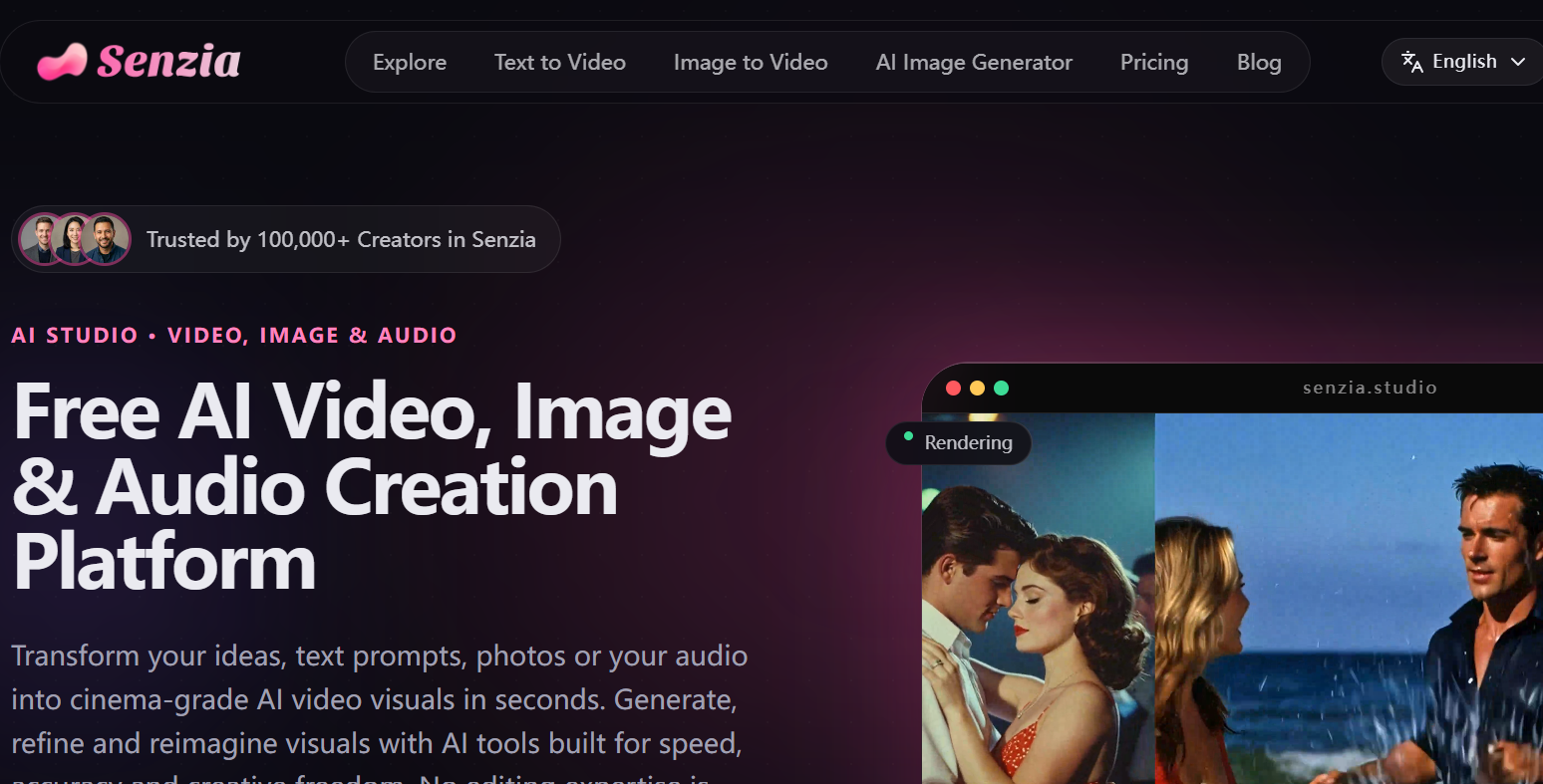
Senzia is portrayed as a focused tool for detailed scenes and precise image adjustments. Yeri AI is presented as a broader suite with several model choices and dedicated utilities. Your choice depends on whether you prioritize a direct route to a specific visual or room to experiment across tools and models.
This VideoAny editorial guide analyzes an article published by Senzia, one of the vendors being compared. Its quality judgments and pricing figures are source-reported claims, not results of independent VideoAny testing. We use those claims to identify useful trade-offs and checks for your own trial.
Generation quality
Prompt accuracy: short requests versus detailed scenes
A clear image can still miss important parts of the brief.
The source tests two levels of prompting: a short interaction between people and a detailed scene specifying the subjects, interior, clothing, light, and photographic treatment. The first checks basic concept recognition; the second tests whether a model can retain several constraints at once. This distinction matters when an attractive image still misses a required prop, pose, or lighting direction.
The article says both platforms captured the overall concepts. It favors Senzia for consistency across complex descriptions, including the setting, subject details, and composition. Yeri AI is described as accessible for users without advanced prompt-writing skills, although the source notes watermarked free downloads. These are the vendor’s observations; they do not establish that either product will produce the better result for every prompt.
Those statements do not establish a reproducible quality ranking. The article does not supply a controlled batch size, complete model settings, or a failure-rate analysis. Treat its preference for Senzia on complex scenes as a starting point for testing, especially when your actual work involves consistent characters or a tightly specified campaign.
What to inspect in a repeatable comparison
- Subject fidelity: check the number of people, their placement, expressions, clothing, and interaction.
- Scene fidelity: check the setting, props, framing, and lighting direction rather than overall attractiveness alone.
- Detail retention: compare which instructions survive when you add several constraints to the same prompt.
- Usable exports: inspect the downloaded file, since the source reports a watermark on Yeri AI’s free output.
Editing tools: targeted changes or a broader utility kit?
The source emphasizes different approaches to improving an existing image.
| Workflow | Senzia, as described in the source | Yeri AI, as described in the source |
|---|---|---|
| Prompt-based refinement | Allows users to upload an image and apply targeted modifications via text prompts, such as altering environments, adjusting lighting, or refining character features, with an emphasis on precision and consistency. | Offers a suite of dedicated tools for various image manipulations, including enhancement, watermark removal, background adjustments, and image expansion. |
| Background work | Includes background removal, replacement, blur, and white-background tools. | A background remover utility is explicitly mentioned as part of its editing feature set. |
| Image improvement | The platform aims to preserve core visual elements like facial features and overall style during editing, ensuring consistency. | Features an 'Enhance Image' tool, providing options for improving overall image quality. |
| Canvas expansion and cleanup | The broader platform capabilities, as described, encompass enhancement and watermark removal, alongside image and video generation. | Dedicated 'Expand Image' and 'Watermark Remover' tools are listed, offering control over image boundaries and unwanted elements. |
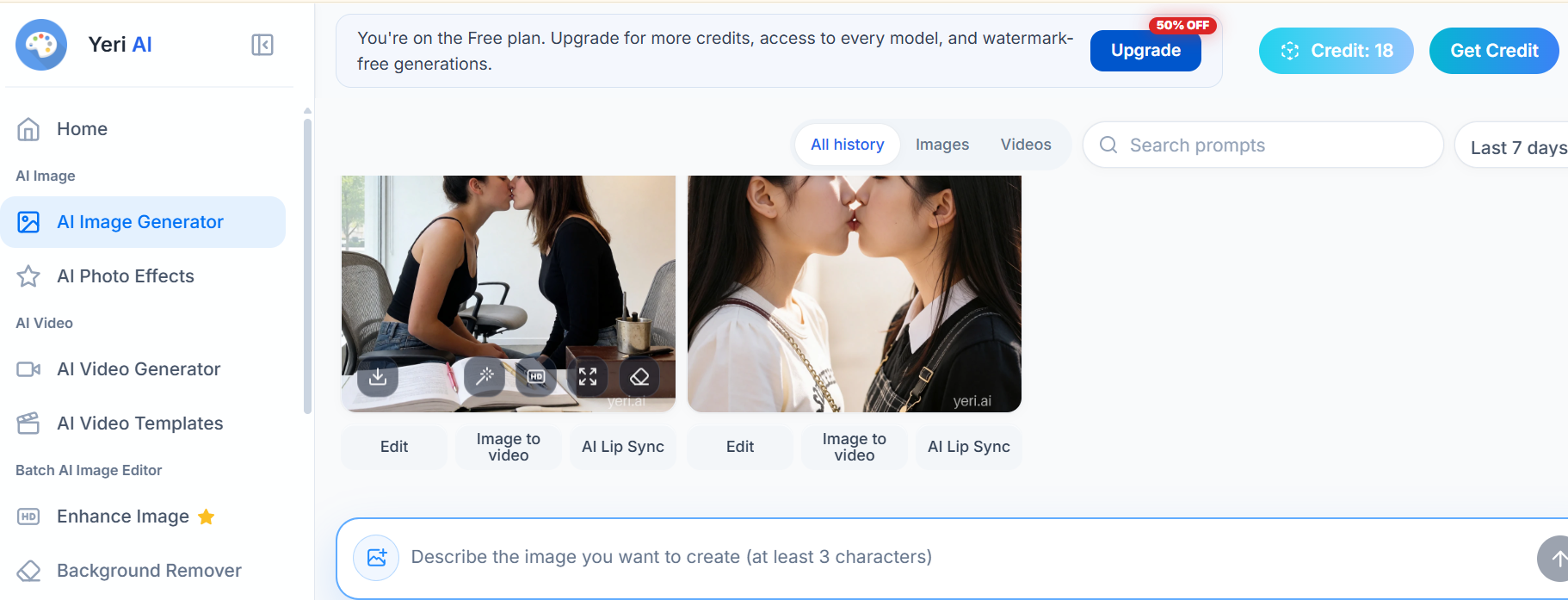
| Model selection | The comparison emphasizes its consistent workflow rather than a diverse catalog of named models for editing. | Users can select from different AI models, including OpenAI, Seedream, and Nano Banana, for varied creative outcomes. |
The presence of an editing tool does not guarantee that every change preserves identity or composition. Test the specific edit you need.
Model catalogs and content rules can differ within the same platform. The word uncensored does not establish that every listed model follows one identical policy.
Practical evaluation
Judge editing by what stays the same
A successful edit changes the requested element without disrupting the rest of the image.
The editing advantage attributed to Senzia is preservation. Changing a background, lighting direction, or expression should leave the subject and the rest of the scene recognizable. For a recurring character or a campaign visual, this can matter more than the number of available tools. Compare the original and edited versions for altered facial features, shifted proportions, missing details, or changes outside the requested area.
Yeri AI is highlighted for the variety of its editing options. Separate enhancement, background, and expansion tools offer flexibility when each image needs a different kind of work. Assess that breadth as a complete process: count how many steps, tool switches, and exports you need to produce one usable asset.
Creative flow
Ease of use: simple generation and interface complexity are different
The source praises Yeri AI’s accessible generation while describing Senzia’s overall workspace as easier to navigate.
The source favors Senzia’s clear layout and easy-to-find generation and editing controls. It describes few unnecessary steps and an interface that feels visually engaging. The practical question behind that impression is simple: can a new user locate the next action without interrupting the work?
Yeri AI is described as a more complex, tool-heavy workspace that may suit people who want more options. This does not contradict the source’s praise for its accessible generation: entering a prompt can be simple even when finding a particular editing utility takes exploration. Regular users may accept that learning curve in exchange for the wider menu.
Try the same complete task in both interfaces: generate a draft, adjust one detail, replace a background, and download the final image. Note each tool switch and any setting that is hard to find. This reveals more about everyday usability than judging the opening screen alone.
Pricing and free access: figures reported in the source
These are the source article’s stated offers, not independently confirmed current checkout prices.
| Item | Senzia source snapshot | Yeri AI source snapshot |
|---|---|---|
| Payment approach | Primarily offers one-time purchases for credits, with additional credit packs available. | Operates on a subscription model, supplemented by optional credit packs. |
| Free access | Credits are granted upon registration; the specific quantity is not detailed in the source. | Provides a free plan that includes 10 credits per day. |
| Entry paid offer | Lite plan: $10 for 450 credits. | PRO plan: $10 per month for 2,000 credits. |
| Higher paid offer | Prime plan: $24.99 for 1,200 credits. | MAX plan: $20 per month for 5,000 credits. |
| Additional pack range | Credit packs range from 2,700 to 40,000 credits. | Credit packs range from 2,000 to 100,000 credits. |
| Credit validity | Purchased credits are stated to be valid for one year. | Monthly credits reset; additional purchased credits can be added and used. |
| Watermark-free exports | The comparison indicates watermark-free output is available. | Watermark-free output is provided on paid plans. |
| Commercial-use access | Reported as included within its paid feature plans. | Reported as included in its paid plans. |
| Private generation | Not specified in the source article. | Available as a feature on paid plans. |
| Suggested payment fit | Suited for users who prefer one-time payments and flexible credit usage, avoiding recurring charges. | Recommended for regular creators who prefer subscriptions and a predictable monthly credit allowance. |
Credit counts are not directly comparable across platforms: the article does not establish equal per-image cost, resolution, or model cost.
Check current checkout details, credit-expiry rules, export restrictions, and the applicable plan terms before relying on any listed offer.
Budget fit
Compare cost per usable result, not credits alone
A larger credit allowance does not automatically buy more finished work.
The source presents Yeri AI’s subscription allowance as a fit for regular production, while Senzia’s one-time purchases suit intermittent work. That payment rhythm is a useful distinction before comparing any credit totals. Daily trial access can help you explore a tool, but it does not establish the cost of a finished paid workflow.
Senzia’s article also argues that combining image and video generation, editing, enhancement, watermark removal, templates, and other utilities creates value within a single purchase. This is the vendor’s value proposition. Confirm which functions your selected tier includes and how many credits each operation consumes.
Estimate your typical month using the model, resolution, retries, edits, and any video work you expect to need. Compare the total cost of usable exports. Include credit expiry, monthly resets, and any paid tier needed for your preferred privacy or download settings. The cheapest pack is not necessarily the cheapest way to finish the project.
Which workflow does each tool fit?
This decision table translates the source’s conclusion into practical selection criteria.
| Your priority | What the source favors | What to verify yourself |
|---|---|---|
| Detailed prompt interpretation | Senzia for consistency across detailed, multi-element scenes. | Test with several intricate prompts, focusing on how well constraints are maintained, not just overall image appeal. |
| Targeted changes to an existing image | Senzia for preserving key visual elements during targeted edits. | Compare the original and edited images to check for preservation of identity, composition, and style. |
| Several models and editing utilities | Yeri AI for model choice and a wider editing toolkit. | Confirm that the specific models you need are available on your chosen plan and suitable for your content. |
| A clear path for a first-time user | Senzia for overall navigation; Yeri AI is also described as accessible for basic generation. | Perform a complete task (generate, edit, download) in both to assess actual ease of use. |
| Occasional paid work | Senzia for its one-time purchase structure. | Check credit pack expiry dates and the actual cost per task for your workflow. |
| Frequent, predictable production | Yeri AI for recurring monthly credit allowances. | Examine credit reset policies, overage costs, and paid plan requirements for exports. |
The source includes star ratings, but these are editorial judgments rather than an independently established benchmark. This guide uses the underlying decision criteria instead of presenting those ratings as measurements.
Before choosing
Run a short trial around a real deliverable
Use a consistent brief to turn the comparison into a decision.
Choose a practical scene relevant to your work, such as two adults talking on a sofa in a warmly lit room. Begin with a short prompt, then add framing, clothing colors, background objects, and lighting direction. Keep the concept consistent across the platforms and record the selected model and resolution.
Choose a result that is already close to your brief and make one controlled edit, such as changing the background. Check whether the subject or composition shifts unexpectedly. Download the image and inspect its dimensions, watermark, and artifacts. This links prompt interpretation, editing quality, and plan restrictions in one repeatable task.
Keep a simple record
- Save each prompt and the model or preset used so the comparison can be repeated.
- Count all retries and edits needed for a usable result, including failed generations.
- Record the credits consumed for the whole task rather than a single successful image.
- Review the export and privacy settings available on the exact plan you are testing.
Common questions
Senzia vs Yeri AI: frequently asked questions
Can I try an uncensored AI image generator for free?
The source reports daily free credits for Yeri AI and registration credits for Senzia. Trial access can have generation, feature, or watermark limits. Use the currently available trial to test your own prompt and download a result; a good preview does not tell you whether the final export meets your needs.
What matters most when choosing an image generator?
Compare image quality, prompt accuracy, editing controls, ease of use, and the total cost of finished work. These are the source’s main criteria. Also check export restrictions and privacy settings if they affect your project, using the specific model and plan you expect to use.
Which is the better starting point for a beginner?
Senzia’s comparison favors its clear navigation, while also describing Yeri AI’s basic generation process as accessible. Start with a simple prompt, make one edit, and download the image in each product. That complete task is a better guide to ease of use than a general beginner-friendly label.
Can outputs be used in commercial projects?
The source lists commercial-use access in paid offerings from both platforms. This does not establish the rights for every output or tier. Review the current terms for your selected product and plan, including the conditions that apply to any reference images used in the project.
Does uncensored mean every model has the same restrictions?
No. The label alone does not establish a uniform policy across a platform’s models, features, or plans. The source names OpenAI, Seedream, and Nano Banana among Yeri AI’s choices, but it does not document identical content rules for them. Check the rules for the model and workflow you plan to use.
Do Yeri AI’s larger credit allowances make it cheaper?
Not necessarily. The source provides credit balances without establishing equal costs per generation, resolution, or edit. Compare the cost of a complete task, including retries and paid export requirements. Larger credit totals alone do not show which service produces usable work more cheaply.
Decision
The choice depends on your production routine
Senzia’s comparison favors a focused workflow; Yeri AI’s appeal is variety and recurring usage.
The source makes the stronger case for Senzia when the priorities are a clear interface, detailed scenes, targeted edits, and occasional credit purchases. It presents Yeri AI as a credible option for creators who value model exploration, separate editing utilities, and recurring production.
It does not establish an independently verified overall winner. The useful trade-offs are consistency versus tool breadth, interface simplicity versus more options, and one-time purchases versus a monthly allowance. Use a repeatable task and current plan details to decide how those trade-offs affect your own work.
VideoAny provides separate text-to-image and image-to-image tools. The links below lead to VideoAny’s own workflows and pricing; the Senzia and Yeri AI capabilities discussed in this guide are not claims about VideoAny.
Explore VideoAny
Try your image brief in VideoAny
Start with a clear prompt, inspect the result, and choose an editing workflow when you need to refine an existing image.
- Generate a new image from a written idea.
- Explore edits from an existing reference image.
- Review current VideoAny pricing for your workflow.
Reference and related tools