
概要
AIゲームストリーマーの構築:4つのステップ
このガイドでは、Twitch、YouTube、TikTokなどのプラットフォーム向けに、コンテンツフィルターなしでフォトリアルなAIガールストリーマーを作成するためのシンプルな4ステップのパイプラインを説明します。このプロセスでは、VideoAnyの統合ツールを活用して、キャラクター生成、アニメーション、オーバーレイを行います。
Neuro-samaの成功は、AI生成ストリーミングコンテンツに対する視聴者の関心が非常に高いことを証明しました。しかし、ほとんどのAIストリーマーはアニメーションアバターです。このガイドでは、視聴者が実在の人物と見間違えるような、フォトリアルなAIパーソナリティの作成に焦点を当てます。
ユニークな顔の作成から、ライブまたは録画済みのゲームプレイにアニメーションのリアクションを統合するまで、VideoAnyのパイプライン全体を詳しく見ていきましょう。中心となるアイデアは、人間がゲームをプレイし、AIキャラクターが画面上のパーソナリティとして機能するというものです。
このガイドラインは、検閲なしで一貫した高品質なコンテンツを制作したいクリエイター向けに構成されています。
4段階パイプライン概要
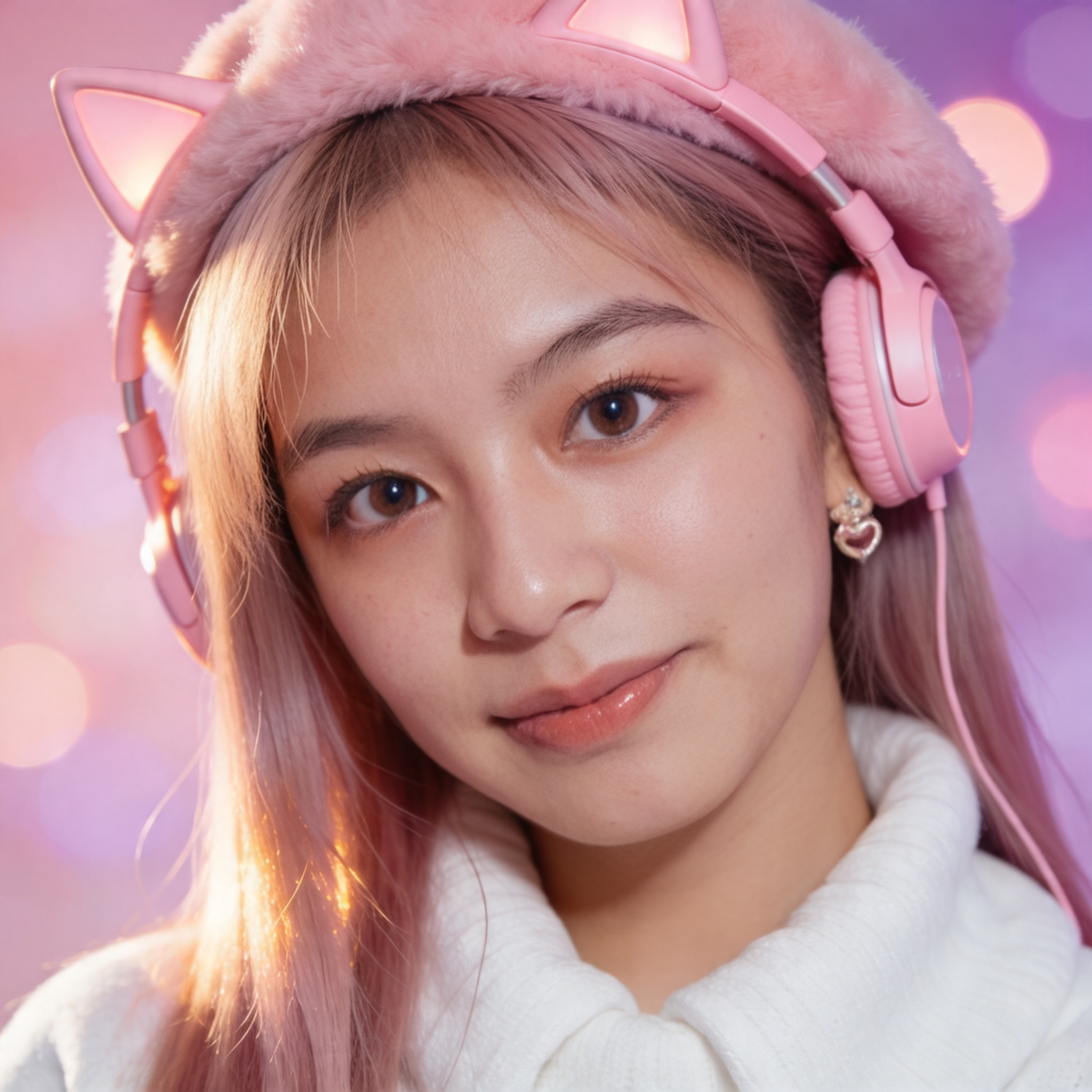
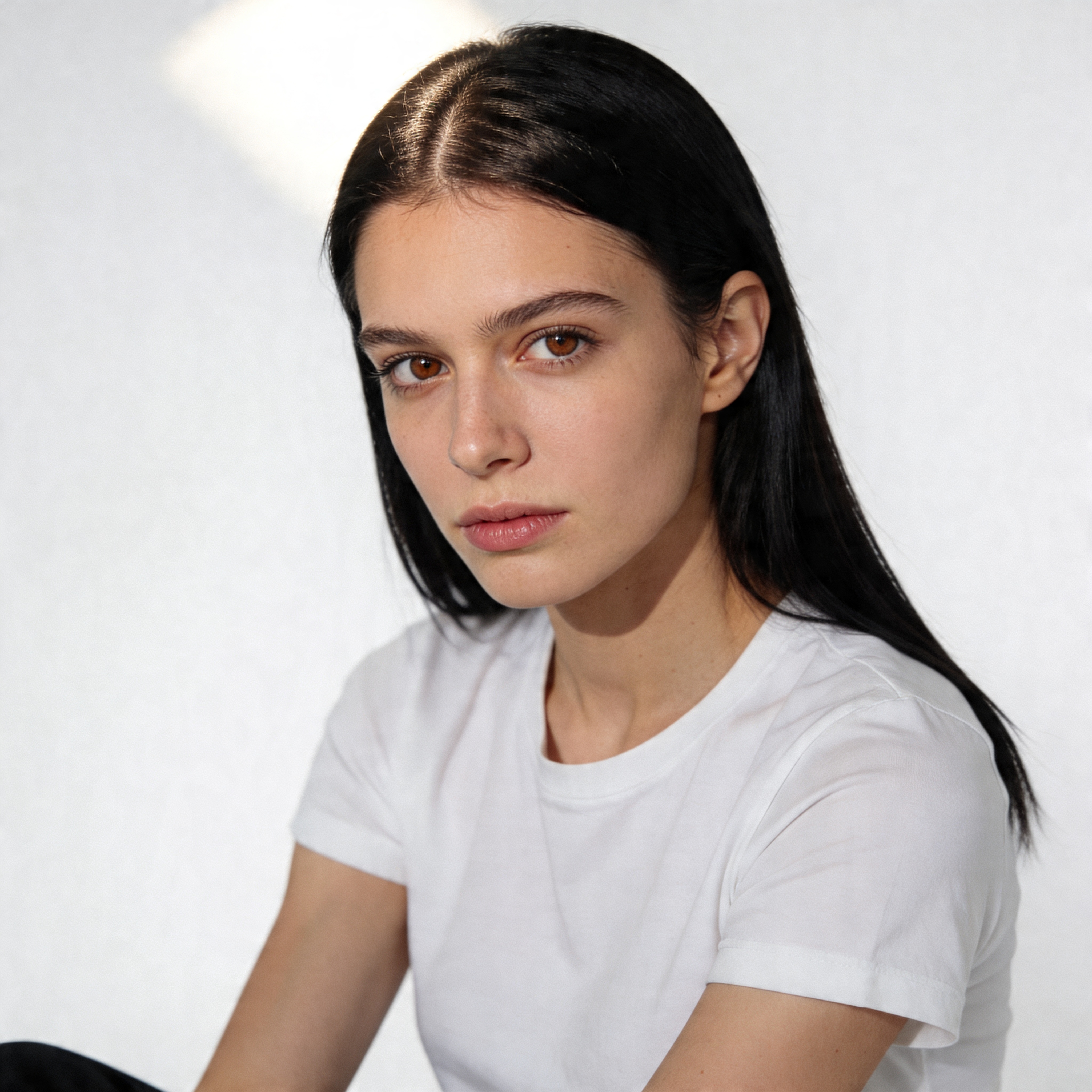
- **顔生成**: 2種類のAI女性の顔を作成。
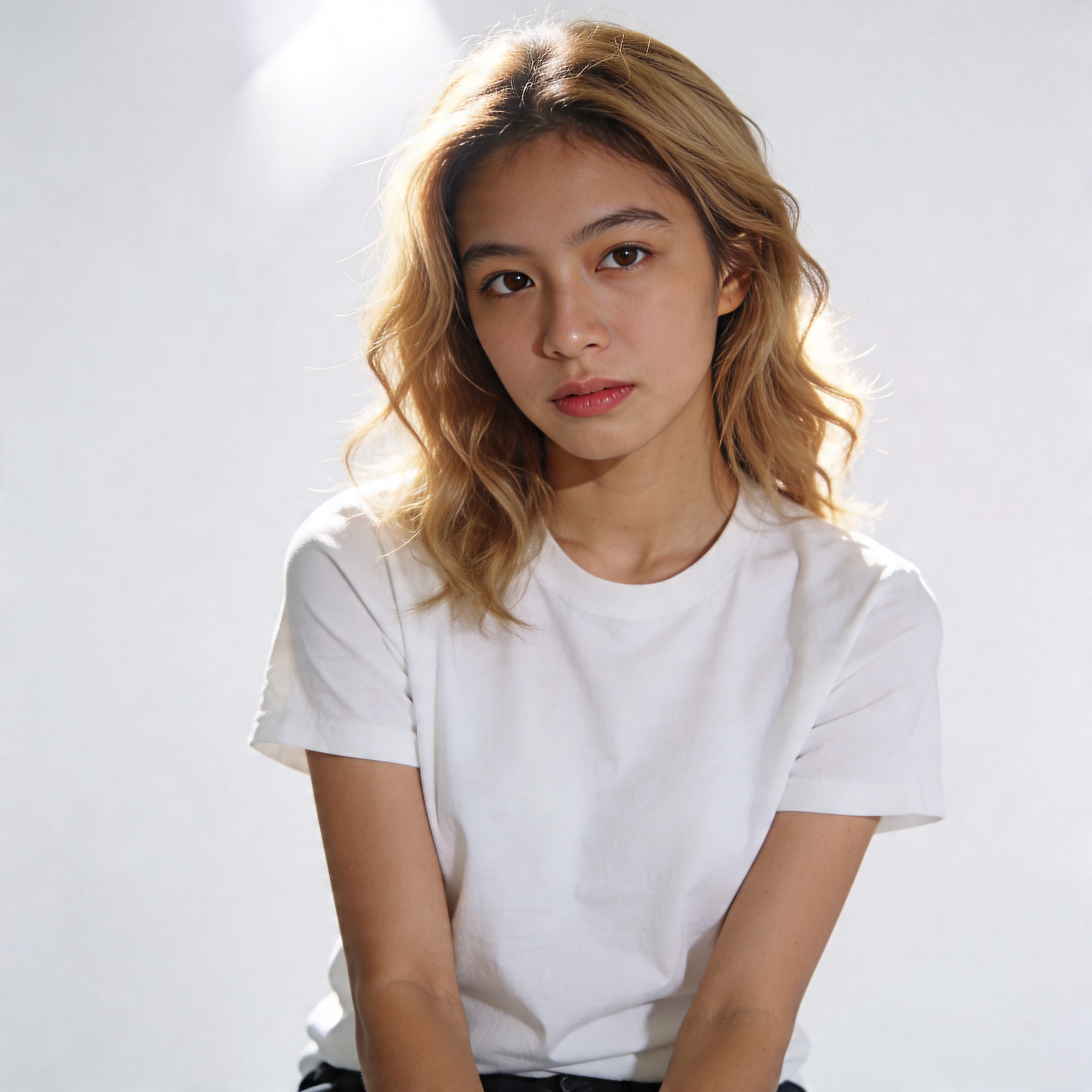
- **テキストから画像へ**: 各キャラクターのウェブカメラ風写真を生成します。
- **リップシンク**: 音声に合わせてこれらの顔をアニメーション化し、リアルな発話を実現します。
- **OBS / 動画編集ソフト**: AIフェイスカムをゲームプレイにオーバーレイ表示。
このメソッドは、ご自身がカメラに映ることなく、顔出し配信者のようなエンゲージメント効果を得ることを可能にします。
ステップ1
AIストリーマーのペルソナを構築する
VideoAnyの顔生成ツールを使用して、2種類のフォトリアルなAI女性キャラクターを生成することから始めます。これにより、さまざまなコンテンツタイプや視聴者層に対応する柔軟性が得られます。
顔生成ツールは、約15秒で4つのフォトリアルな顔を生成できます。希望するストリーマーのペルソナに合う2つを選択してください。
2つのキャラクターを持つことで、コンテンツの多様化が可能になります。例えば、一方のキャラクターはペースの速いFPSゲームに特化し、もう一方は心温まる物語主導のタイトルを専門とするといった具合です。この戦略は、一貫したクリエイターとしての存在感を保ちつつ、より幅広い視聴者にアピールするのに役立ちます。
キャラクターの一貫性とシーンの意図が確定した後で、モーションやポストプロセスで最終調整を行います。
キャラクター作成における重要な考慮事項
- **多様性**: 各キャラクターに独自のルックと雰囲気を持たせることを目指します。
- **効率性**: フェイスジェネレーターの速度により、迅速な反復と選択が可能です。
- **戦略的な組み合わせ**: 各キャラクターの美学が特定のゲームジャンルとどのように合致するかを検討します。
- 各キャラクターに対応する写真を決定します。
選択された各顔は、独自のストリーマーアイデンティティとなり、一つのクリエイティブな傘の下で複数のチャンネルやコンテンツスタイルを管理できるようになります。
ステップ2
ウェブカメラ風のリアルな映像を制作する
AIキャラクターを定義したら、それぞれにウェブカメラ風の顔写真を作成してください。これらの画像はリップシンクによってアニメーション化されるため、リアルさが重要です。
| アプローチ | 強み | 制限事項 | 最適な用途 |
|---|---|---|---|
| テンプレート優先のワークフロー | 迅速なセットアップと予測可能な構造 | クリエイティブの自由度が低い | 大量パブリッシング |
| プロンプト優先ワークフロー | 柔軟なコンセプトとスタイル制御 | さらなる改善が必要です | 実験的なアイデア |
| ハイブリッドワークフロー | 速度と制御のバランス | プロセス規律が求められます | 反復可能な出力ニーズを持つチーム |
| VideoAnyワークフロー | 統合された生成と後処理ステップ | 生のパラメータ露出を低減 | 納品スピードを重視するクリエイター向け |
AIキャラクターごとにユニークなウェブカメラショットを生成し、それぞれが独自の視覚的アイデンティティと雰囲気を持つようにします。
高度なバリエーションを追加する前に、単一のワークフローベースラインを使用してください。
ステップ3
リップシンクでAIストリーマーに命を吹き込む
ここでは、静的なAIキャラクターに声を与えます。VideoAnyのリップシンクツールを使用して、ウェブカメラ風の写真に同期されたオーディオでアニメーションを付けましょう。
VideoAny
単一のブラウザワークフローで、個別のスタックを管理することなく、生成、反復、公開が可能です。
成功の理由
- ローカルインフラ不要で高速セットアップ
- 画像と動画の制作を一か所で行えます
- クリエイター向けに速度と品質の最適なバランスを実現
- 再現性のある出力パイプラインに役立ちます
- Pricing model
- 無料クレジットから開始し、その後はスケーラブルな有料利用が可能です。
- Trade-offs
- フルマネージドスタックと比較して、低レベルのチューニングが少なくて済みます。
- Best fit
- リリース速度と一貫性を重視するクリエイターやチーム向け。
プロンプトファーストスタック
実験が最優先される場合、プロンプトとモデルの制御を最大限に高めます。
選ばれる理由
- クリエイティブの方向性に高い柔軟性
- ニッチなスタイルを探しやすい
- カスタムプロンプトライブラリに対応
- 単発でも際立った成果を生み出します
- Pricing model
- プロバイダーおよび利用量によって異なります。
- Trade-offs
- さらなる反復と品質フィルタリングが必要です。
- Best fit
- 速度よりも制御を重視する上級ユーザー向け。
テンプレート駆動型ツール
既製の構造から始めることで、セットアップを削減し、スループットを向上させます。
なぜ選ばれるのか
- 超高速初回出力
- セットアップのオーバーヘッドを削減
- リピートキャンペーンに最適
- チーム間での委任が容易
- Pricing model
- 通常はサブスクリプションまたはクレジットベース。
- Trade-offs
- 独自のクリエイティブな方向性には制約を感じるかもしれません。
- Best fit
- タイトな納期で頻繁なキャンペーンを実施するチーム。
ハイブリッド制作ワークフロー
テンプレートを活用して迅速に作業を進め、その後プロンプトを調整して品質を管理します。
成功の理由
- 高速出力と反復制御を両立
- 長期的な一貫性を向上
- あらゆるコンテンツ形式に対応
- 無駄な生成サイクルを削減
- Pricing model
- ボリュームに応じて中程度から高程度。
- Trade-offs
- 明確な社内ワークフロー基準が必要です。
- Best fit
- 品質と公開頻度のバランスを取るチーム。
ステップ4
AIストリーマーをゲームプレイに統合する
AIを活用した動画を無料で作成できますか?
はい、VideoAnyでは、AIを活用した動画を初期費用なしで作成できる無料オプションをご用意しています。
どのような結果が期待できますか?
カスタマイズ可能な感情、設定、キャラクターインタラクションを備えたリアルなAI抱擁動画が期待できます。出力品質は、入力画像とプロンプトの詳細に依存します。
動画の生成にはどのくらい時間がかかりますか?
合成した画像とプロンプトを用意できれば、通常、AIハグ動画は数分ほどで生成できます。
VideoAnyの利用には特別なスキルが必要ですか?
いいえ、VideoAnyは使いやすさを追求しており、動画編集やAI生成のスキルは一切不要です。すべての操作は直感的なオンラインインターフェースを通じて行われます。
ツールを切り替えるタイミングはいつですか?
現在のワークフローが、品質、速度、信頼性といった最優先の制約事項を常に満たせない場合にのみ、切り替えを検討してください。
収益化
AIストリーマーコンテンツで収益化は可能か?
はい、AI生成コンテンツは、YouTubeやTwitchなどの主要プラットフォームで収益化可能です。ただし、各プラットフォームのコミュニティガイドラインを遵守する必要があります。
- 選択したキャラクターから始めて、それらを1つの画像に結合します。
- 思い描く抱擁を最もよく表すプロンプトを選択またはカスタマイズしてください。
- 動画を生成して作品を共有しましょう!