AI Couple Arrival Video EffectGive a couple photo an elegant entrance
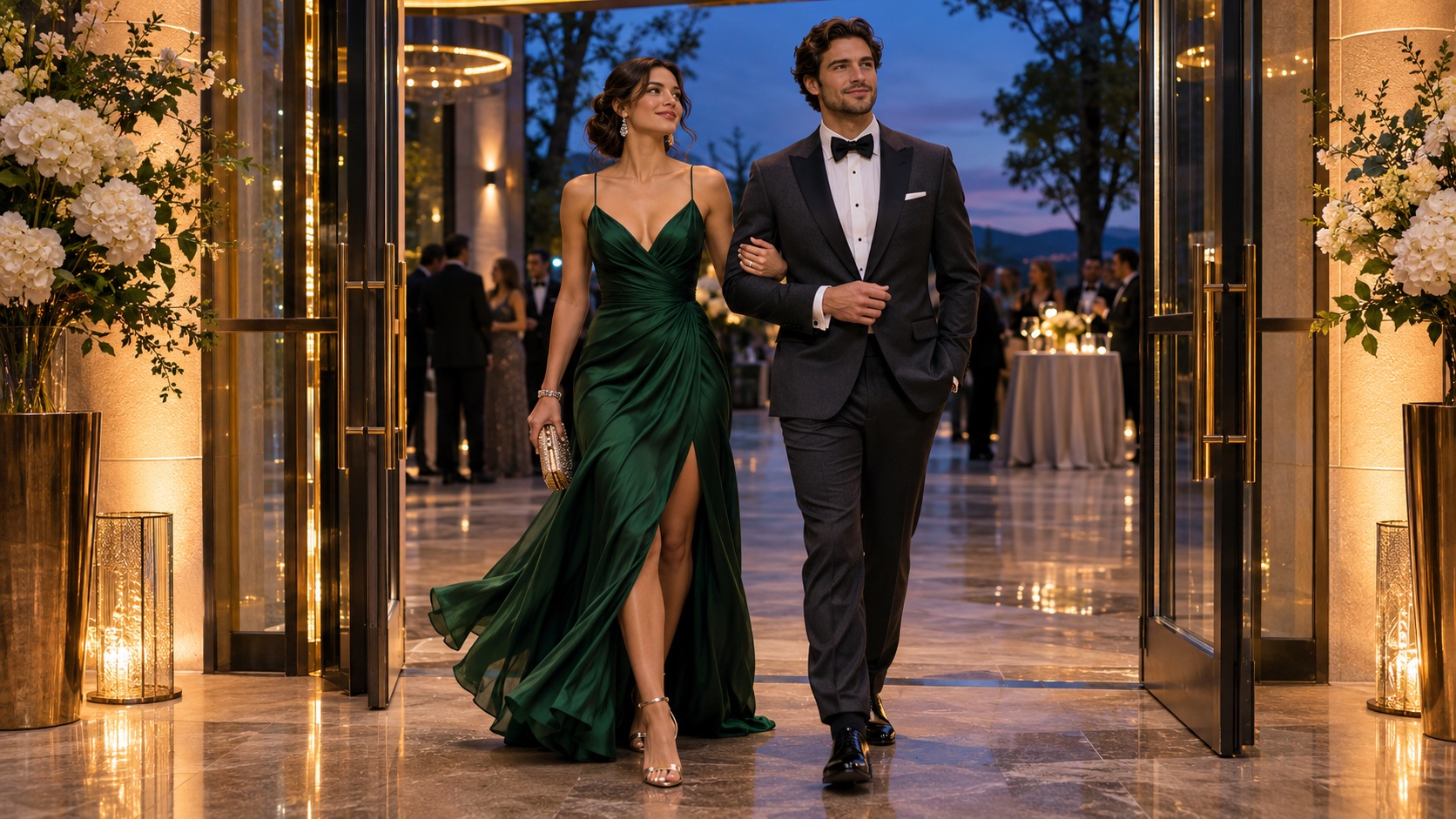
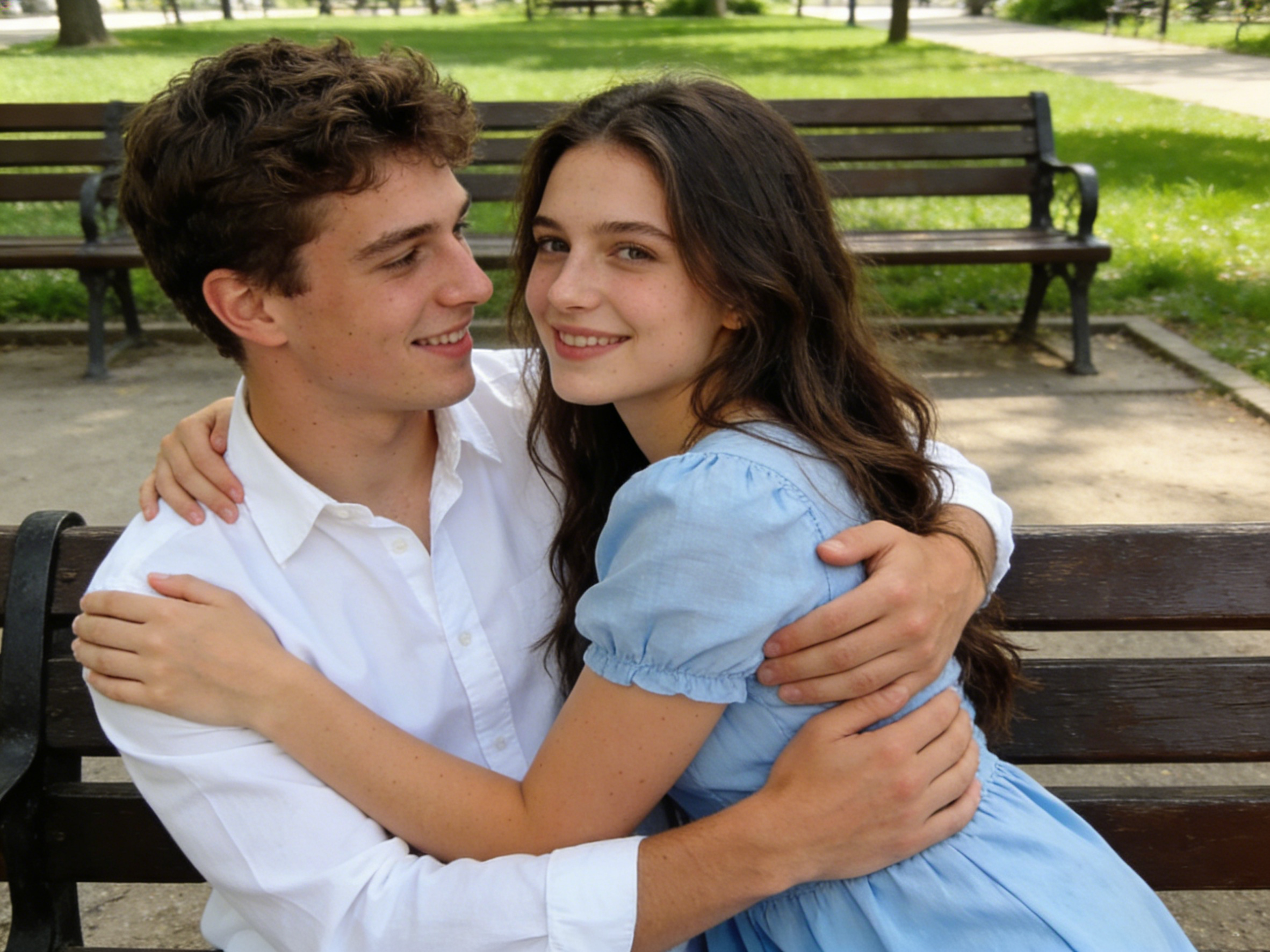
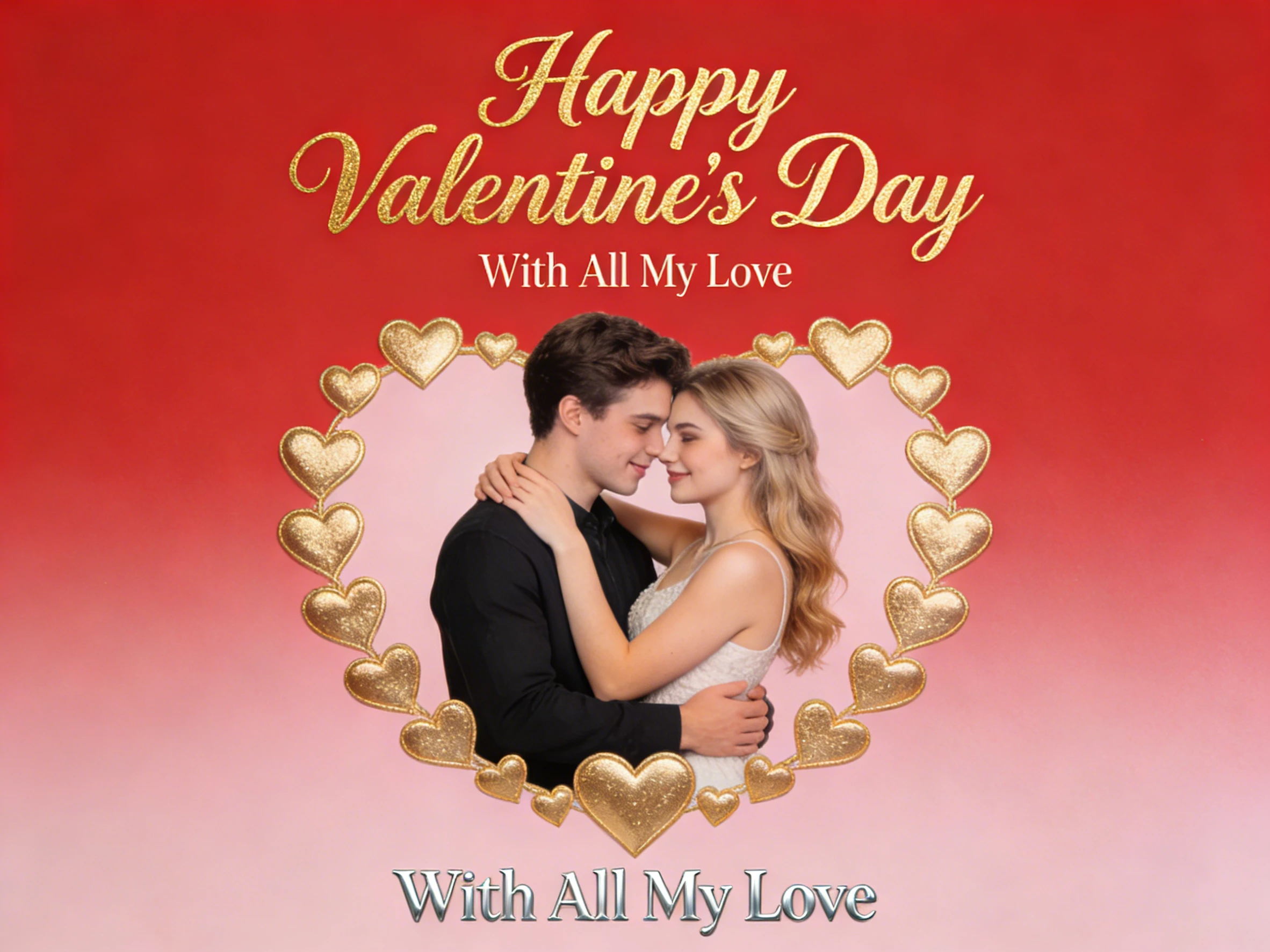
Animate two adults arriving together at an evening event. The preset guides a few natural steps, a warm glance, and a steady final frame while asking the model to preserve both identities. The images below are related couple-scene references for inspiration.

How to Create a Couple Arrival Clip
Photo • Scene • Generate • Review
A photo that clearly shows both people gives the model more information for a coherent entrance.
Step 1: Choose a couple photo
Use a clear image of two adults with visible faces and enough space around them.
Step 2: Set the arrival scene
Keep the included evening-event prompt or change the location and mood.
Step 3: Animate a short entrance
Generate a simple walk, glance, and pause rather than several complex actions.
Step 4: Check both people
Review faces, hands, clothing, and spacing before downloading or sharing.
Frequently Asked Questions
Before you create
Common questions about animating a two-person photo.
Still have questions? Contact our support team
Make an Arrival Worth Sharing
Animate a couple photo
Start with the prepared entrance prompt, then refine the setting and movement to fit your idea.
- Two-person scene direction
- Editable location
- Natural short movement
- Identity-focused prompt