AI Diwali Photo EffectCreate a warm Festival of Lights portrait
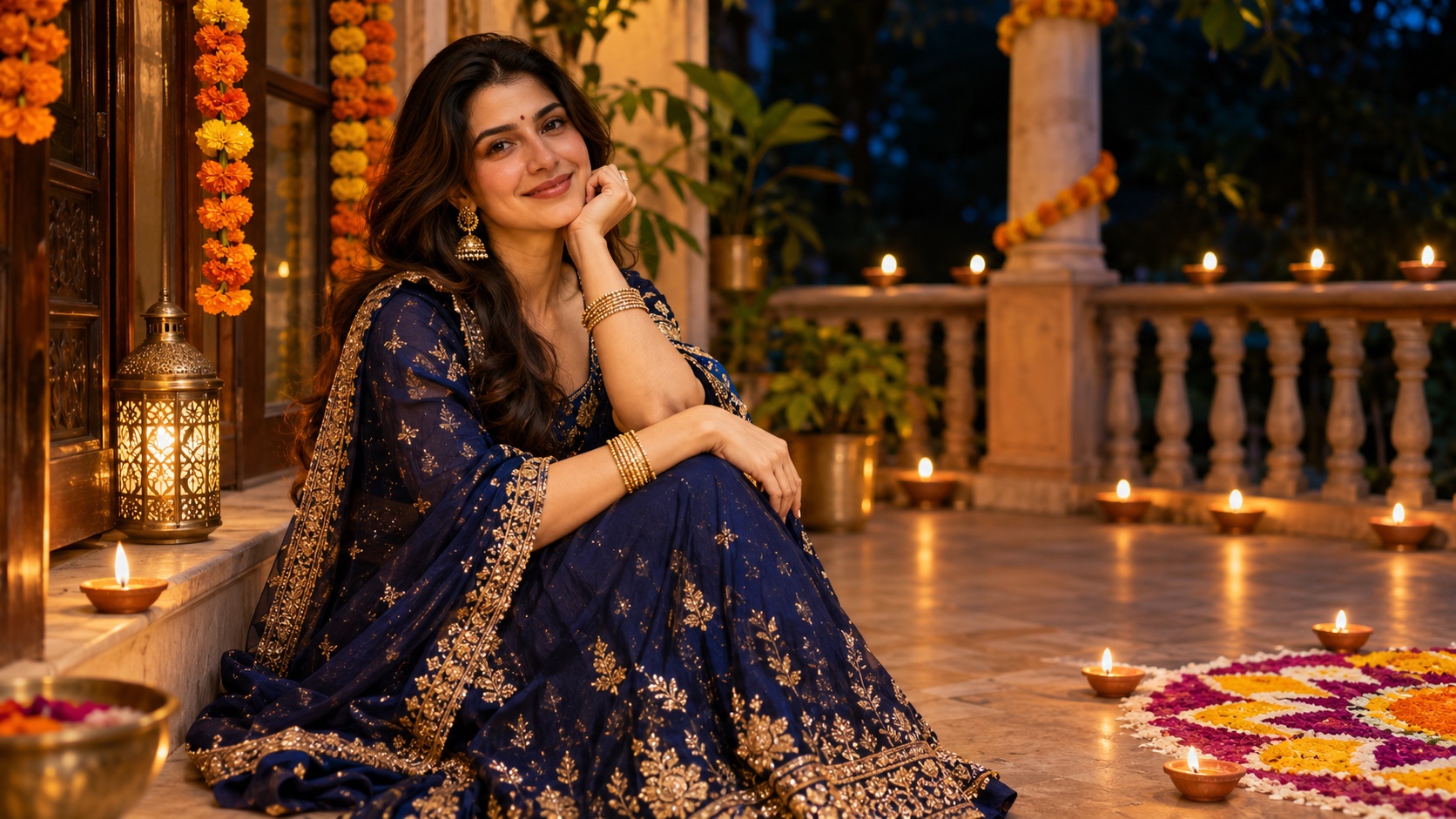
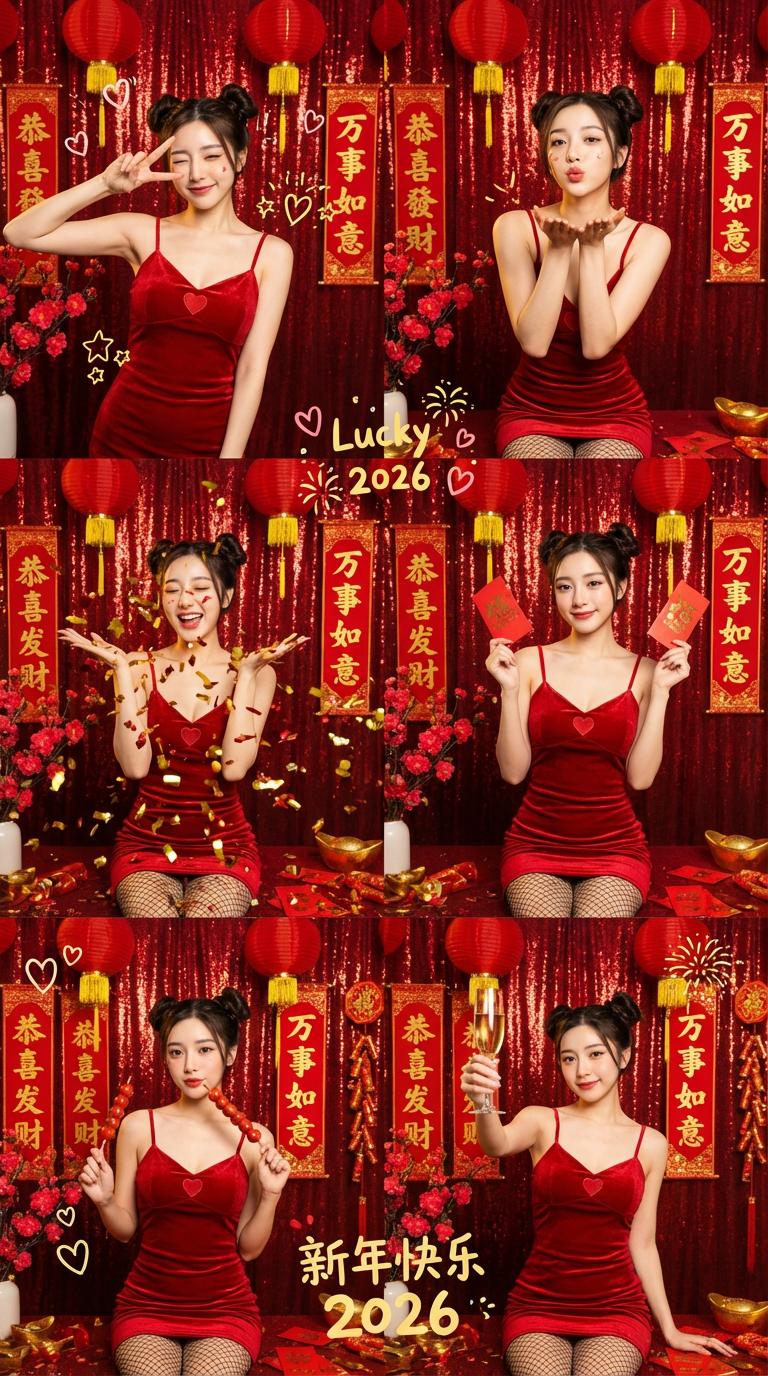
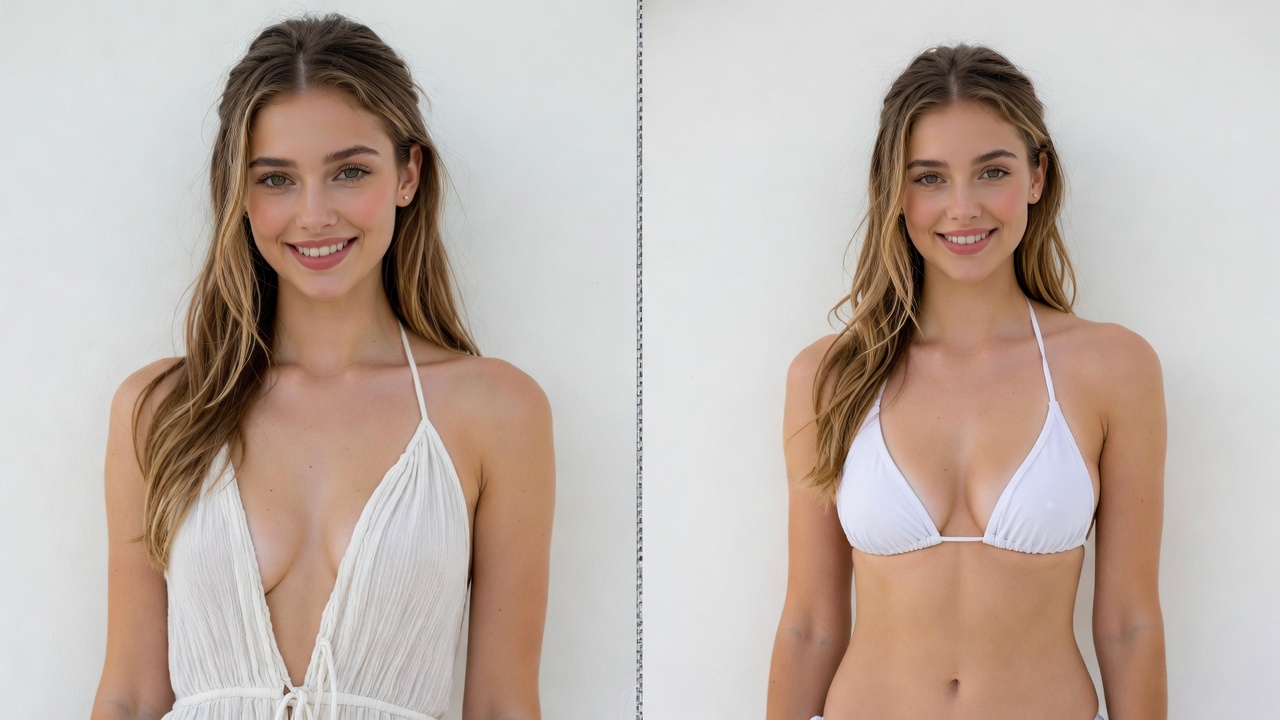
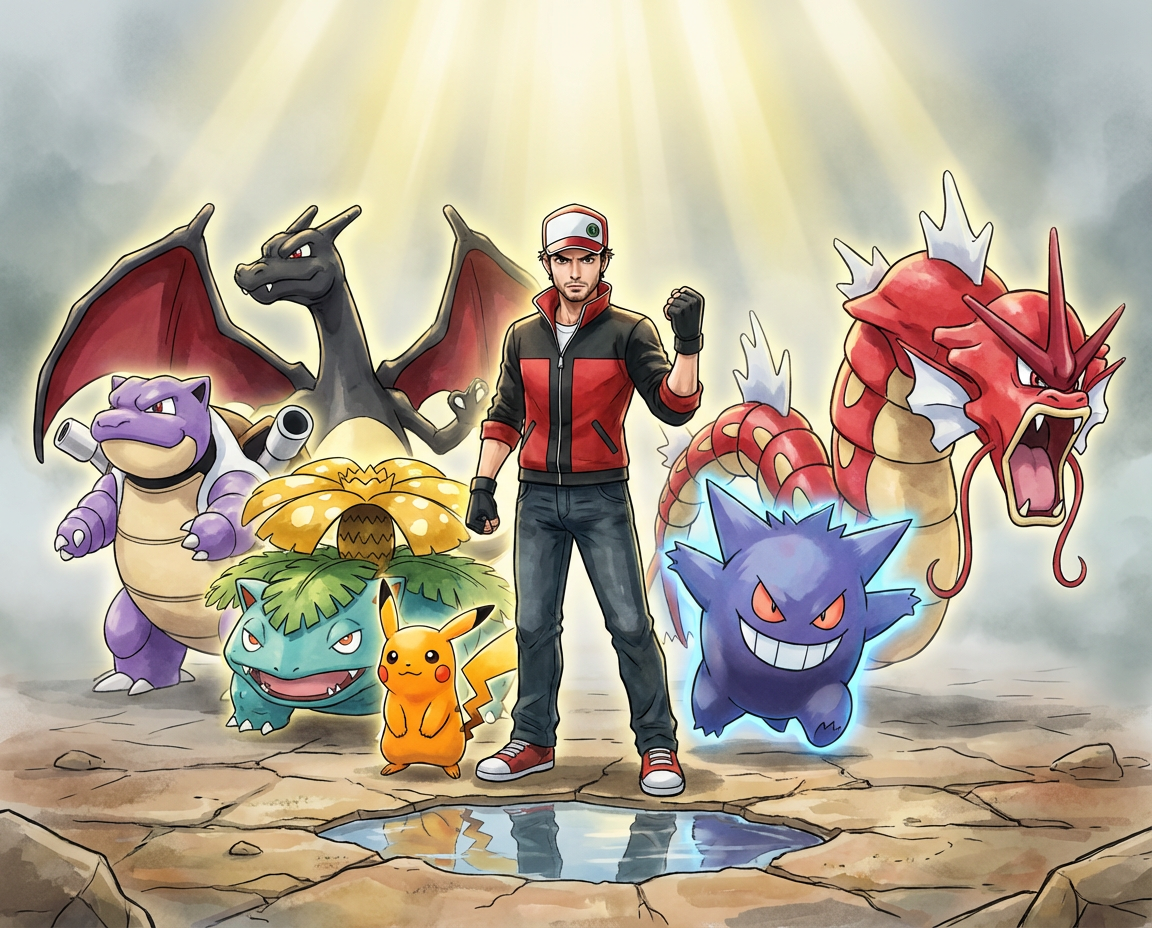
Turn your photo into an original Diwali celebration portrait with glowing diyas, rangoli, and warm evening light. Start with an editable image prompt and refine the scene to fit your celebration. The gallery pairs an AI-generated portrait concept with original festive style illustrations, not tested results from this preset.
How to Make a Diwali Portrait
Photo • Lighting • Details • Review
A clear source photo and a simple festival scene help keep the person recognizable.
Step 1: Upload a clear photo
Choose a photo of yourself or someone who has given you permission to edit it. Keep the face and hands visible.
Step 2: Set the celebration scene
Use the included prompt for diya lamps, a rangoli pattern, marigolds, and amber evening light.
Step 3: Generate and compare
Check facial likeness, hands, lamp placement, and cultural details before choosing a version.
Step 4: Refine the portrait
Edit the setting, outfit, and color palette in the prompt, then save the result you prefer.
Frequently Asked Questions
Before you create
What this photo effect can and cannot do.
Still have questions? Contact our support team
Create Your Diwali Portrait
Start with your photo
Open the image editor with a ready-to-edit festival prompt, then make the lighting and details your own.
- Editable Diwali prompt
- Diya and rangoli details
- Portrait-first composition
- Save your favorite image