AI Fat FilterRealistic weight gain effect
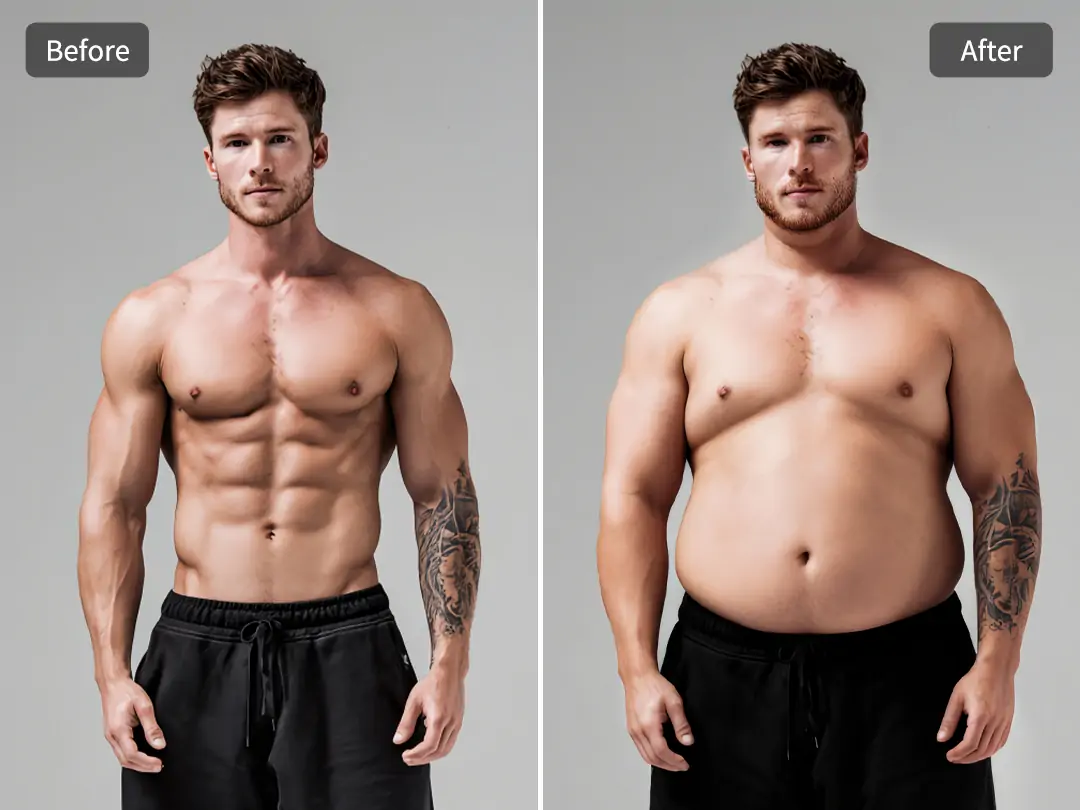
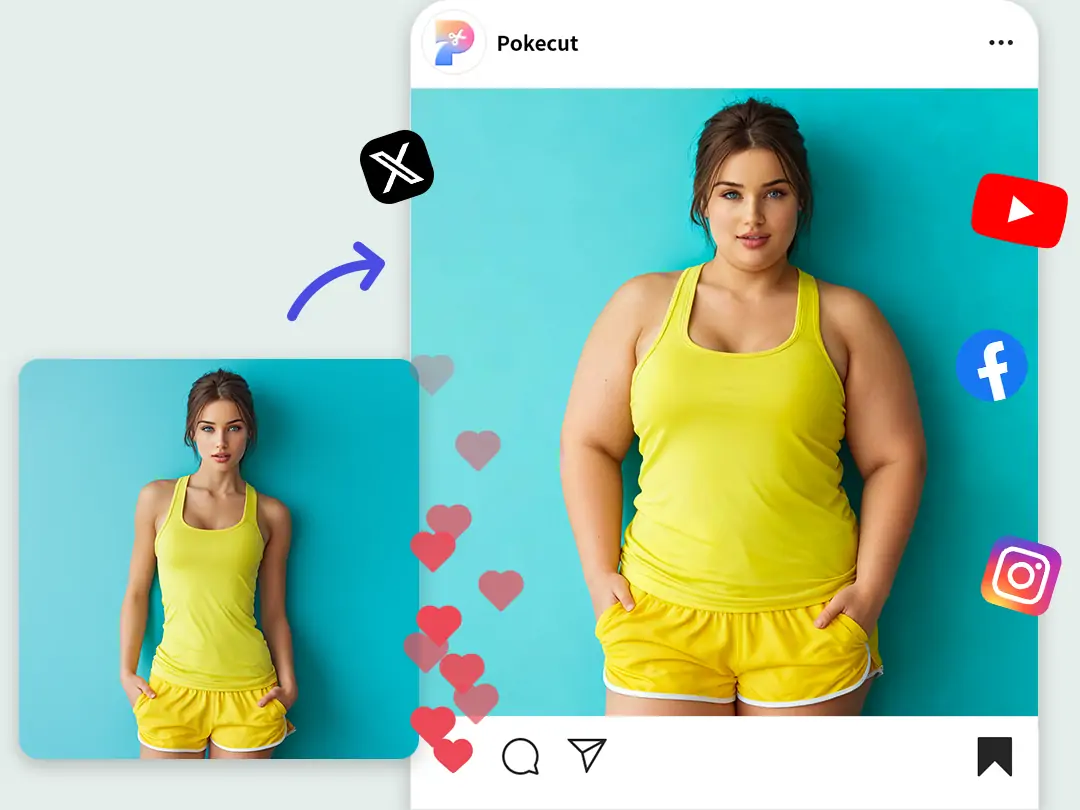
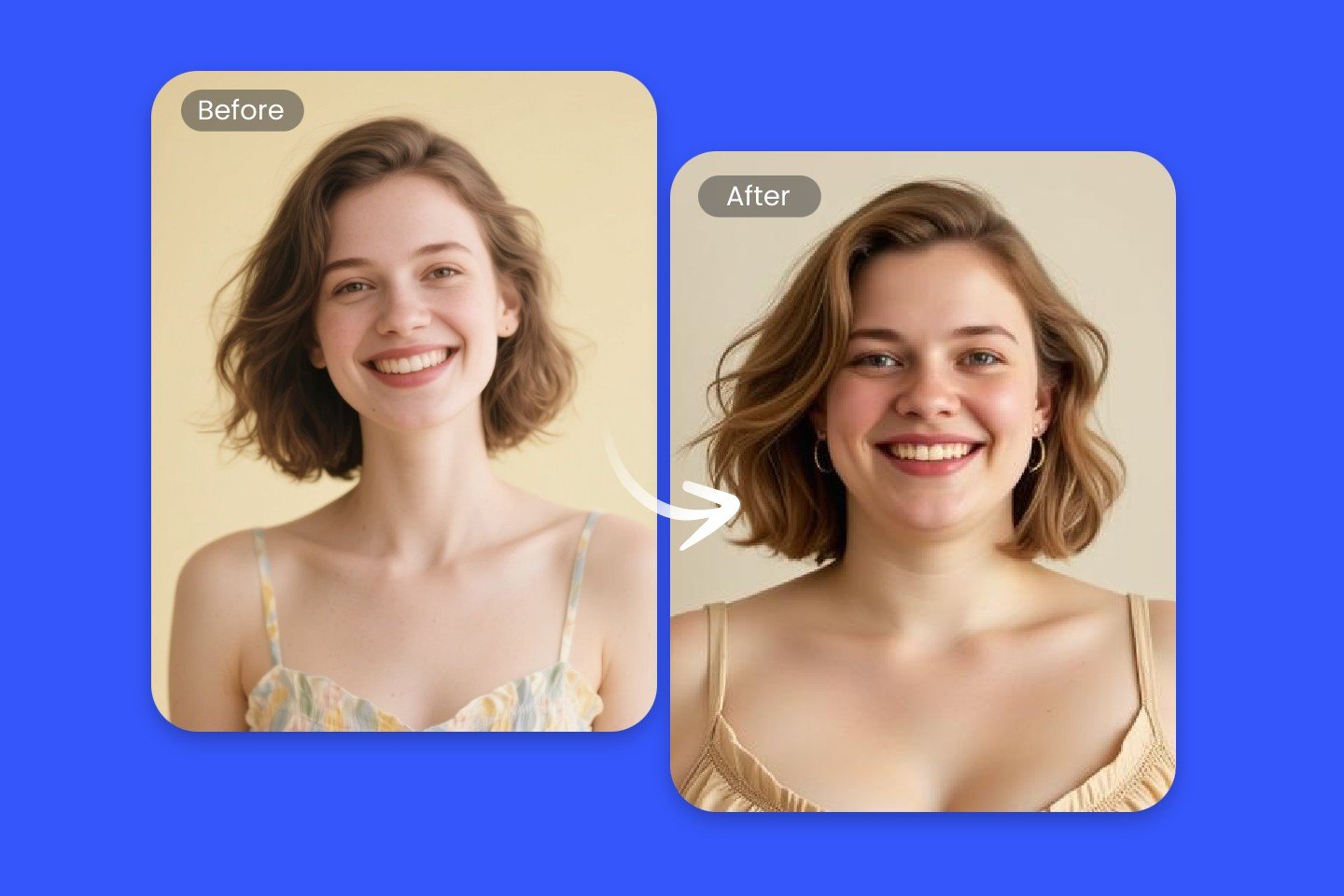
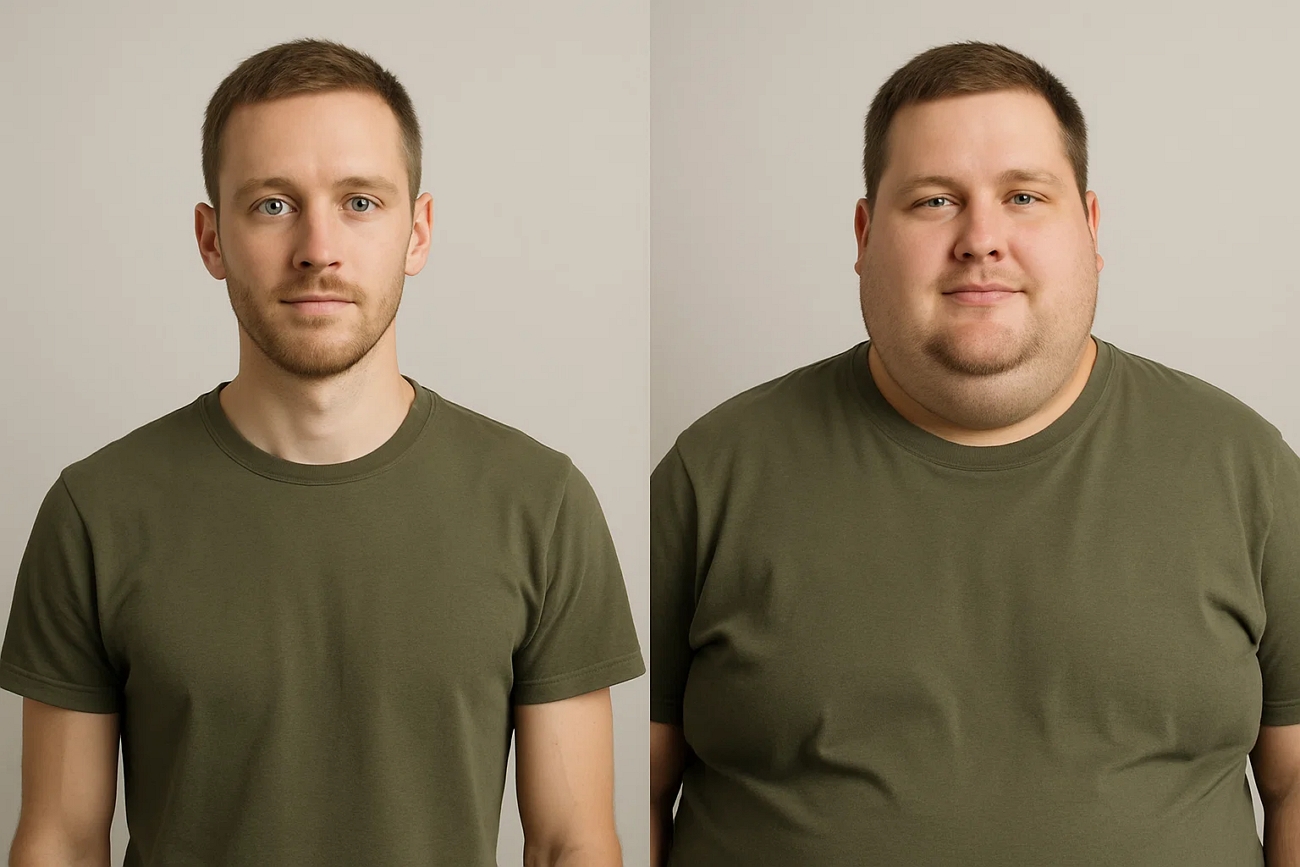
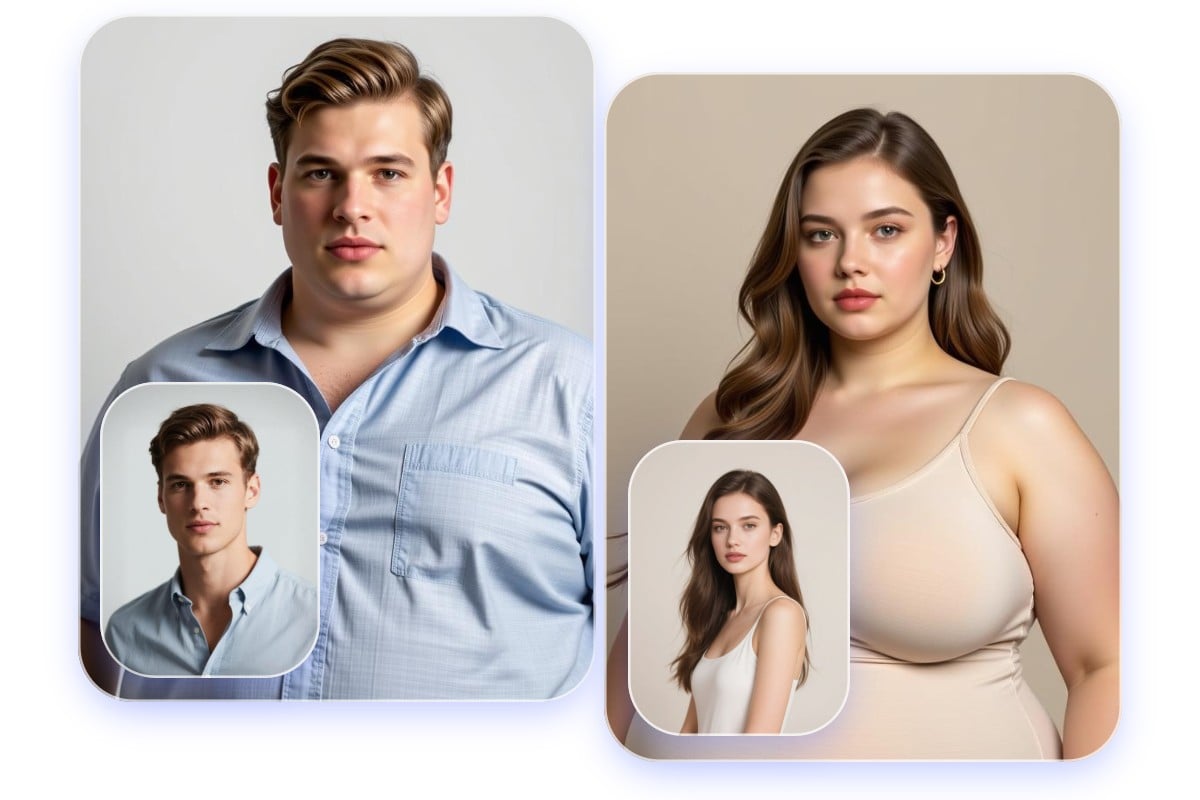
Try an AI fat filter to add a realistic weight-gain / chubby effect to your photos. Upload a selfie or full-body shot, generate in seconds, then refine the prompt for subtle to dramatic results—perfect for fun comparisons and social sharing.
How to Use the AI Fat Filter
Upload, generate, refine
Upload a clear photo, generate a realistic weight-gain / chubby look, then refine the prompt to control intensity and whether you want face-only or full-body changes.
Upload a Clear Photo
Use a front-facing selfie or full-body shot with good lighting for the most realistic results.
Generate Weight Gain Effect
Apply the preset prompt to add fuller cheeks and a thicker body shape while preserving identity and clothing details.
Adjust Intensity & Style
Edit the prompt to make it more subtle, more dramatic, or to target only the face vs. the whole body.
Download or Share
Save the result to your device or share it with friends for a fun before/after comparison.
AI Fat Filter FAQ
Common questions
Quick answers about realism, photo tips, and controlling the effect.
Still have questions? Contact our support team
Try the AI Fat Filter Now
Fast, high-quality results
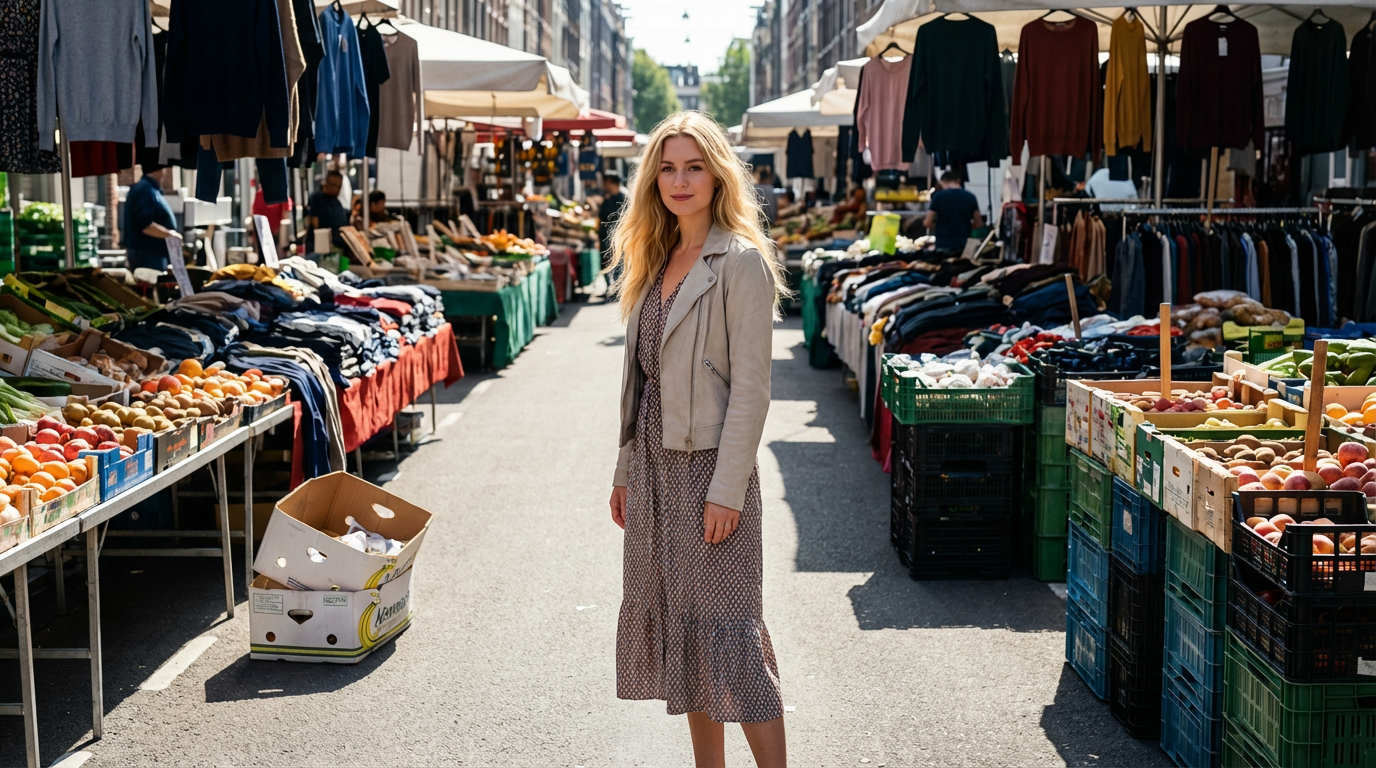
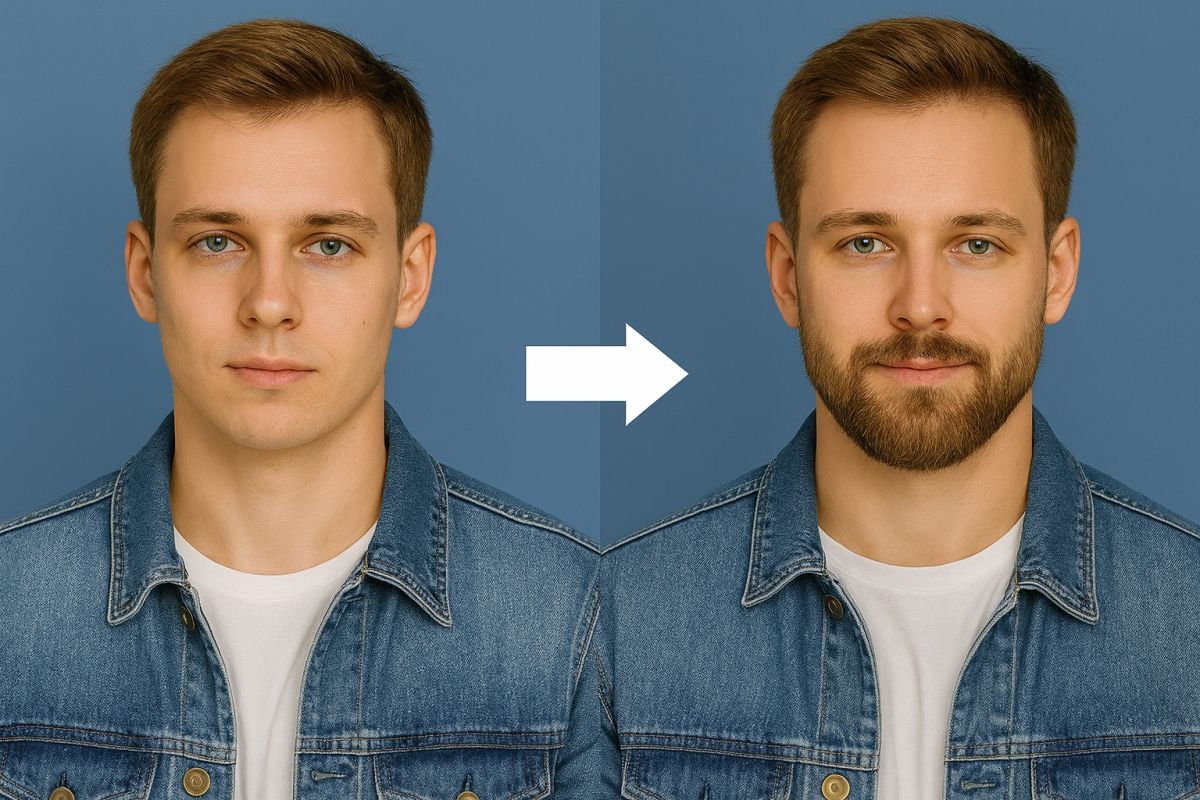
Generate a realistic weight-gain / chubby look in seconds. Upload a photo, preview the result, then tweak the prompt to control intensity and focus on face or full body.
- Realistic weight-gain morph
- Face-only or full-body options
- Subtle to dramatic control
- Download and share results