AI Age Progression EffectExplore a believable future portrait from one photo
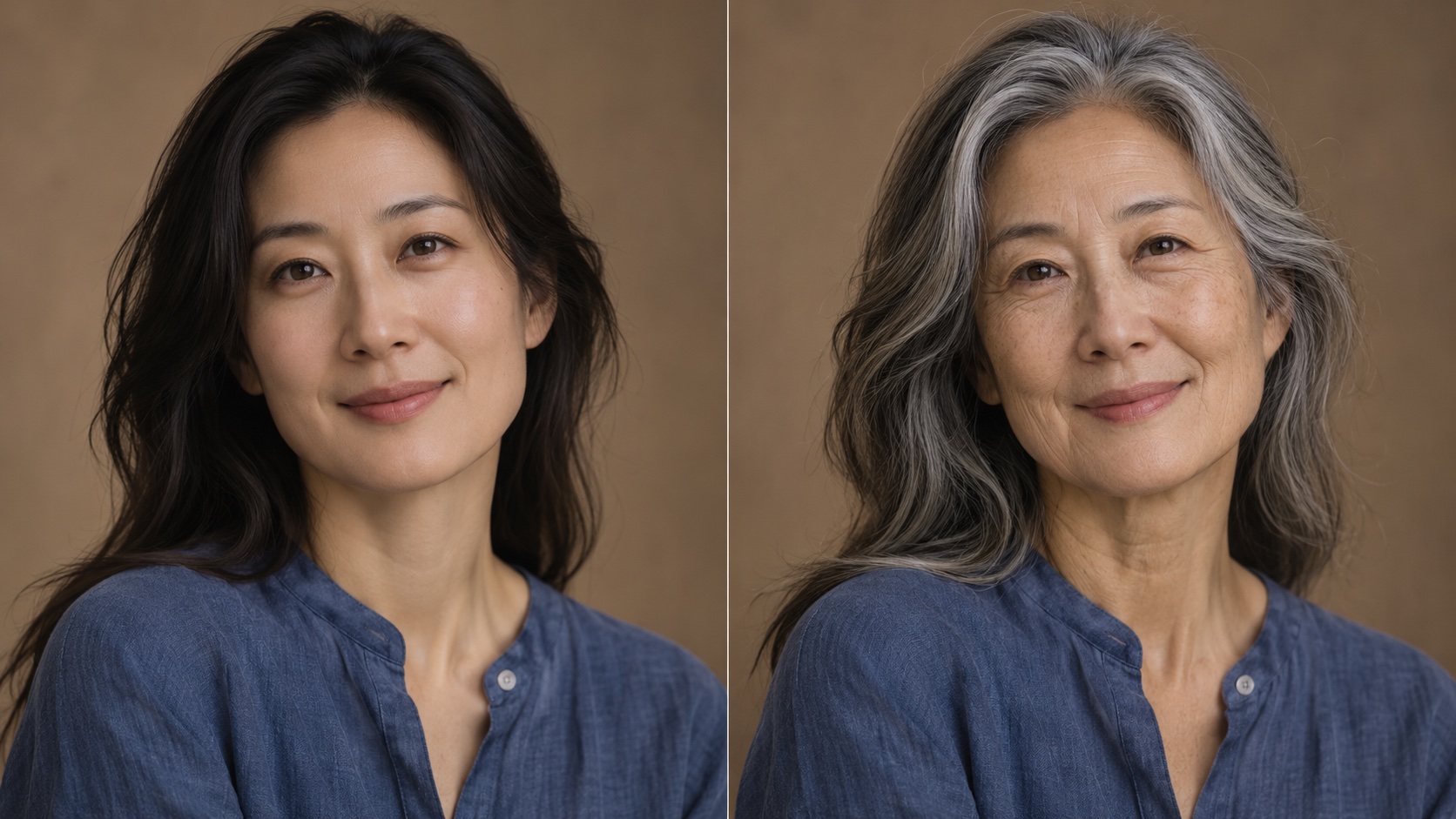
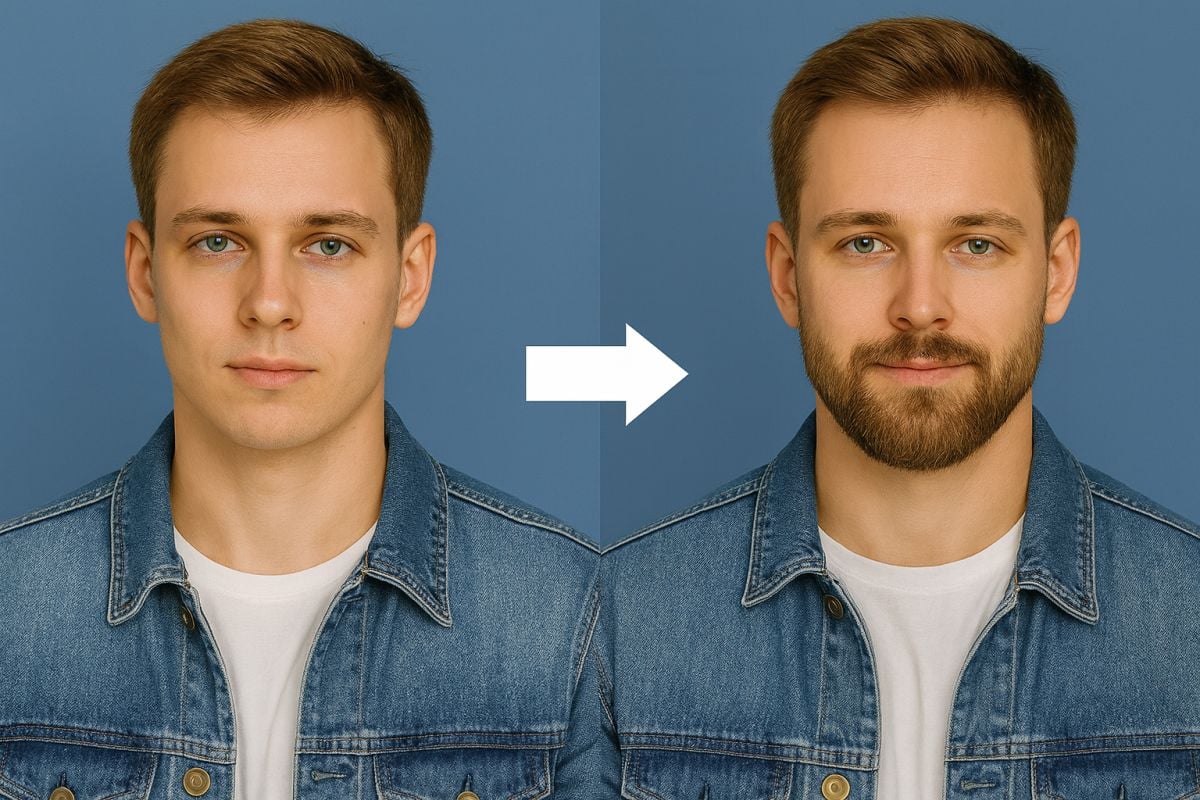
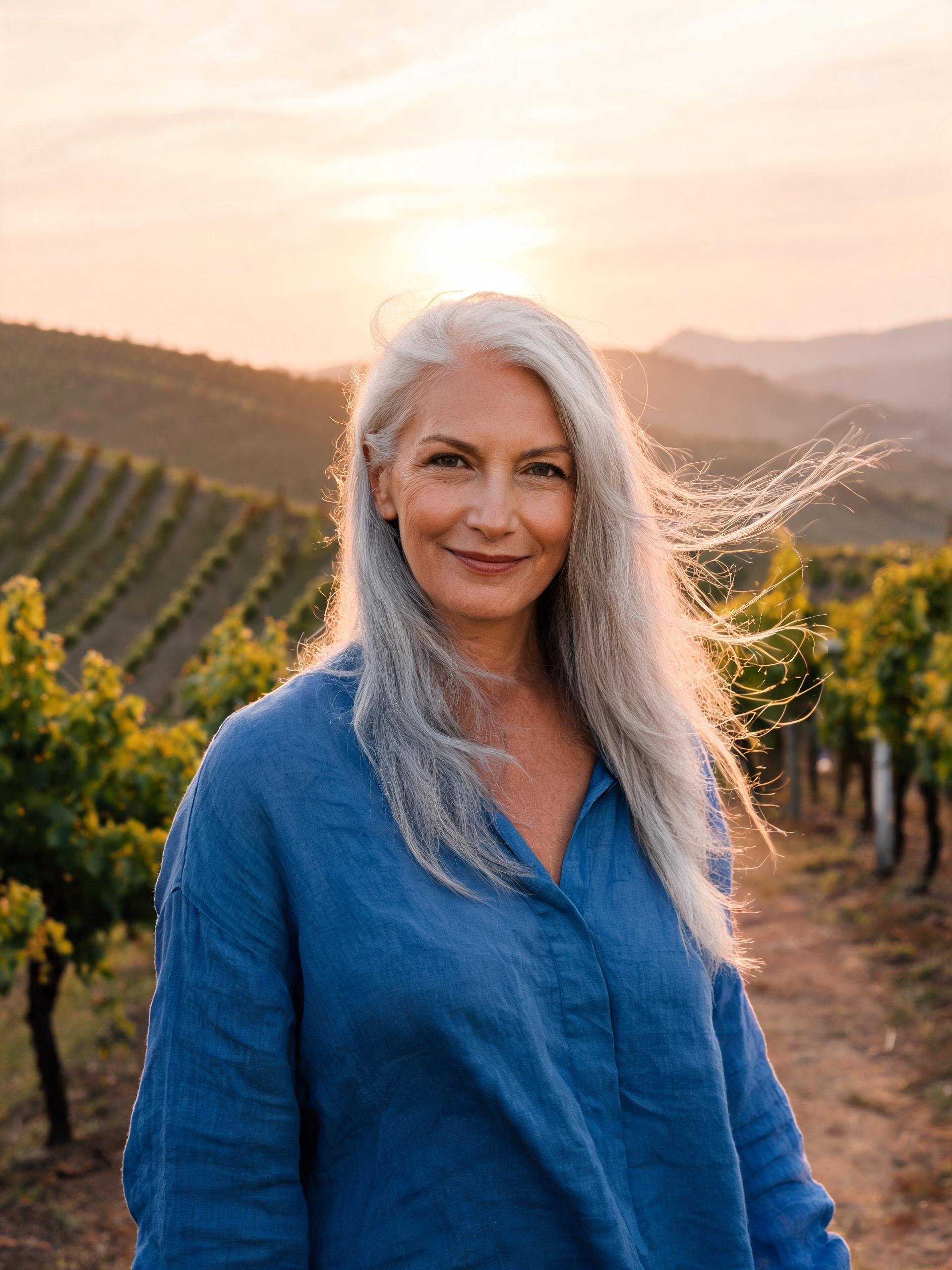
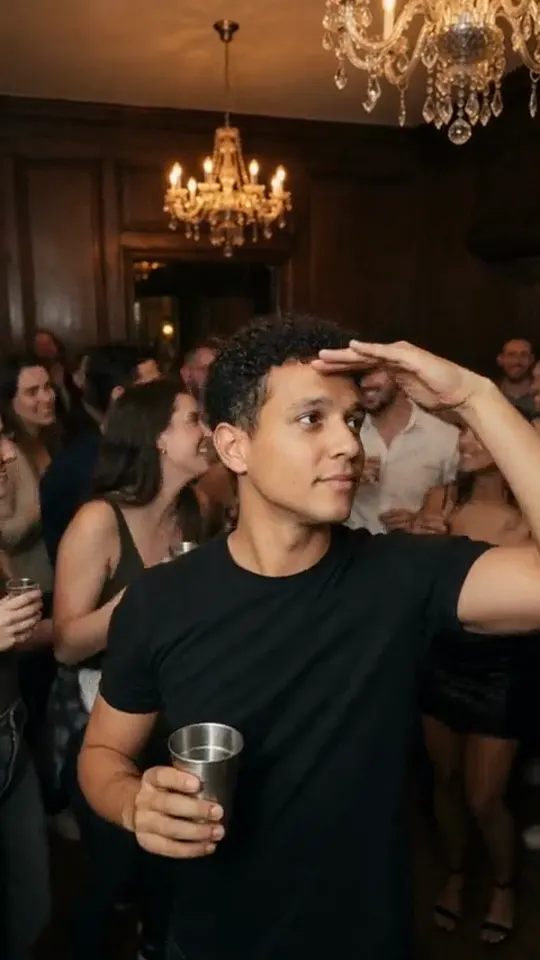
Create an age-progressed portrait while keeping the person recognizable. Adjust the prompt for subtle or dramatic aging, then compare versions before you download. The images below are related portrait-style references for inspiration.
How to Create an Age-Progressed Portrait
Upload • Prompt • Generate • Refine
A clear, well-lit portrait gives the model the strongest starting point for a realistic result.
Step 1: Choose a clear photo
Use a well-lit portrait with the face unobstructed and enough detail to preserve identity.
Step 2: Set the future look
Start with the included prompt and adjust the number of years or the degree of change.
Step 3: Generate variations
Compare facial structure, hair, skin texture, and expression across a few results.
Step 4: Save your favorite
Download the version that looks natural and still resembles the original person.
Frequently Asked Questions
Before you create
Practical answers for realistic and respectful portrait edits.
Still have questions? Contact our support team
Ready to Try Age Progression?
Start with a portrait
Use the prepared prompt as a starting point, then refine the age and realism to suit your idea.
- Recognizable portrait focus
- Adjustable age direction
- Photorealistic prompt
- Download your result