Anime Style Upscaled: Best Examples & How to Enhance Low-Res Anime Art to 4KUpscale anime art online — free to try
Turn pixelated, blurry anime images into clean high-resolution artwork. Upscale, de-noise, and sharpen line art while keeping colors smooth and the original style intact.
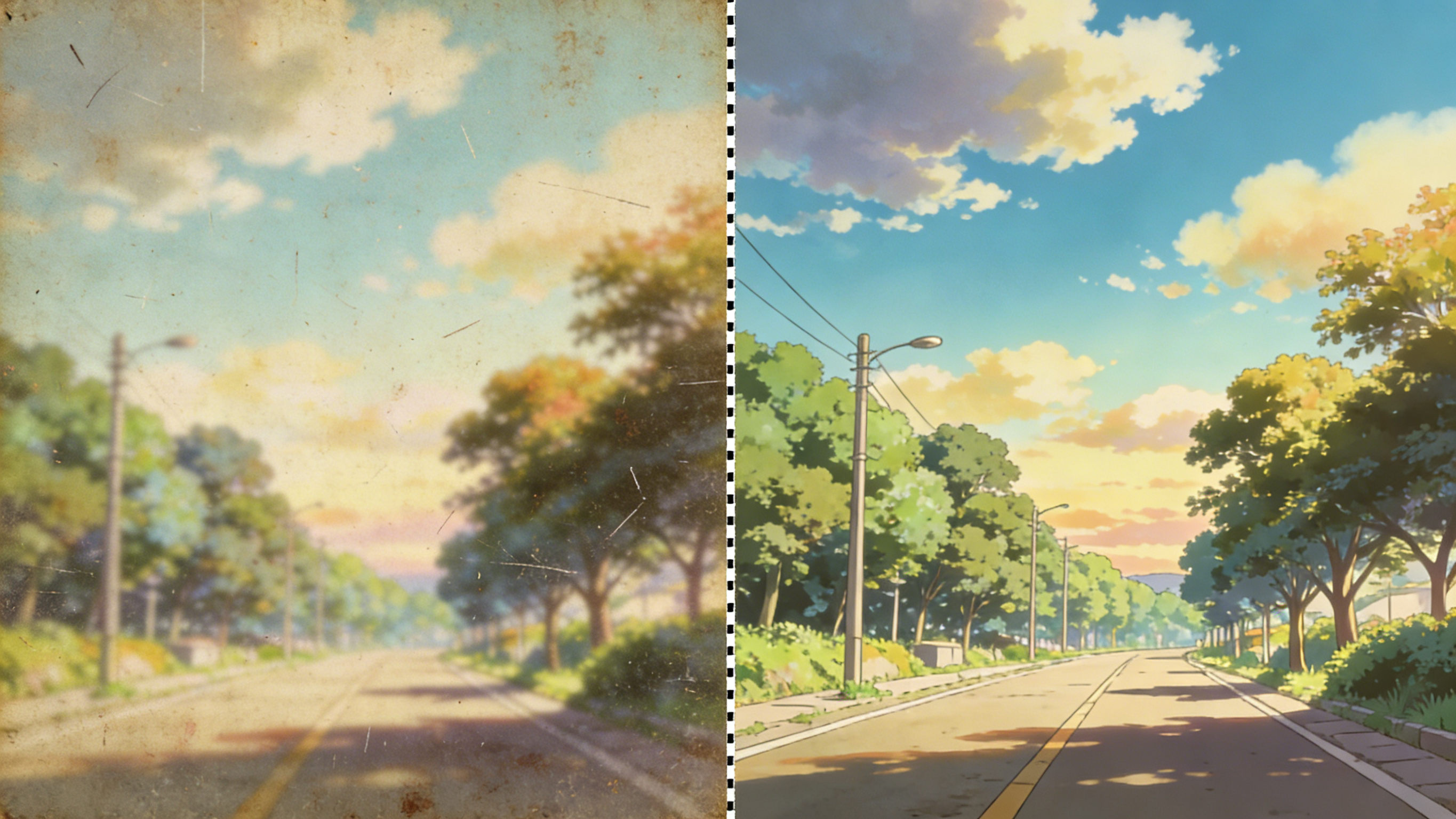
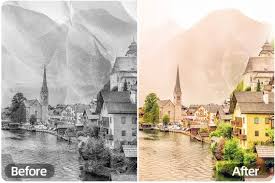
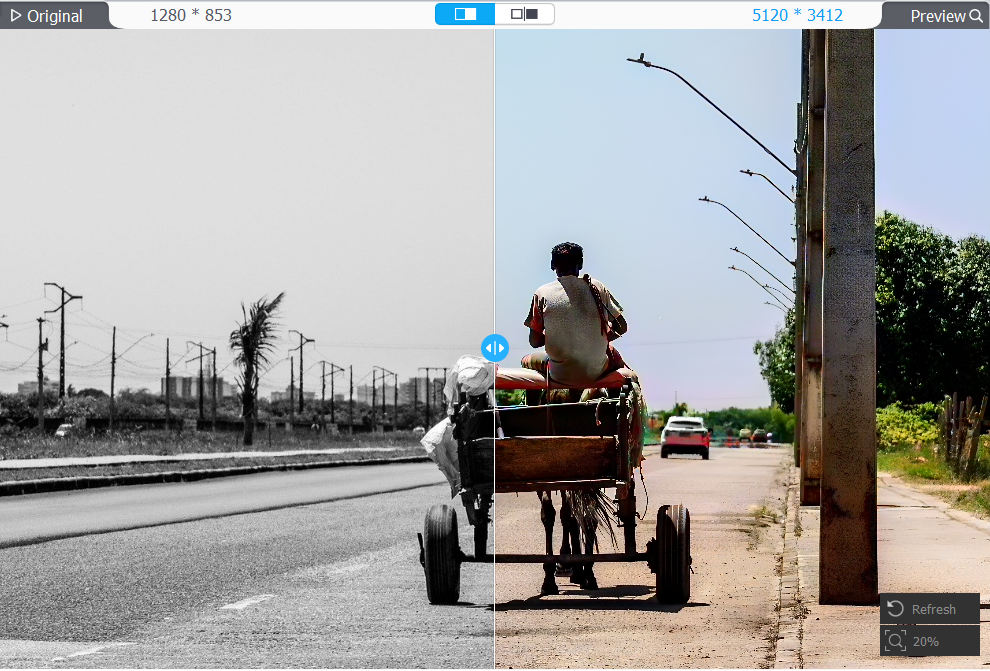
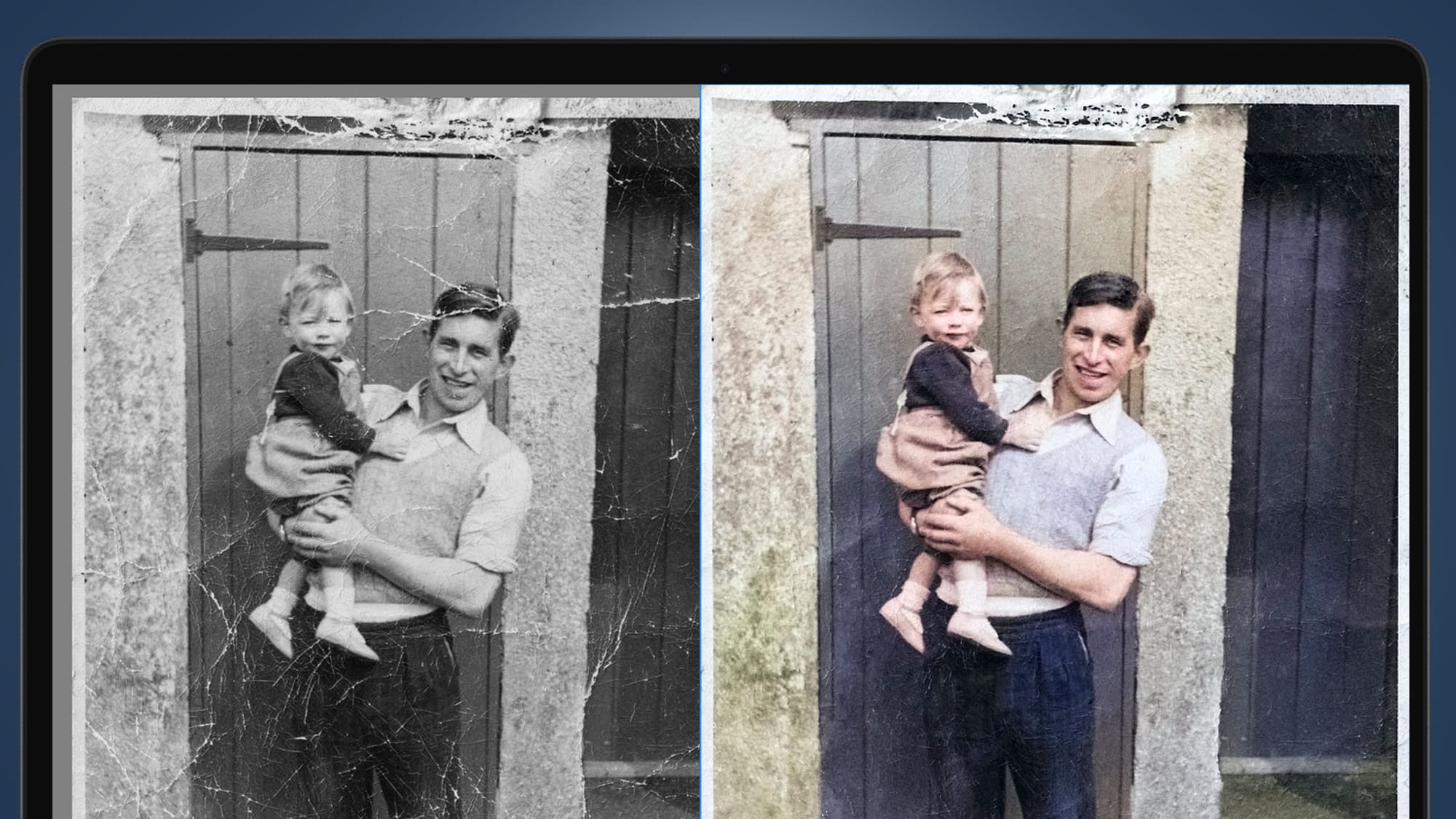
Upscale Anime Art Fast
De-pixelate, sharpen lines, keep style
Use a tuned enhancement prompt to increase resolution and clarity while preserving clean outlines, flat shading, and the original character identity.
4K Upscale
Increase resolution for wallpapers, prints, and sharp social posts.
Line Art Preservation
Keep crisp outlines and details without halos or muddy edges.
De-noise + De-block
Reduce compression artifacts, pixelation, and grain while staying faithful.
Smooth Color Fields
Maintain clean flat colors and gradients without banding or over-sharpening.
Anime Upscaling FAQ
Tips for clean, faithful results
Quick answers for upscaling anime images while keeping the original style consistent.
Still have questions? Contact our support team
Upscale Your Anime Art Now
Free to try in your browser
Upload an anime image, run the preset upscale prompt, and download a cleaner, sharper high-resolution result in seconds.
- Upscale low-res anime images to 4K
- Preserve crisp line art
- Reduce pixelation and artifacts
- Keep colors smooth and clean