AI Suit Up Video EffectTurn one photo into a cinematic outfit reveal
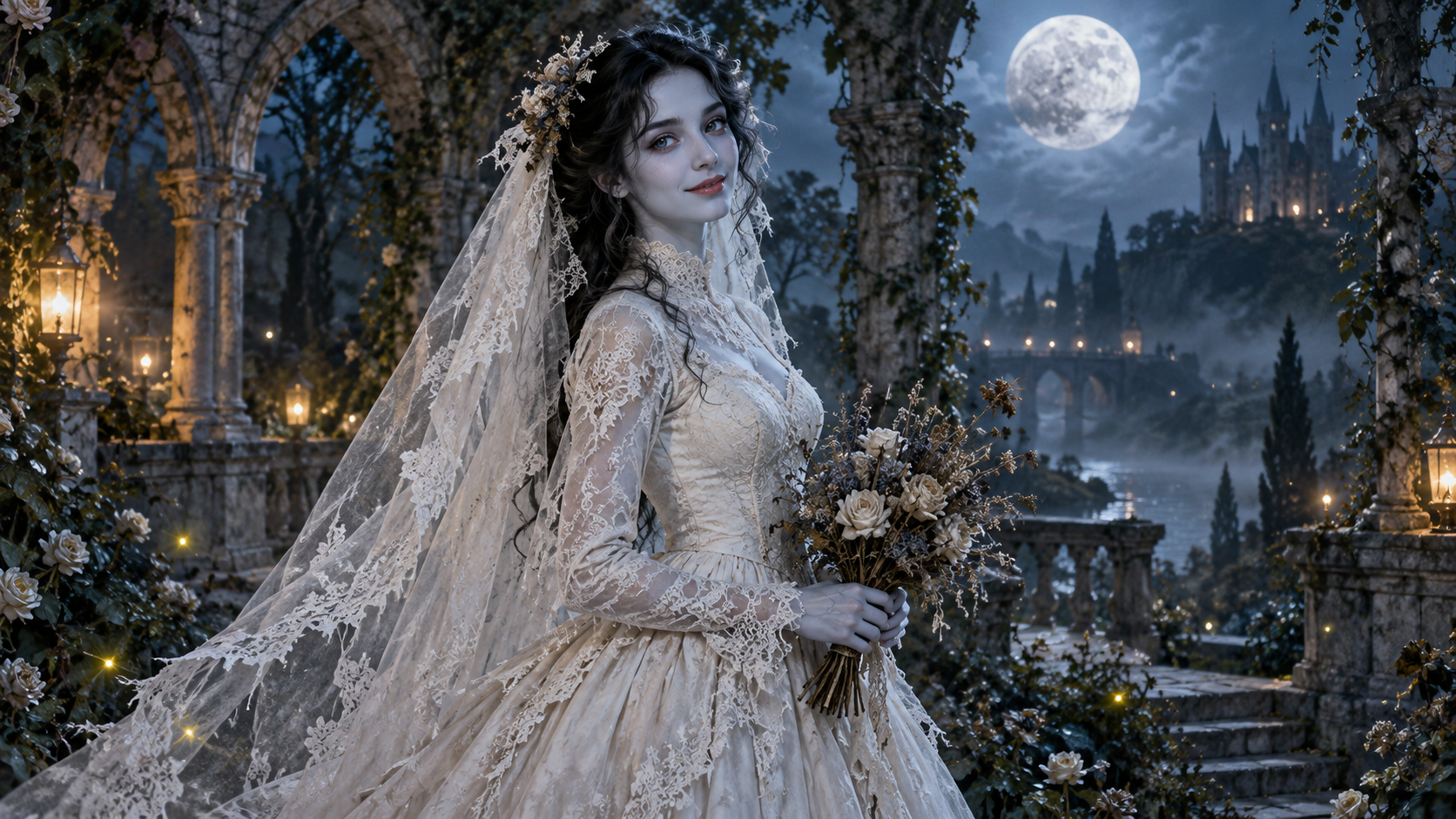
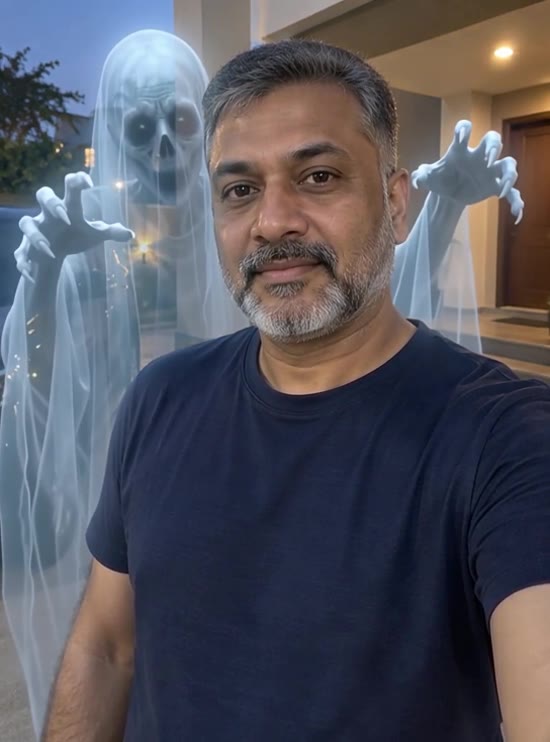
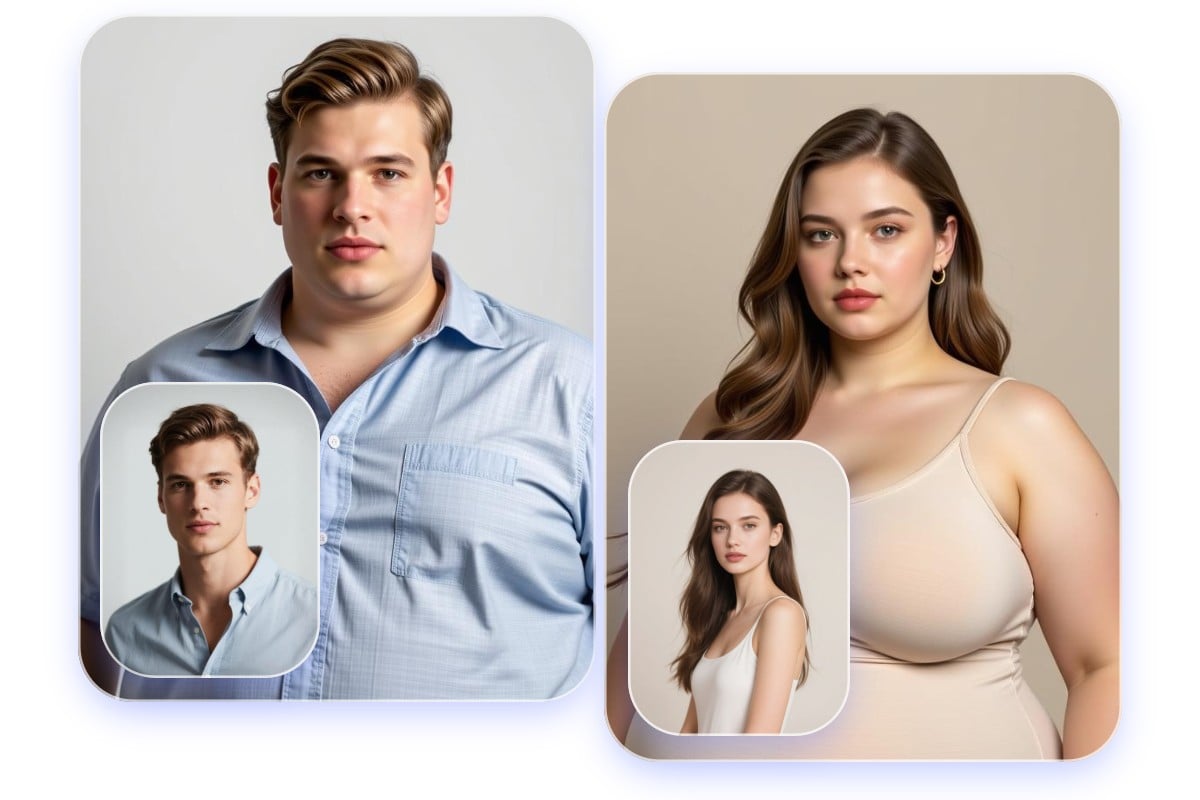
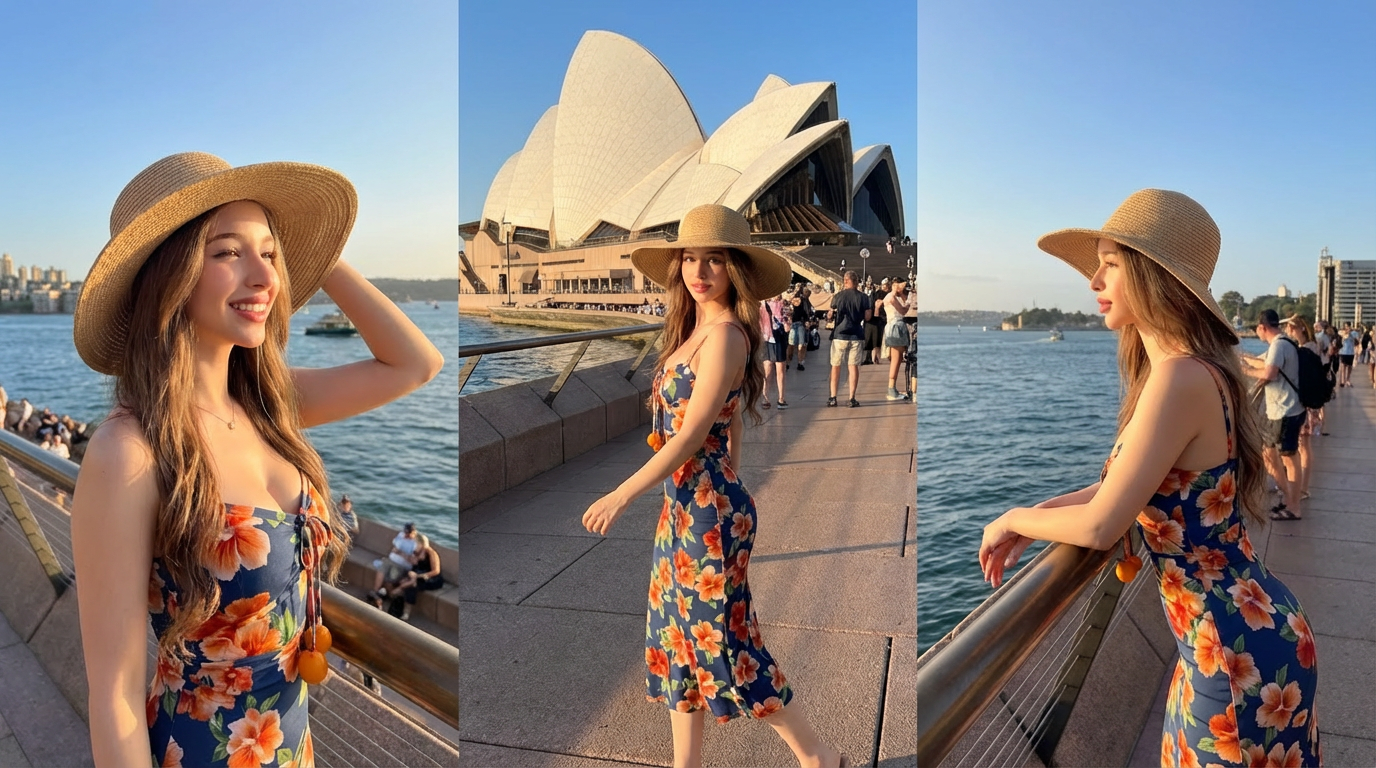
Create a short formal suit-up transformation from a person photo. The included motion prompt focuses on a smooth outfit change, a stable face, and a confident final pose. The visuals below show related fashion and transformation styles for inspiration.
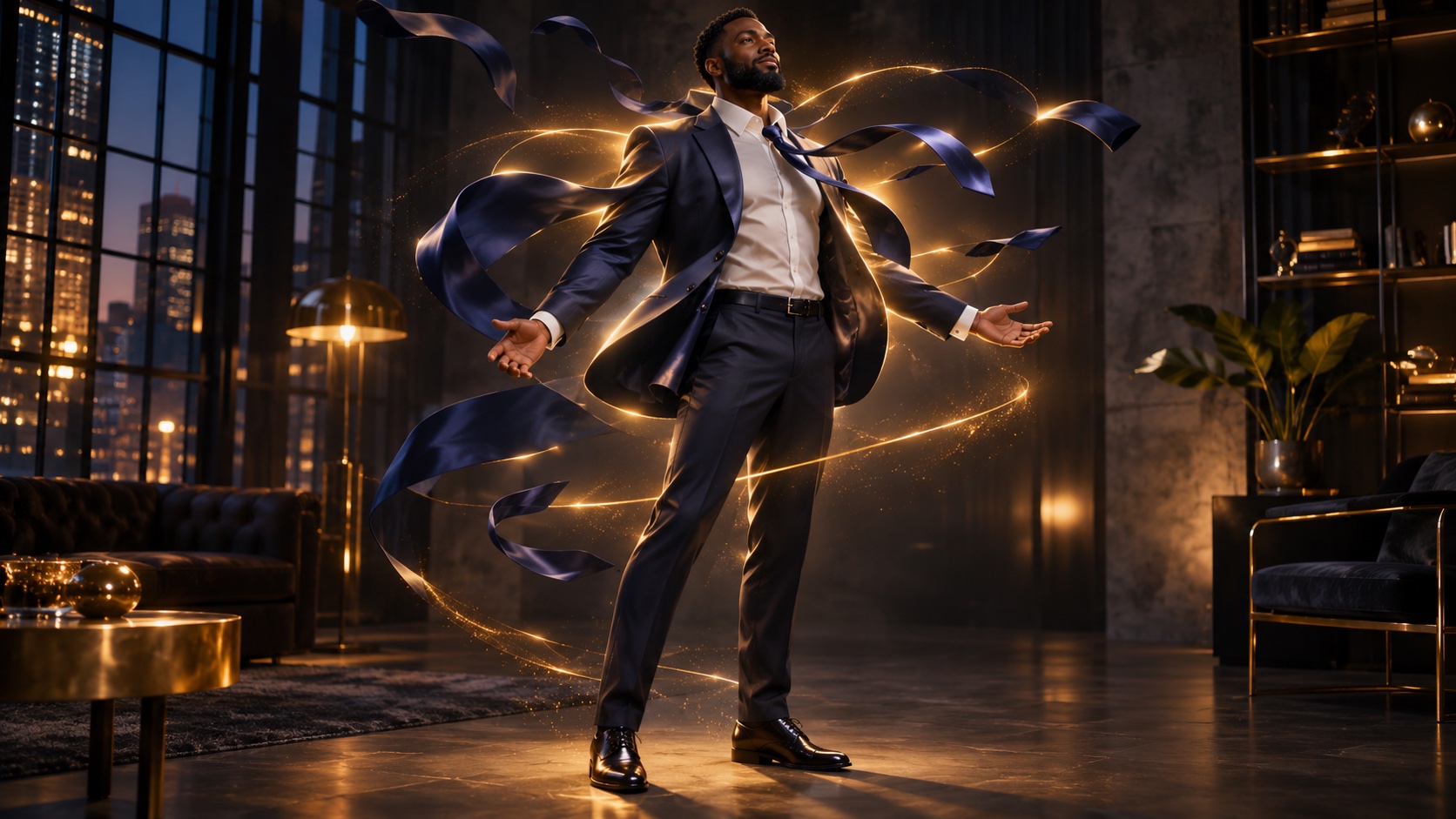


How to Make a Suit-Up Video
Photo • Outfit • Motion • Preview
Start with a full- or half-body photo so the outfit and movement have room to appear.
Step 1: Upload a person photo
Choose an adult portrait with a visible torso and uncluttered background.
Step 2: Define the suit
Use the included formal-suit prompt or describe a different color and cut.
Step 3: Generate the reveal
Create a short clip with a simple camera move and a clear final pose.
Step 4: Review the details
Check face, hands, fabric, and transitions; regenerate when an element drifts.
Frequently Asked Questions
Before you create
Tips for a cleaner outfit transformation.
Still have questions? Contact our support team
Create Your Suit-Up Reveal
A short cinematic transformation
Upload a photo, start with the prepared motion prompt, and refine your wardrobe reveal.
- Image-to-video workflow
- Editable outfit prompt
- Identity-focused direction
- Short clip preview