01
Subject
Name the main person, object, product, creature, or scene and the details that define it.
Describe a scene and generate a new visual from text. Compare multiple image models, refine one prompt variable at a time, and work with fewer false blocks on legitimate, non-explicit ideas.
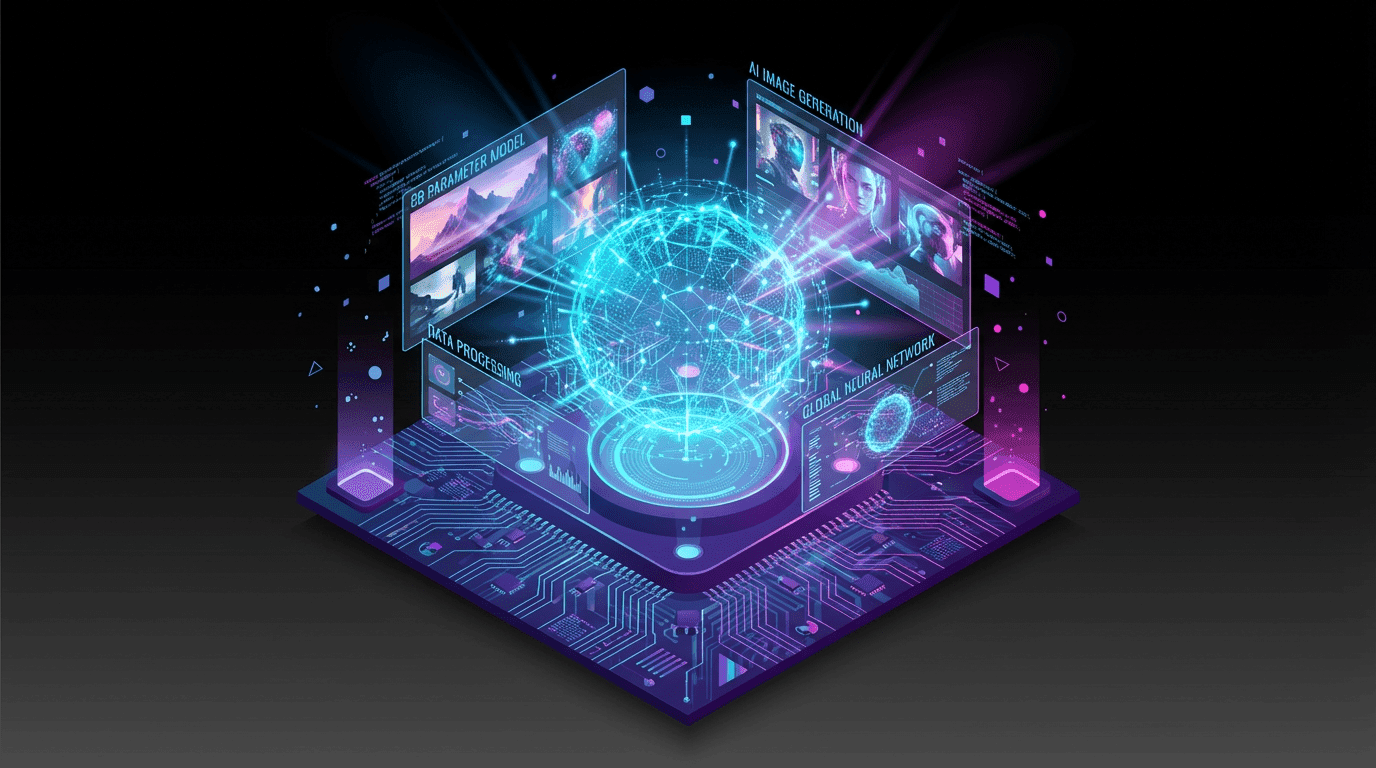
Generate first, then edit or animate
Use the selected image as the starting point for Image to Image or Image to Video.
Prompt framework
A structured prompt is easier to debug than a long list of disconnected style words.
Name the main person, object, product, creature, or scene and the details that define it.
Specify framing, viewpoint, distance, orientation, and where the subject appears in the frame.
Add medium, art direction, color palette, time of day, and the lighting or camera treatment.
State important requirements such as aspect ratio, clean background, readable layout, or exclusions.
Model choice
No single model is best for every visual. Keep the prompt and aspect ratio stable, then compare instruction following, composition, text, and style.
Generation examples
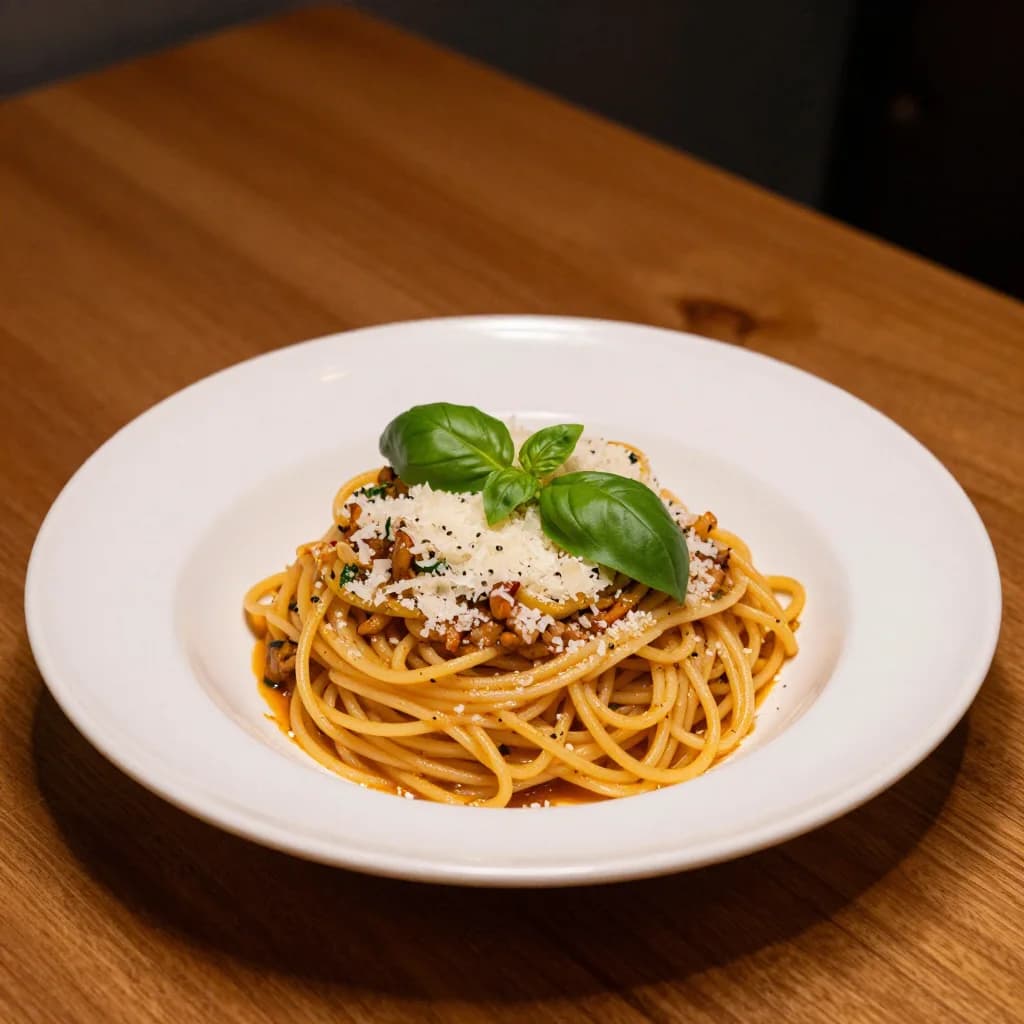
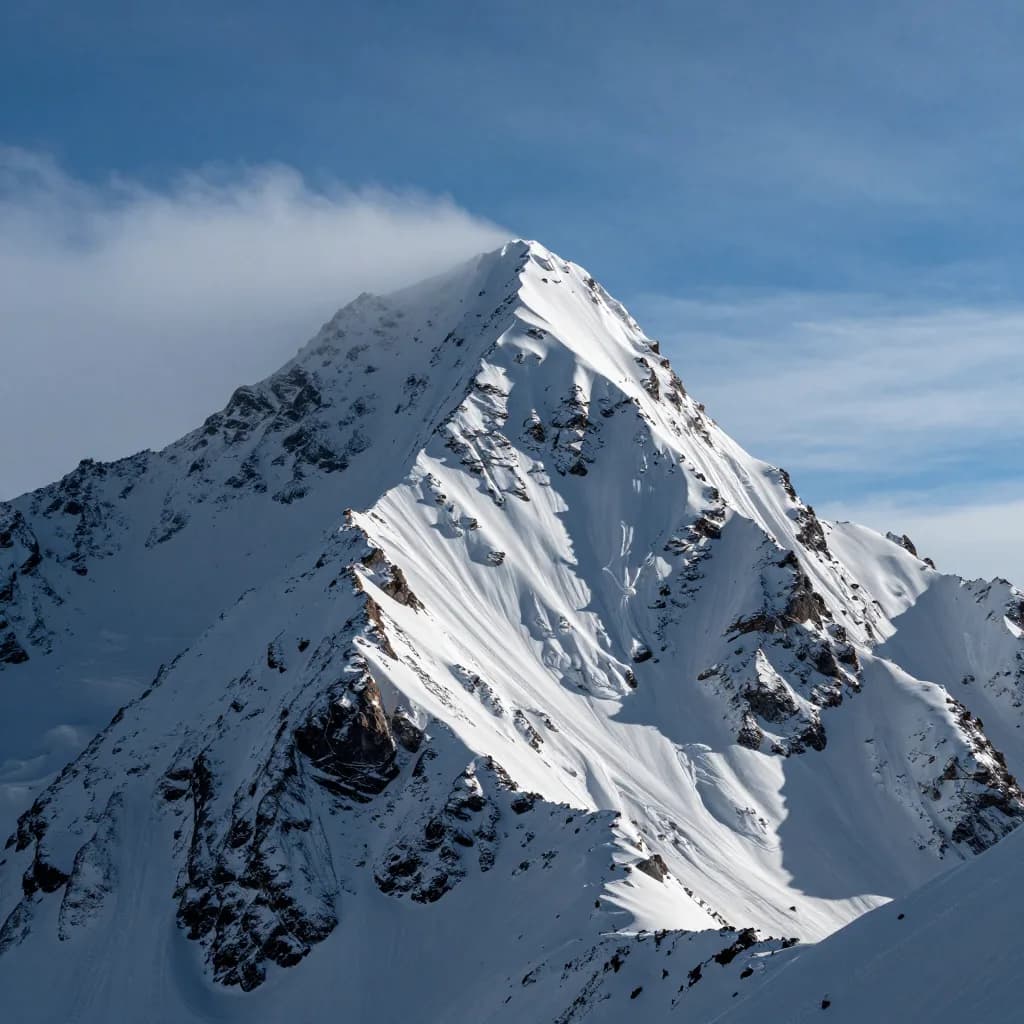
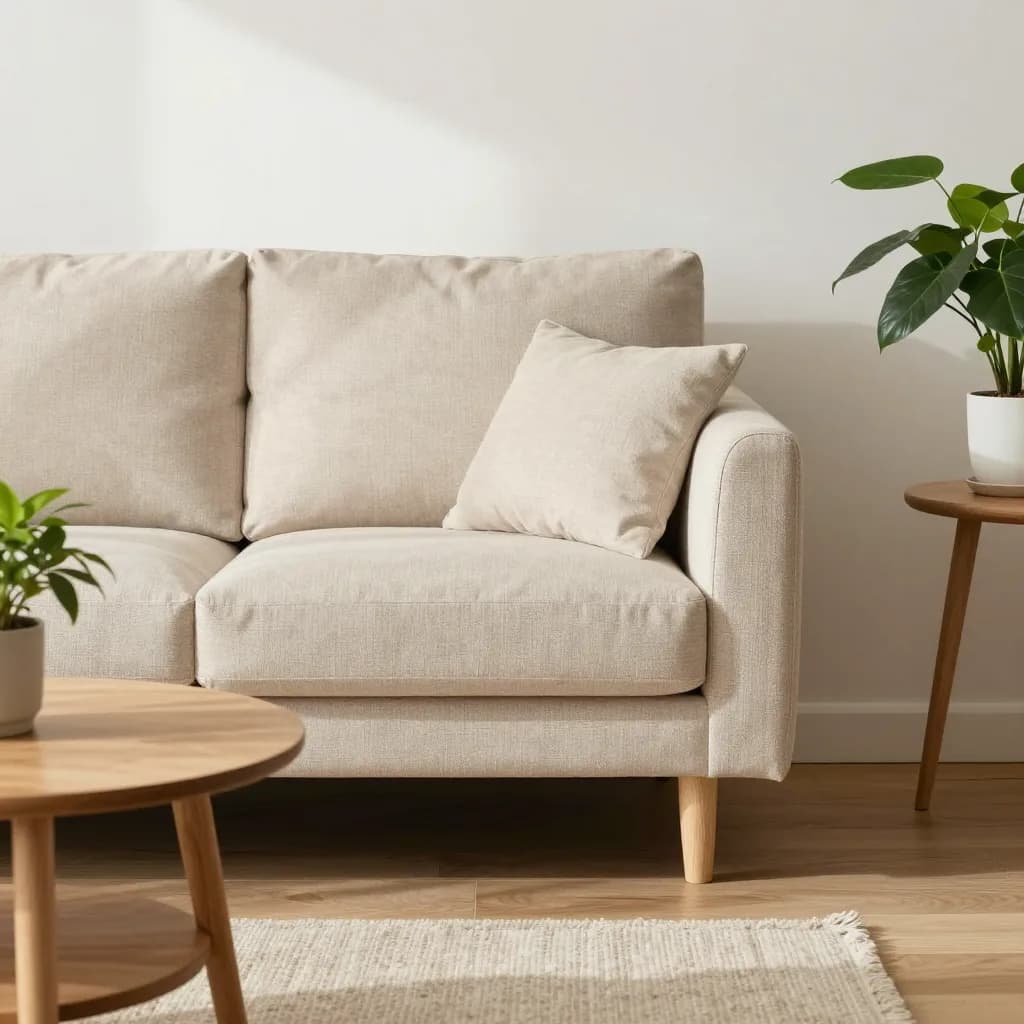
The examples below show possible model output. Your result depends on the prompt, selected model, settings, and random generation.

FAQ
It is a text-to-image workflow designed to reduce unnecessary prompt blocks on legitimate creative work. VideoAny still applies safety, rights, and legal boundaries, so “no restrictions” does not mean every request is permitted.
You can begin with available free credits and test supported models. Credit use depends on the model, output settings, and current plan.
This page is for generating a new image from text. If you already have a source image and want to change it, use the AI Image Editor No Restrictions page and the Image to Image tool.
Start with a general image model, then compare one or two alternatives using the same prompt. Model availability and strengths change, so judge the output against your actual composition, style, and text requirements.
Describe the subject, composition, environment, style, lighting, and constraints. Avoid conflicting directions and change one major variable per iteration so you can identify what improved the image.
Usage rights depend on the selected model, your plan, the prompt and source materials, and applicable law. Review the current terms and avoid protected characters, trademarks, or real-person likenesses when you lack permission.
Start with free credits, compare models, and refine one prompt variable at a time.
Open Text to Image