애니메이션 스타일 업스케일링 최고 사례 및 저해상도 애니메이션 아트를 4K로 향상시키는 방법온라인에서 애니메이션 아트 업스케일링 — 무료 체험
픽셀화되고 흐릿한 애니메이션 이미지를 깨끗한 고해상도 작품으로 변환하세요. VideoAny를 사용하여 색상을 부드럽게 유지하고 원본 스타일을 그대로 보존하면서 선화를 업스케일링하고 노이즈를 제거하며 선명하게 만드세요.
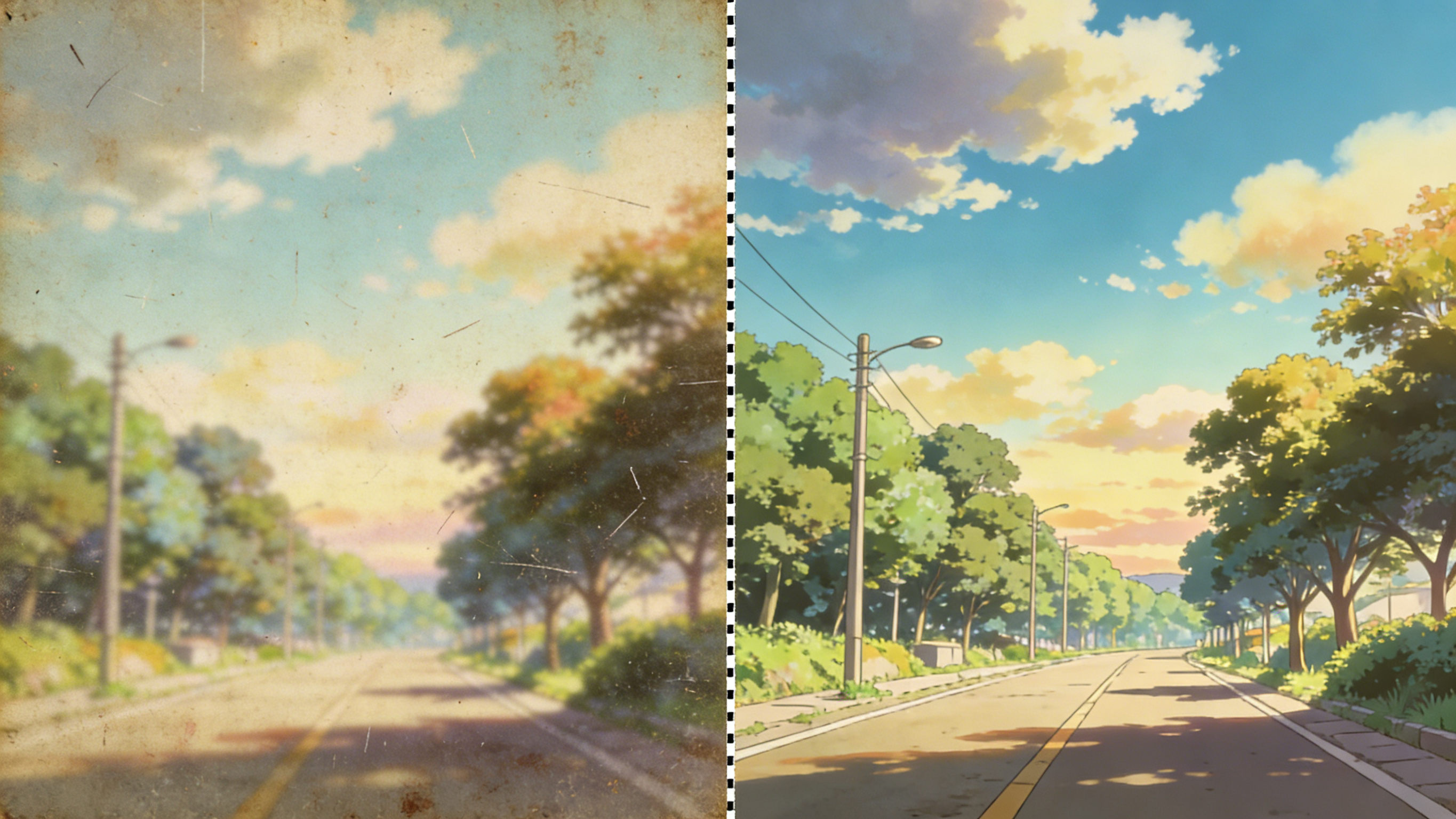
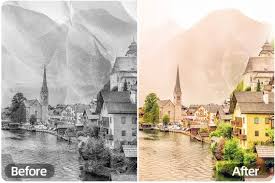
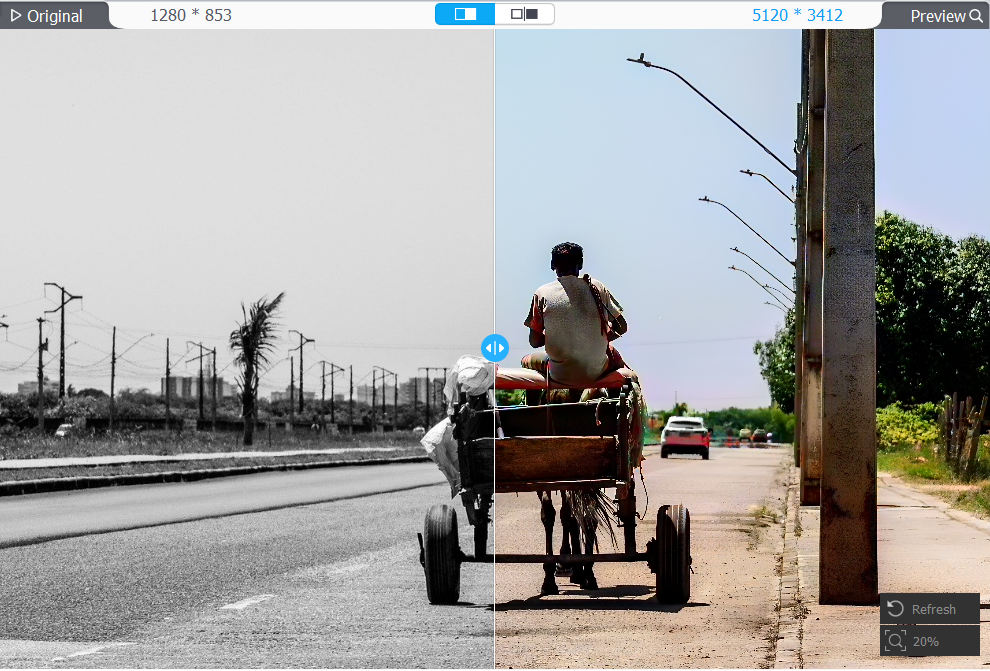
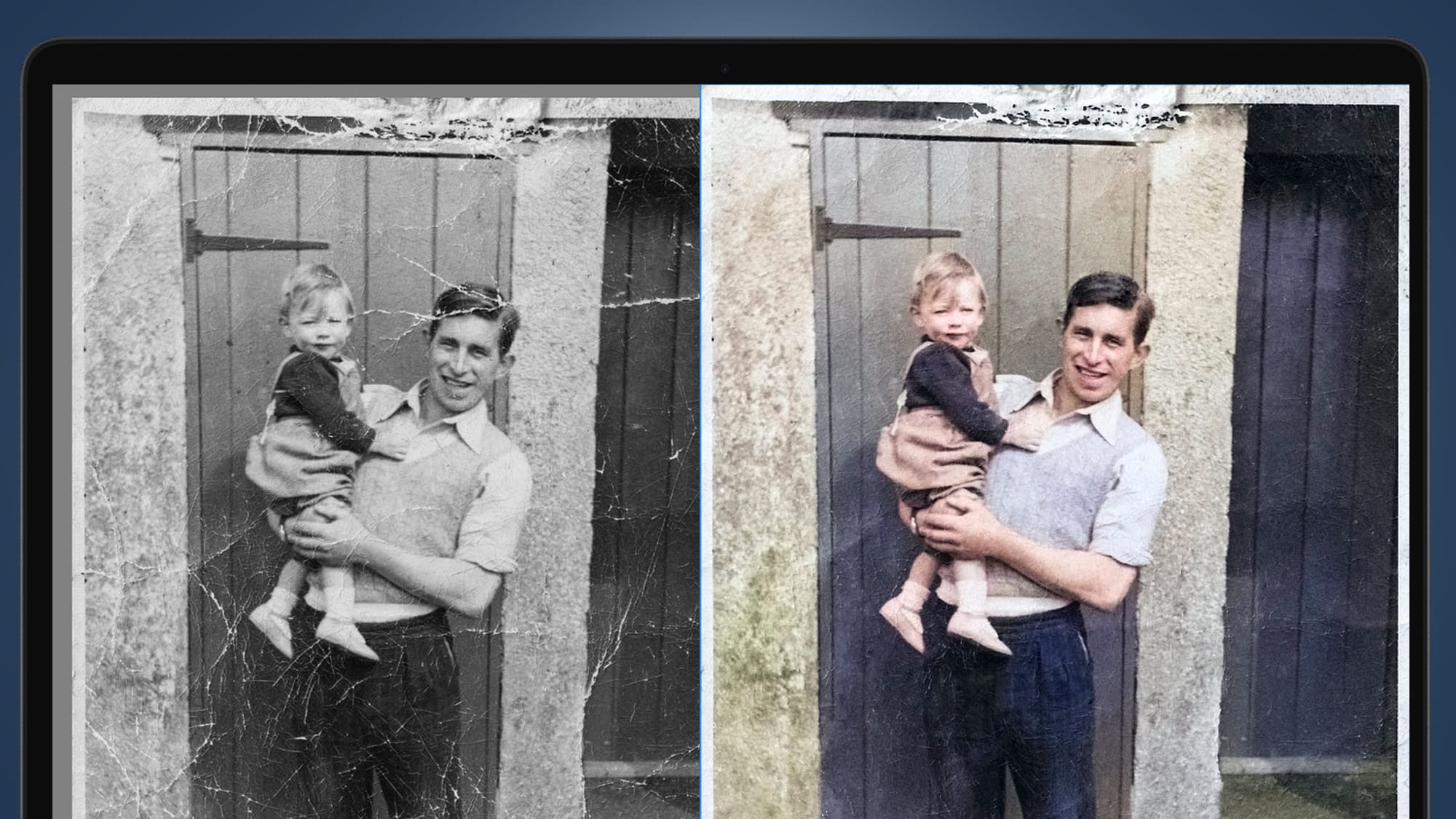
애니메이션 아트 빠르게 업스케일
디픽셀화, 선명한 선, 스타일 유지
조정된 향상 프롬프트를 사용하여 해상도와 선명도를 높이는 동시에 깔끔한 윤곽선, 평면 음영 및 원본 캐릭터 아이덴티티를 유지합니다.
4K 업스케일
배경화면, 인쇄물 및 선명한 소셜 미디어를 위한 해상도를 높여줍니다.
선화 보존
헤일로나 흐릿한 가장자리 없이 선명한 윤곽선과 디테일을 유지합니다.
노이즈 제거 + 디블록
충실도를 유지하면서 압축 아티팩트, 픽셀화 및 노이즈를 줄입니다.
부드러운 색상 필드
밴딩이나 과도한 선명함 없이 깨끗하고 균일한 색상과 그라데이션을 유지합니다.
애니메이션 업스케일링 FAQ
깨끗하고 충실한 결과물을 위한 팁
원래 스타일을 유지하면서 애니메이션 이미지를 업스케일링하는 방법에 대한 빠른 답변.
선명한 윤곽선을 가진 스크린샷, 팬아트, 스캔 이미지가 잘 작동합니다. 매우 작은 이미지는 업스케일링 후에도 여전히 흐릿하게 보일 수 있습니다.
업스케일의 목적은 원본을 새롭게 바꾸는 것이 아니라 해상도와 디테일을 개선하는 것입니다. 인물과 구도를 유지하려면 보정용 기본 프롬프트를 사용하고 과도한 스타일 변경 지시는 피하세요.
외곽선이 고르지 않게 보이면 "후광 없음, 과도한 선명화 없음, 선화 보존" 옵션으로 다시 생성하십시오.
네, 아티팩트 감소와 업스케일링을 함께 사용하면 효과적인 경우가 많습니다. 결과는 원본 디테일이 얼마나 남아 있는지에 따라 달라집니다.
색상 필드를 일관되게 유지하려면 "부드럽고 평평한 색상, 깔끔한 음영, 텍스처 노이즈 방지"를 추가하십시오.
JPG 및 PNG 파일 형식이 일반적으로 지원됩니다. 업로드에 실패하면 파일을 JPG로 변환해 보세요.
동일한 프롬프트를 재사용하고 변경 사항을 최소화하세요. 필요한 경우 "압축 아티팩트 감소"와 같은 작은 조정은 괜찮습니다.
Still have questions? Contact our support team
Limited Time Offer
지금 바로 애니메이션 아트의 품질을 높이세요
브라우저에서 무료로 사용해 보세요
애니메이션 이미지를 업로드하고, 사전 설정된 업스케일 프롬프트를 실행하여 몇 초 만에 더 깨끗하고 선명한 고해상도 결과물을 다운로드하세요.
- 저해상도 애니메이션 이미지를 4K로 업스케일링
- 선명한 선화 보존
- 픽셀화 및 아티팩트 감소
- 색상을 부드럽고 깔끔하게 유지하세요.