Change a background
Replace the setting while describing the lighting, location, and details that should stay intact.
Upload a photo and describe the edit in plain language. Change backgrounds, restyle scenes, preserve important details, and create useful variations with fewer false blocks on legitimate, non-explicit work.

Edit with instructions, then refine
Keep each prompt focused so you can identify which instruction improved the result.
Common editing tasks
The editor is most useful when the source image is already close to the goal and you need a controlled change rather than a completely unrelated generation.
Replace the setting while describing the lighting, location, and details that should stay intact.
Move between photographic, illustrated, cinematic, editorial, and product-visual directions.
Tell the editor which subject, composition, identity, colors, or product features must remain.
Explore focused alternatives without rebuilding the source image or masking every region manually.
How it works
A repeatable workflow makes the output easier to evaluate and reduces random prompt changes.
Choose a clear JPG, PNG, WebP, or supported image with enough detail for the intended edit.
State what should change and what must remain unchanged. Short, specific prompts are easier to refine.
Select an image-edit model that fits the task, then compare the generated result with the source.
Adjust one instruction at a time, regenerate, and download the result that best preserves your intent.
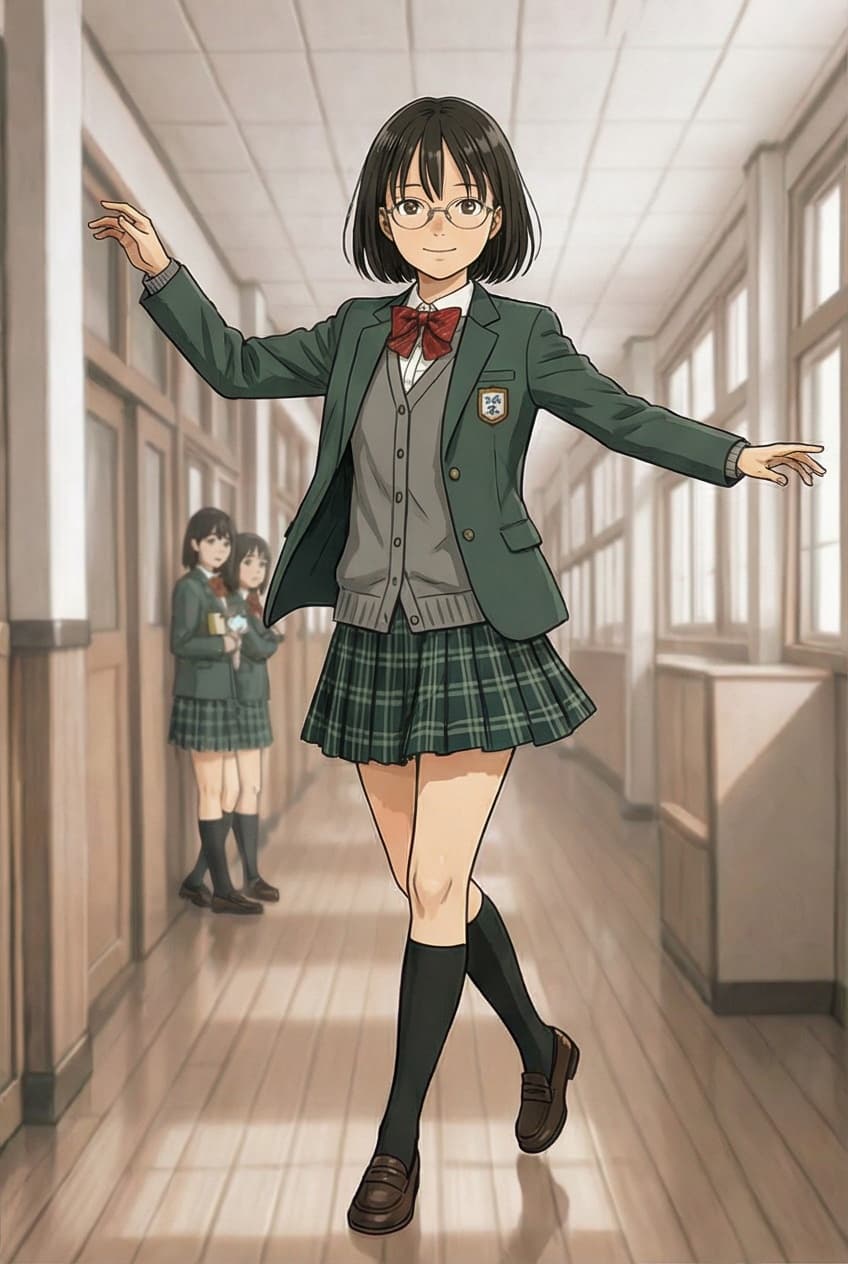
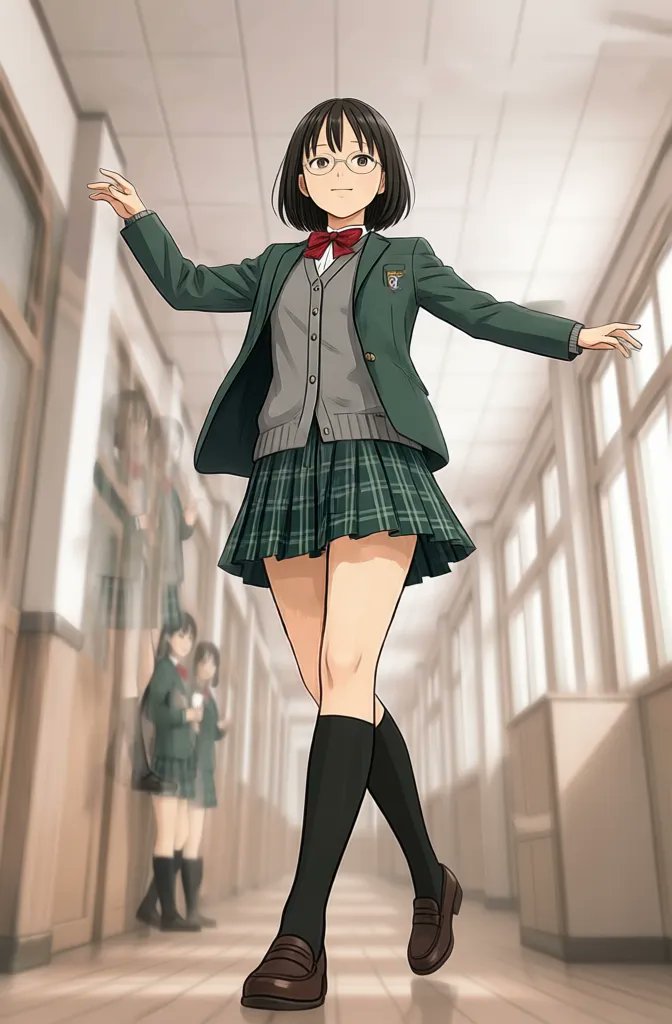
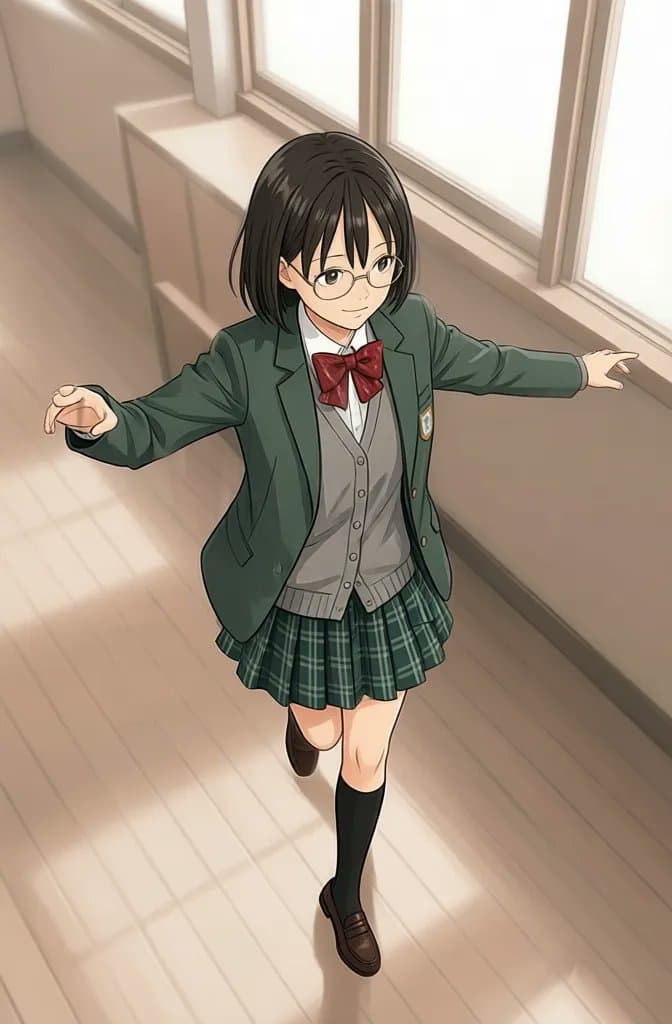
Model output examples
These examples demonstrate outputs from an available image-edit model. Results vary by source image, prompt, model, and settings.
FAQ
It is a prompt-based editor designed to reduce unnecessary blocks on legitimate creative changes. On VideoAny, “no restrictions” does not mean no safety rules: illegal, exploitative, deceptive, non-consensual, or otherwise harmful content remains prohibited.
You can start with available free credits. Credit use varies by model and settings, so the editor shows the relevant cost before generation where applicable.
Many edits can be requested with a full-image prompt. For best results, describe the target change precisely and list the visual details that must remain unchanged.
Use a simple structure: change, preserve, and style. For example, change the background to a bright studio, preserve the person and clothing, and use soft commercial lighting.
Available capabilities depend on the selected model. VideoAny includes models for prompt edits and visual variations; choose the model that matches the transformation rather than expecting every model to handle every task.
Only use images you own or have permission to edit, and obtain consent before using a real person’s likeness. Do not create deceptive, exploitative, or non-consensual material.
Upload a source image, preserve the details that matter, and test a focused transformation with free credits.
Open the AI image editor