バズカットフィルターAIで坊主頭を試す
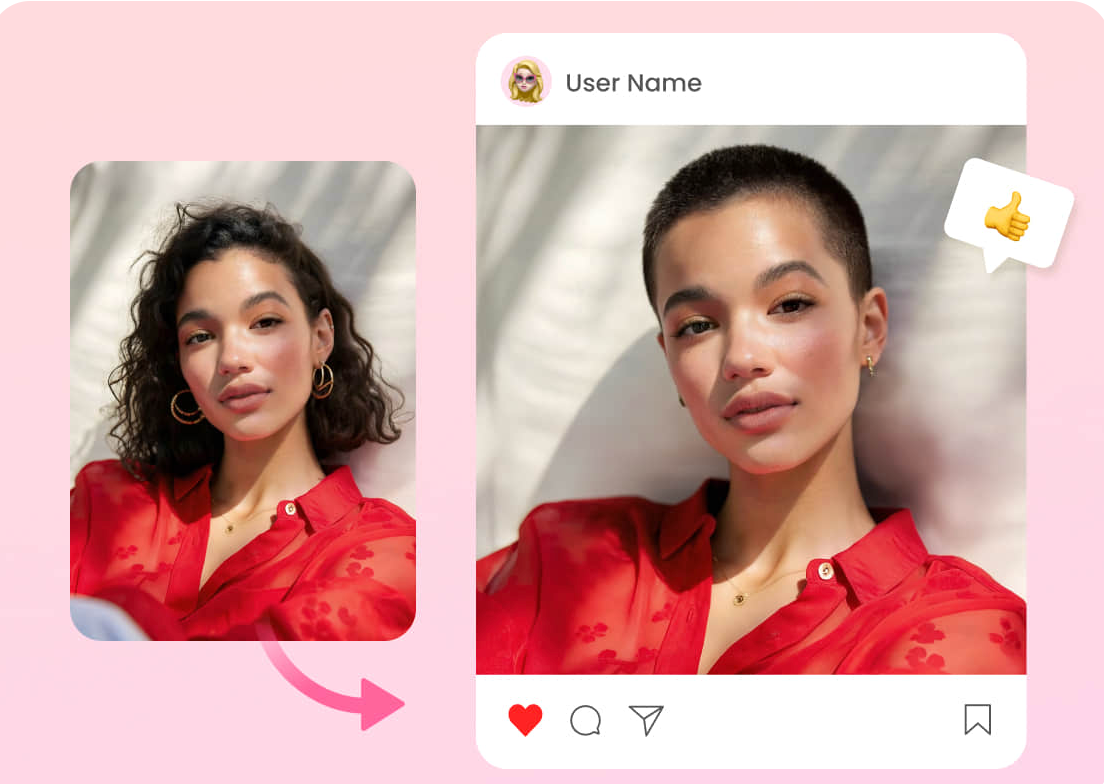
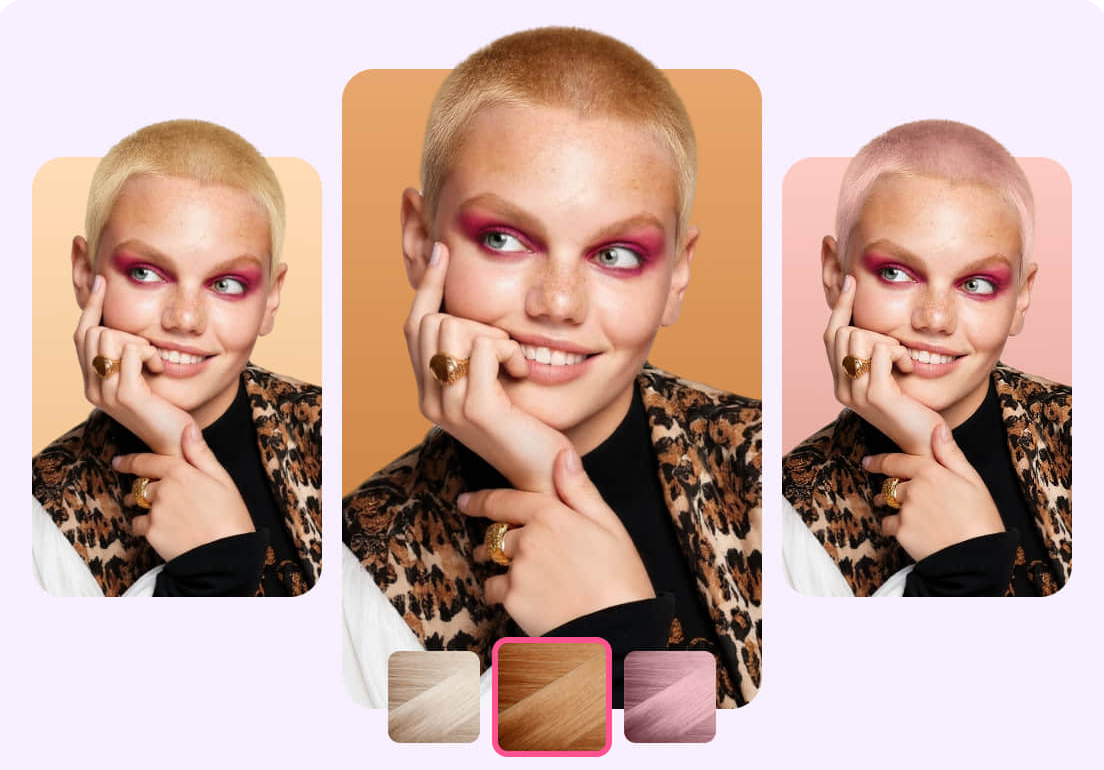
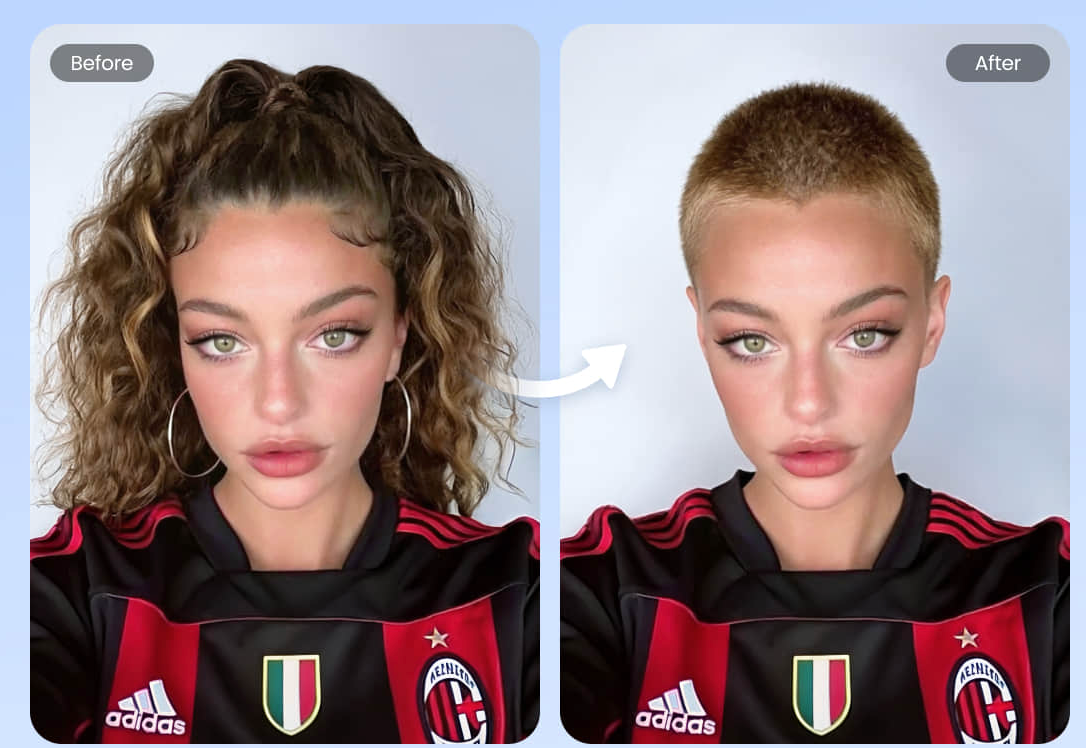
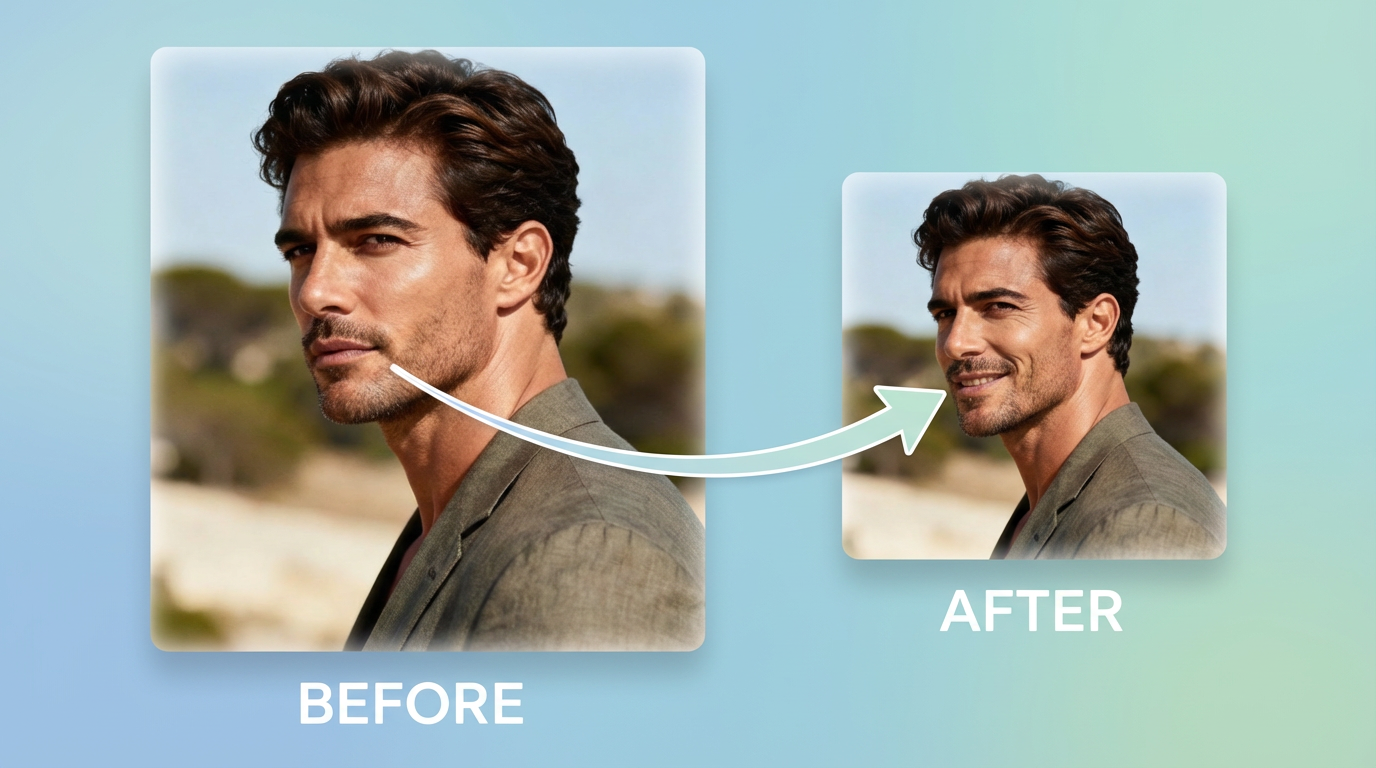
自撮り写真をアップロードするだけで、リアルな坊主頭のプレビューを数秒で確認できます。顔や照明はそのままに、ヘアスタイルだけを変更できるため、ヘアカットの決定やスタイルの実験に最適です。
ご利用方法
アップロード、生成、比較、決定
鮮明な自撮り写真から、本人、背景、照明の一貫性を保ちつつ、リアルな坊主頭を生成します。
写真をアップロード
鮮明で明るい自撮り写真は、最も正確な生え際と質感を生み出します。
スタイルを選択
短いプロンプトで、様々なバズの長さ、フェード、またはラインアップを試してみてください。
IDを維持
顔の特徴を維持したまま、髪型のみを変更します。
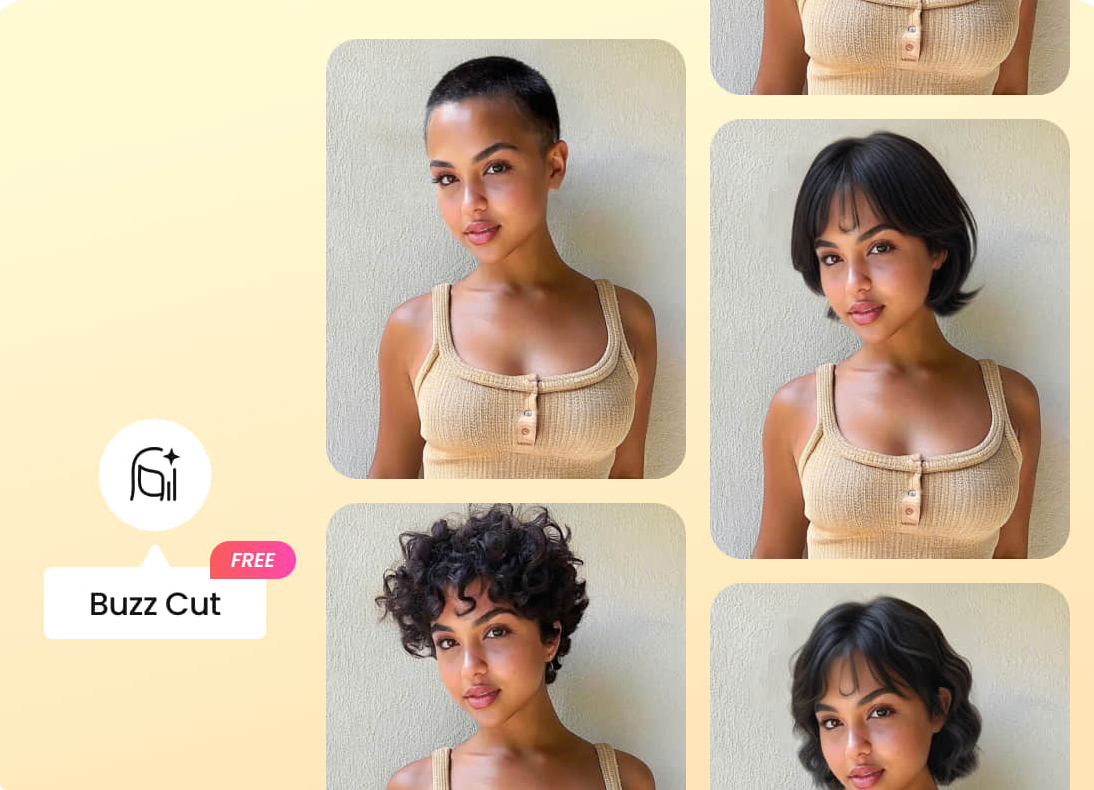
バリエーションを素早く生成
複数のオプションを素早く作成し、比較検討して最適なものをお選びください。
バズカットフィルターフィルターに関するよくある質問
よくある質問
写真からリアルな坊主頭の結果を得るためのヒント。
はい。「同一性、顔、眉毛を維持する」といったプロンプトを追加することで、髪型のみを変更しつつ、結果の一貫性を保つことができます。
生え際と頭部がはっきりと見える、鮮明で明るい写真を使用してください。強いぼかし、帽子、濃い影は避けてください。
はい。「#1 バズ」「#2 バズ」「スキンフェード」「テーパーフェード」と指定し、それ以外は変更しないようにお申し付けください。
「きれいなエッジ、自然な生え際」を求め、背景はシンプルに保ちましょう。高解像度の自撮り写真も有効です。
クリアな入力で最も効果を発揮します。結果は照明、髪の質感、遮蔽物によって異なる場合がありますが、バリエーションを再生成することで改善されます。
はい。「髪型のみ変更」をご希望の場合は、「ひげと口ひげはそのまま」と追加してください。
お客様の画像を処理し、結果を生成します。保持期間とプライバシーに関する詳細は、プライバシーポリシーと利用規約をご確認ください。
Still have questions? Contact our support team
Limited Time Offer
坊主頭の自分をシミュレーション
高速、リアル、そして簡単
自撮り写真をアップロードするだけで、坊主頭のバリエーションを瞬時に生成。お気に入りのスタイルをダウンロードできます。
- リアルな坊主頭プレビュー
- 顔と照明を維持
- 長さやフェードを調整する
- 複数のバリエーションを素早く生成