Person and setting
Bring a portrait into an environment with a specified camera angle and light. Ask for believable scale so the subject feels present in the location.
AI IMAGE MERGER
Bring a person, product, outfit, or location together with ImageAny V3 or V2. Assign each image a role and direct one cohesive composition for your VideoAny project.
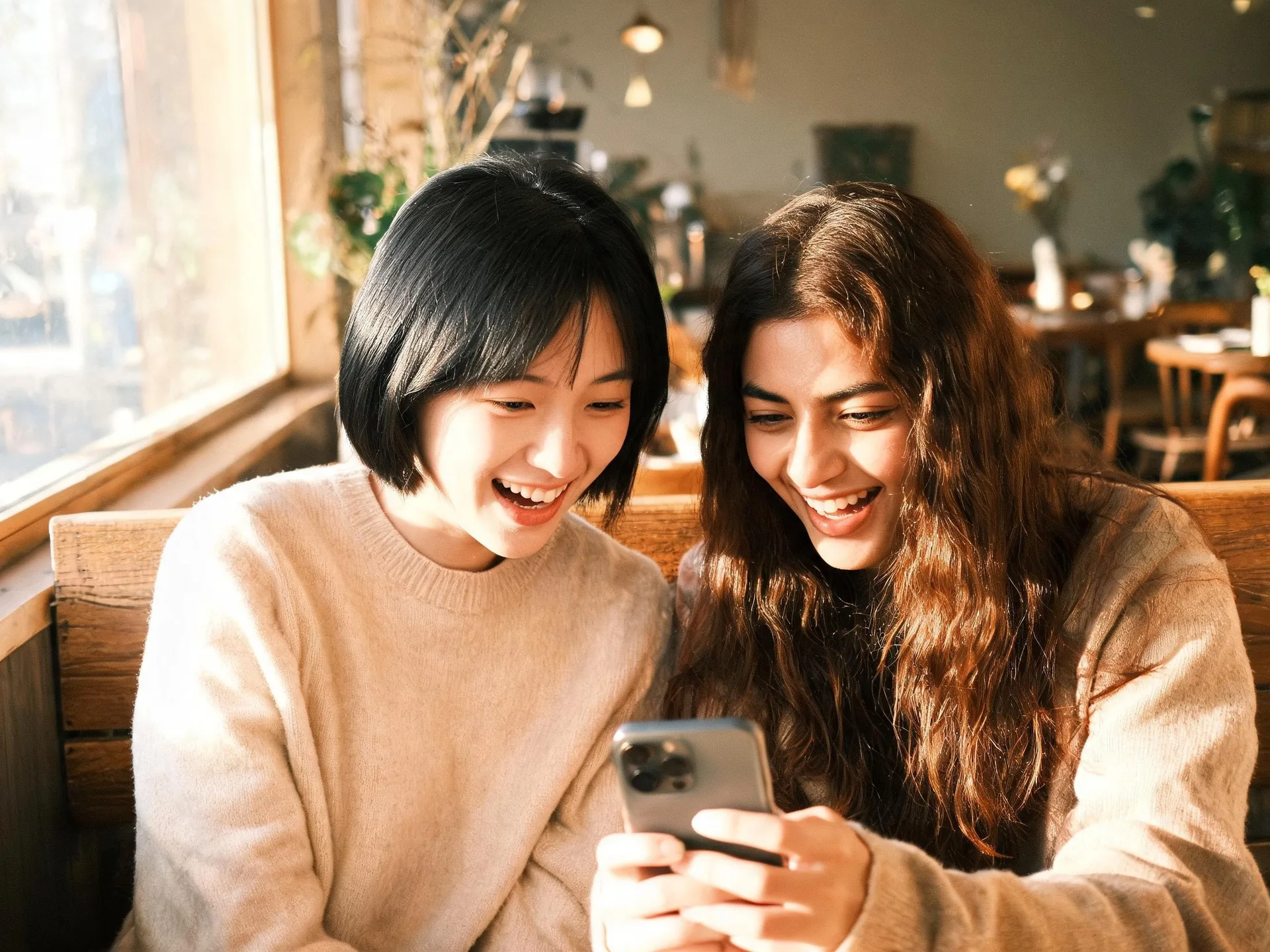
Tell the model what each reference supplies and how those elements should share scale, perspective, light, and space.
Use image 1 for the main subject, image 2 for a product or garment, and another reference for the setting when useful. Describe where the elements belong and how they interact. A person holding a cup needs clear hand placement and scale; a product in a room needs a support surface and contact shadow. Those relationships make the brief more useful than simply asking to combine the images.
ImageAny accepts up to four references for one generated image. It interprets the sources together rather than cutting out and pasting their original pixels. Faces, object details, and backgrounds can change, so review the result against each input. Once the scene works as a still, download it and continue in image to video to explore movement around the composition you have developed.
Choose references that provide distinct information and explain why they belong together.
Bring a portrait into an environment with a specified camera angle and light. Ask for believable scale so the subject feels present in the location.
Place an object from one image into a setting from another. Define the surface, orientation, and shadow, then check whether the generated product still matches the reference.
Use one reference for the person and another for the clothing. Describe how the item should fit visually and inspect patterns, seams, hands, and likeness afterward.
Combine authorized portraits into a shared composition. State left-right placement, relative scale, and pose, then review each person’s face independently.
Use a supporting reference to guide color, texture, or lighting instead of copying its whole scene. Explain which qualities should influence the main subject.
Resolve the relationship between subjects in the still first. A coherent merged composition gives you a clearer basis for a later camera move or simple interaction in video.
Source reference examples for planning your brief; these are not presented as ImageAny-generated outputs.
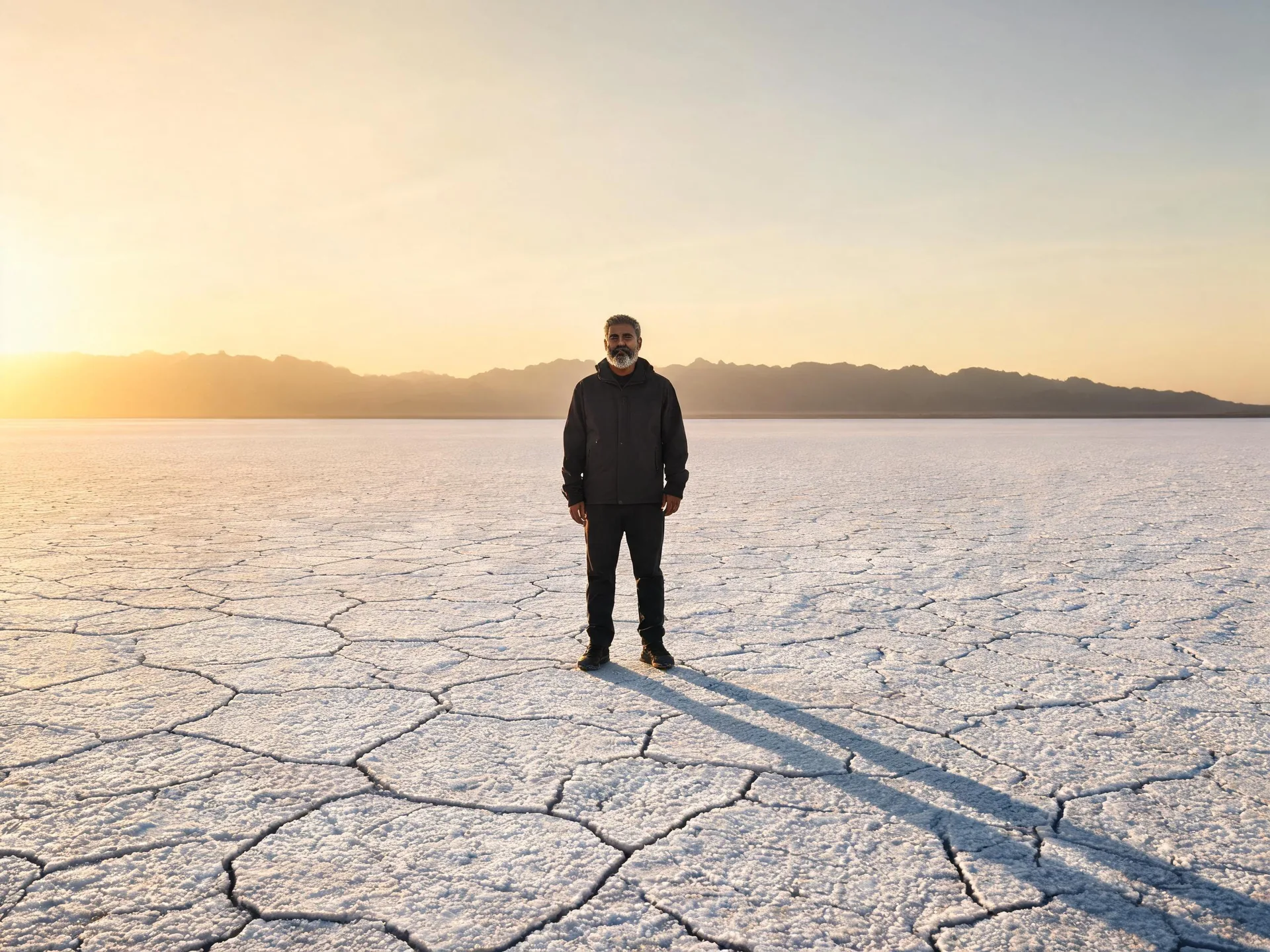
A salt-flat scene depends on scale, perspective, and a matching shadow. Include those relationships when combining a portrait with a location reference.
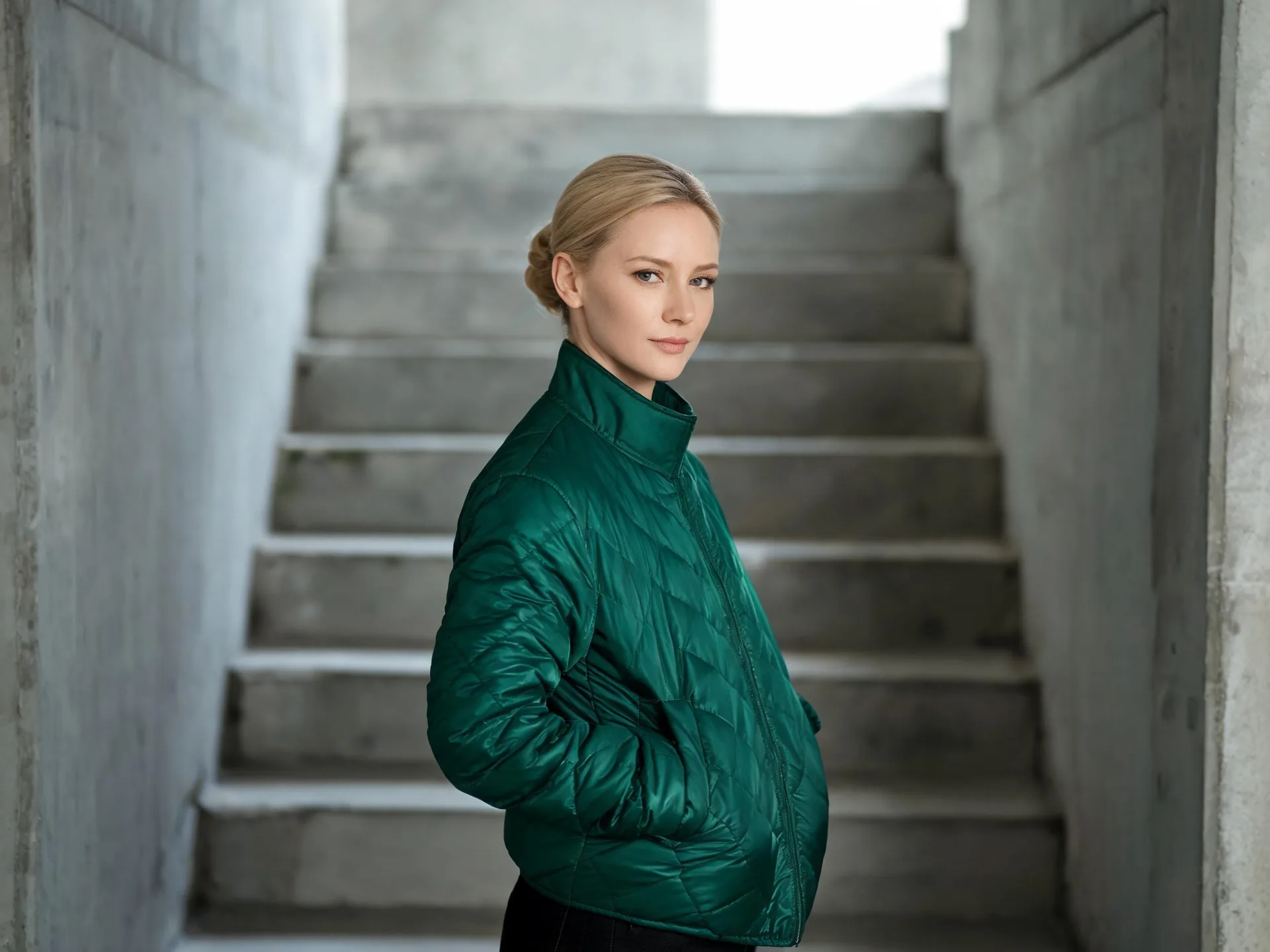
A quilted jacket becomes part of a portrait’s styling. Identify the person and garment sources separately, then review the fit and distinctive material details.
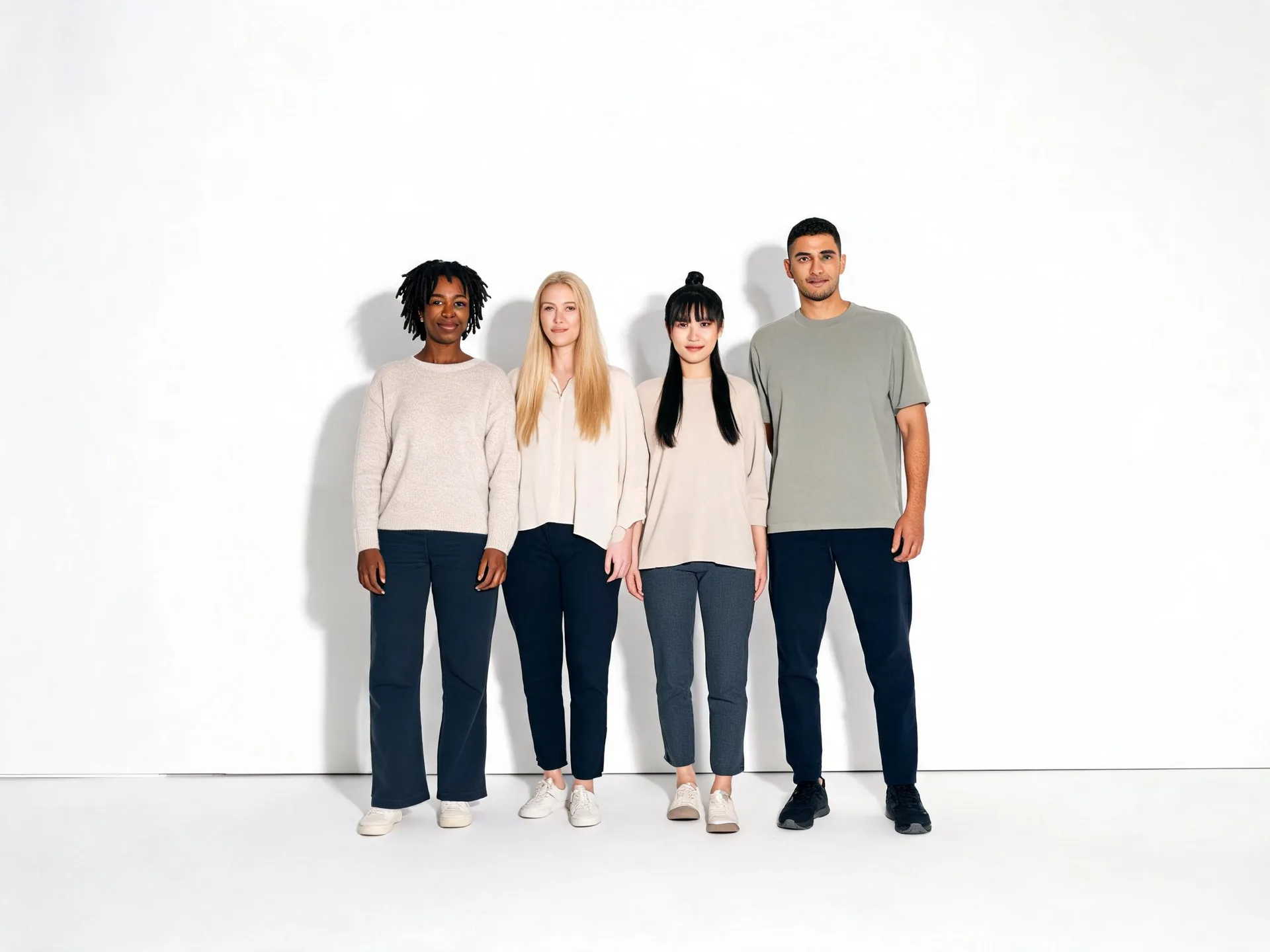
A studio group image shows the composition goal for several subjects. The example illustrates an arrangement, not a guarantee of exact likeness for every input.
Prepare your direction, then continue in the workspace.
Select up to four references with distinct roles. Prefer compatible camera angles and enough visible detail to evaluate the subjects.
Choose ImageAny V3 or V2 and write the placement, scale, interaction, lighting, and setting. Identify the references by their upload order.
Open image to image and add the inputs. Confirm that image numbers in the prompt still match their roles, then review settings and credits.
Compare each subject with its source and check hands, shadows, perspective, and object scale. Refine the weakest relationship before taking the still into motion.
Prepare the reference assignments and describe one scene. Upload the images in the same order after opening the ImageAny workspace.
Match the workflow to your source and final requirements.
| Your goal | Suggested workflow | What to expect |
|---|---|---|
| Subjects should share the same environment | ImageAny merger brief | Generate a unified scene with reference roles and spatial relationships. |
| Photos should remain separate views | Collage workflow | Describe panels, borders, and layout instead of a shared environment. |
| Only a face should be replaced | Dedicated photo face swap | Use the specific source-face and target-photo inputs. |
| Exact source pixels must be retained | Manual compositing | Control masks, layers, perspective, and color matching directly. |
Adapt these directions to your image and intended use.
Numbered assignments are useful when references contain several possible subjects or styles.
Image 1 defines the person; image 2 defines the coat; keep the setting from image 1.
Position and scale help the scene communicate a believable interaction.
Place the small ceramic cup on the table in front of the person, within easy reach.
State the shared conditions that make different sources feel part of one photograph.
Soft light from the left, eye-level camera, and shadows falling consistently to the right.
ImageAny V3 and V2 accept up to four input references in image to image. Each reference can provide a subject, item, environment, or style direction. The references are used together for one generated result rather than being processed as separate jobs.
No. A merge brief asks the subjects to share one scene. A collage brief keeps separate views in panels or a layout. Explain which outcome you want because the same set of images can support very different compositions.
Exact preservation is not guaranteed. ImageAny generates a new scene and may reinterpret faces, clothing, labels, or proportions. Compare each important element against its source and use manual compositing when the original pixels must remain unchanged.
You can use appropriate, authorized portraits as references and describe a shared pose and setting. Check each person’s likeness, relative scale, and hands. The result is a generated composition and should not be presented as proof that a real photographed event occurred.
Conflicting camera angles, different light directions, unclear scale, or ambiguous reference roles can make the relationship difficult to interpret. Simplify the scene, assign each input clearly, and describe the support surface and shadows before adding more interaction.
Yes. Review and download the still first, then upload it in image to video. Choose a restrained movement that fits the composition. Complex interactions between several people or objects can introduce additional changes, so inspect the entire clip before keeping it.
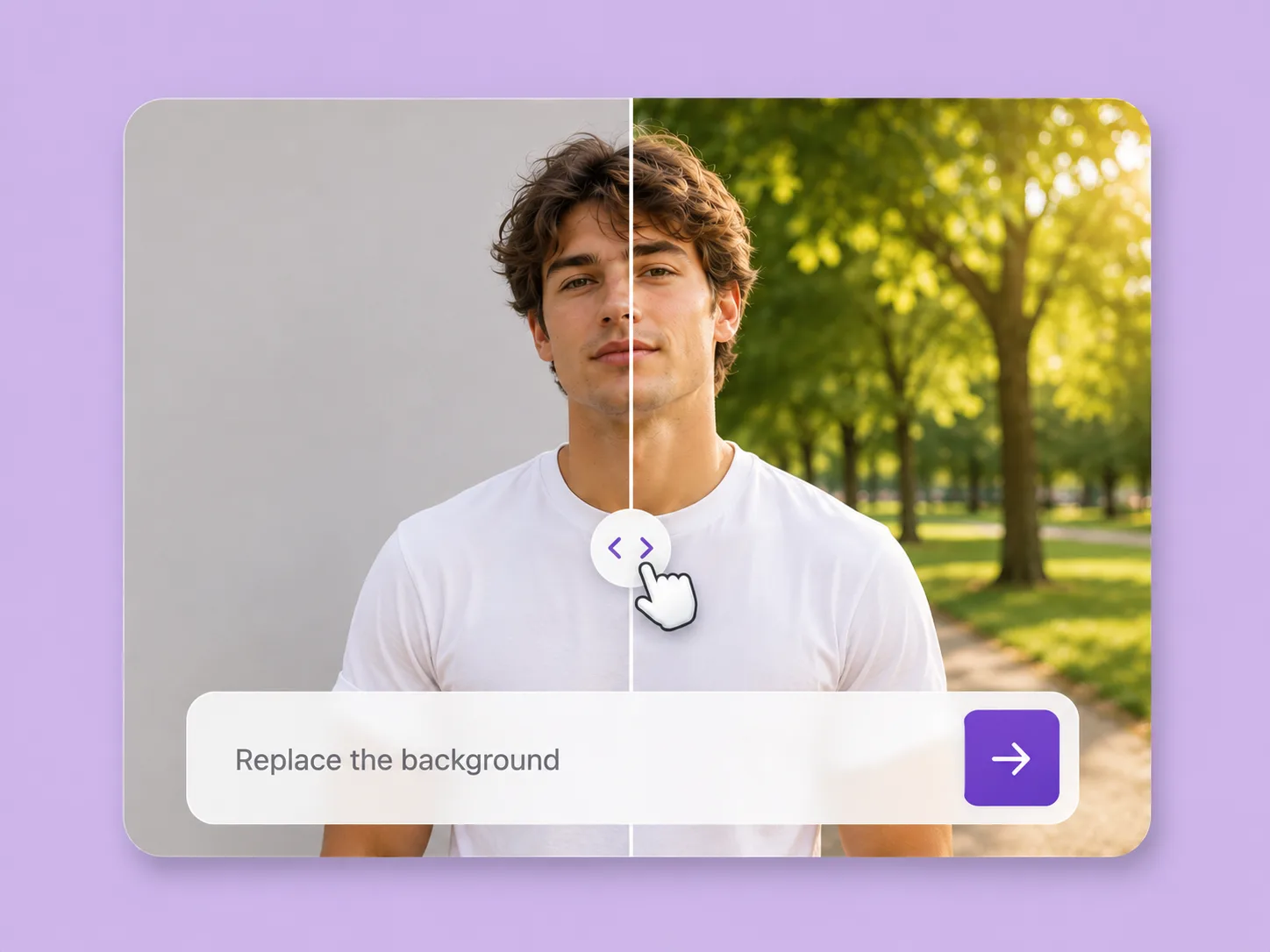
Make an existing image fit the next idea. Direct backgrounds, styling, objects, and light with ImageAny V3 or V2.
Explore solution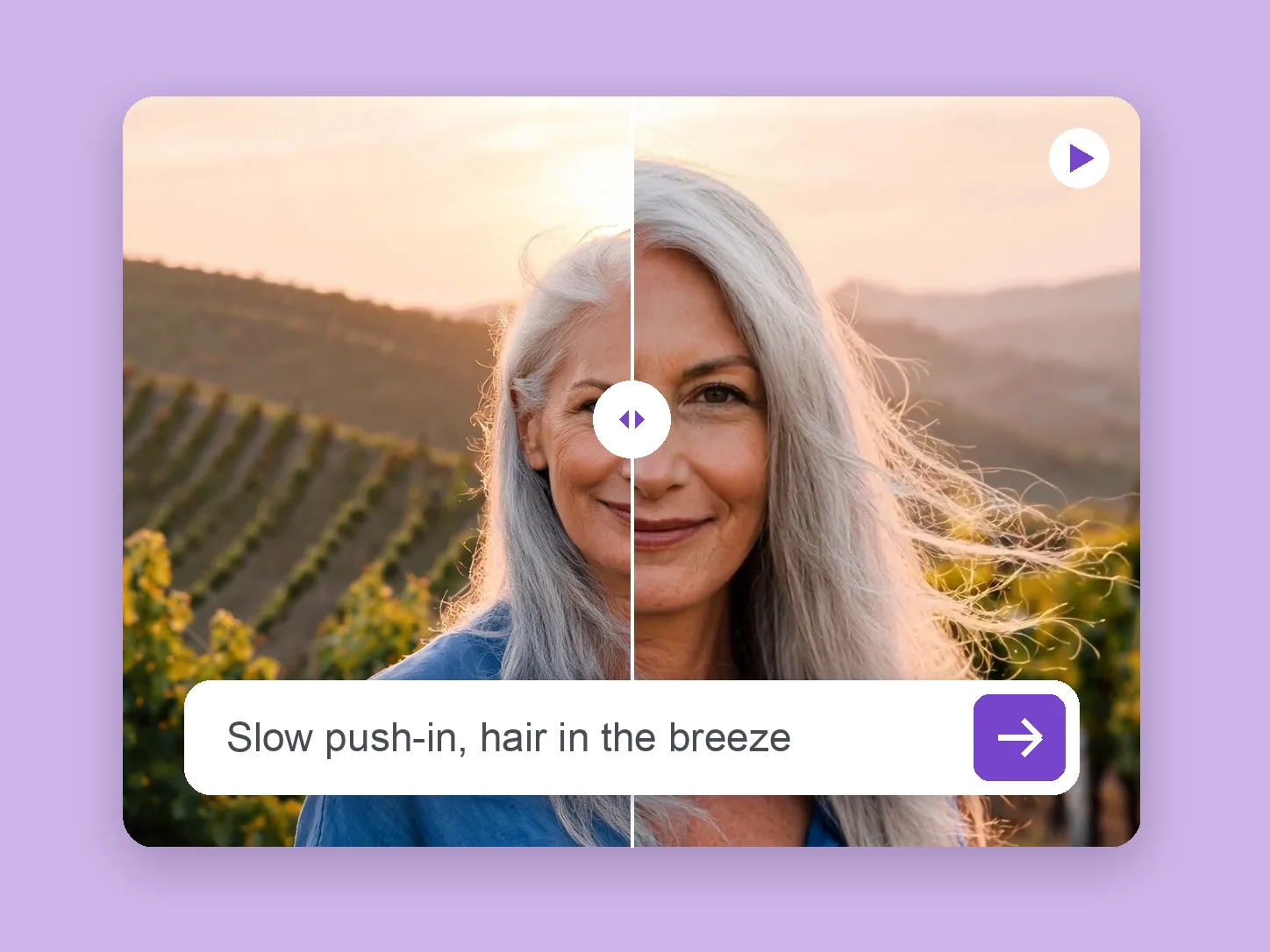
Bring a chosen still into motion. Direct the subject and camera with VideoAny V5, V4, V3, or V2.
Explore solution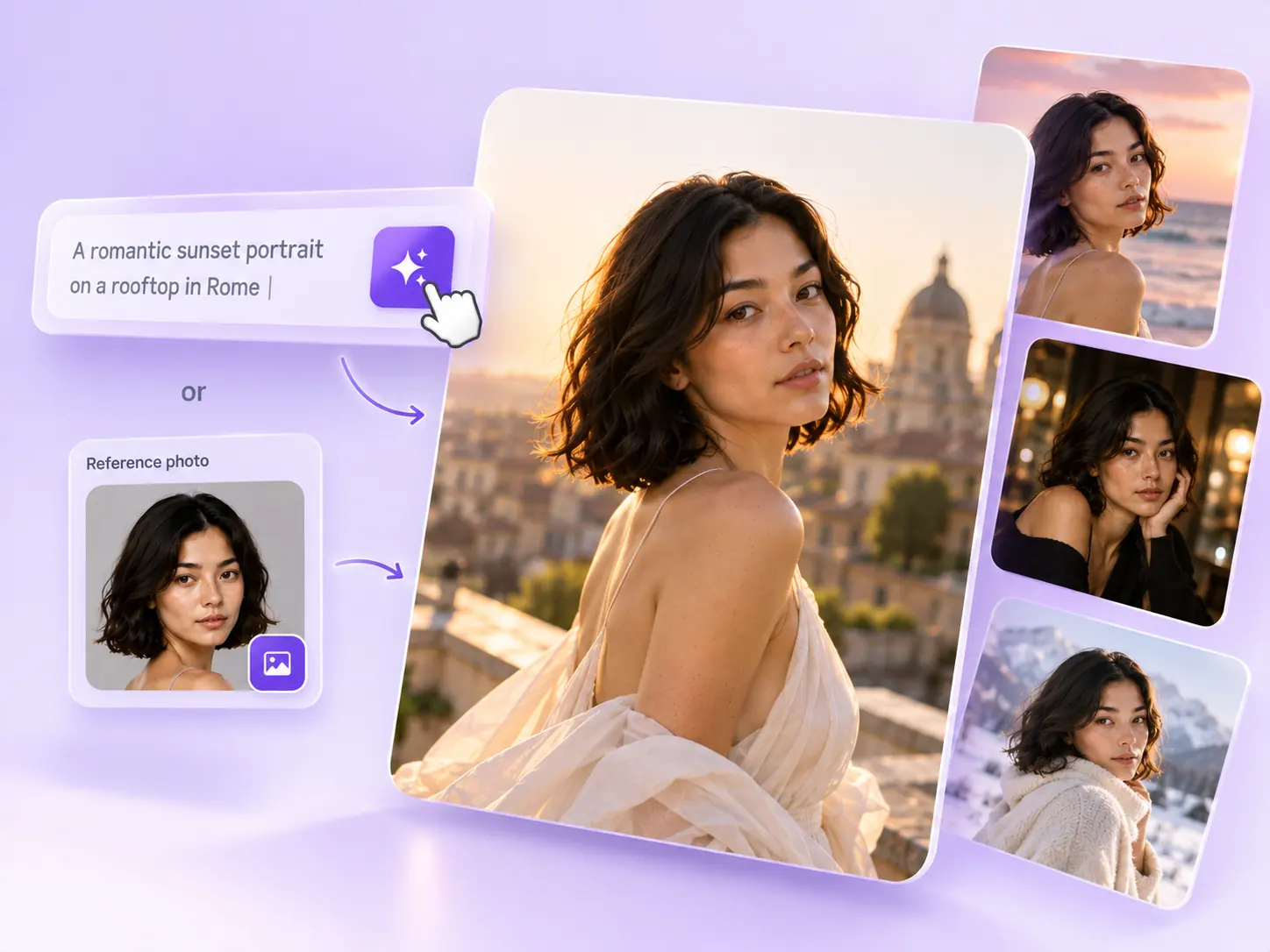
Create the still that starts the story: product concepts, portraits, and campaign photos from a written ImageAny brief.
Explore solutionChoose the contributing images, define their roles, and open ImageAny with a clear brief for one shared scene.
Prepare my edit