How to Generate AI Couple Images with VideoAny Studio (2026)
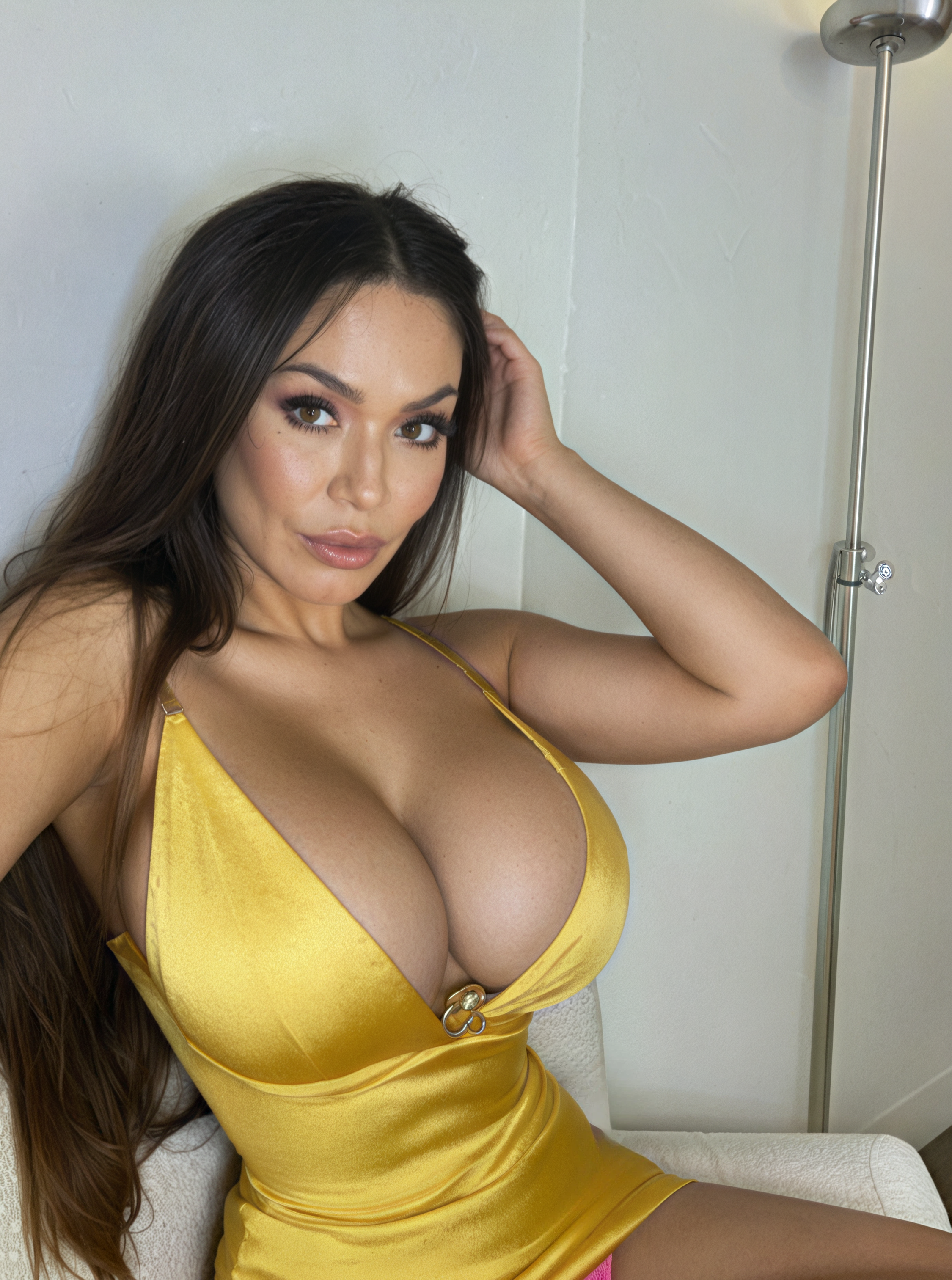
Produce realistic AI couple images using VideoAny's integrated tools. Featuring two distinct characters in a single frame – be it romantic, intimate, or casual. Templates included.
Creator Guides
Explore practical guides, comparisons, and walkthroughs to help you choose the right AI tools, workflows, and platforms for what you want to create.
Start with the guides below for creator-focused advice, platform comparisons, and step-by-step workflow ideas. More guides will be added over time.
Showing 41-50 of 137 guides
Page 5 / 14

Produce realistic AI couple images using VideoAny's integrated tools. Featuring two distinct characters in a single frame – be it romantic, intimate, or casual. Templates included.

Seeking alternatives to your current AI companion? We evaluated 8 platforms for visual output, conversational depth, and cost. Discover the best replacement for your needs in 2026.

Learn to produce AI intimate apparel photos without restrictions using VideoAny's Studio. Select a theme, upload a face, and generate a complete set in moments.

Side-by-side comparison of VideoAny's 2.2, 2.5, and 2.6 models. Real video comparisons covering realism, creative freedom, prompt accuracy, and when to use 2.2 LoRA for stylized visuals.
Create high-quality lingerie photos with AI - no models, studios, or photographers needed. Complete workflow using Zencreator.pro for e-commerce content at scale.

Transform two photos into a cinematic construction hyperlapse showing the entire building process from empty plot to finished house

A straightforward method to animate an AI-generated character with realistic dialogue, expressions, and facial movement using image generation, face refinement, and lip-sync tools

A step-by-step guide to generating emotionally resonant, film-quality intimate scenes with AI using text-to-image and image-to-video tools.

Create realistic AI hugging videos with any two people - real, AI-generated, or celebrities. Step-by-step guide with 7 ready-to-use prompts.

The 2-step workflow for AI twerking videos that don't get blocked: generate a character still, then animate it with a motion prompt.