
Overview
Building Your AI Gaming Streamer: The 4-Step Process
This guide outlines a simple, four-step pipeline to create photorealistic AI girl streamers for platforms like Twitch, YouTube, and TikTok, completely free of content filters. The process leverages VideoAny's integrated tools for character generation, animation, and overlay.
Neuro-sama's success proves the audience for AI-generated streaming content is substantial. However, most AI streamers are animated avatars. This guide focuses on creating photorealistic AI personalities that viewers might mistake for real individuals.
We'll walk through the entire VideoAny pipeline, from crafting unique faces to integrating animated reactions into live or pre-recorded gameplay. The core idea is that a human gamer plays, but an AI character serves as the on-screen personality.
The guidance is structured for creators aiming for consistent, high-quality output without censorship.
The 4-Step Pipeline at a Glance
- **Face Generator**: Create 2 distinct AI girl faces.
- **Text-to-Image**: Generate webcam-style photos for each character.
- **Lipsync**: Animate these faces with audio for realistic speech.
- **OBS / Video Editor**: Overlay the AI facecam onto your gameplay.
This method allows you to capture the engagement benefits of a facecam streamer without needing to appear on camera yourself.
Step 1
Crafting Your AI Streamer Personas
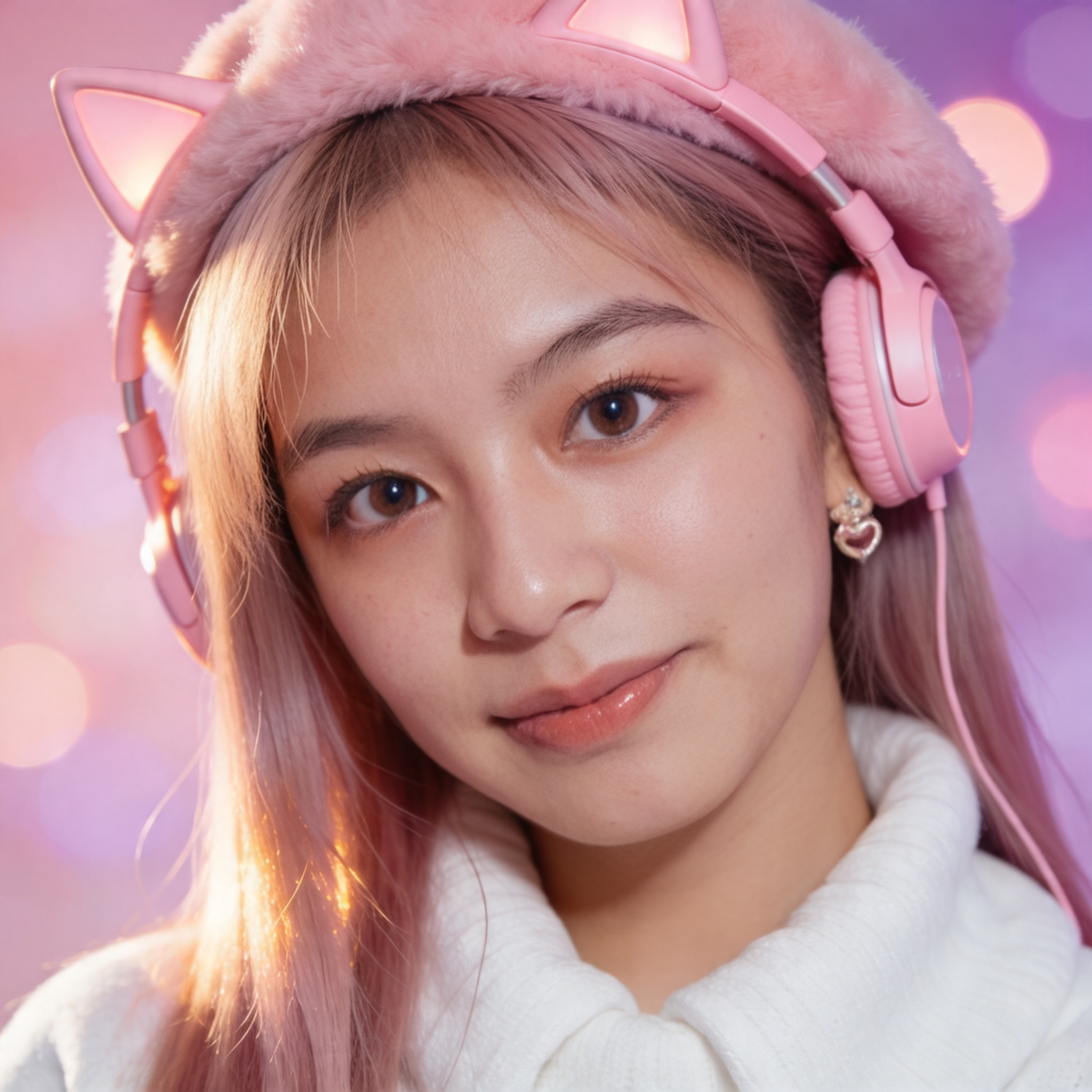
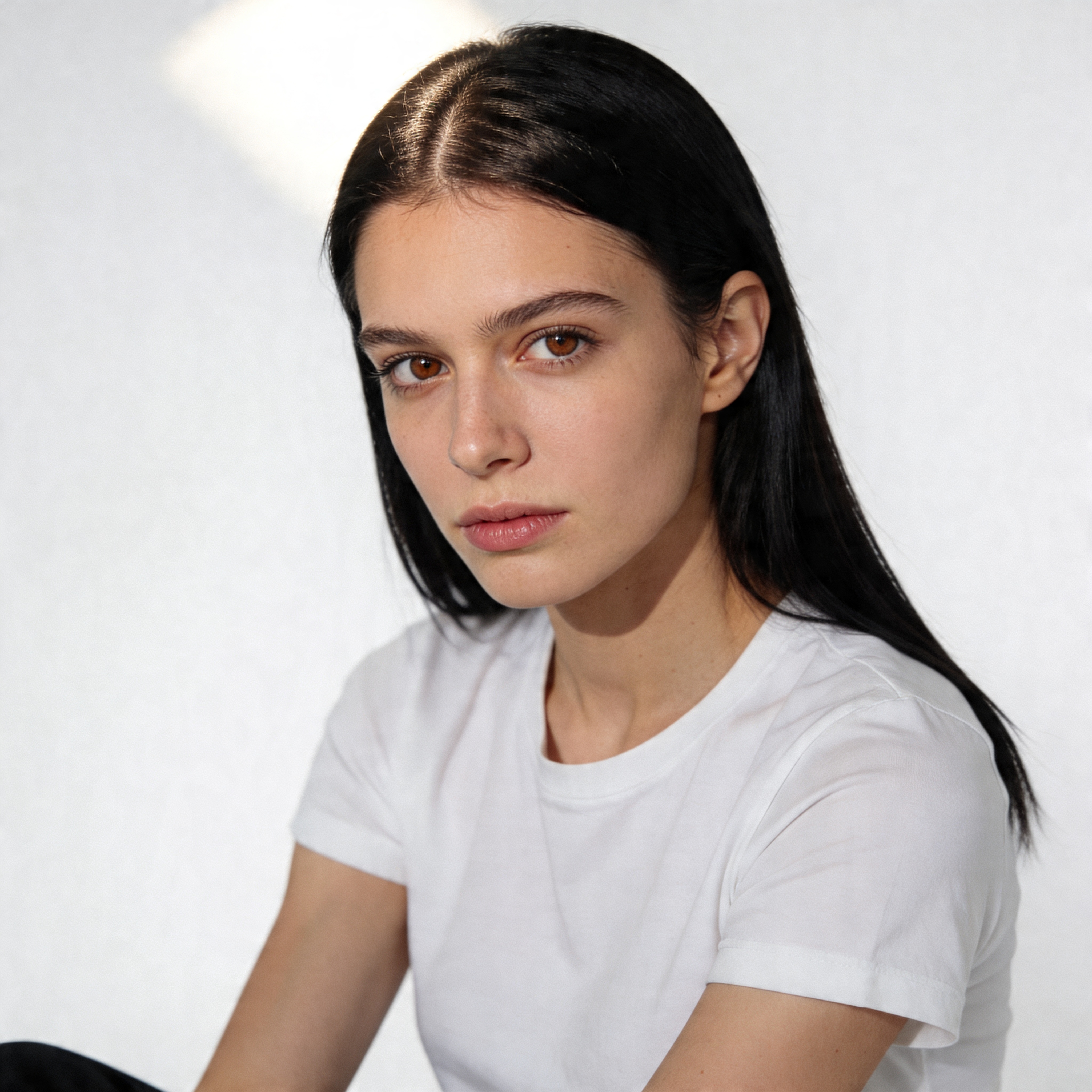
Begin by generating two distinct photorealistic AI girl characters using VideoAny's Face Generator. This provides flexibility for different content types and audience segments.
The Face Generator can produce four photorealistic faces in about 15 seconds. Select two that resonate with your desired streamer personas.
Having two characters allows for content diversification. For example, one character could focus on fast-paced FPS games, while the other specializes in cozy narrative-driven titles. This strategy helps you appeal to broader audiences while maintaining a consistent creator presence.
Finalize with motion or post-processing only after you lock character consistency and scene intent.
Key Considerations for Character Creation
- **Diversity**: Aim for distinct looks and vibes for each character.
- **Efficiency**: The Face Generator's speed allows for quick iteration and selection.
- **Strategic Pairing**: Consider how each character's aesthetic aligns with specific gaming genres.
- Decide which photo corresponds to each character.
Each chosen face will become a unique streamer identity, allowing you to manage multiple channels or content styles under one creative umbrella.
Step 2
Developing Authentic Webcam-Style Imagery
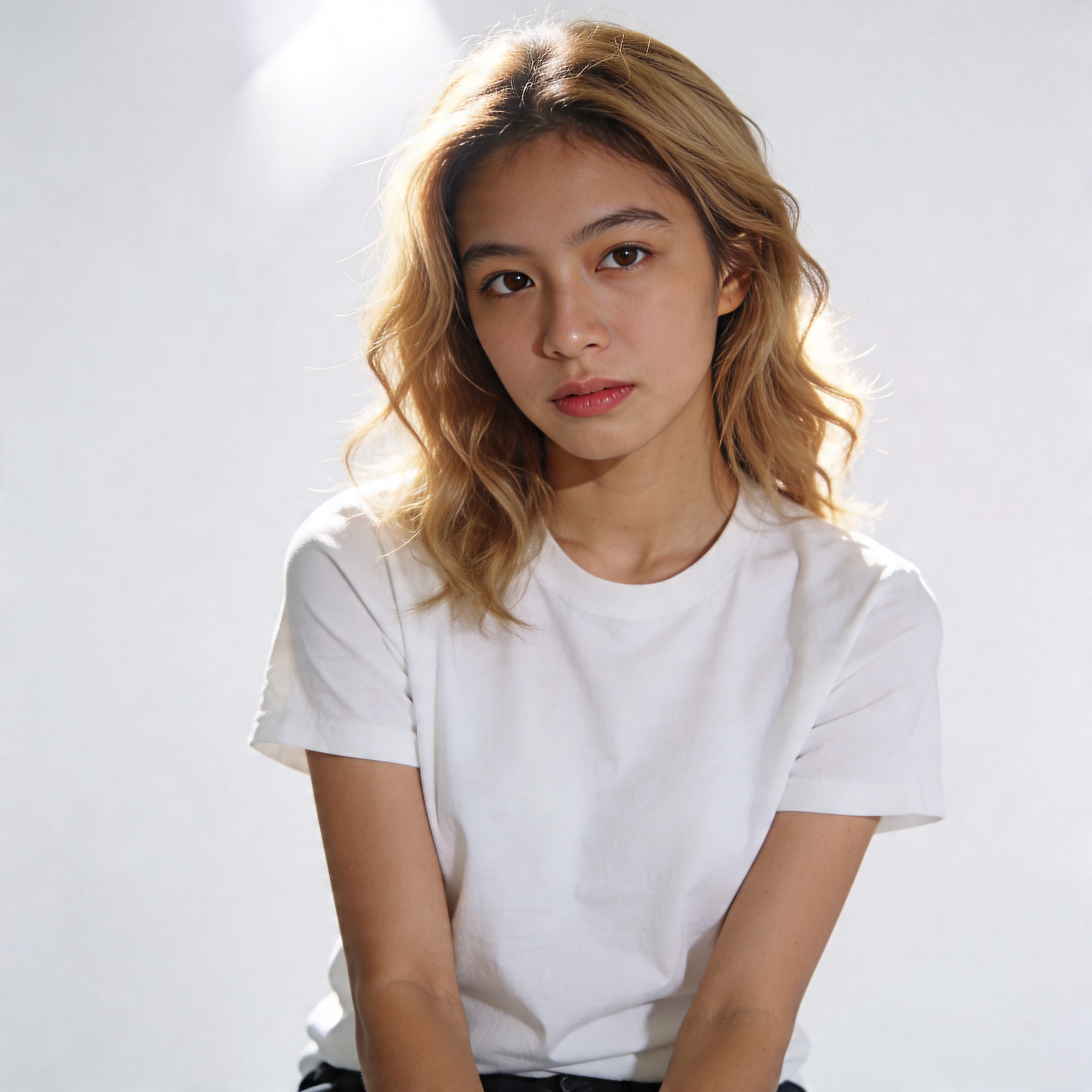
Once your AI characters are defined, create a webcam-style headshot for each. These images will be animated by Lipsync, so realism is crucial.
| Approach | Strength | Limitations | Best for |
|---|---|---|---|
| Template-first workflow | Fast setup and predictable structure | Lower creative freedom | High-volume publishing |
| Prompt-first workflow | Flexible concepts and style control | Needs more iteration | Experimental ideas |
| Hybrid workflow | Balanced speed and control | Requires process discipline | Teams with repeatable output needs |
| VideoAny workflow | Integrated generation and post steps | Less raw parameter exposure | Creators who prioritize shipping speed |
Generate one unique webcam shot for each AI character, ensuring each has its own distinct visual identity and atmosphere.
Use one workflow baseline before adding advanced variations.
Step 3
Bringing Your AI Streamer to Life with Lipsync
This is where your static AI character gains a voice. Use VideoAny's Lipsync tool to animate your webcam-style photos with synchronized audio.
VideoAny
Use a single browser workflow to generate, iterate, and publish without managing separate stacks.
Why it works
- Fast setup with no local infrastructure
- Supports image and video workflows in one place
- Good balance of speed and quality for creators
- Useful for repeatable output pipelines
- Pricing model
- Free credits to start, then scalable paid usage.
- Trade-offs
- Less low-level tuning than fully self-managed stacks.
- Best fit
- Creators and teams that value shipping speed and consistency.
Prompt-first stack
Maximize prompt and model control when experimentation is the priority.
Why it works
- High flexibility on creative direction
- Strong for niche style exploration
- Works with custom prompt libraries
- Can produce standout one-off results
- Pricing model
- Varies by provider and usage volume.
- Trade-offs
- Requires more iteration and quality filtering.
- Best fit
- Advanced users optimizing for control over speed.
Template-driven tools
Start from prebuilt structures to reduce setup and improve throughput.
Why it works
- Very fast first output
- Lower setup overhead
- Works for repeat campaigns
- Easy to delegate across teams
- Pricing model
- Usually subscription or credit-based.
- Trade-offs
- May feel restrictive for unique creative direction.
- Best fit
- Teams running frequent campaigns with tight deadlines.
Hybrid production workflow
Use templates for speed, then move to prompt refinements for quality control.
Why it works
- Combines fast output with iterative control
- Improves consistency over time
- Scales across content formats
- Reduces wasted generation cycles
- Pricing model
- Moderate to high depending on volume.
- Trade-offs
- Needs clear internal workflow standards.
- Best fit
- Teams balancing quality and publication cadence.
Step 4
Integrating Your AI Streamer into Gameplay
Can I create an AI embrace video for free?
Yes, VideoAny offers free options to get started, allowing you to generate AI embrace videos without upfront costs.
What kind of results can I expect?
You can expect realistic AI embrace videos with customizable emotions, settings, and character interactions. The output quality depends on your input image and prompt details.
How long does it take to generate a video?
Typically, generating an AI embrace video takes only a few minutes once your combined image and prompt are ready.
Do I need any special skills to use VideoAny?
No, VideoAny is designed for ease of use, requiring no video editing or AI generation skills. Everything is done through an intuitive online interface.
When should I switch tools?
Switch only when your current workflow consistently fails your top constraint: quality, speed, or reliability.
Monetization
Can You Monetize AI Streamer Content?
Yes, AI-generated content can be monetized on major platforms like YouTube and Twitch, provided it adheres to their community guidelines.
- Begin with your chosen characters and combine them into a single image.
- Select or customize a prompt that best describes the embrace you envision.
- Generate your video and share your creations!