Overview
Mastering AI Anime Generation: A Practical Guide
This guide provides actionable strategies for generating high-quality AI anime, from crafting effective prompts to selecting the right models for various styles and content needs.
AI generation has rapidly advanced in visual styles like anime, often surpassing manual artistic output, especially under tight deadlines. The key to exceptional results lies in precise prompting—transforming generic outputs into usable art with just a few well-chosen words.
This guide offers practical, copy-paste prompts, side-by-side style comparisons, techniques for converting real photos into anime, and honest insights into models that support adult or unrestricted anime content in 2026.
For more on unrestricted content, explore our guides on uncensored AI image generators and unrestricted AI swimwear templates.
What makes a good anime prompt?
- **Specific physical attributes:** Detail hair color, length, eye color, age (e.g., "young woman").
- **Defined setting:** Specify location, time of day, and one unique prop.
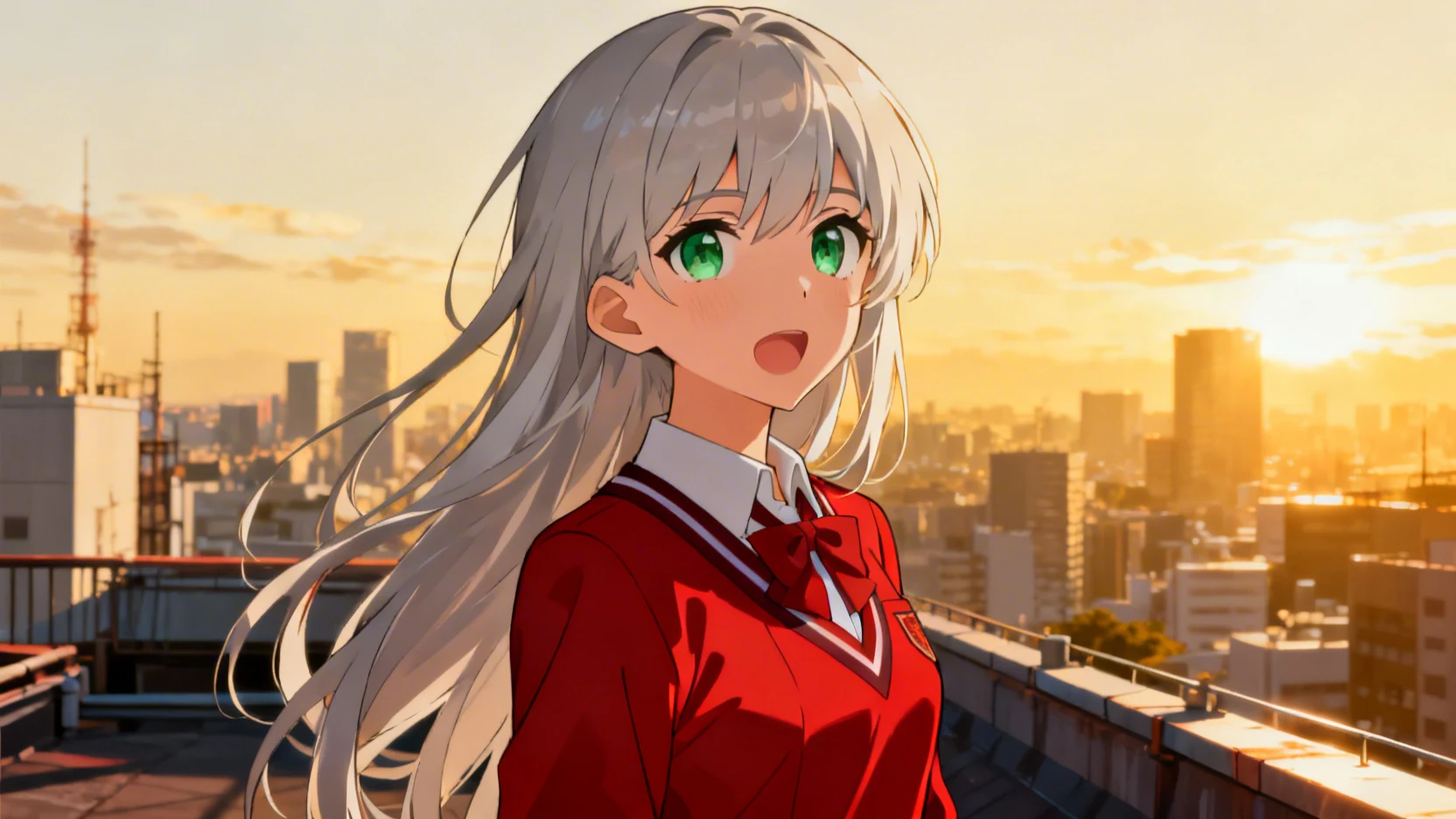
- **Art style anchor:** Crucial for defining the aesthetic (e.g., `cel shading`, `90s anime film style`, `Studio Ghibli`). Avoid mixing styles.
- **Lighting details:** Anime models respond well to specific lighting (e.g., `golden hour`, `neon backlight`).
Vague prompts lead to generic anime. Precision in your input is paramount for distinctive output.
Step by step
Generating a Basic Anime Character
Begin with a clear, concise character reference prompt to establish a foundational character, then build upon it without overcomplicating the initial generation.
To create a consistent character, start with a simple prompt that defines key features on a neutral background with balanced lighting. This allows for easier iteration and style application later.
The example below demonstrates how to retain specified elements like hair, eye color, and outfit without introducing chaotic background details. Once this base is established, you can reuse the description across different scenes to maintain character consistency.
Finalize with motion or post-processing only after you lock character consistency and scene intent.
Example prompt structure:
- `A young woman, long black hair, blue eyes, wearing a white dress, standing in a field, bright sunlight.`
- This prompt focuses on core character and setting details, avoiding unnecessary complexity.
- Prioritize image quality, but perfection isn't essential.
- Decide which photo corresponds to each character.
The goal is a clean, reusable character description that can be adapted to various styles and scenarios.
Step by step
Choosing an Anime Art Style
The art style anchor is the most critical element in an anime prompt, dramatically altering the output from the same base character description.
| Style Anchor | Mood/Aesthetic | Key Characteristics | Example Use Case |
|---|---|---|---|
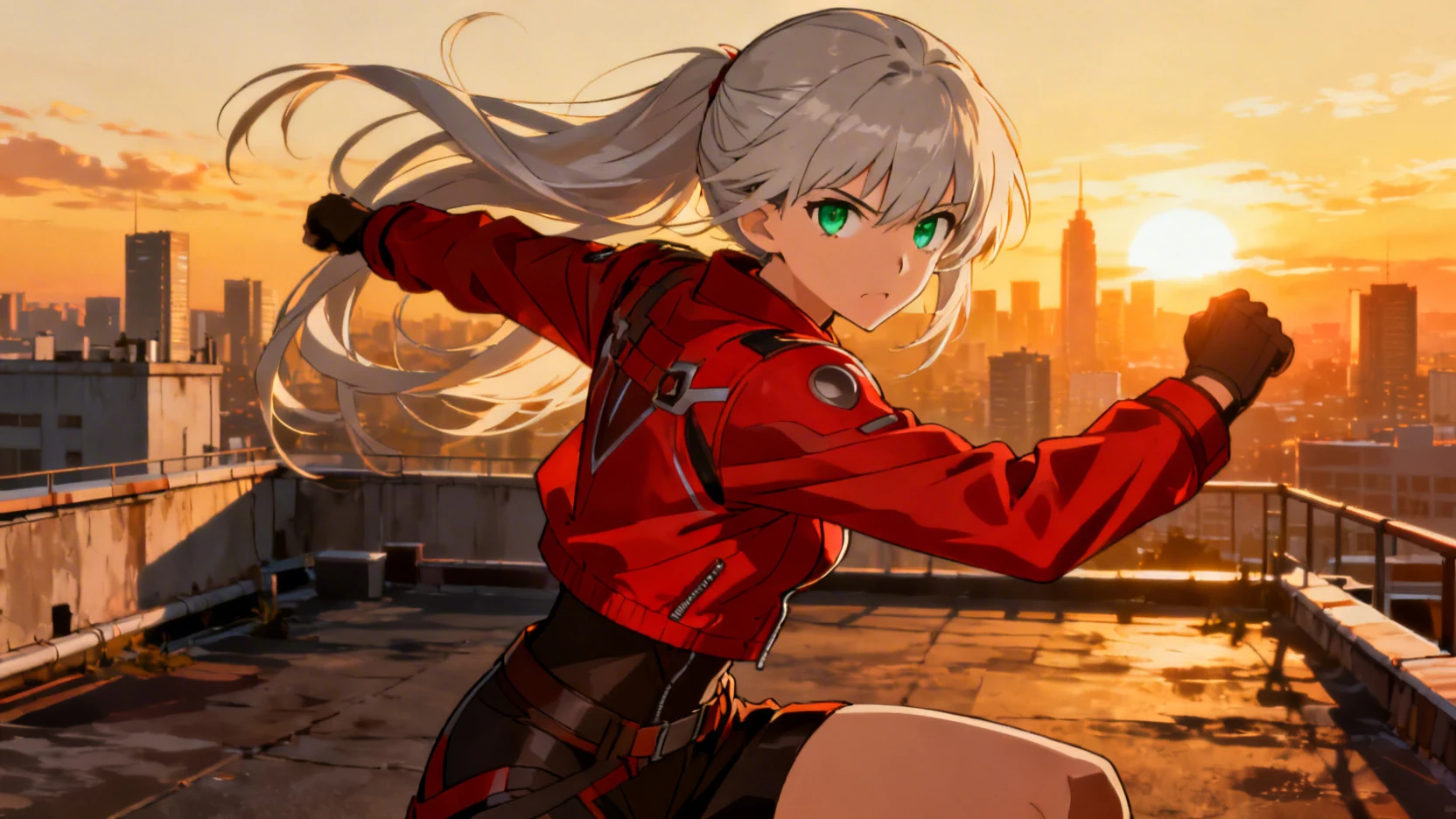
| Modern Shounen | Bright, action-ready | Dynamic poses, vibrant colors, clear lines | Adventure stories, battle scenes |
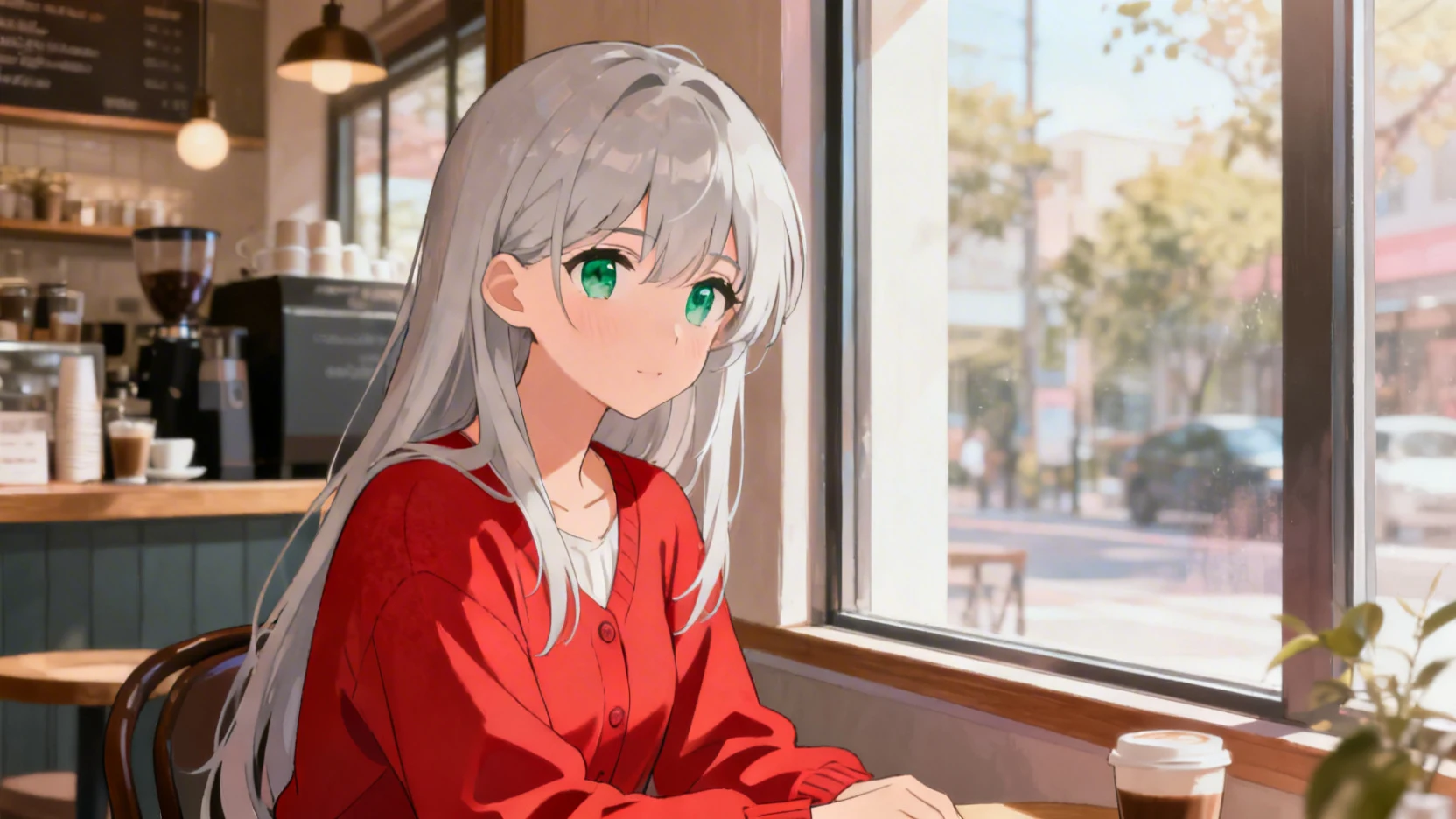
| Pastel Slice-of-Life | Soft, calm, melancholic | Gentle colors, everyday settings, subtle emotions | Relaxing narratives, character development |
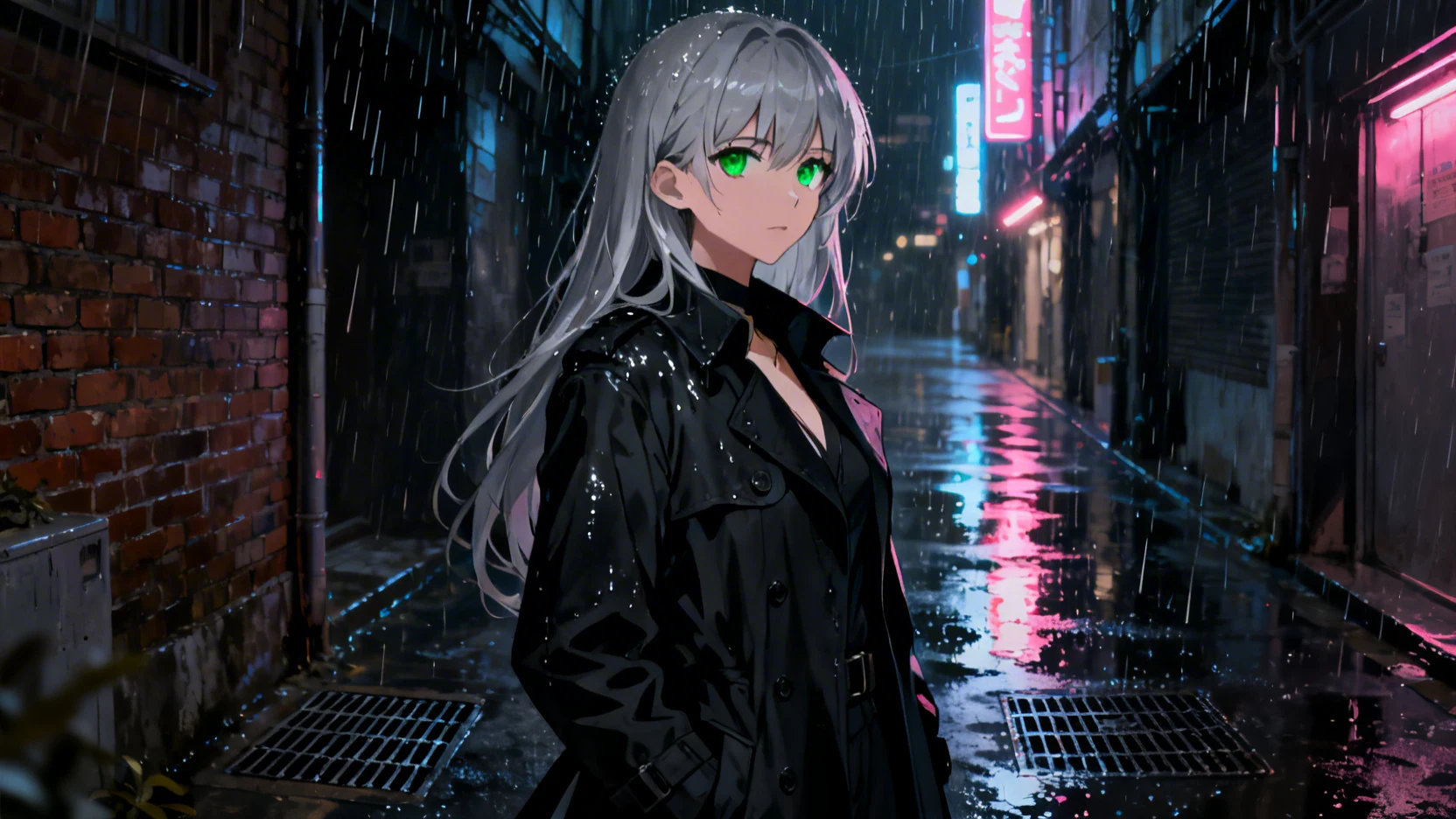
| Dark Seinen | Moody, mature, cinematic | Gritty textures, dramatic lighting, complex themes | Psychological thrillers, adult dramas |
| Studio Ghibli | Painterly, warm, nostalgic | Hand-drawn feel, natural elements, whimsical | Fantasy, heartwarming tales |
The style anchor performs 80% of the work in defining the visual output. Keep your character description flexible and swap anchors to achieve different moods.
Each style uses the same base character description to highlight the anchor's impact.
Step by step
Converting a Real Photo to Anime
The photo-to-anime technique involves generating a photorealistic portrait and an anime version using nearly identical character descriptions, focusing on consistent features.
Describe the source person
Detail hair color, length, eye color, skin tone, age range, and clothing in plain language.
Why it works
- Establishes a clear baseline for the AI.
- Ensures key features are captured accurately.
- Forms the basis for both photoreal and anime versions.
- Useful for repeatable output pipelines
- Pricing model
- N/A
- Trade-offs
- Requires careful observation of the source image.
- Best fit
- Accurate representation of the original subject.
Generate a photoreal version
Use the description to create a photorealistic image. This serves as your 'before' reference.
Why it works
- Confirms the description accurately renders the person.
- Provides a visual check for feature consistency.
- Helps refine the prompt before anime conversion.
- Can produce standout one-off results
- Pricing model
- N/A
- Trade-offs
- Quality depends on the descriptive accuracy.
- Best fit
- Establishing a recognizable 'source' image.
Reuse description with anime style
Apply the EXACT same character description, only changing the style anchor to an anime aesthetic.
Why it works
- Maintains strong resemblance to the original person.
- Avoids introducing new, unwanted features.
- Leverages the power of the style anchor for transformation.
- Easy to delegate across teams
- Pricing model
- N/A
- Trade-offs
- Long, overly descriptive prompts can dilute resemblance.
- Best fit
- Creating recognizable anime versions of real individuals.
Key to success: word identity
Ensure consistent hair, eye color, skin, clothing, and pose words across both prompts. Only alter the style anchor and quality keywords.
Why it works
- Guarantees a recognizable anime version.
- Eliminates the need for complex image-to-image inputs.
- Optimizes for clear, consistent transformations.
- Reduces wasted generation cycles
- Pricing model
- N/A
- Trade-offs
- Requires discipline in prompt construction.
- Best fit
- Achieving high fidelity photo-to-anime conversions.
Unrestricted Content
Generating Unrestricted Anime in 2026
Can I create an AI embrace video for free?
Yes, VideoAny offers free options to get started, allowing you to generate AI embrace videos without upfront costs.
What kind of results can I expect?
You can expect realistic AI embrace videos with customizable emotions, settings, and character interactions. The output quality depends on your input image and prompt details.
How long does it take to generate a video?
Typically, generating an AI embrace video takes only a few minutes once your combined image and prompt are ready.
Do I need any special skills to use VideoAny?
No, VideoAny is designed for ease of use, requiring no video editing or AI generation skills. Everything is done through an intuitive online interface.
When should I switch tools?
Switch only when your current workflow consistently fails your top constraint: quality, speed, or reliability.
Model Selection
Best Anime Models in 2026
Selecting the right model is crucial for achieving desired anime aesthetics. Here's a rundown of top performers.
- Begin with your chosen characters and combine them into a single image.
- Select or customize a prompt that best describes the embrace you envision.
- Generate your video and share your creations!