
Quick answer
Use Candy AI for companionship; use VideoAny for content production
These products overlap around AI characters and visual generation, but the center of gravity is different.
Choose Candy AI when your main goal is a personalized AI girlfriend or boyfriend experience: ongoing chat, character memory, voice, images, video, live action, and companion-style interaction. Candy AI's official pages describe customizable AI companions that learn from conversation and work across desktop and mobile.
Choose VideoAny when the job is production output: generating images, editing images, animating stills into video, creating text-to-video clips, adding audio, using face swap, lip sync, model-specific tools, and packaging assets for social or site publishing.
The honest comparison is not whether Candy AI or VideoAny is universally better. Candy AI is a relationship/chat product with media features. VideoAny is a creation workflow with character, image, video, audio, model, and effects routes. Pick the platform whose primary loop matches the work you actually need to finish.
The practical split
- Candy AI: AI companion chat, custom characters, voice, image, video, live action, recurring subscription, and tokens
- VideoAny: image generation, image editing, image-to-video, text-to-video, video-to-video, face swap, lip sync, audio, models, and effects
- Candy AI: best when the conversation and relationship continuity are the product
- VideoAny: best when the downloadable image, video, or audio asset is the product
Candy AI official AI girlfriend, Candy AI, and subscription pages were checked on June 30, 2026.
VideoAny's Candy AI comparison was used to identify search intent and comparison structure only. Its older claim that Candy AI has no video was not repeated because Candy AI's current subscription page lists video and live action benefits.
Side-by-side
Candy AI vs VideoAny feature comparison
Compare the real production loop, not just whether both products mention images or video.
| Decision factor | Candy AI | VideoAny |
|---|---|---|
| Core positioning | AI companion platform for girlfriend, boyfriend, anime, virtual partner, and roleplay-style experiences | Browser-based AI creation workspace for image, video, audio, models, editing, face swap, lip sync, and effects |
| Primary user loop | Choose or create a companion, chat, personalize the relationship, request images, voice, video, or live action experiences | Choose a generation/editing route, provide prompt or source media, iterate outputs, and download or publish usable assets |
| Chat and memory | Core product strength; Candy AI describes companions that learn from conversation and adapt to user style | Not positioned as a companion chatbot; VideoAny focuses on generation and editing output |
| Character creation | Official pages describe custom AI girlfriends with appearance, personality, voice, background, hobbies, outfits, and relationship dynamics | Better for creating visual assets, model-guided images, edited variants, face-consistent clips, and production media around a character concept |
| Images | Companion-driven images and selfies tied to character interaction and token usage | Standalone text-to-image, image-to-image, no-restrictions image generator/editor pages, model pages, and image-to-video follow-up |
| Video and live action | Current subscription page lists 18+ videos and full live action experience as Premium benefits | Image-to-video, text-to-video, video-to-video, video extender, lip sync, effects, and model-specific video routes |
| Voice and audio | Voice messages and companion voice are part of the immersion loop | Text/audio/music tools, video-to-audio, audio-to-video, sound effects, lip sync, and video dubbing workflows |
| Pricing shape | Current subscription page lists recurring weekly, every-two-weeks, monthly, quarterly, and annual options plus 100 monthly tokens on Premium | Free credits are available; paid usage uses one-time credit packs with per-job cost depending on model and settings |
| Best fit | Users who want an ongoing AI companion relationship with chat-first personalization | Creators who want image, video, audio, face swap, lip sync, model, and effects output for publishing workflows |
Candy AI pricing, token allowances, and renewal terms can change by region and billing period; verify the live subscription page before buying.
For VideoAny, compare accepted-output cost after retries, not only the listed credit pack price.
Best-fit summary
Choose by the job you need done
Candy AI and VideoAny can both create media, but they are optimized for different reasons people create that media.
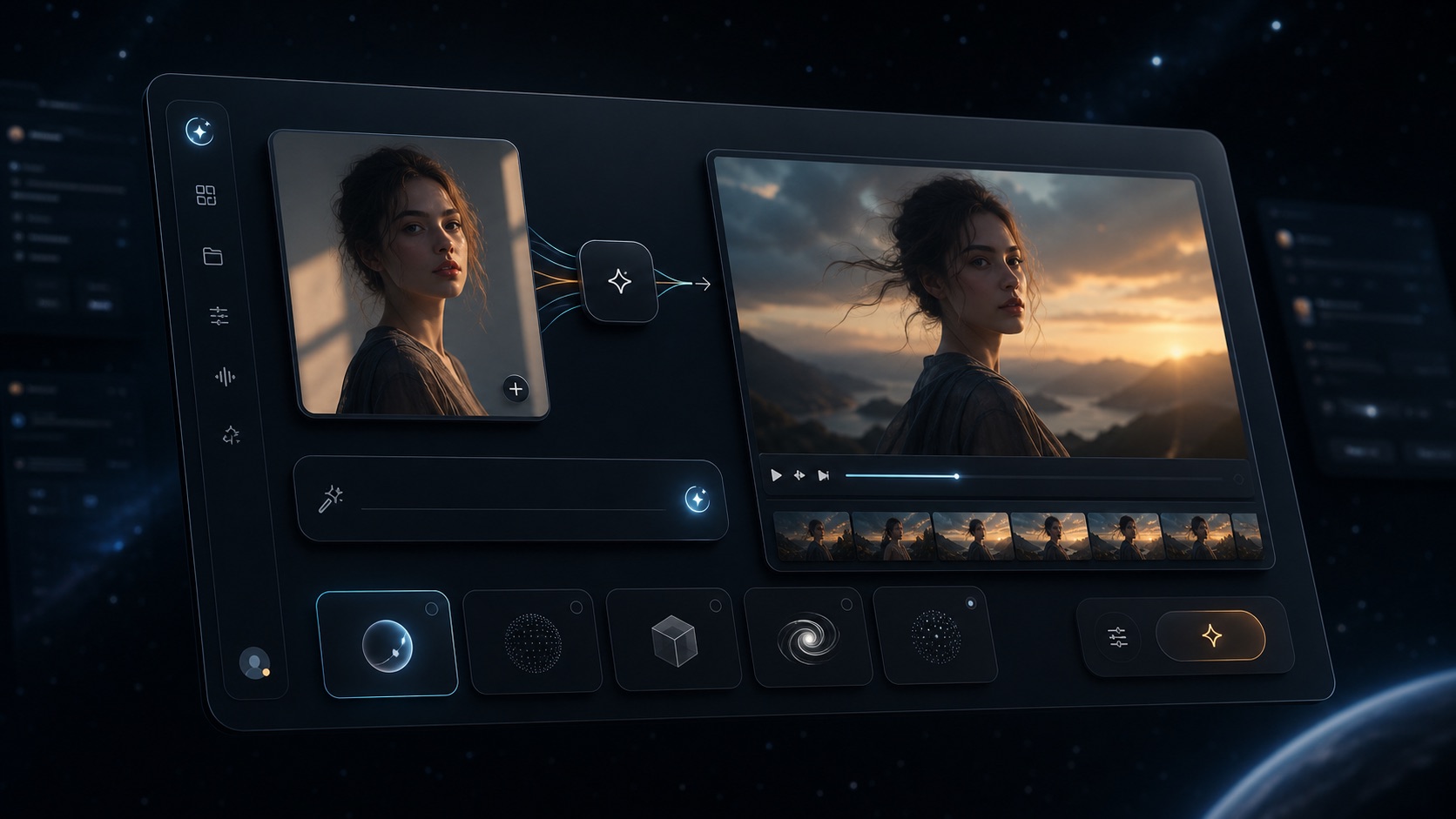
VideoAny browser workspace for image, video, audio, models, and effects
VideoAny
A browser workflow for producing images, edited variants, videos, audio, face swaps, lip sync clips, model outputs, and effects.
Where VideoAny fits
- Use prompt or source media to generate publishable assets instead of staying inside a chat thread
- Move from image generation or image editing into image-to-video, text-to-video, video-to-video, and effects
- Use model-specific pages when output quality depends on the selected image or video model
- Scale from free credits into one-time credit packs rather than a companion-chat subscription path
- Pricing model
- Free credits are available. Paid usage uses one-time credit packs, with job cost depending on selected model, duration, resolution, and tool.
- Trade-offs
- VideoAny is not a relationship chatbot. If the main product you want is an ongoing AI girlfriend or boyfriend chat, Candy AI is a closer fit.
- Best fit
- Creators who need downloadable visual, video, audio, model, or effects output.

Example AI character visual for comparing companion and creator workflows
Candy AI
A companion-first product for AI girlfriend, boyfriend, anime, and virtual partner chat with personalization, voice, images, video, and live action surfaces.
Where Candy AI fits
- Choose from prebuilt companions or create a custom character
- Use chat and memory as the main experience instead of treating media generation as a standalone job
- Request images, voice, and video/live action features inside a companion flow
- Use desktop or mobile access when the goal is ongoing interaction
- Pricing model
- The current subscription page lists recurring plans and 100 monthly tokens on Premium; extra media usage may depend on token balance and current plan rules.
- Trade-offs
- Candy AI is optimized for companion interaction. If your goal is to produce publishable videos, edited images, model outputs, or effects at scale, a creator workflow is usually easier to manage.
- Best fit
- Users who want AI companion chat and personalized interaction.
Before switching
Run a companion-vs-creator workflow test
A fair Candy AI alternative test needs separate scorecards for chat value and production output.
First test the companion scenario. Create a character, run a multi-day chat, ask for voice or image output, and record whether the personality, memory, privacy controls, and token usage match what you expected.
Then test the creator scenario. Build one source image, one edited variation, one image-to-video clip, and one text-to-video clip in VideoAny. Record generation time, accepted-output cost, model choice, export quality, watermark behavior, and manual editing needed before publishing.
If you want both an AI relationship and publishable content, you may need two workflows: one for character interaction and one for asset production. The mistake is buying a companion app when your actual bottleneck is image/video output, or buying a creator tool when you mainly want chat continuity.
Recommended scorecard
- Is the primary deliverable a conversation or a downloadable asset?
- Do you need long-term character memory or production-ready exports?
- What does one accepted image or video cost after retries and token usage?
- Can you control aspect ratio, style, model, motion, and editing path?
- Does the workflow support your publishing channel without extra manual conversion?
- Are privacy, chat history, storage, and renewal terms acceptable?
FAQ
Candy AI alternative questions
Short answers based on Candy AI's current official pages and VideoAny's current workflow.
What is the best Candy AI alternative?
VideoAny is a strong Candy AI alternative when your real goal is to create images, edited images, AI videos, audio, face swaps, lip sync clips, model outputs, or effects. If your goal is a relationship-style AI girlfriend or boyfriend chat, Candy AI is still a better category fit.
Is Candy AI only a chatbot?
No. Candy AI is companion-first, but its current official pages describe chat, custom characters, image generation, voice, video, and live action features. The important distinction is that those features support the companion experience, while VideoAny is designed around standalone content creation.
Does Candy AI have video?
Candy AI's current subscription page lists 18+ videos and full live action experience as Premium benefits. Older comparison pages that say Candy AI has no video should be treated as outdated unless they are updated against the live Candy AI site.
Can I try VideoAny for free?
Yes. VideoAny provides free credits so you can test output quality and workflow before buying additional credits.
Which is better for AI girlfriend content?
Candy AI is better for AI girlfriend chat, memory, and ongoing interaction. VideoAny is better when you want to create standalone AI girlfriend images, edited visuals, animated clips, face swap outputs, lip sync clips, or social-ready media.
Which platform is cheaper?
There is no reliable single winner. Candy AI uses recurring subscriptions and tokens for enhanced features. VideoAny uses free credits and one-time credit packs. Compare the cost per accepted output or per week of actual companion usage.
Should creators use Candy AI and VideoAny together?
Sometimes. Candy AI can help develop a companion concept through chat, while VideoAny can turn the visual direction into publishable images, edits, videos, audio, and effects. Use both only if both loops matter to your project.
Test with your own character idea
Create the image and video output in VideoAny
Use the same character concept, source image, and prompt across tools, then compare accepted-output cost, control, and publishing readiness.
- Start with free credits
- Generate or edit a source image
- Animate it with image-to-video or text-to-video