Generate an original image
Start from a detailed text prompt and compare image models for composition, style, anatomy, lighting, and character consistency.
Move from an original prompt to a generated image, a controlled edit, or an animated clip. VideoAny separates each workflow so adult creators can choose the right input and model while keeping consent, rights, and safety explicit.
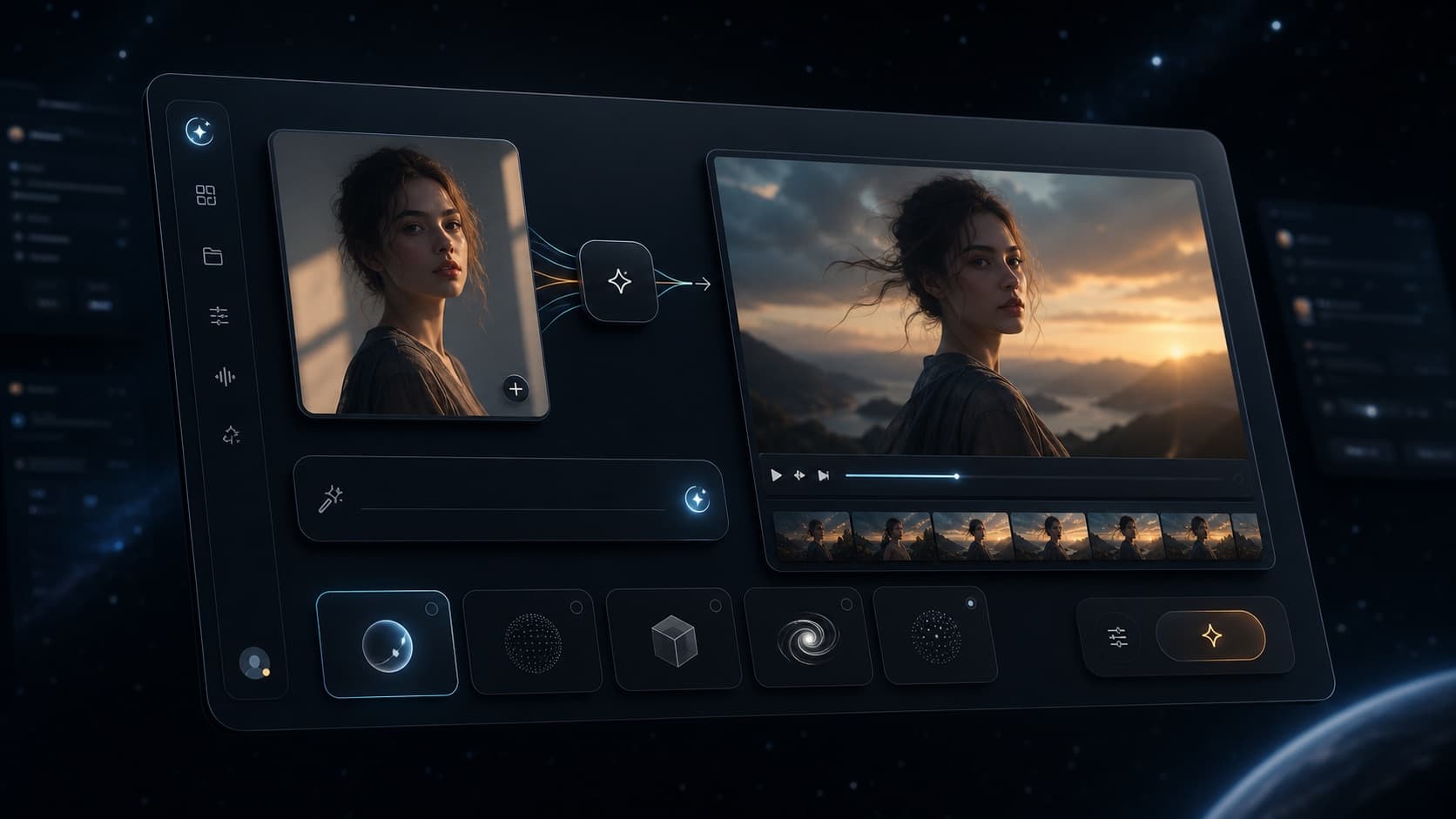
One workspace, three distinct creation paths
Generate a new image, edit an owned source, or animate a finished frame without forcing every job through one tool.
Choose the right workflow
The search term combines several jobs. Separating generation, editing, and animation produces a clearer workflow and avoids sending an existing asset through the wrong tool.
Start from a detailed text prompt and compare image models for composition, style, anatomy, lighting, and character consistency.
Use Image to Image to restyle, extend, or refine material you own or have permission to edit while preserving important visual details.
Move a generated or uploaded still into Image to Video, then describe subject motion, timing, and one clear camera direction.
Only create lawful adult material involving consenting adults. Minors, non-consensual content, exploitation, and deceptive likeness use are prohibited.
Search intent
NSFW AI can mean a new image, an edit, an animation, or a broader adult creator workflow. This page acts as the hub; the linked product pages own each narrower intent.
For users looking for an NSFW AI image generator, the closest workflow is Text to Image with an appropriate supported model.
For NSFW AI video generator searches, start from a strong source image and use Image to Video for controlled motion.
When the source already exists, use prompt-based Image to Image instead of rebuilding the scene from scratch.
Test one change at a time, review the output before publishing, and avoid uploading material you do not have rights to use.
Workflow
A controlled process makes it easier to assess output quality, consent, rights, and publishing risk before a file leaves your workspace.
Match the tool to the source: text for a new image, an uploaded image for an edit, or a finished frame for animation.
Describe consenting adult subjects, scene, framing, style, lighting, motion, and exclusions without using real people without permission.
Check anatomy, identity, artifacts, consent, rights, disclosure requirements, and the rules of the platform where you plan to publish.
Related paths
Use the hub to choose intent, then move to the page and tool built for that specific input.
FAQ
It is a broad search term for AI tools used to create mature image or video content. On VideoAny, any adult workflow must remain lawful, consensual, and limited to adults; harmful, exploitative, deceptive, or illegal content is not permitted.
VideoAny provides separate image generation, image editing, and image-to-video workflows. Model availability and content handling vary, so choose the tool that matches your input and review the current product rules before generation.
You can start with available free credits. Credit use depends on the selected model, duration, resolution, and generation settings.
Only when every depicted adult has given explicit permission and you have the rights required for that use. Non-consensual sexualized likenesses and deceptive intimate content are prohibited.
No sexual content involving minors or characters presented as minors is permitted. Do not attempt to obscure, age up, or ambiguously describe a minor character.
That depends on model terms, your plan, local law, rights to source material, consent, and the destination platform. Review all applicable terms and disclosure requirements before publishing.
Generate a new keyframe from text, refine it with prompt-based editing, and animate only the approved result.
Open Text to Image